Topics
Photo
Photo
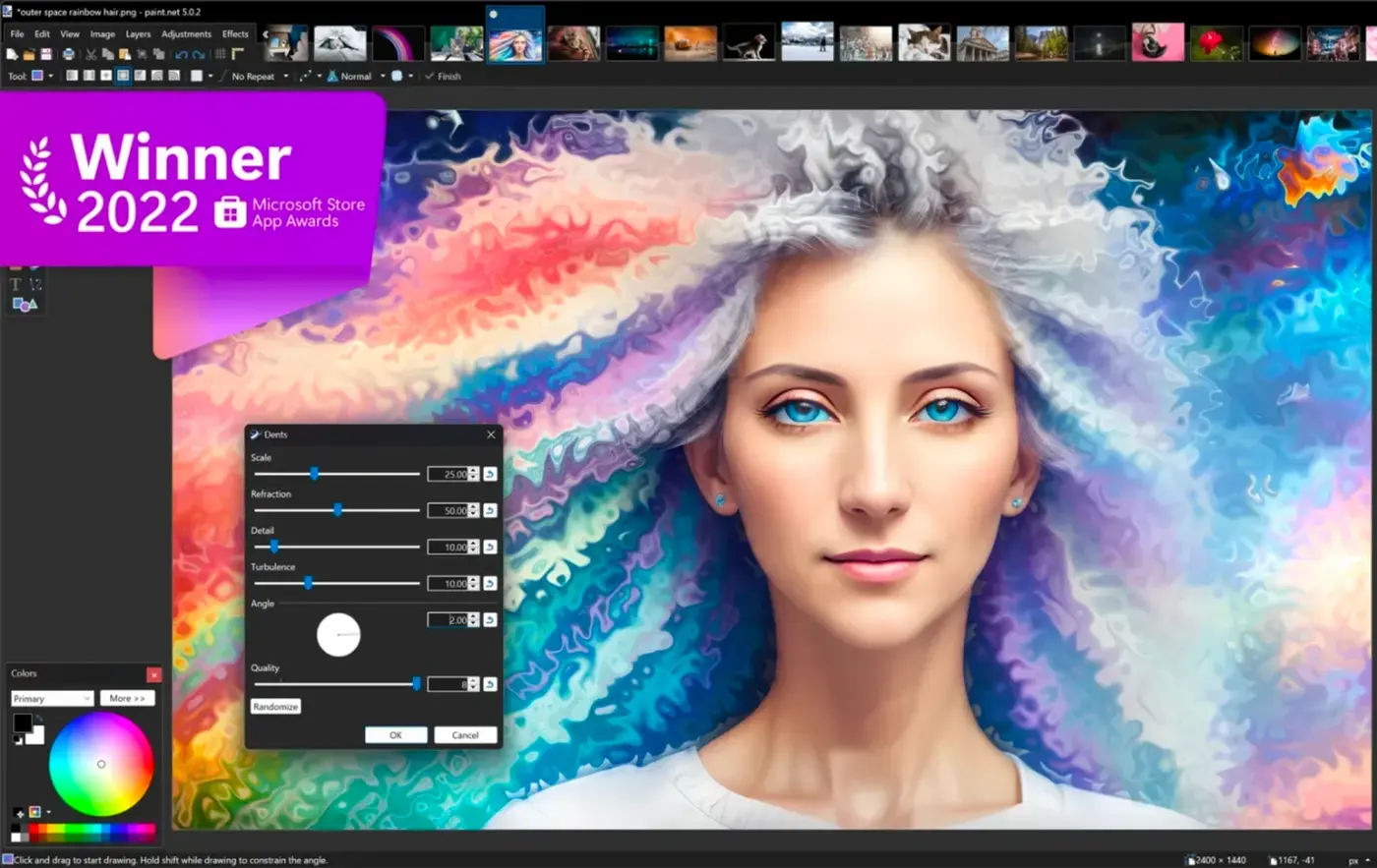
For many photography enthusiasts who love taking photos and selfies, various photo editing apps are essential on their phones. Among the multitude of photo apps available, which ones are the most user-friendly? Today, we have compiled a ranking of mobile photo editing apps for you to explore!

Rayd is a streamlined food-ordering app that focuses on honest pricing and straightforward pickups or dine-in reservations; within the first screen you see the restaurant's actual menu prices alongside a transparent flat booking fee so you always know what you'll pay. The app is designed for people who prefer predictable costs and a simple ordering path: select a dish, apply basic customizations, choose takeaway or a reservation time, then follow your order status in real time. Rayd puts menus and price verification front and center so users can compare offerings without surprise markups.

Grandma's Healthy Recipes brings the comfort of traditional home cooking to your phone, delivering a curated collection of easy, authentic dishes passed down through generations so you can recreate wholesome family meals with confidence. Grandma's Healthy Recipes focuses on simple, pantry-friendly ingredients, clear step-by-step instructions, and familiar flavors that suit weekday dinners, weekend baking, and nostalgic treats. The app balances approachable techniques with practical tips, making classic home-cooked food manageable for beginners while still rewarding for more experienced cooks who want reliable, no-fuss results.

Profluo: Business Management is a compact professional management app built for service-based businesses, hostels, equipment rentals and membership clubs who want to replace spreadsheets and manual tracking with an organized, automated workflow. It centralizes service listings, bookings and customer records while handling recurring billing and payment reminders so you can reduce late payments and overbooking. Use it to track room or asset condition with photos, manage staff permissions, and set flexible billing cycles or fixed installment plans—perfect for small operators who need reliable, on-the-go tools to run daily operations more efficiently.

Suggest Dinner is a practical meal planning and household organization app that helps busy cooks plan meals, manage groceries, and cook with ingredients already in the pantry. Suggest Dinner combines a visual recipe collection, a manual pantry tracker, and a shareable grocery list so families and roommates can reduce food waste and make mealtime decisions together without last-minute stress.

Crochet is a beginner-focused app that teaches you how to make projects with yarn, guiding you from your first chain stitch to completed patterns in a clear, friendly way. Designed for absolute beginners, Crochet delivers step-by-step lessons, simple curated projects, and built-in tools so new crafters can learn at their own pace without feeling overwhelmed.

Plant App is a compact inventory tool designed for plant sellers, collectors and hobbyists who need a clear, no-frills way to record living stock. Plant App puts collections and individual plant entries at the center of the workflow so users can capture genus and species, attach photos and track status changes such as sold or lost without navigating complex menus.

My Nail Connection 2.0 helps you stop endless scrolling and find local nail artists in one focused app. It collects authentic portfolios from nearby techs so you can filter by style and location, view each artist’s portfolio and story, save looks that inspire you, and message professionals directly. The app is built for clients who want a cleaner way to discover talent and for nail techs who need a real storefront to showcase their work. Optional premium tools help keep portfolios fresh as artists grow their presence in the local market.
West Highland Way helps walkers navigate and record Scotland's most famous long-distance trail with confidence. This app bundles a complete offline map of the 154 km (96 mile) West Highland Way, live GPS positioning, simple route tracking and a built-in walking journal so you can stay oriented and capture memories even where there is no mobile signal. Hikers planning the route or already on the trail will appreciate the offline navigation, progress monitoring and the ability to attach photos and geotagged journal entries — making it an essential tool for a well-documented Highland walk.