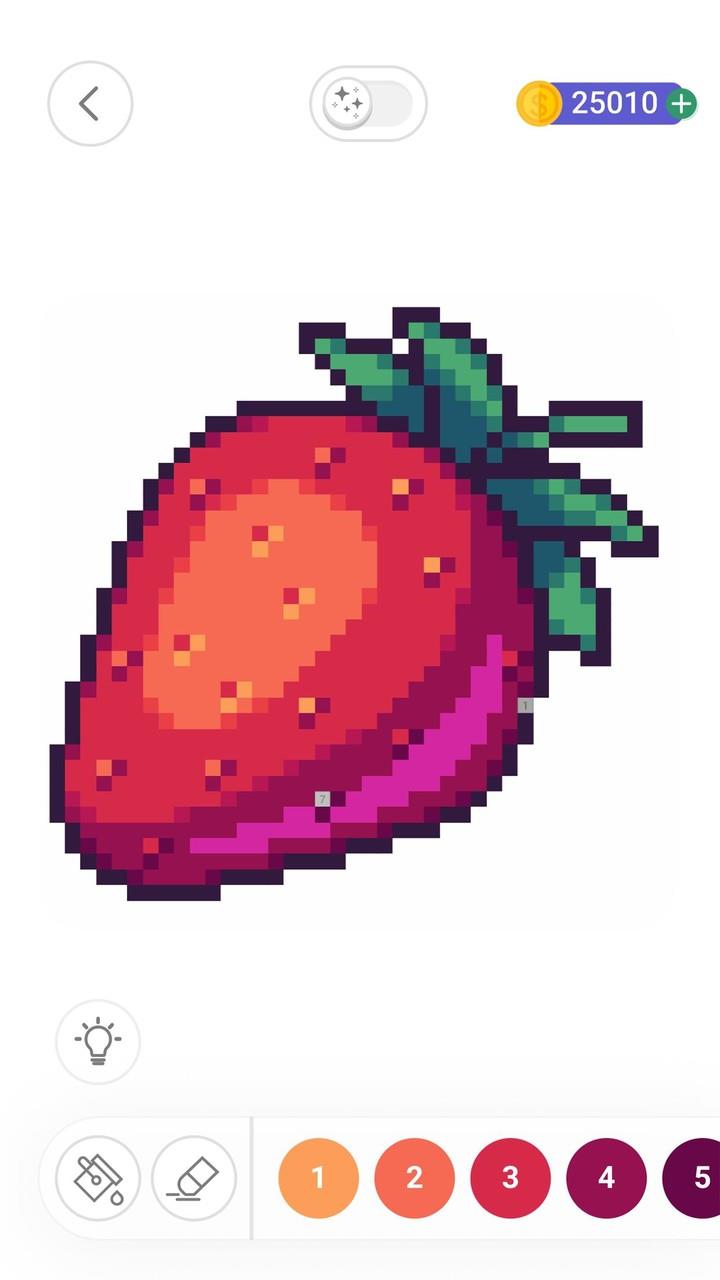
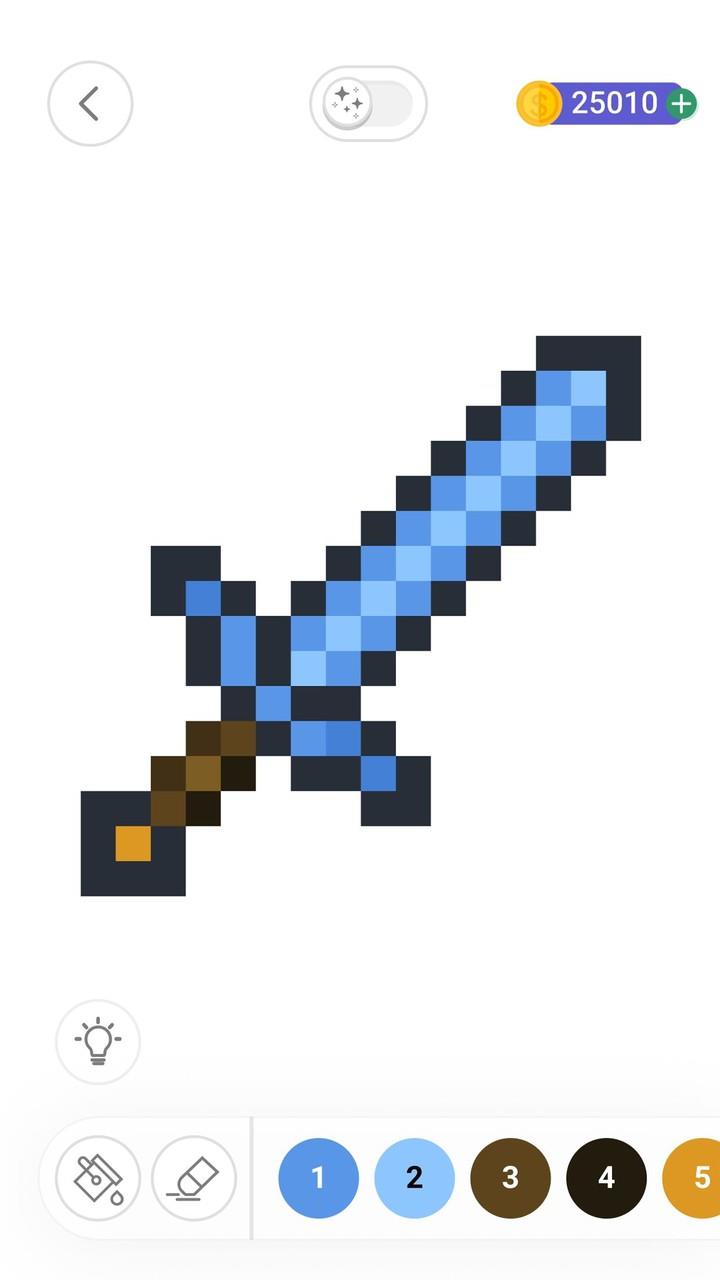
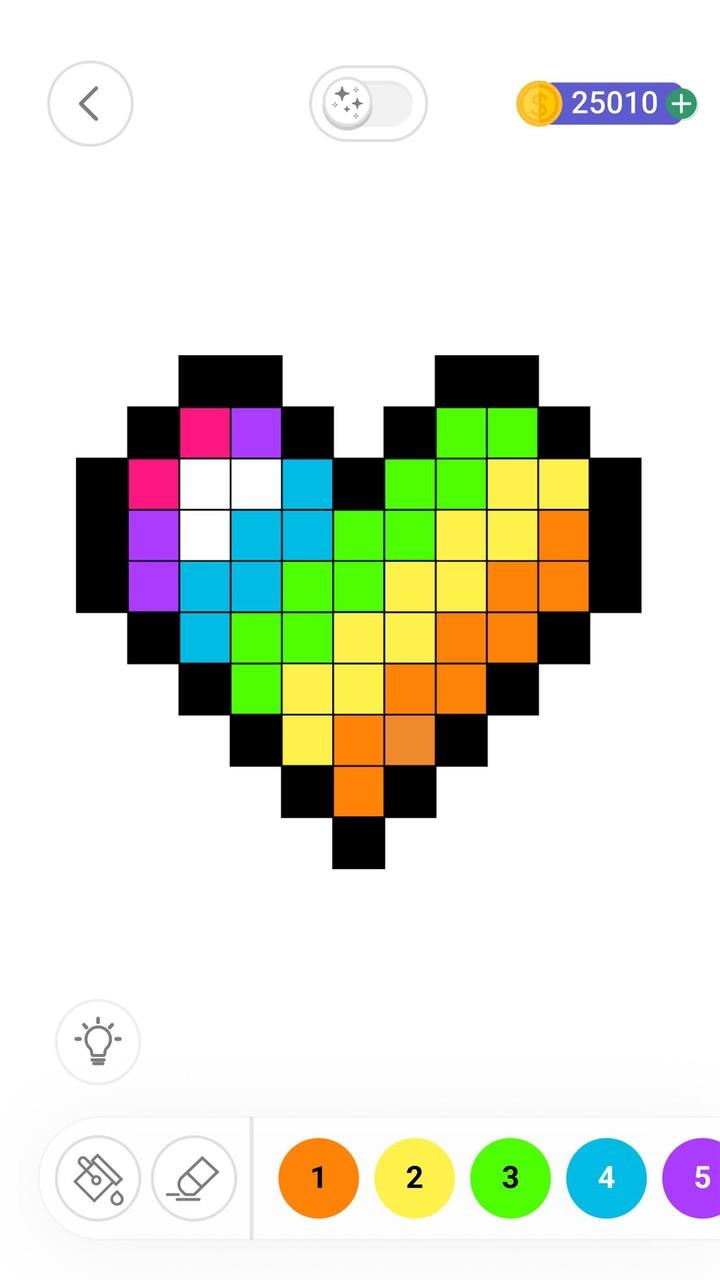
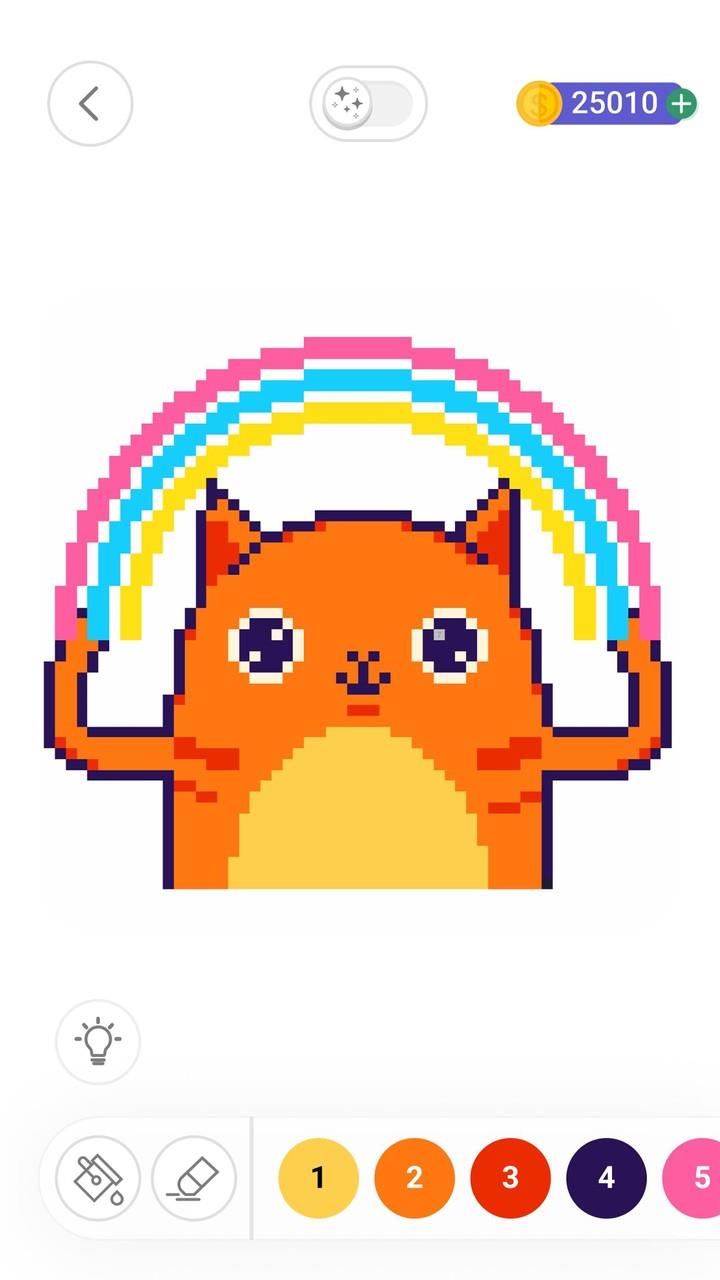

Color by Number delivers a calm, pixel-art coloring experience that turns photos and illustrations into numbered canvases you can work through at your own pace. In Color by Number the interface emphasizes slow, deliberate play: tap a number to fill matching cells, zoom for detail, and use optional helpers when you want a gentler session. This introduction outlines core mechanics, controls, progression, visual style, customization, and how the app supports accessibility and offline use so you can decide whether it fits your routine.
Gameplay and mechanics
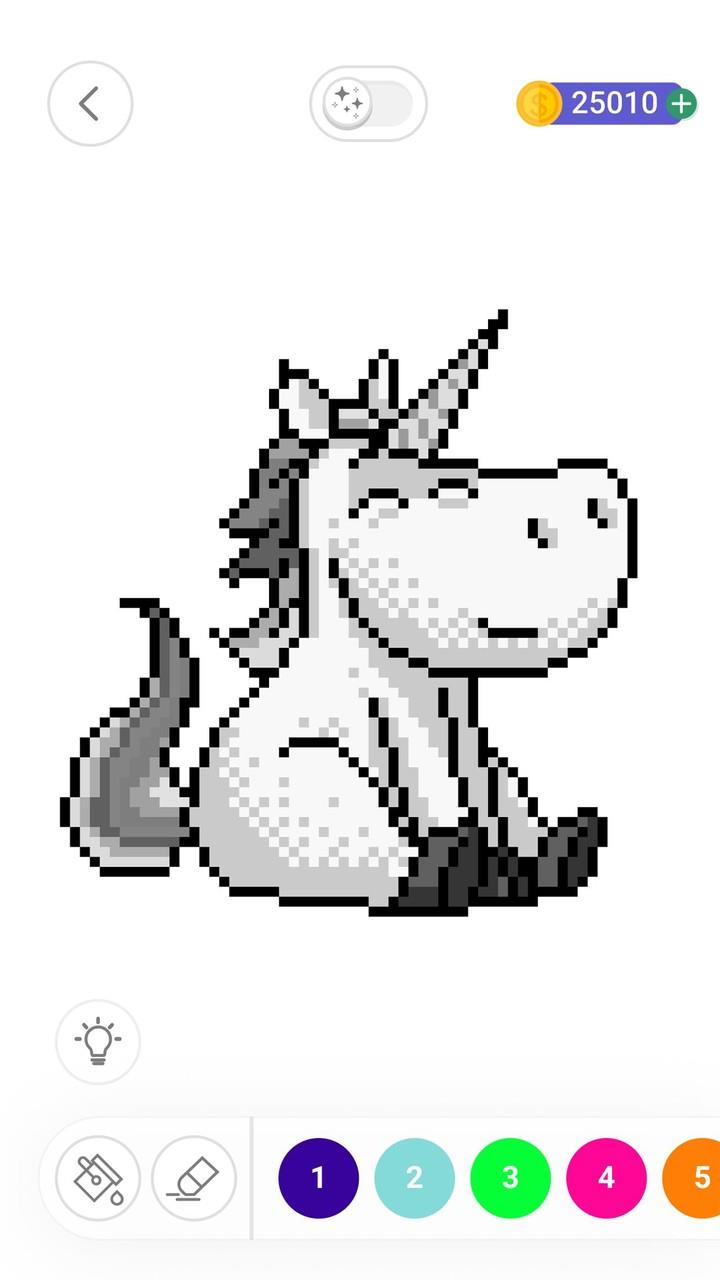
The core mechanic is simple and predictable, which is part of the appeal: each image is divided into small, numbered regions that map to a specific color. Filling is handled by a single tap that automatically paints matching cells, and contiguous areas are recognized so large sections can be completed quickly. For players who want more control, the app offers a dynamic brush preview that shows the area a tap will affect and precision controls for painting single cells. The result is a low-pressure loop where the focus is on steady progress rather than speed or reflexes.
Controls and interaction
Touch controls are optimized for phones and tablets. Pinch-to-zoom and two-finger panning let you move around large images, while long-press preview and a color picker help you avoid mistakes. An undo option removes recent fills, and subtle haptic or visual feedback confirms actions without interrupting concentration. The responsiveness of the interface keeps taps and gestures feeling immediate, and adjustable input sensitivity allows you to adapt control behavior to your device and personal preference.
Progression and level structure
Images are grouped into themed packs and graded by difficulty so you can choose short, casual puzzles or more detailed projects that require longer sessions. Packs unlock additional images as you complete pieces, encouraging steady progression rather than sudden leaps in content. Artist collections and cultural themes are arranged to move players from simple shapes toward richer, multi-hued compositions, helping maintain a sense of advancement as your personal gallery grows.
Visual style and artwork
The visual direction favors clear pixel-art rendering with a broad but balanced palette that retains nuance even in small cells. Artwork ranges from minimalist icons to detailed, textured scenes influenced by different styles and regions. Numbering and contrast are prioritized so areas remain legible at a glance. When you import a photo, the app converts it to a numbered canvas by simplifying color regions while preserving key shapes, creating a playable version that represents the original without overwhelming the grid.
Customization, tools, and replay value
Several tools let you shape the experience: adjustable brush behavior, auto-fill helpers, optional visual guides, and a palette editor to tweak hues for a different mood. Turning helpers off increases challenge and focus, while enabling them produces a more relaxed, meditative session. Because many images can be replayed with alternate tool settings or palette tweaks and because you can convert personal photos, the app encourages revisiting completed pieces with new approaches, extending replay value beyond the initial pass.
User experience, accessibility, and offline play
The interface is designed for clarity with readable numbering, consistent touch targets, and straightforward navigation that reduces friction. Accessibility options include enlarged numbers and contrast adjustments to aid visibility, plus alternative color schemes for users with color sensitivity. Many images and imported photos can be downloaded for offline use, so the basic coloring features work without a network connection. Community sharing and discovery are optional when you connect, but core play remains fully functional offline.
Challenge and limitations
Challenge is delivered through image complexity and the choice to enable or disable helpers, not through timed modes or competitive ladders. Players seeking full creative painting tools may find the structure limiting, and those looking for constant variety could notice repetition after extended play. At the same time, the steady, intentional loop and the ability to convert personal photos help sustain engagement for casual and mindful users who prefer slow, focused activity.
Practical tips and final notes
For best results, try starting with easier packs to learn controls and then import a simple photo to see how the conversion handles detail. If you want a pure challenge, disable helpers and work at high zoom to finish fine regions manually. Color by Number is aimed at users who want a calm, approachable way to relax, practice steady hand-eye coordination, and build a personal gallery of finished pieces without complex toolsets or competitive pressure.