
Womens Dresses
| Package ID: | |
|---|---|
| Latest Version: | v3 |
| Latest update: | Aug 08, 2026 13:16:04 |
| Developer: | Ozuzilapps |
| Requirements: | Android |
| Category: | Lifestyle |
| Size: | 27.80 MB |
| Tags: | Navigation Photo Date |
Rating :4.1
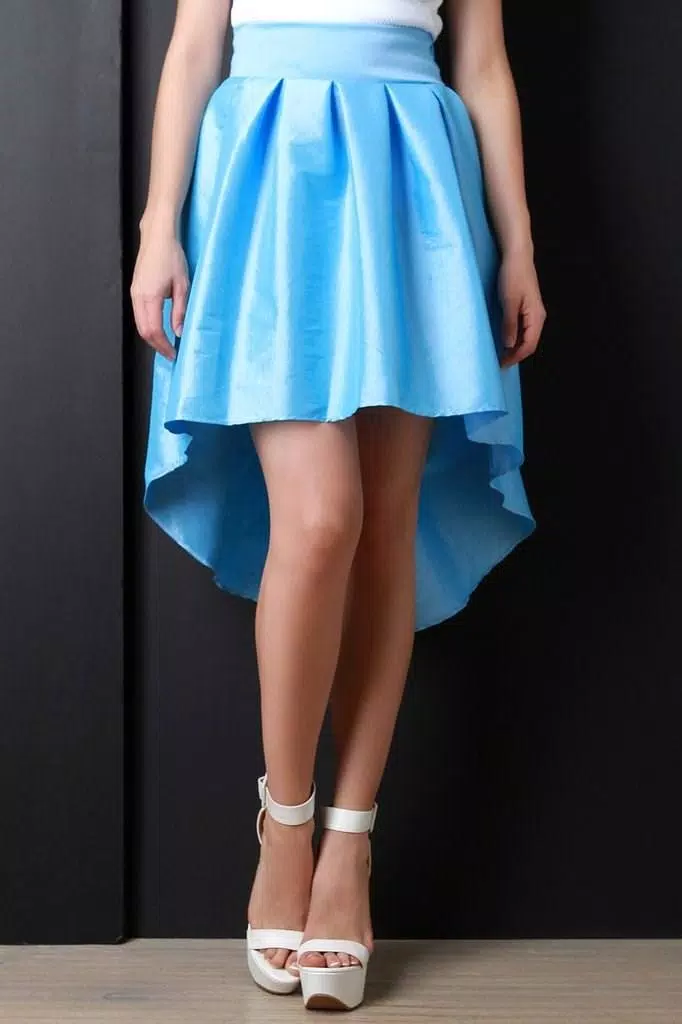
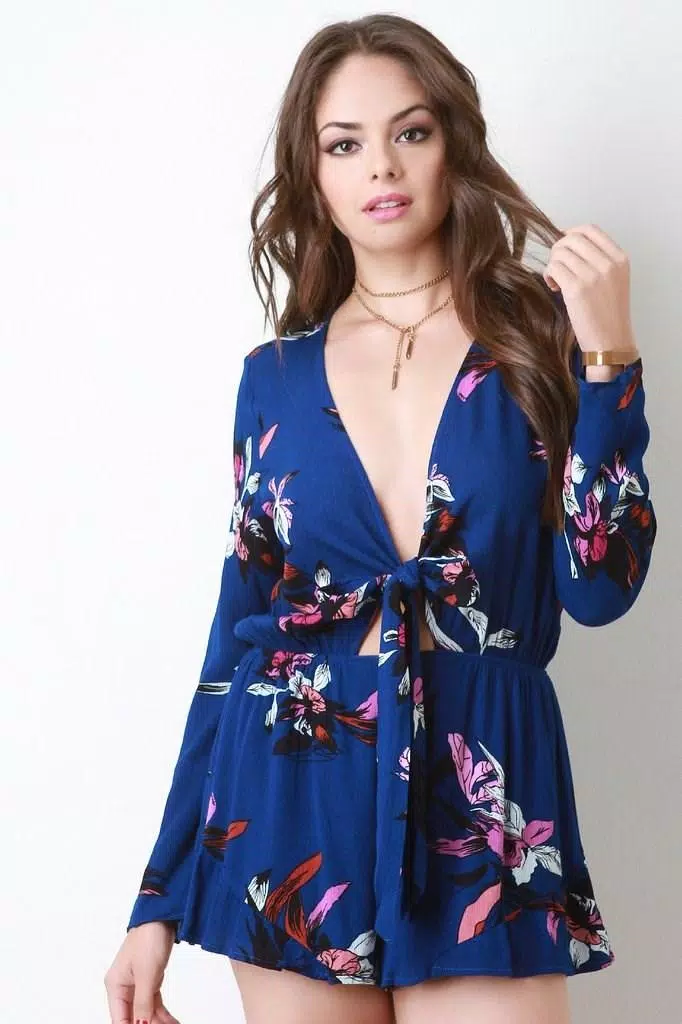
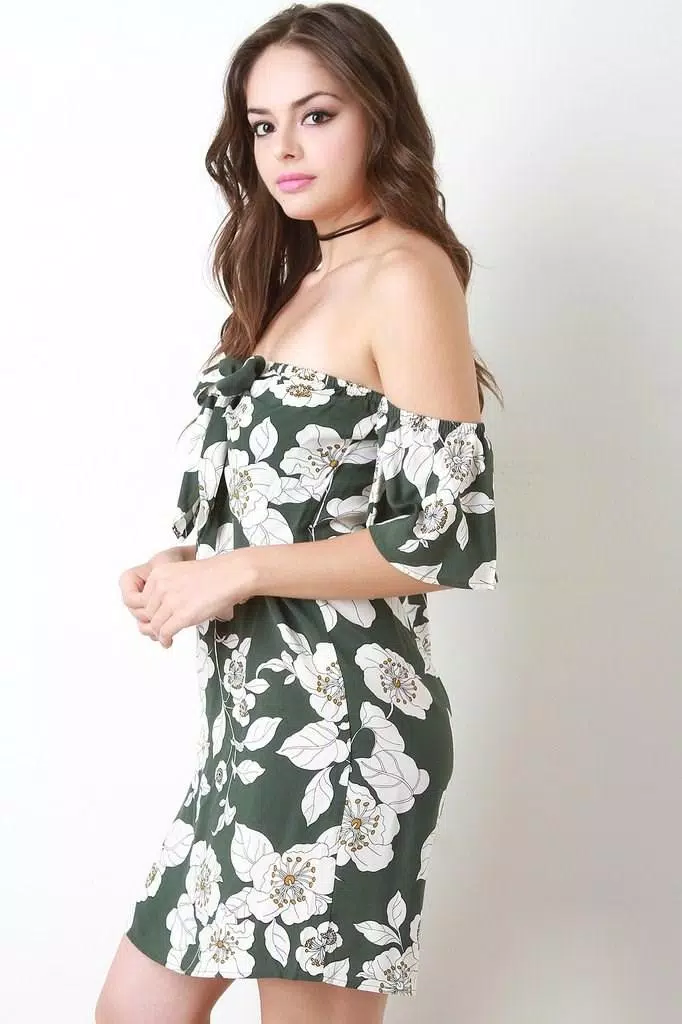
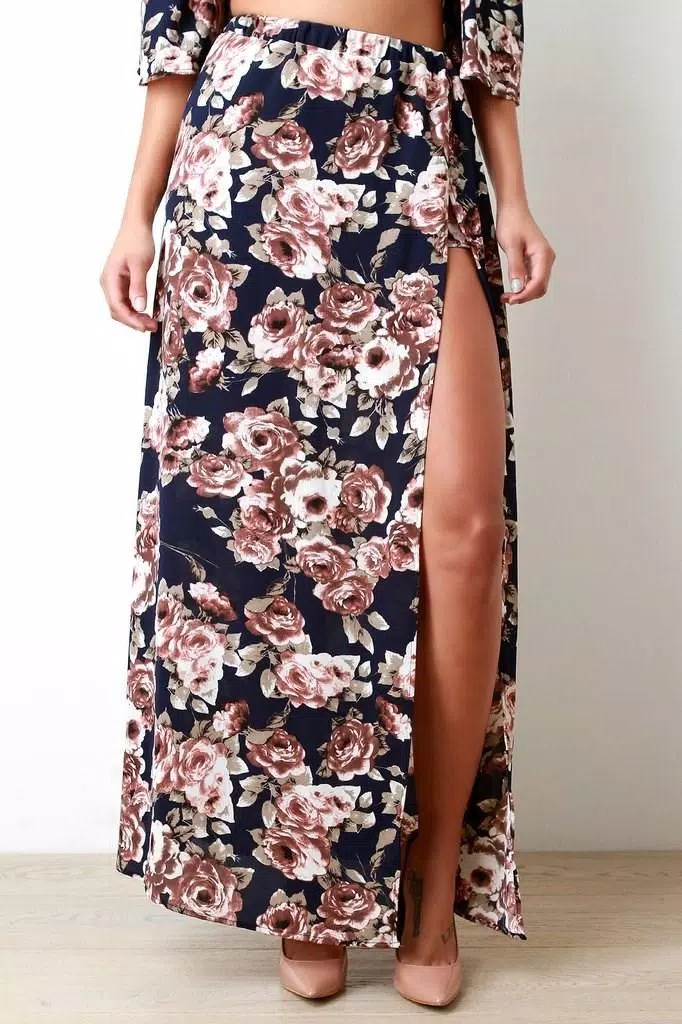
Womens Dresses is a visual style guide app designed to help you explore outfit ideas and dress designs for every situation, from relaxed daytime looks to formal evening wear. With Womens Dresses you can browse curated high-resolution photographs, inspect fabrics and patterns with intuitive zoom controls, and save favorite images directly to your device or SD card for offline reference. The app targets users who plan wardrobes, create mood boards, or simply collect visual inspiration — and it keeps content fresh with regular monthly updates.
Key features and navigation
The core browsing experience is built around simple touchscreen interactions: swipe horizontally to move through image galleries, pinch to zoom so you can examine texture and stitching, and tap to mark favorites. Long-press or use the save control to export images to your gallery and set wallpapers. Built-in sharing options make it straightforward to send looks to friends or post a reference on social networks. The interface emphasizes large previews and fast scrolling so you can flip through dozens of designs without lag on most modern Android devices.
Organization, progression and personalization
Instead of game-like levels, Womens Dresses offers a natural progression through visual collections and folders. Images are grouped by occasion, silhouette, season, color palette, and designer influence, which makes it easy to progress from broad inspiration to a focused outfit plan. You can build personal collections by saving favorites into custom folders: create a “Spring Capsule,” a “Wedding Guest” folder, or a “Workwear” set and return to them offline. This collection workflow becomes a lightweight progression system where your library grows and gains structure as you plan looks over time.
Customization and replay value
Customization centers on how you arrange and reuse images rather than altering the app skin. You can reorder saved images, add short notes or tags to remind yourself why a look works, and rotate wallpapers to keep your lock screen in sync with seasonal trends. Because monthly updates add new photos and themes, the app retains replay value: revisiting categories often reveals fresh combinations and renewed inspiration, encouraging repeated browsing sessions instead of a one-time download.
Visual style and gallery structure
Photographs in Womens Dresses emphasize natural lighting, clear composition, and a variety of perspectives so you can evaluate drape, fit, and pattern scale. Galleries are structured as series and single-item views: a series view shows coordinated outfits or runway sequences, while single-item entries include multiple angles and close-ups. This layered presentation helps you understand how a dress behaves in movement, how prints repeat across the fabric, and how accessories pair with each look.
Controls, accessibility and user experience
The app prioritizes accessibility with adjustable image scaling, readable fonts for labels and captions, and high-contrast display modes that improve visibility in different lighting. Touch targets are large enough for comfortable tapping, and the app supports screen magnifiers and system-level accessibility tools common on Android. Loading logic is optimized for low-memory devices so galleries remain responsive even when collections grow large. Tooltips and short in-app guidance explain gestures like pinch-to-zoom and long-press actions for new users.
Offline access and updates
One of the most practical aspects of Womens Dresses is offline availability: once images are downloaded as part of a gallery or saved to your device, you can browse them without a network connection. This makes the app useful during travel, in studios without Wi‑Fi, or when you want to consult a mood board on the go. Monthly content refreshes bring new dress designs and trend sets; the offline galleries reflect the last update so you can control when to download fresh material to manage storage and data usage.
Practical use cases and creative workflows
Designers, stylists, students, and anyone planning an outfit can use the app as a visual reference library. Create a set of images to build a digital lookbook, export selected photos for offline presentation, or assemble quick mood boards that capture a theme for a photoshoot or event. The app supports common workflows such as comparing silhouettes side-by-side, saving alternate colorways, and annotating selections with short notes for fitting and tailoring reminders.
Limitations and content sourcing
Images are sourced from external providers and may be subject to third-party copyrights; check usage rights before republishing any photo. Offline galleries represent the content present at the time of the last update and may not include the very latest runway releases until the next monthly refresh. The app focuses on curated visual inspiration and image management rather than commerce, so direct purchasing links are not included.
Womens Dresses remains a straightforward, well-organized tool for building a personal archive of dress ideas, inspecting materials up close, and compiling collections that support real-world styling decisions while keeping the experience fast and usable without a constant internet connection.