Topics
Photo
Photo
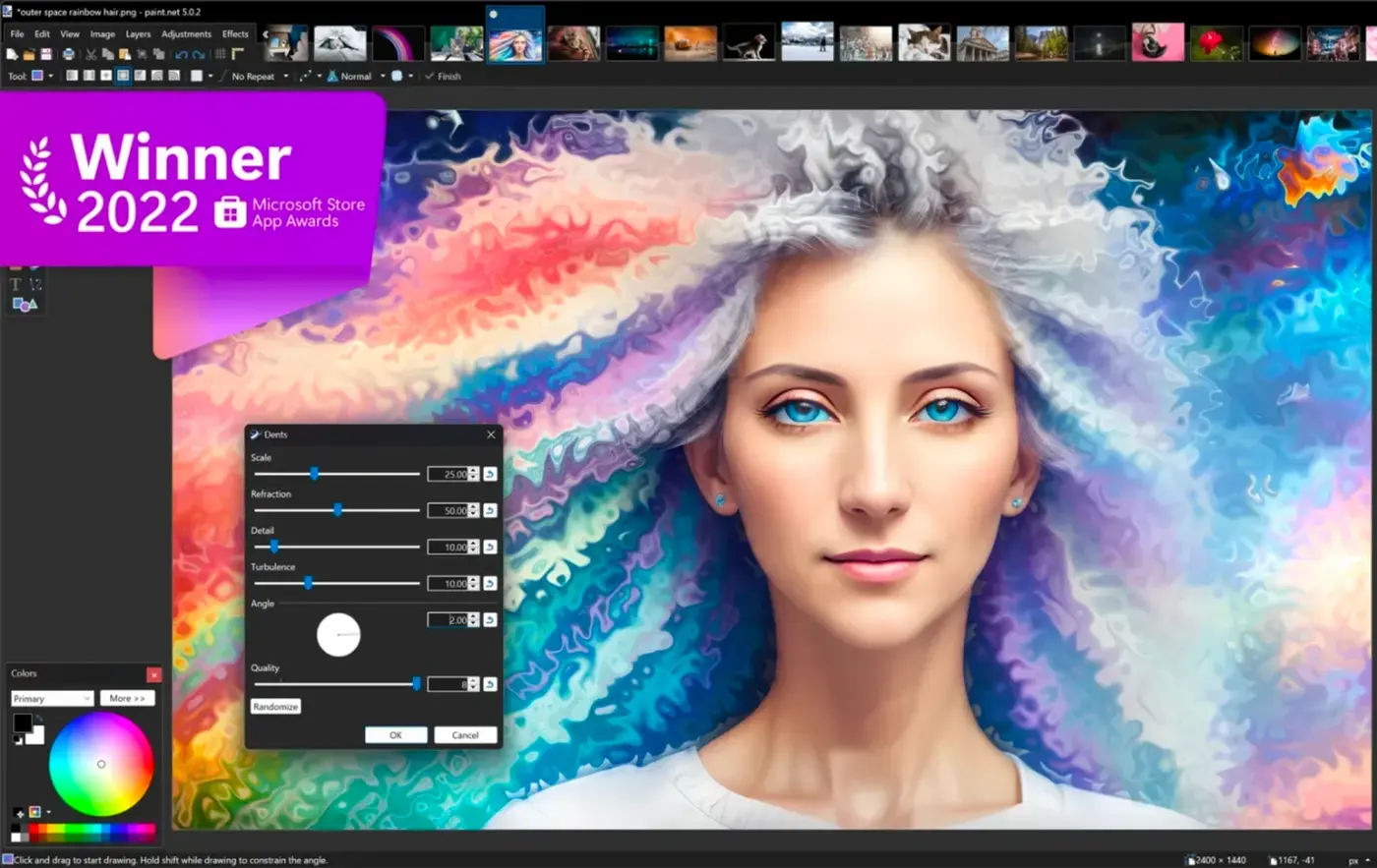
For many photography enthusiasts who love taking photos and selfies, various photo editing apps are essential on their phones. Among the multitude of photo apps available, which ones are the most user-friendly? Today, we have compiled a ranking of mobile photo editing apps for you to explore!

History of Angola is a mobile reference app that guides readers through Angola’s history, from pre-colonial kingdoms to the struggle for independence and beyond, using images, timelines and clear narratives to make complex events accessible. The app assembles historical summaries, photographs and chronological overviews so users — whether Angolan, students, or global history fans — can explore cultural development, colonial encounters and post-independence challenges. Designed for easy browsing, it includes bookmarking, adjustable reading settings and battery-conscious performance, plus social sharing, all available free to help you save, customize and share what you discover.

The Nature Fix By Florence Williams translates the insights of the bestselling book into a compact, practical digital companion that explains why time outdoors improves mood, health, and creativity. This edition of The Nature Fix By Florence Williams is written for busy readers who want clear, evidence-based explanations and ready-to-use practices without wading through dense academic papers; the app puts research summaries, illustrated anecdotes, and short guided activities within reach on your phone.

Quarterback Rush puts a compact, quarterback-focused experience in your pocket: Quarterback Rush is built for short sessions, intuitive controls, and fast load times so you can practice passing and decision-making on the go. The introduction is straightforward — no long setups, just quick scenarios that emphasize timing, positioning, and basic play recognition for casual players and fans who want an accessible mobile session.

فضاء المرأة is a practical mobile companion for women who want simple, reliable guidance across beauty, health, home and emotional wellbeing. فضاء المرأة gathers natural recipes, step-by-step self-care routines and household strategies into a single app so users can move from reading to doing without wading through scattered content. The app is presented for everyday life: quick facial masks and hair treatments, nutrition ideas for healthy weight management, time-saving home tips, and accessible notes on parenting and mental wellbeing that fit into busy schedules.

Craith Lab is a mobile app that brings professional medi-cosmetics to your fingertips, helping you discover, compare and buy dermatologist-grade skincare and cosmetic products. Designed for both skincare enthusiasts and professionals, Craith Lab streamlines browsing with intelligent search, lets you save favorites, complete purchases securely, and track orders from checkout to doorstep. It also connects you with a personal beautician for product advice and includes a built-in photo assistant to document progress and create before-and-after timelines. Downloading Craith Lab makes it easy to plan treatments, monitor results, and shop trusted medi-cosmetic brands without leaving home.
Womens Dresses is a visual style guide app designed to help you explore outfit ideas and dress designs for every situation, from relaxed daytime looks to formal evening wear. With Womens Dresses you can browse curated high-resolution photographs, inspect fabrics and patterns with intuitive zoom controls, and save favorite images directly to your device or SD card for offline reference. The app targets users who plan wardrobes, create mood boards, or simply collect visual inspiration — and it keeps content fresh with regular monthly updates.
Black Pump Heels puts a curated gallery of black pump heel designs at your fingertips, combining styling advice with a large library of images you can browse or save for offline viewing. Whether you need inspiration for a new collection, outfit ideas, or simply enjoy shoe design, Black Pump Heels shows everything from delicate strappy pumps to dramatic six-inch stilettos while explaining how different strap and heel shapes affect proportions. The app is useful for designers, stylists and shoppers who want clear visual references, quick sharing and easy customization of images for wallpapers or mood boards.

Circle Painter is a focused drawing app that makes it easy to create striking circular artwork using mirrored strokes and radial symmetry. Circle Painter guides you toward mandala-style compositions and geometric patterns by duplicating each stroke across a configurable number of segments, so a single gesture can produce complex, balanced designs suitable for print, wallpaper, or social sharing. The interface places essential tools where you can reach them quickly, and it supports a workflow that suits both quick experiments and more deliberate, layered exploration.