
Circle Painter
| Package ID: | |
|---|---|
| Latest Version: | v1.7 |
| Latest update: | Aug 08, 2026 09:12:03 |
| Developer: | Dmitriy Lapayev |
| Requirements: | Android |
| Category: | Wallpaper |
| Size: | 0.60 MB |
| Tags: | Wallpaper Navigation Photo |
Rating :4.0
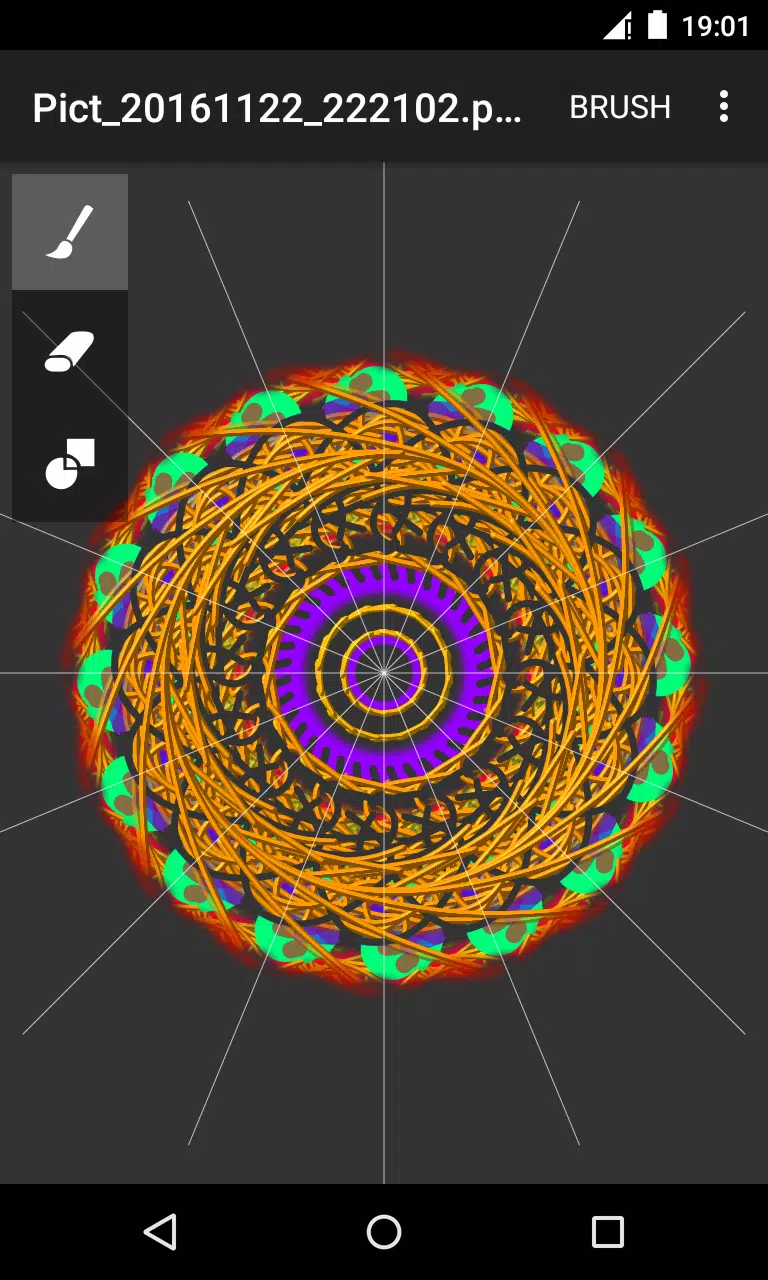
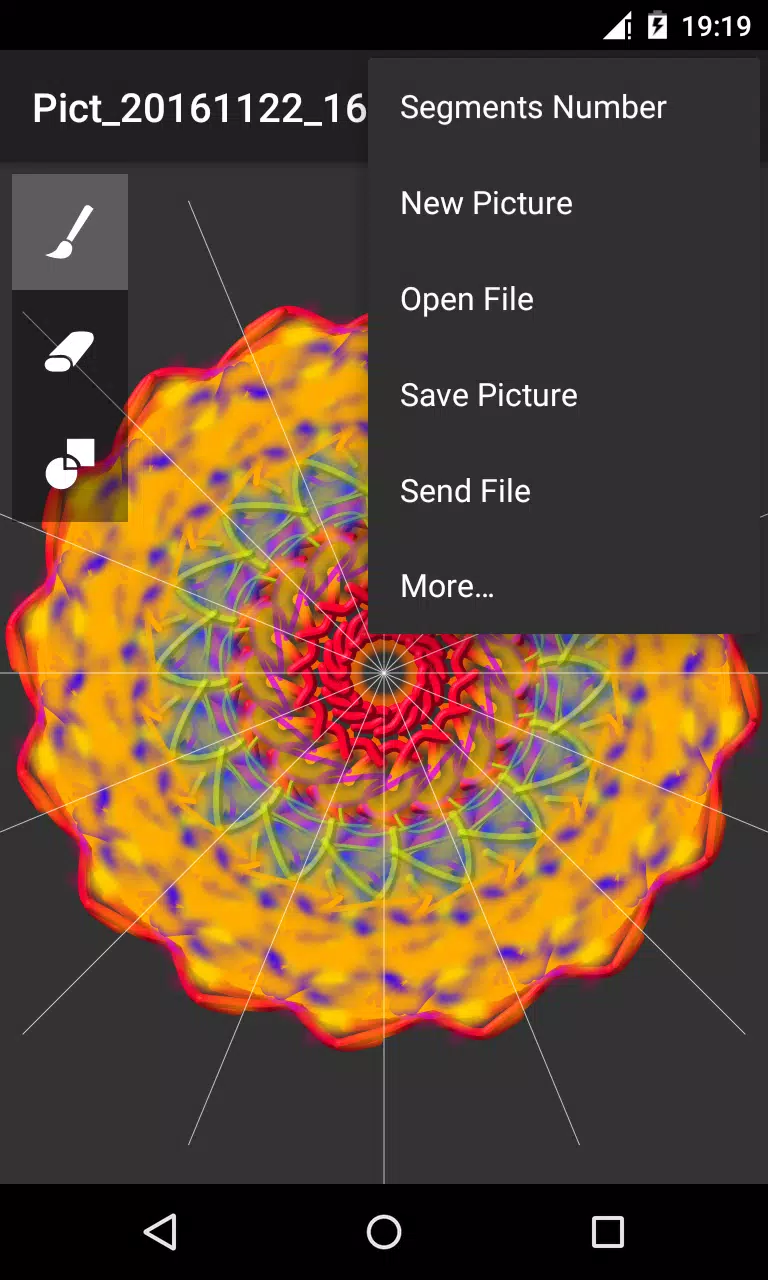
Circle Painter is a focused drawing app that makes it easy to create striking circular artwork using mirrored strokes and radial symmetry. Circle Painter guides you toward mandala-style compositions and geometric patterns by duplicating each stroke across a configurable number of segments, so a single gesture can produce complex, balanced designs suitable for print, wallpaper, or social sharing. The interface places essential tools where you can reach them quickly, and it supports a workflow that suits both quick experiments and more deliberate, layered exploration.
Key features and controls
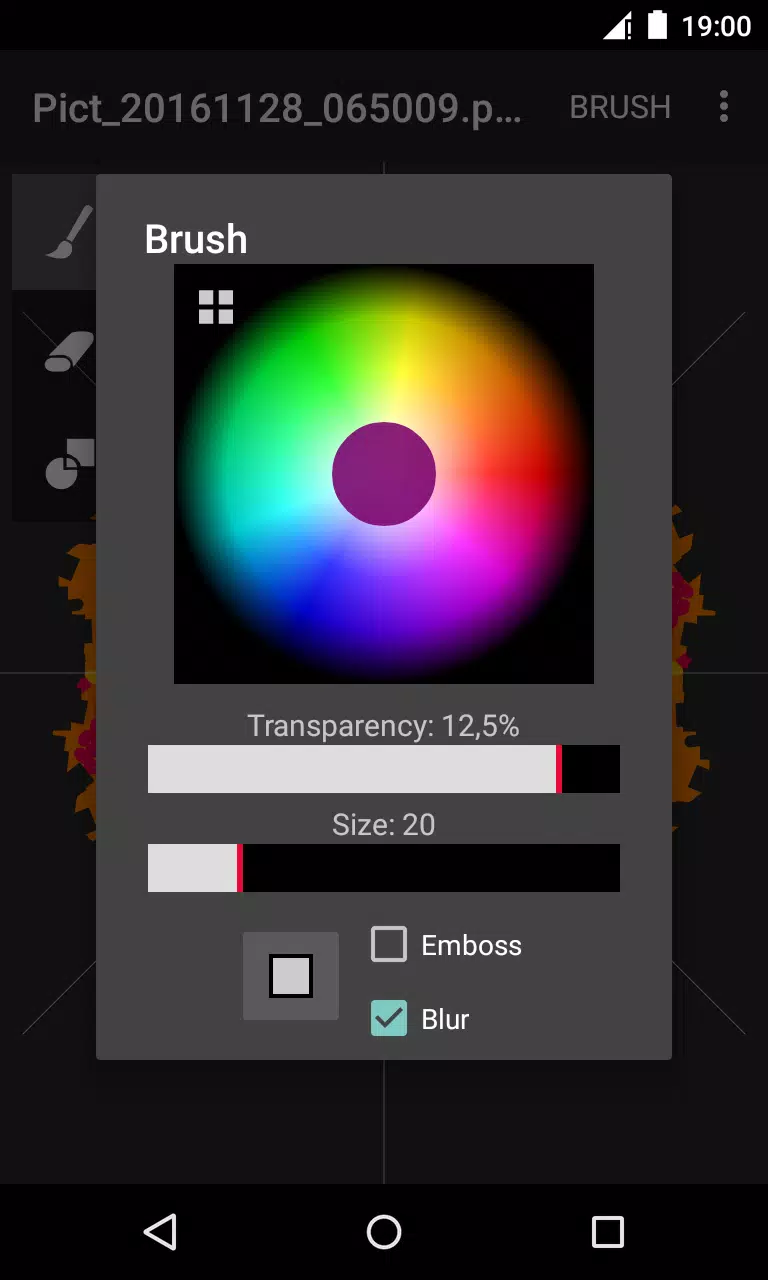
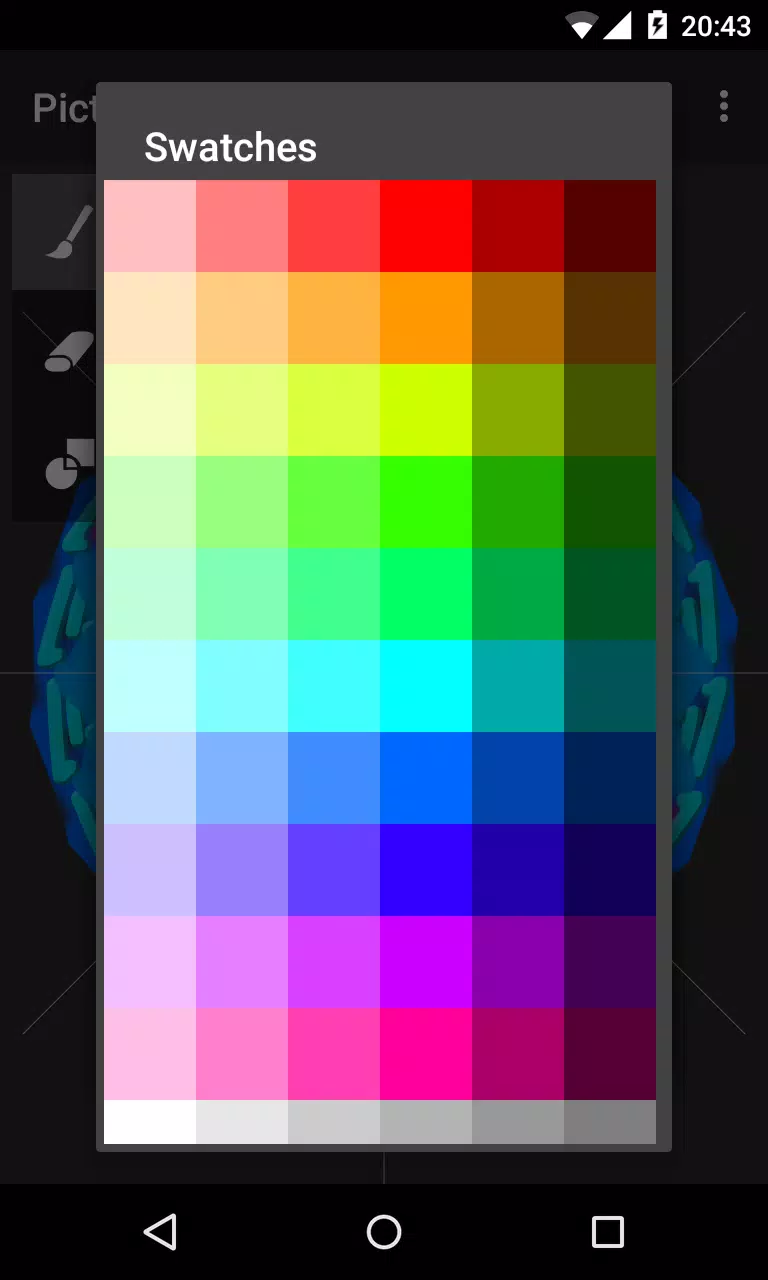
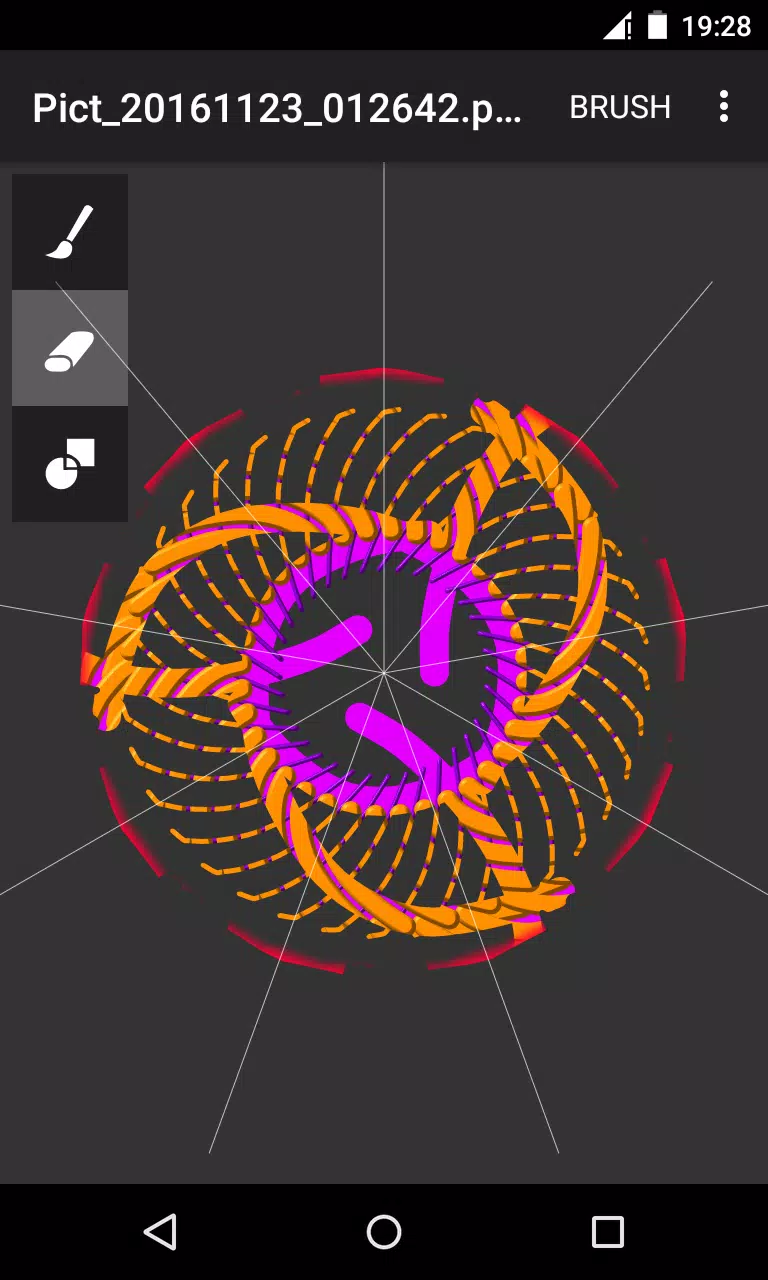
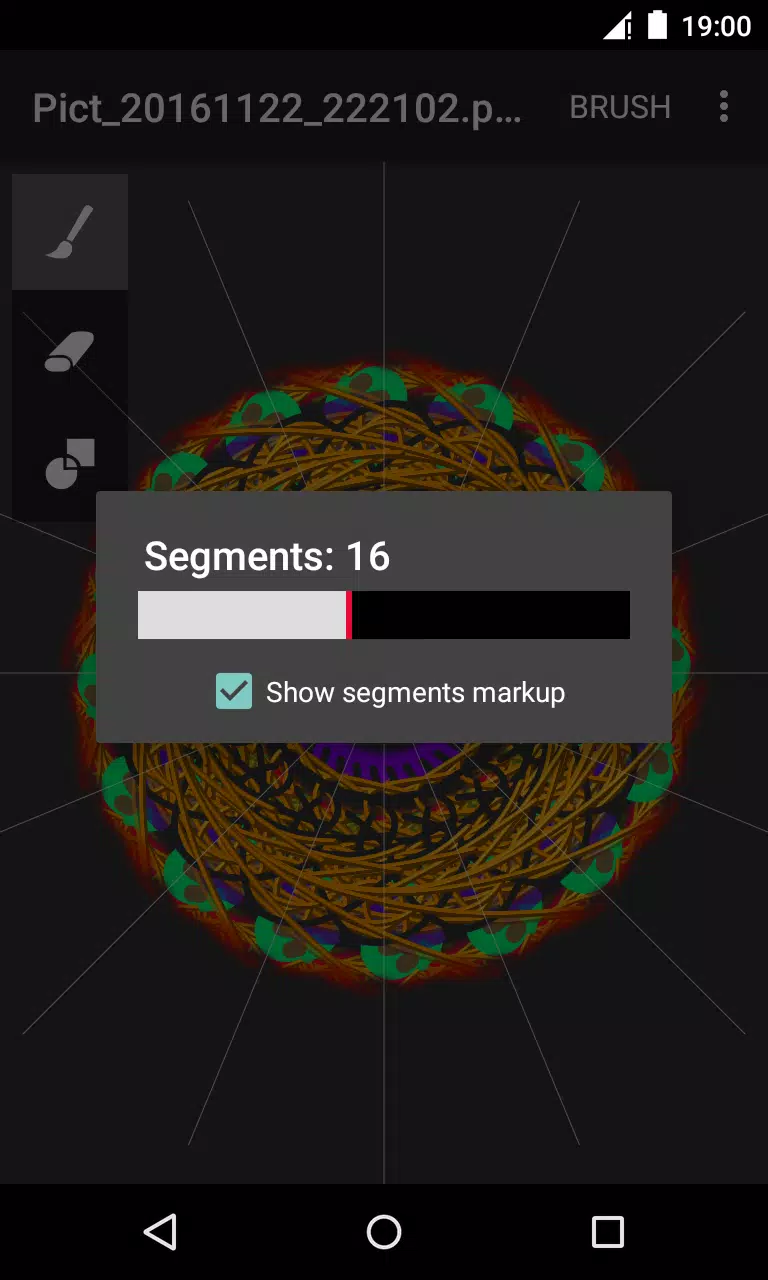
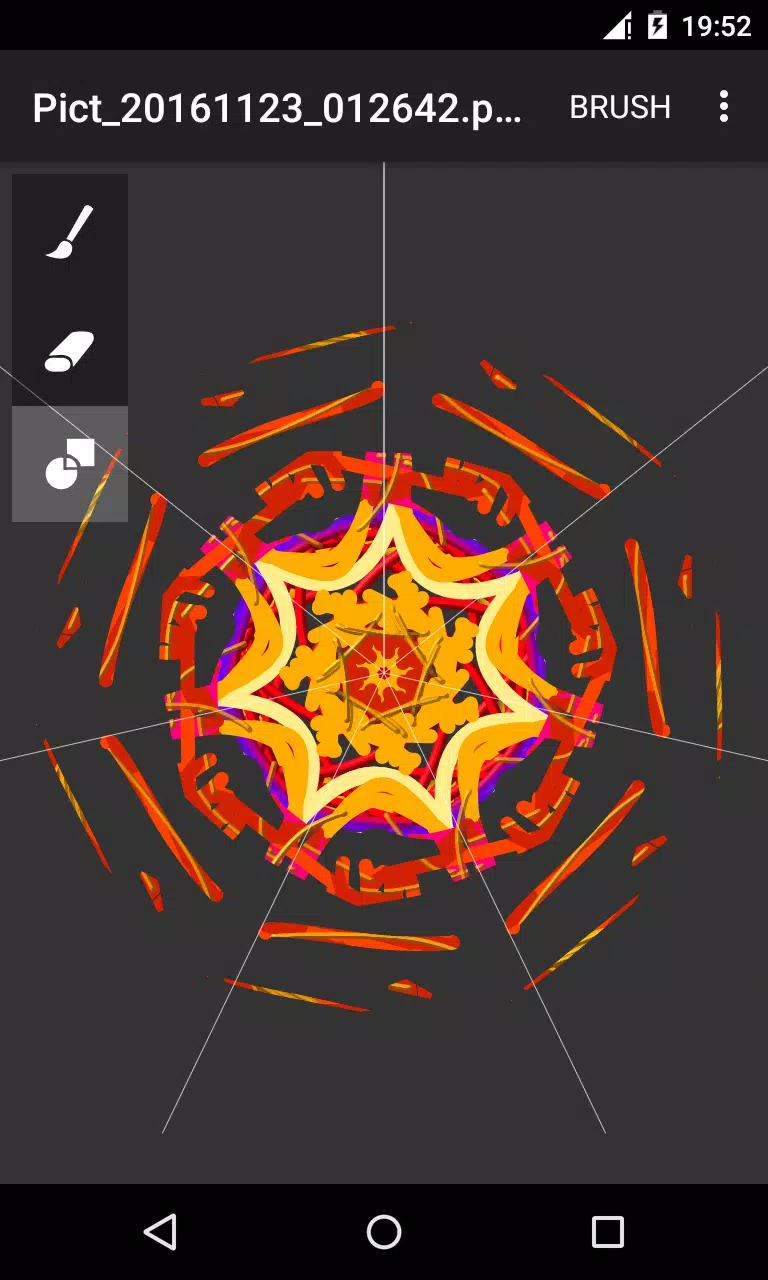
The core of Circle Painter is its radial symmetry engine: set the number of segments, choose mirror or repeat modes, and the app will replicate each stroke around the circle to form cohesive patterns. Brush controls let you pick color, transparency and size so strokes feel responsive and varied; subtle effects like emboss and blur add depth without overwhelming the composition. There are three primary drawing tools — brush, eraser and a paint-overlay mode — and a settings dialog that opens when a tool is tapped twice, allowing fine-tuned adjustments while you work. Canvas navigation is handled with familiar touch gestures for pan and zoom, and the app keeps tool icons large and distinct to reduce learning time for new users.
Workflow and progression
Rather than a traditional level structure, Circle Painter encourages creative progression by building user skill and project complexity. Beginners can start with few segments and a single color to learn how mirrored strokes interact; as confidence grows, increase the segment count, layer effects and experiment with transparency to produce denser, more intricate pieces. The app supports iterative work: export intermediate versions, adjust settings, and re-import or edit externally if you want to refine a design further. This open-ended progression keeps replay value high because small parameter changes generate very different results, making it easy to revisit the same idea with new visual outcomes.
Customization and visual style
Customization centers on stroke behavior and effects rather than file formats. You can craft styles ranging from flat, geometric motifs to embossed, textured mandalas by combining brush opacity, size and the built-in blur/emboss options. The visual style of a finished piece is controlled by both your brush choices and how many segments the symmetry engine uses; narrow segments produce fine lace-like details while broader divisions emphasize bold shapes. Exported PNGs retain the high quality of the canvas so colors and subtle texturing remain intact for printing or further editing in other apps.
User experience, accessibility and offline use
Circle Painter is designed to be usable without a network connection: all drawing, symmetry processing and exports are handled locally so you can work offline. The user interface emphasizes clarity—large icons, readable labels and immediate feedback when tools are adjusted—to make the app approachable for casual users while remaining efficient for experienced creators. Built-in sharing integrates with Android’s share sheet so you can send images by email, messaging apps or post to social media without leaving the device. The app also saves files to a clear default folder on primary external storage for straightforward file management.
Exporting, sharing and file management
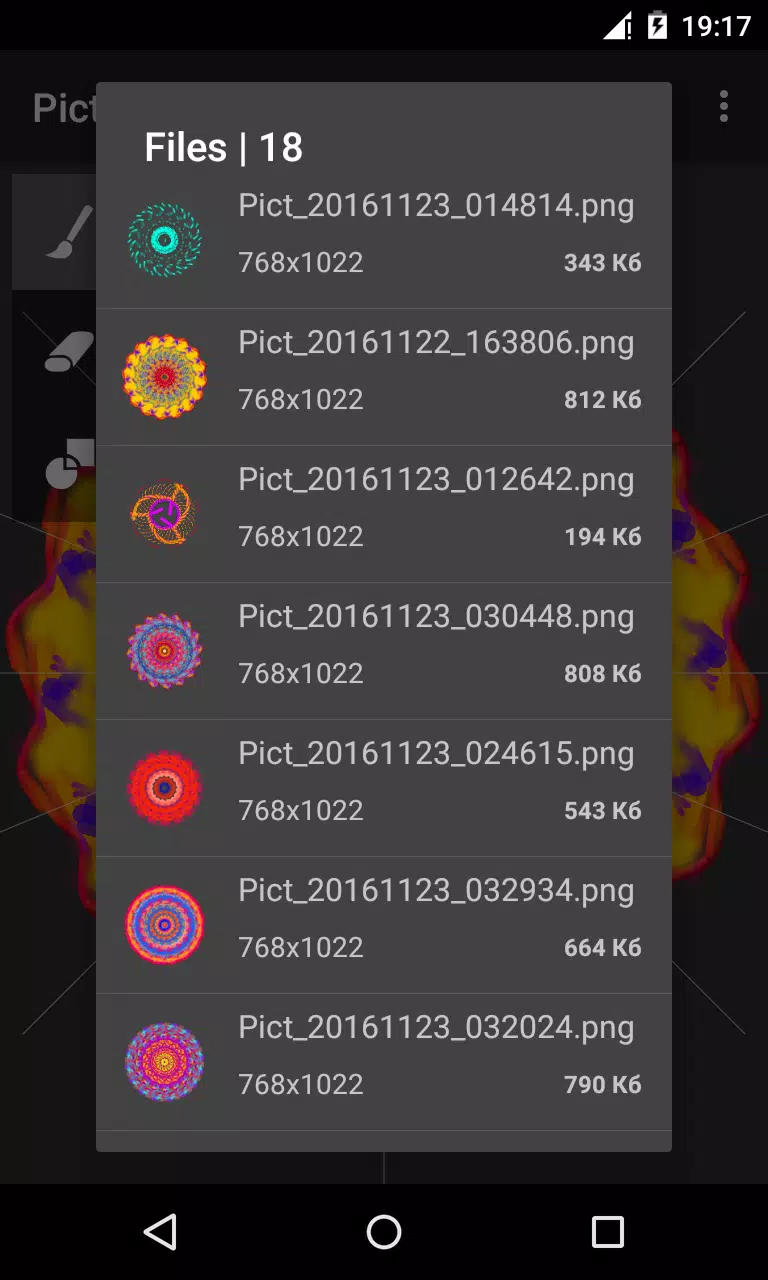
Finished artwork exports as high-quality PNG files and is saved by default to "/sdcard/Circle Pictures" on primary external storage, making it simple to find your images with a file manager or to open them in other editing tools. The fixed export location streamlines the save process for most users, and the Android sharing dialog provides quick access to common sharing targets. If you prefer a different workflow, exported PNGs can be moved or renamed using standard file utilities outside the app.
Limitations and suitable use cases
Circle Painter is purpose-built for circular and radial artwork; it is not intended to replace general-purpose painting or photo editors. Exports are provided as PNGs by default and saved to a fixed folder, which may be limiting if you need additional formats or a custom default location. The app excels when you want to explore symmetric patterns, practice digital brushwork, or produce repeatable designs for decorative and creative projects.
Whether you are experimenting with your first mandala or producing polished circular graphics, Circle Painter offers a compact, dependable toolset that supports a range of workflows and skill levels while keeping the controls and save process straightforward for long-term use.