

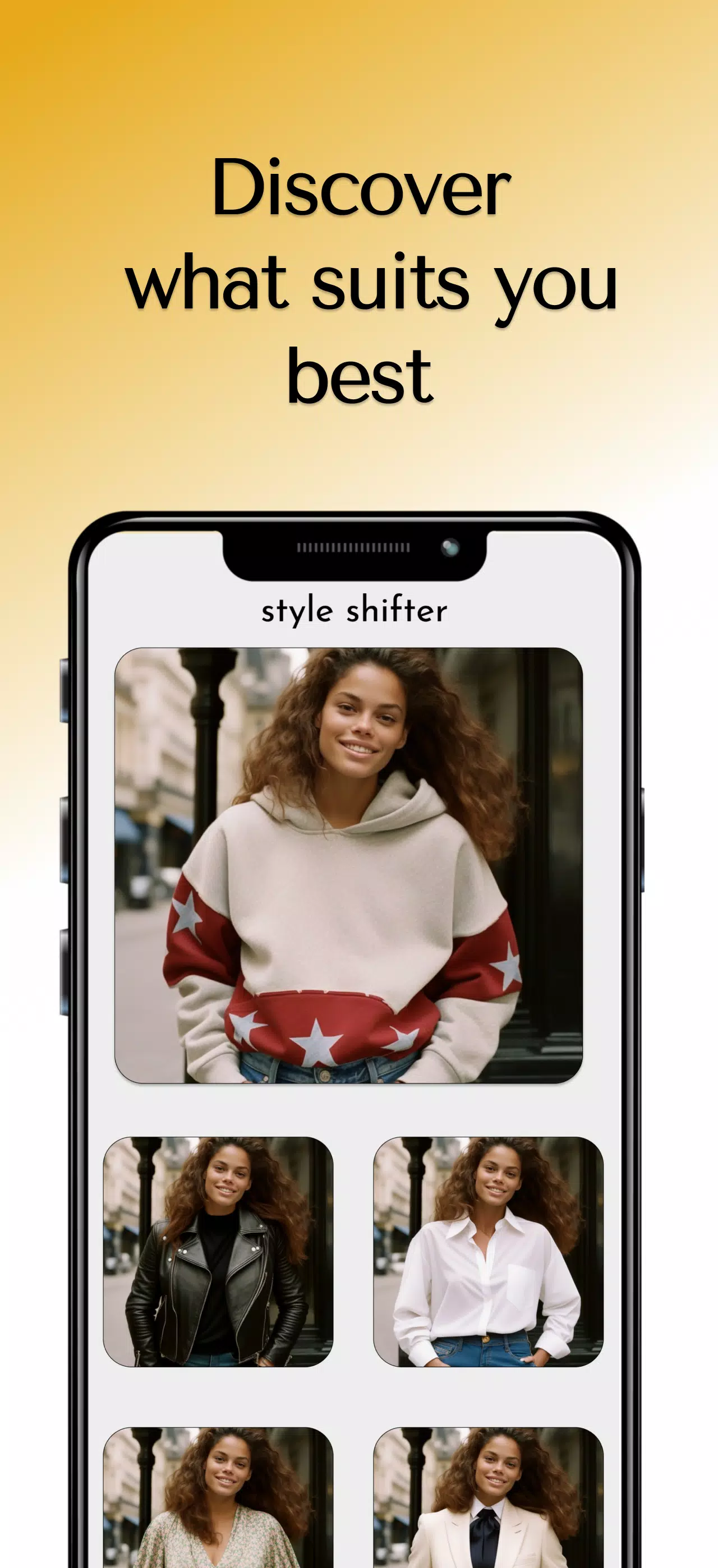
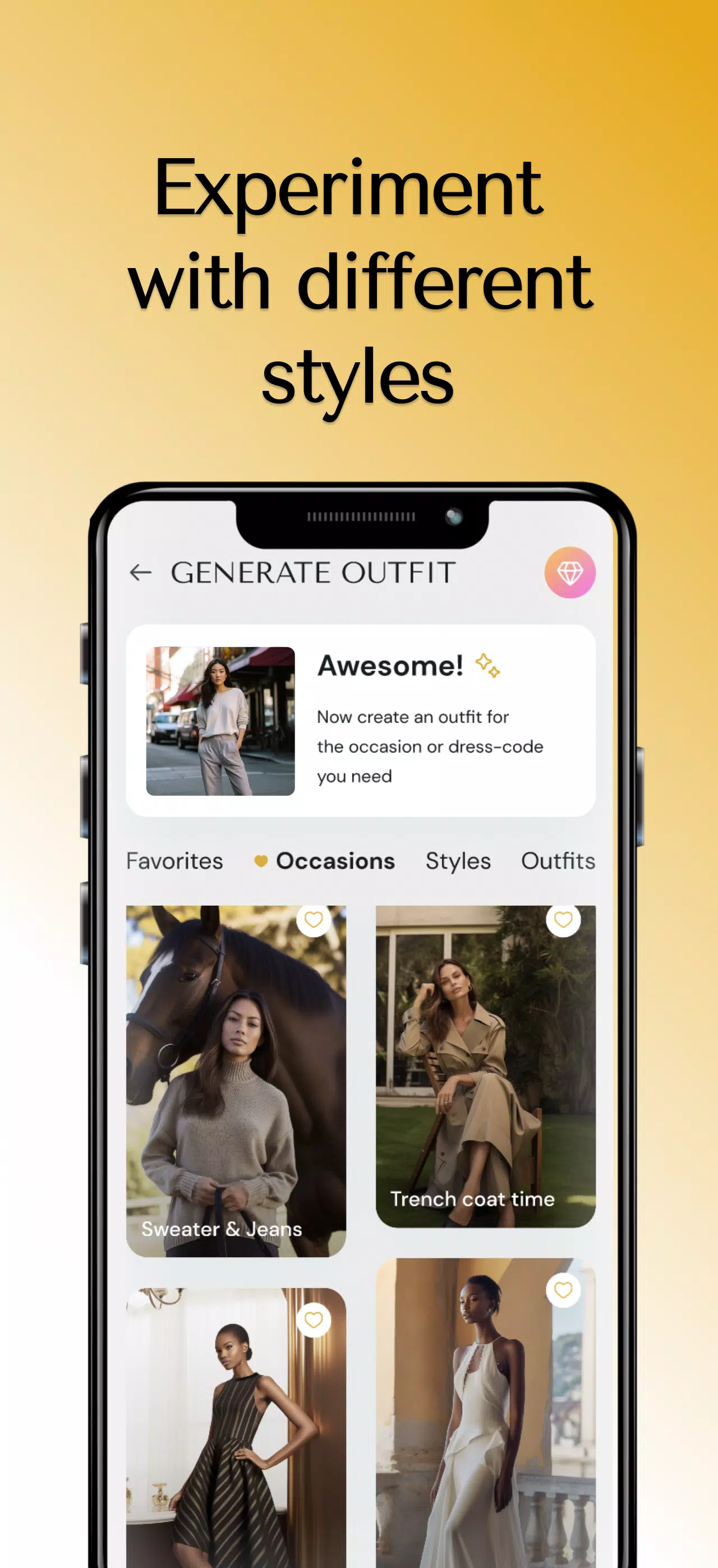

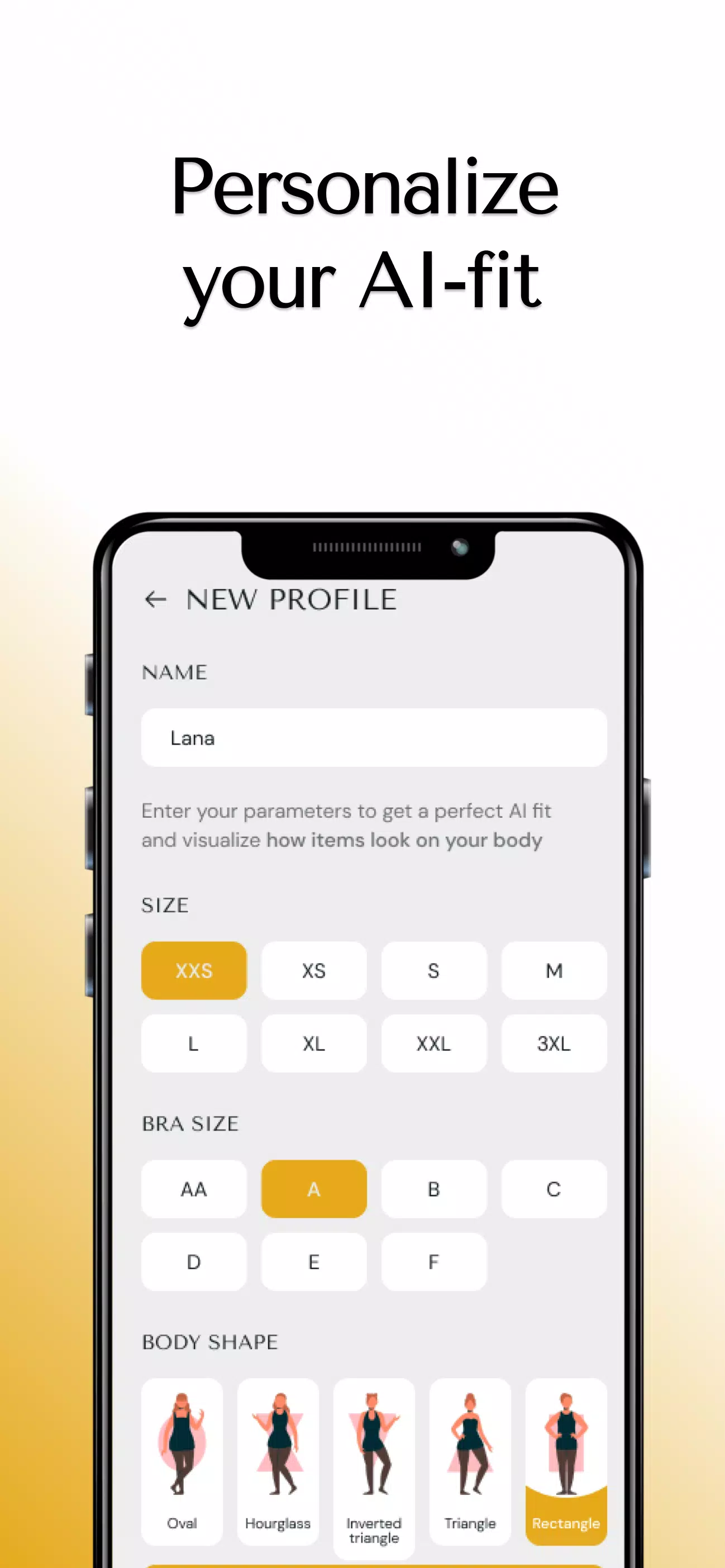

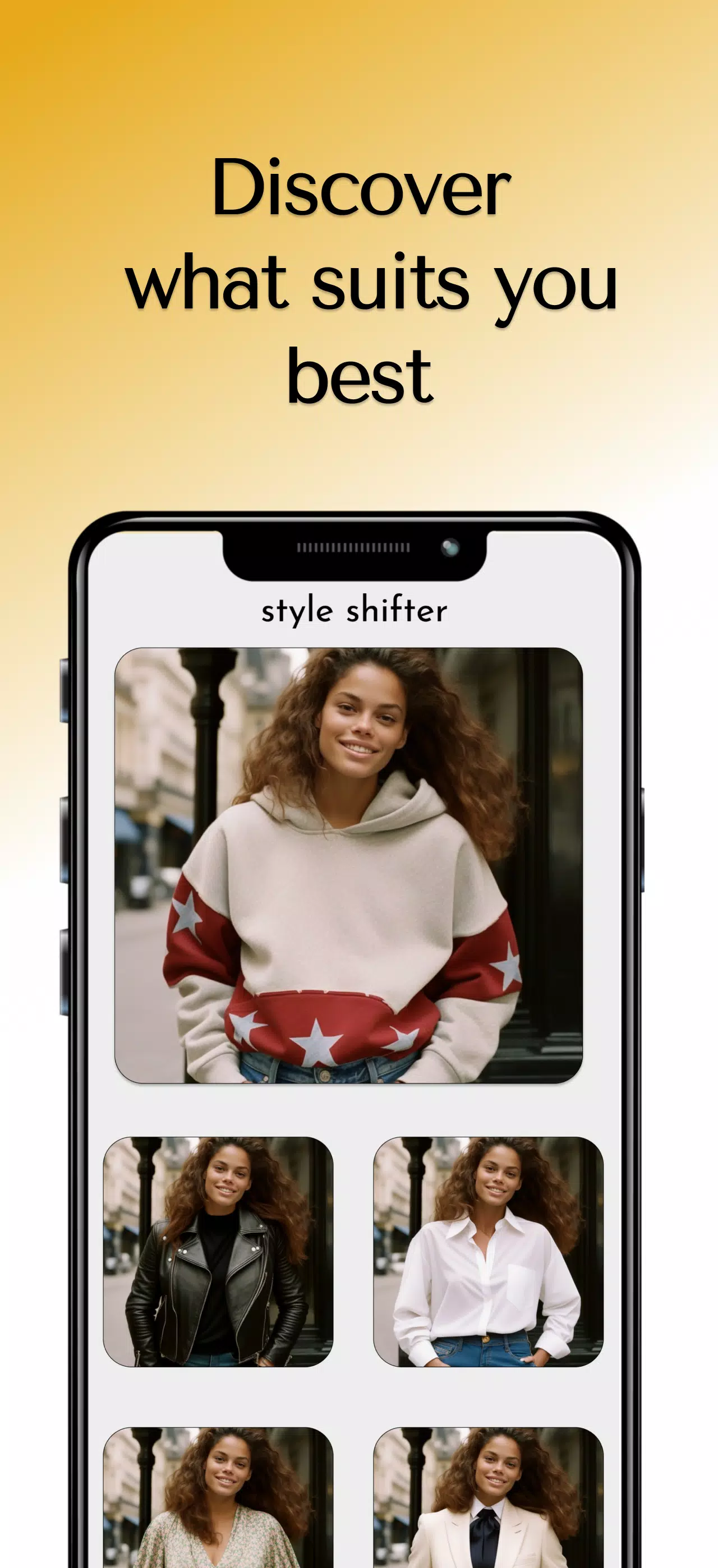
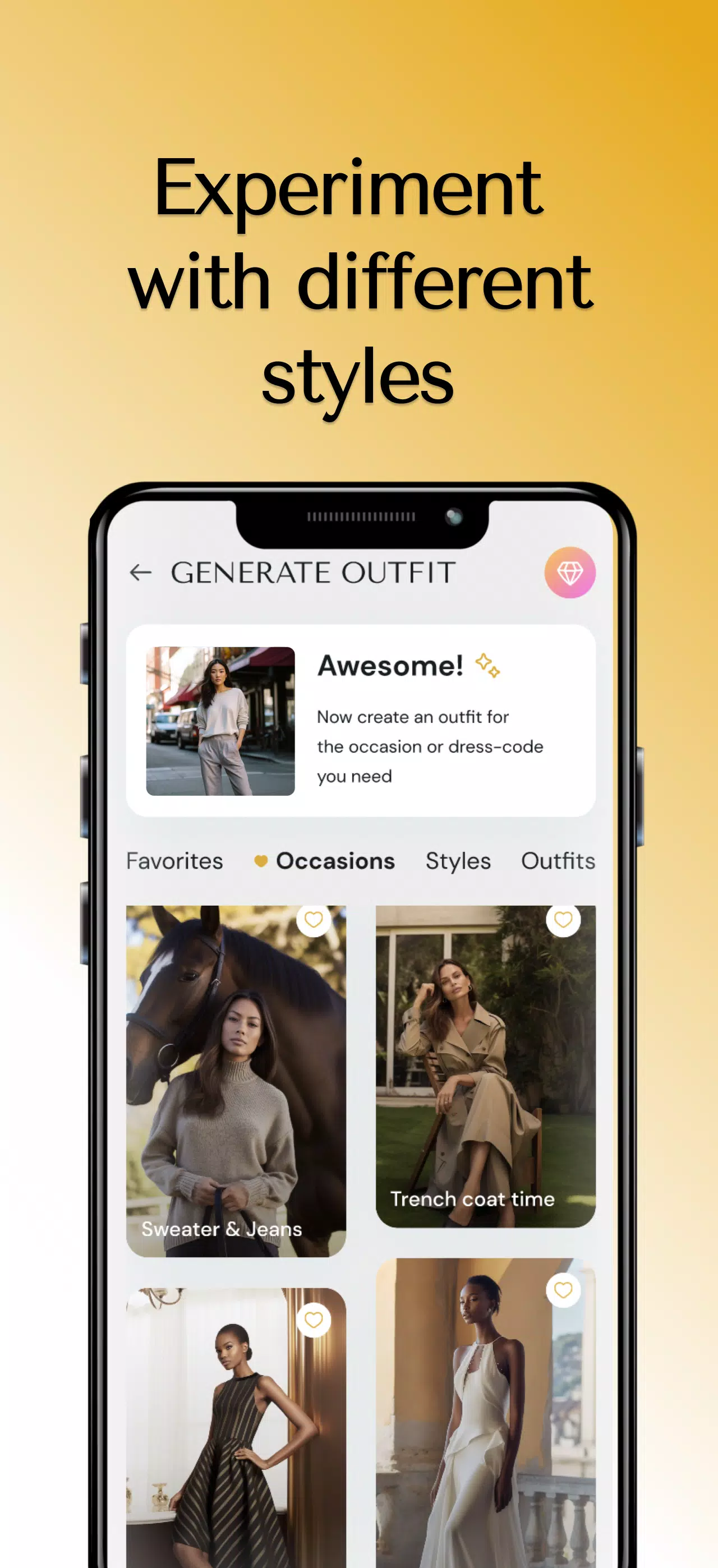

Style Shifter is a compact utility for personalizing device appearance and interface settings, making it easy to modify themes, color schemes, and layout details without deep technical knowledge. It helps users who want fast, reversible visual changes by providing a straightforward interface and on-screen previews so adjustments can be tested before they are applied. With Style Shifter you can focus on readability, accessibility, or simple aesthetic updates while avoiding complex system menus. The app emphasizes speed and clarity, helping both casual users and productivity-minded people tune their environment to match preferences.
Key Features
⭐ Theme and color controls for core interface elements.
⭐ Live previews to test adjustments before applying them.
⭐ Style Shifter presets and quick-switch functionality for rapid changes.
⭐ Typography and spacing adjustments to improve readability.
⭐ Accessibility-focused tools for contrast and sizing.
Advantages
✅ Speeds up customization with simple, focused controls.
✅ Low learning curve makes it accessible to non-technical users.
✅ Style Shifter centralizes appearance settings so changes are easier to manage.
✅ Useful for improving readability and meeting accessibility needs quickly.
Disadvantages
❎ Limited to visual and layout adjustments and does not replace a full system theme engine.
❎ Some advanced tweaks may require additional system permissions or settings outside the app.