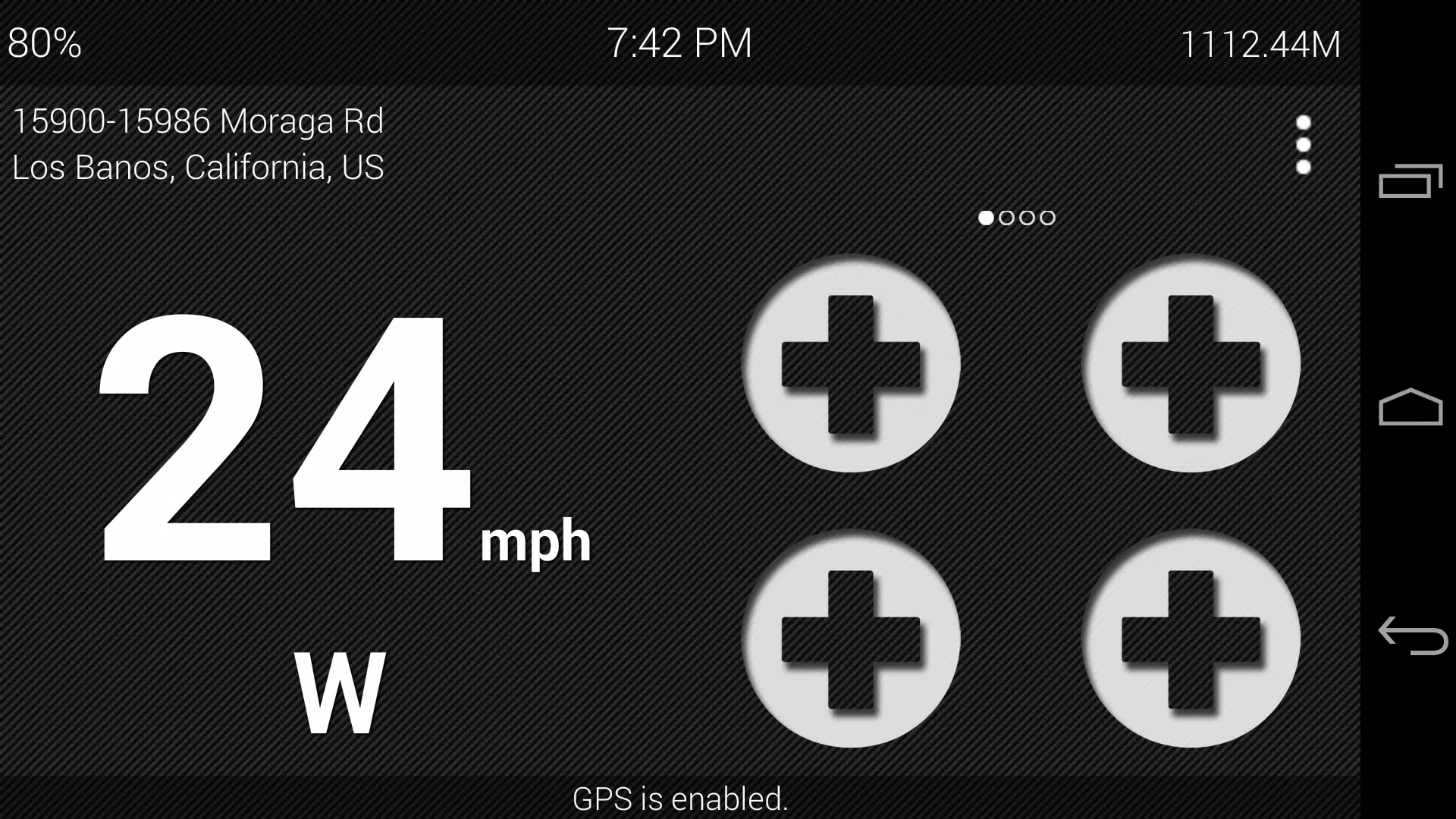

Ultimate Car Home delivers a clean, distraction‑focused driving dashboard that keeps essential information front and center. Ultimate Car Home puts a minimal, easy-to-read display on your phone so you can monitor speed, trips and conditions with fewer visual interruptions while you drive. The app prioritizes safety by presenting GPS-based speed, trip summaries and location-aware weather in a large, legible layout that works in both portrait and landscape modes and pairs automatically with a vehicle Bluetooth connection.
Key features and interface
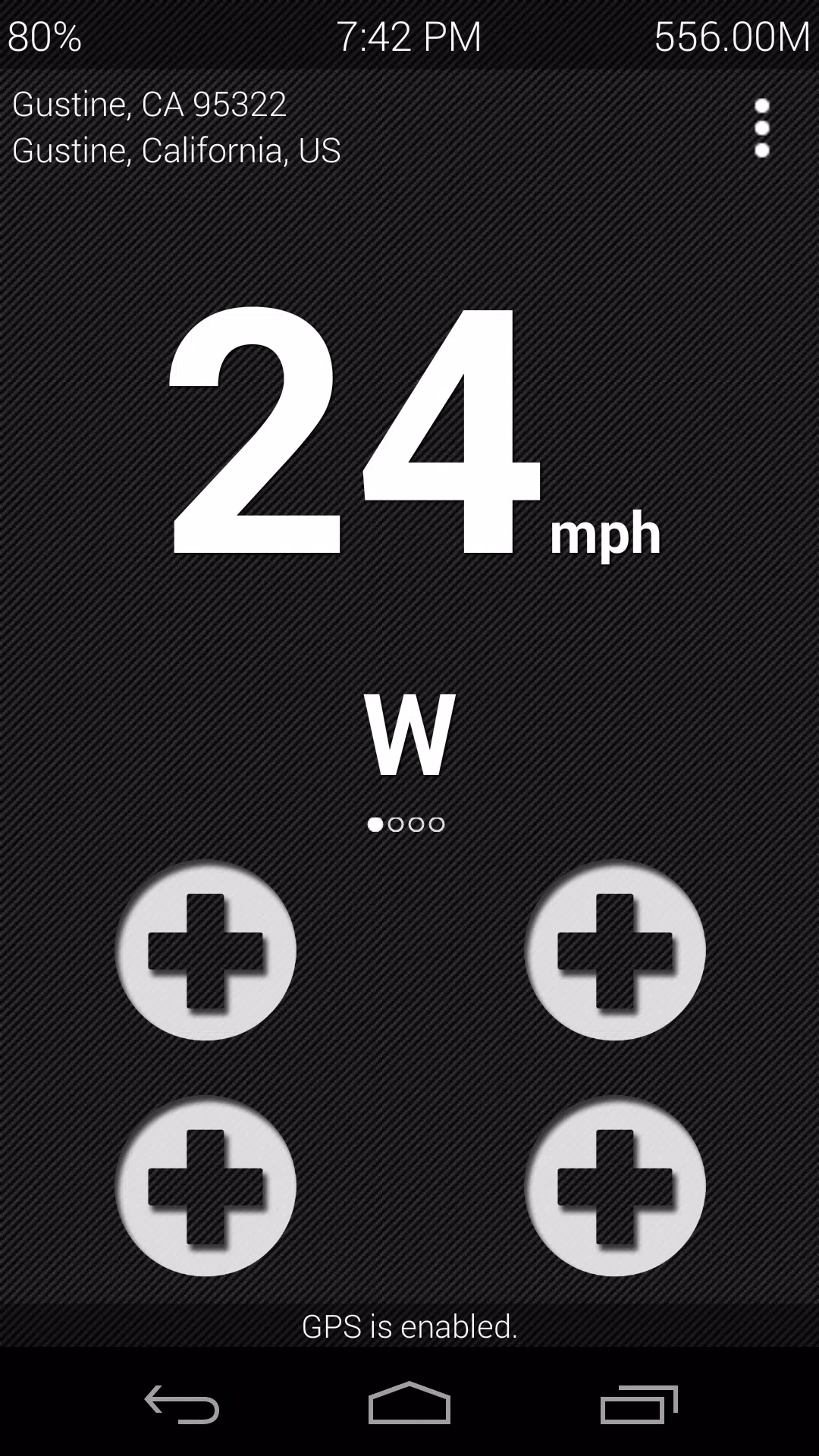
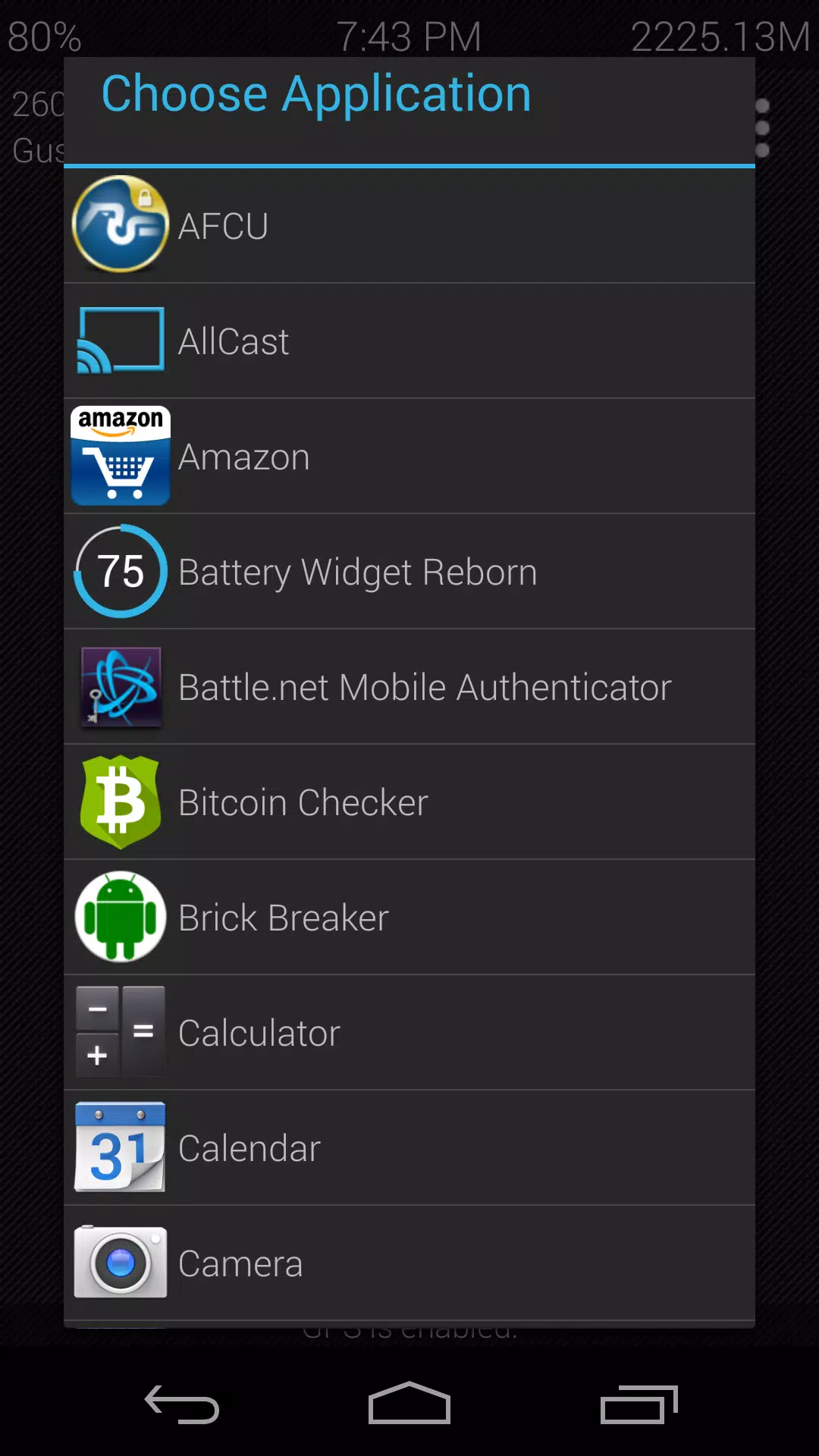
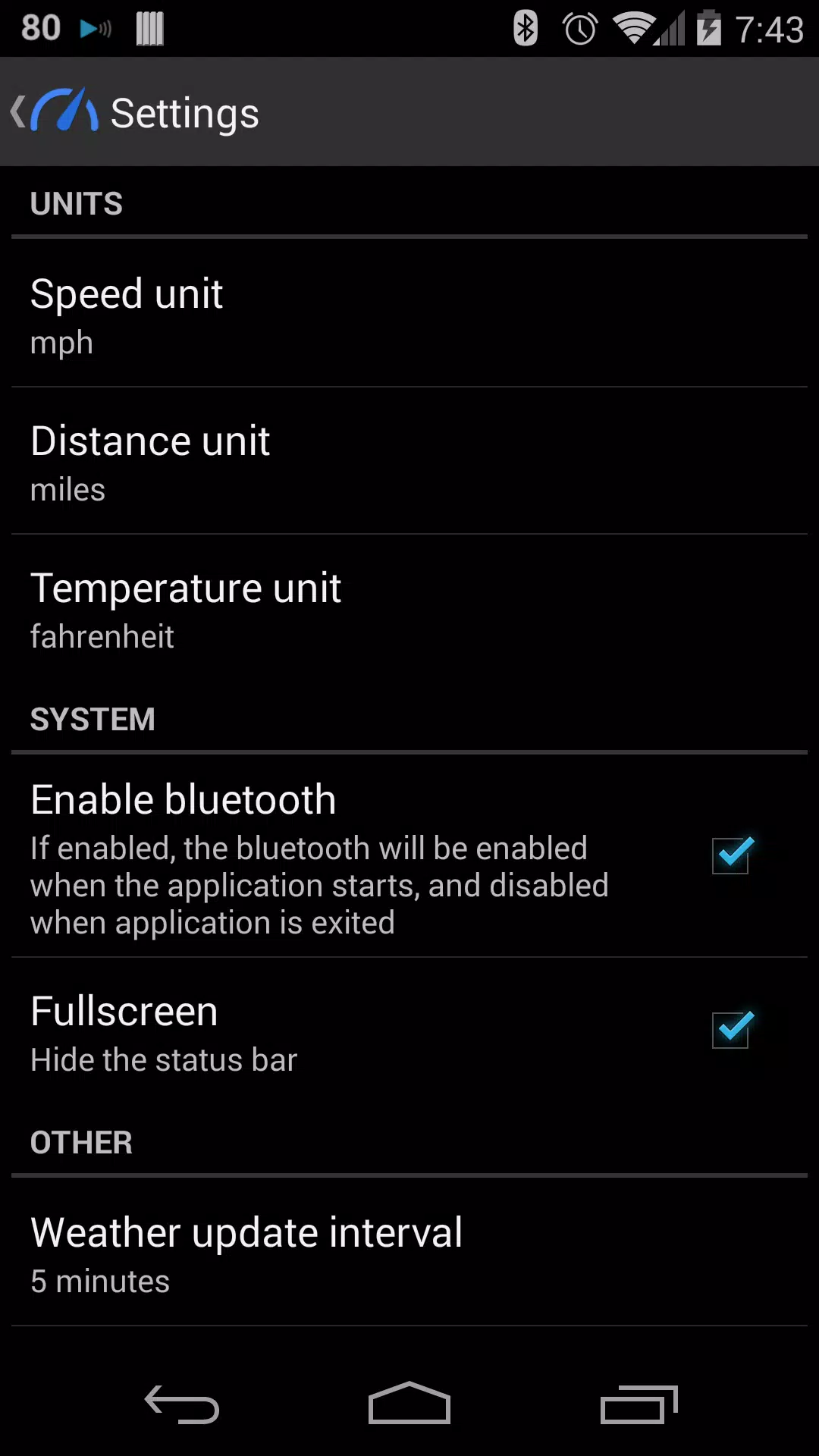
The app centers on a GPS speedometer and trip tracking that show real-time speed, trip distance and elapsed time in a single view. Large numeric readouts and deliberately simple graphics reduce cognitive load while driving. Up to sixteen configurable shortcuts allow you to pin frequently used apps or actions for one-tap access, and the interface supports full-screen mode for an uncluttered driving display. You can choose between US and metric units so the readout matches local habits, and the dark, low-distraction theme helps reduce glare during night driving.
Controls and on-road usability
Ultimate Car Home relies on straightforward, touch-oriented controls designed for quick interaction with minimal effort. Buttons and shortcuts use large tap targets and clear labels so interactions are easy to perform while stopped or at traffic lights. Automatic orientation and full-screen support mean the dashboard adapts immediately when you mount the phone in a different position, and automatic Bluetooth activation reduces manual setup each trip. The app avoids nested menus and keeps essential actions on the main screen to limit distractions.
Trip tracking and data handling
Trip tracking records routes, distance and trip duration using GPS so you can review recent drives at a glance. Trip summaries present basic history so users can check mileage and travel time without digging through complex logs. Because the core functions rely on the device’s GPS, the primary driving data is available without a continuous cellular connection; however, weather updates and any location-based extras require a network connection. Privacy-minded users should note that trip data is stored locally unless they choose to share it through other tools.
Customization and visual style
The visual approach favors simplicity: a dark theme with high-contrast elements and large typography keeps the display readable in bright or dim conditions. Customization centers on what drivers tell the app is most useful — you can arrange and edit shortcuts, switch units between miles and kilometers, and choose whether to show trip or speed information as the dominant element on screen. These personalization options let you tailor the dashboard to your driving routine without overwhelming you with settings.
Accessibility and offline use
Accessibility considerations are built into the layout through large targets and clear contrast to support drivers with reduced vision or motor dexterity. Because the speedometer and trip recording use device GPS, the app offers practical offline operation for the core driving experience; it logs trips and displays speed without needing constant internet access. That said, certain services such as live weather or map-based extras will need connectivity to provide the latest data.
Limitations and permissions
The current release concentrates on essential dashboard features, so some advanced functions mentioned in user discussions—such as integrated voice control or live traffic alerts—are not included yet and may appear in future updates. Full functionality requires standard permissions like GPS/location and Bluetooth access, and users who prefer not to grant those permissions will be limited in what the app can display. The team aims to be transparent about permission use and how data is handled.
Development, updates and support
The development team actively collects feedback to guide feature improvements and stability fixes, and users are encouraged to report issues or suggest refinements. Ultimate Car Home is updated iteratively with a focus on safety, responsiveness and reducing in-car distraction, and planned enhancements target smoother controls, more flexible shortcut configuration and clearer trip summaries. For support or to share suggestions, contact details are available in the app so the roadmap can reflect real driving needs and priorities.