

Pavone
| Package ID: | |
|---|---|
| Latest Version: | v1.0.2 |
| Latest update: | Aug 07, 2026 12:16:04 |
| Developer: | Pavone App |
| Requirements: | Android |
| Category: | Lifestyle |
| Size: | 12.40 MB |
| Tags: | Common Navigation Date |
Rating :4.2
Pavone is a mobile app built to simplify how you find, compare and book beauty services in your area; Pavone places local salons, barbers, spas and vetted mobile stylists a few taps away whether you need an in-studio appointment or an at-home visit. The interface prioritizes clear service details, practical scheduling and transparent pricing so you can check real-time availability and get instant booking confirmations that remove uncertainty when arranging haircuts, barbering sessions or spa treatments. The following overview describes the app's interaction mechanics and practical features from an editor's perspective, highlighting what to expect when you use Pavone for regular appointments or one-off services.
Key features and service structure
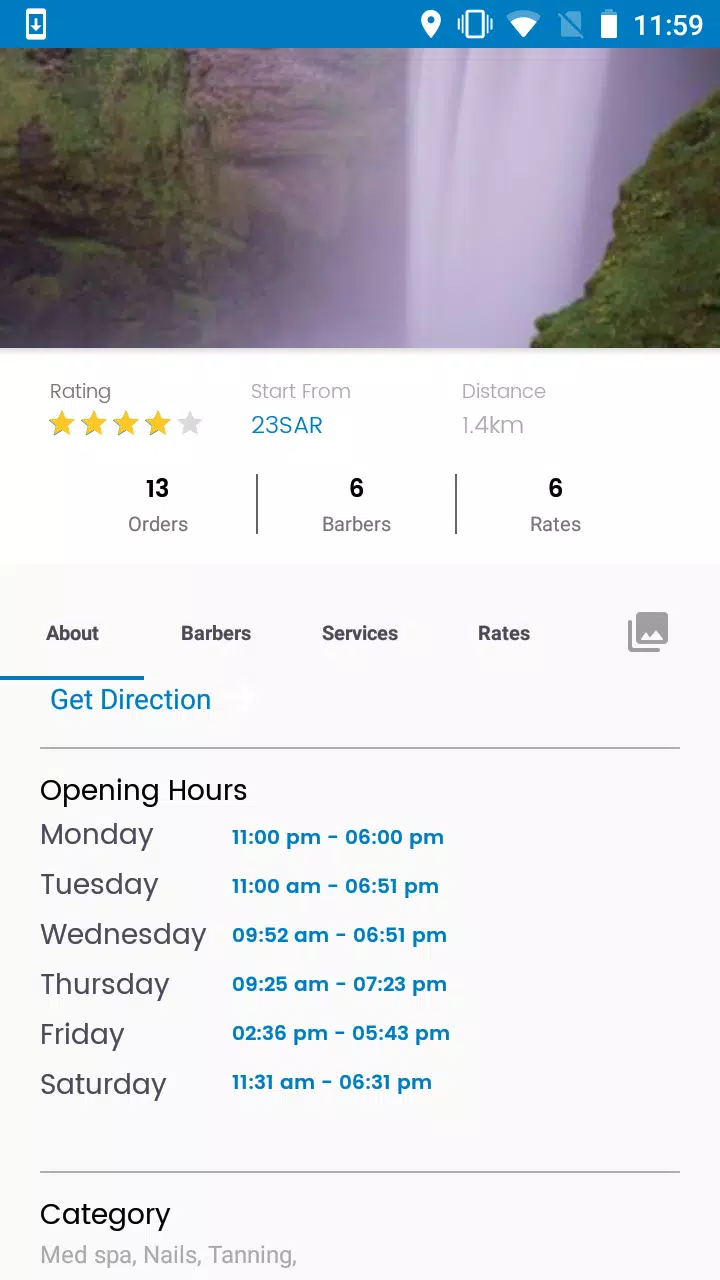
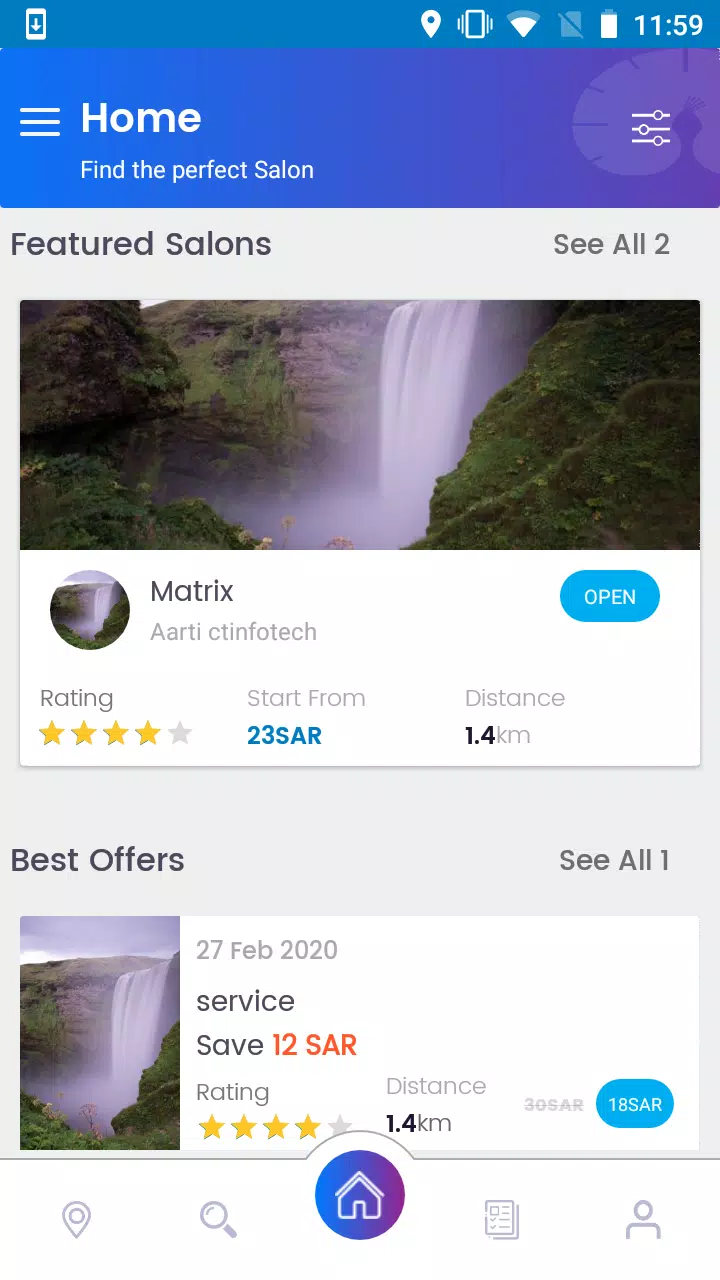
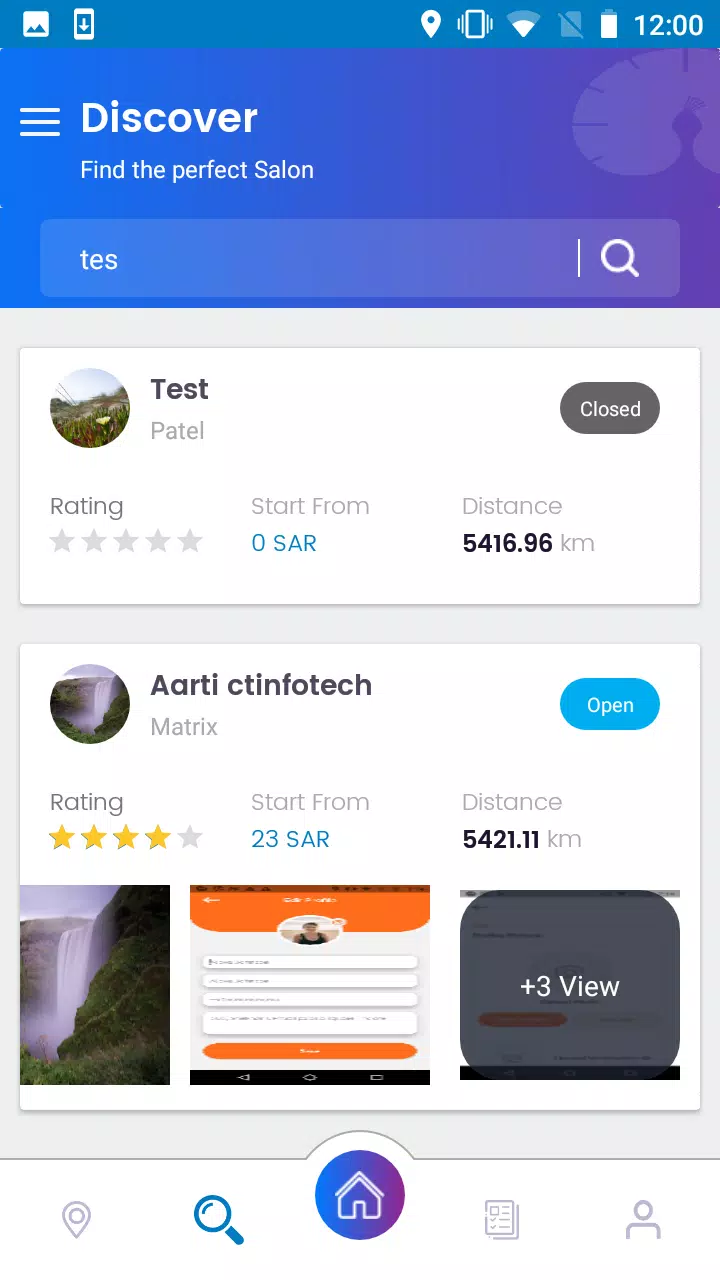
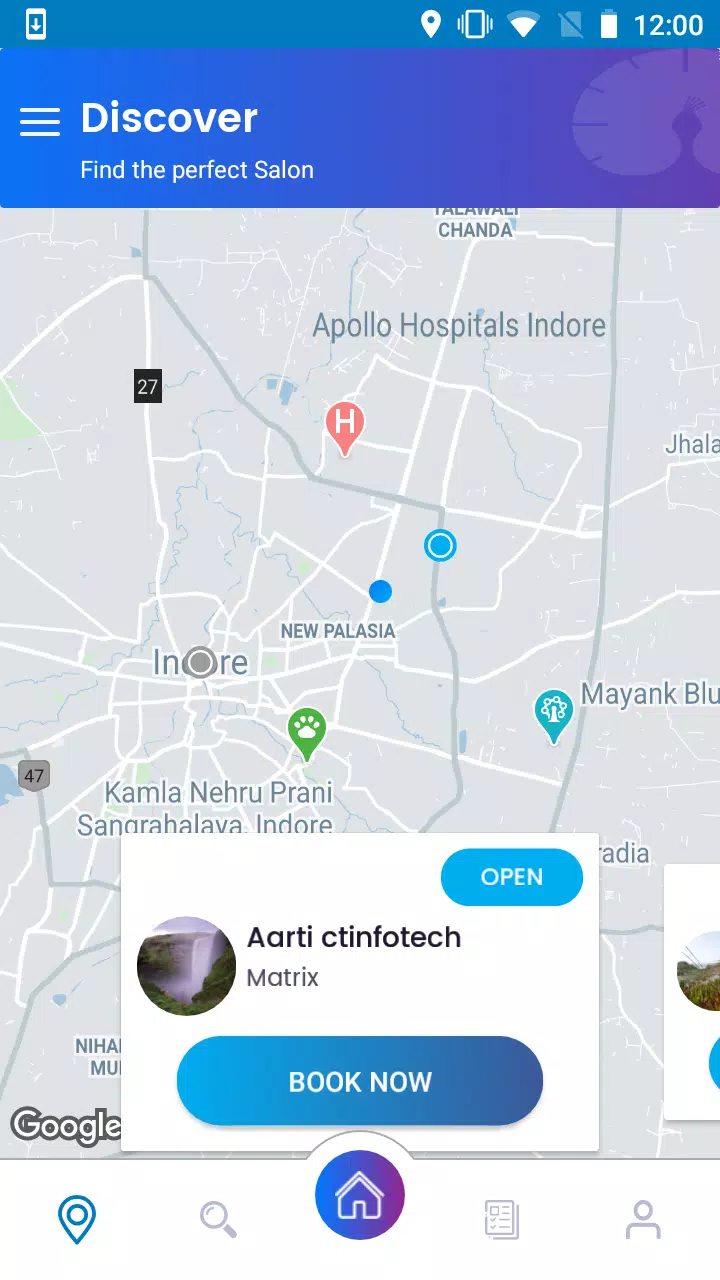
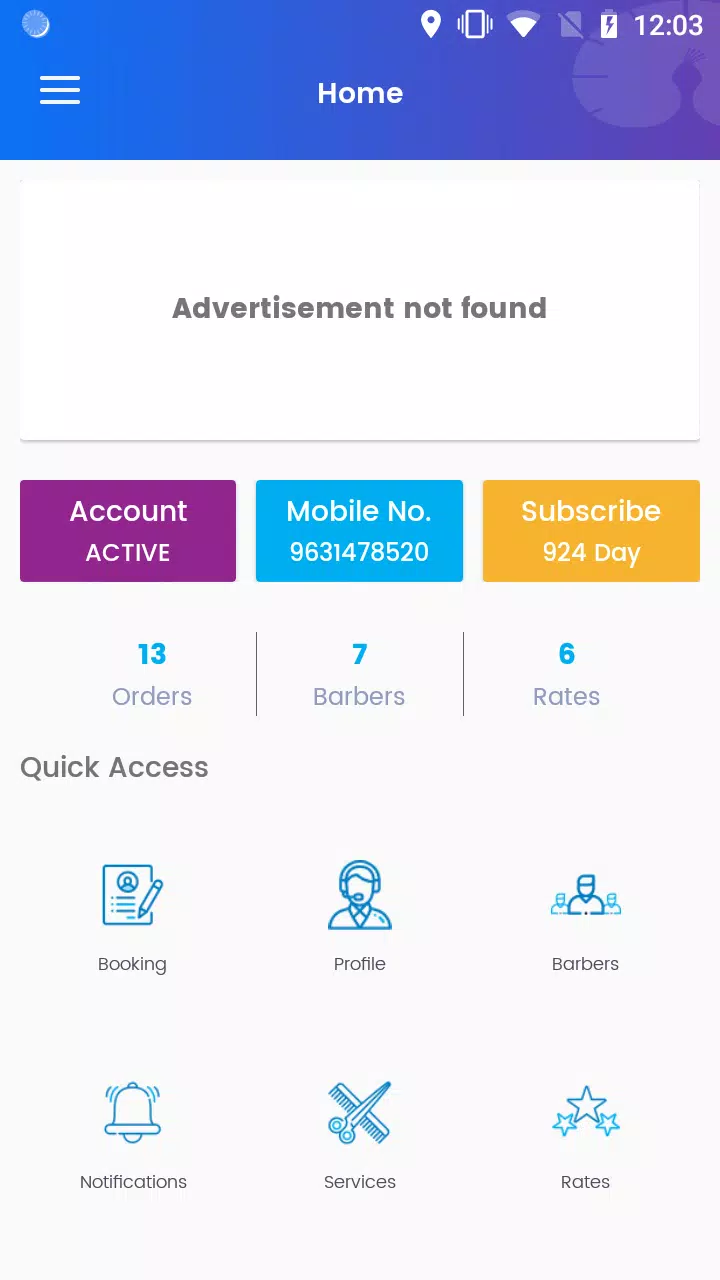
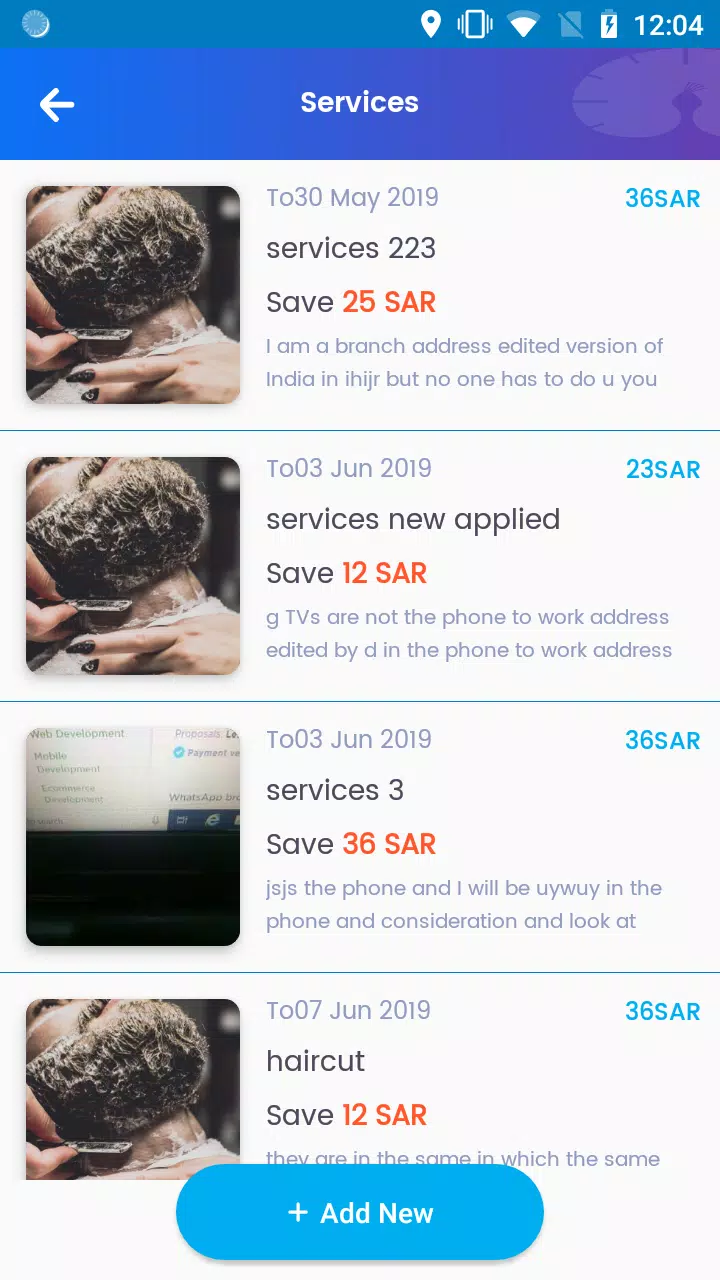
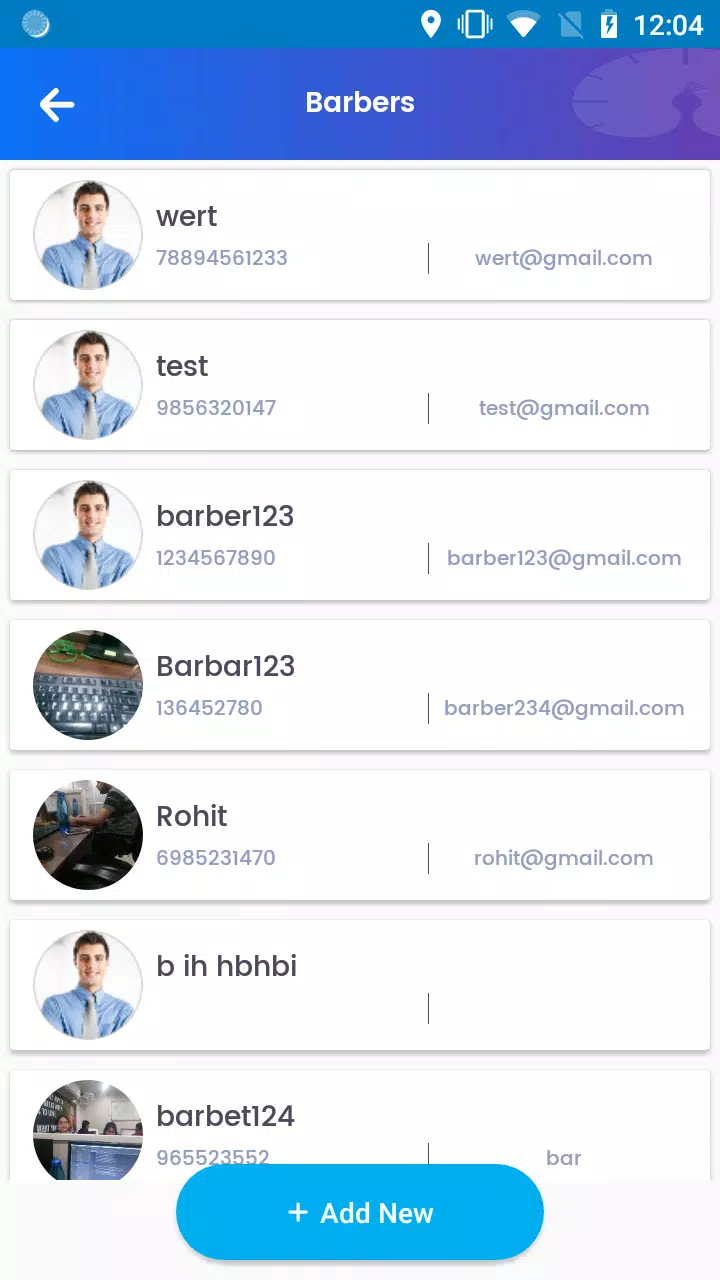
The core of the app is a searchable service catalog organized by treatment type, duration and price with concise descriptions that make it easier to compare options such as a basic cut, professional coloring, a styling session or a comprehensive spa package. Services are grouped into intuitive tiers and categories so you can scan beginner, premium and specialty offerings and learn estimated times and add-on options at a glance. Discovery tools combine map-based search and location filters to surface nearby salons, barbers and mobile professionals, and an availability timeline shows open time slots so you can select a time that fits your day. Provider profiles list qualifications, gallery images and client reviews to help you evaluate quality before booking.
Booking flow, controls and interaction mechanics
Navigation and controls are designed for quick operation on touch devices: primary tabs lead to Discovery, Services, Bookings and Profile so you can move between browsing and managing appointments without friction. The booking flow follows a clear, step-by-step interaction: pick a service, choose a provider or allow the app to suggest vetted professionals, select in-salon or home service, choose a date and time, and confirm to receive an immediate booking notice and calendar add. Controls include filters for distance, rating and price, a compact cost breakdown on the confirmation screen and one-tap actions for rescheduling or canceling. If a chosen slot is taken, Pavone suggests nearby alternatives, offers a waitlist option and can deliver push notifications when a preferred time frees up, helping you manage scheduling conflicts with minimal effort.
Progression, customization and personalized recommendations
Instead of gamified progress, the app uses gradual personalization so the experience improves with use: profiles store preferences like favorite service types, preferred providers and styling notes so future searches and suggestions match your tastes. Customization options include saving favorite salons, setting default service durations, storing multiple addresses for home visits and adding preparation notes for specific treatments. Over time Pavone refines recommendations based on your booking history and ratings, surfacing providers you’ve used or similar options in nearby areas; this invisible progression reduces search time and helps you build a consistent roster of professionals for reliable results.
Visual style, accessibility and on-device controls
The visual design emphasizes clarity with readable typography, ample white space and a neutral color palette that keeps service descriptions and appointment times easy to scan on screens of all sizes. Interactive elements are sized for comfortable touch control and common gestures are supported for quick navigation. Accessibility was considered from the start: the interface respects device-level settings such as larger text and voiceover, labels are explicit for screen readers, contrast meets readability guidelines and workflows are kept short to reduce cognitive load. These choices make booking beauty services more approachable for a wide range of users.
Offline reliability and synchronization
While confirming a new booking requires an internet connection, the app provides useful offline functionality so you can view recently accessed provider profiles, saved services and upcoming appointments when connectivity is limited. Core appointment details — time, address and provider contact — remain available offline, and any changes made while disconnected synchronize automatically once the app reconnects. Caching strategies minimize data use while preserving essential scheduling information, and clear status indicators show when data is offline versus fully synced so you can trust the information you rely on in transit.
Replay value, practical limits and user tips
Repeat use is encouraged through convenience features like quick rebooking from history, saved preferences for at-home visits and streamlined rescheduling when plans change. Practical limitations include regional differences in mobile service availability and the fact that final service quality depends on the individual salon or professional rather than the platform. To get the best experience, review provider profiles and recent ratings, save a shortlist of trusted stylists, and book popular time windows early. Pavone aims to reduce coordination time between discovery and appointment, letting you focus on the results rather than logistics.