
EOBD FAST
| Package ID: | |
|---|---|
| Latest Version: | v1.0 |
| Latest update: | Aug 07, 2026 09:08:04 |
| Developer: | Autronica S.r.l. |
| Requirements: | Android |
| Category: | Lifestyle |
| Size: | 11.50 MB |
| Tags: | Common System Navigation |
Rating :4.1
EOBD FAST is a free diagnostic companion built for professional car technicians and independent repairers who need faster, more accurate fault analysis. EOBD FAST places a searchable reference of over 5,000 error entries at your fingertips, organized into the familiar B (body), C (chassis), P (powertrain) and U (network) categories so you can reach relevant information quickly during a workshop diagnosis. The app is intended as a practical tool to shorten troubleshooting time by combining clear code descriptions, technical details and likely causes in a single, easy-to-scan view.
What the app helps you do
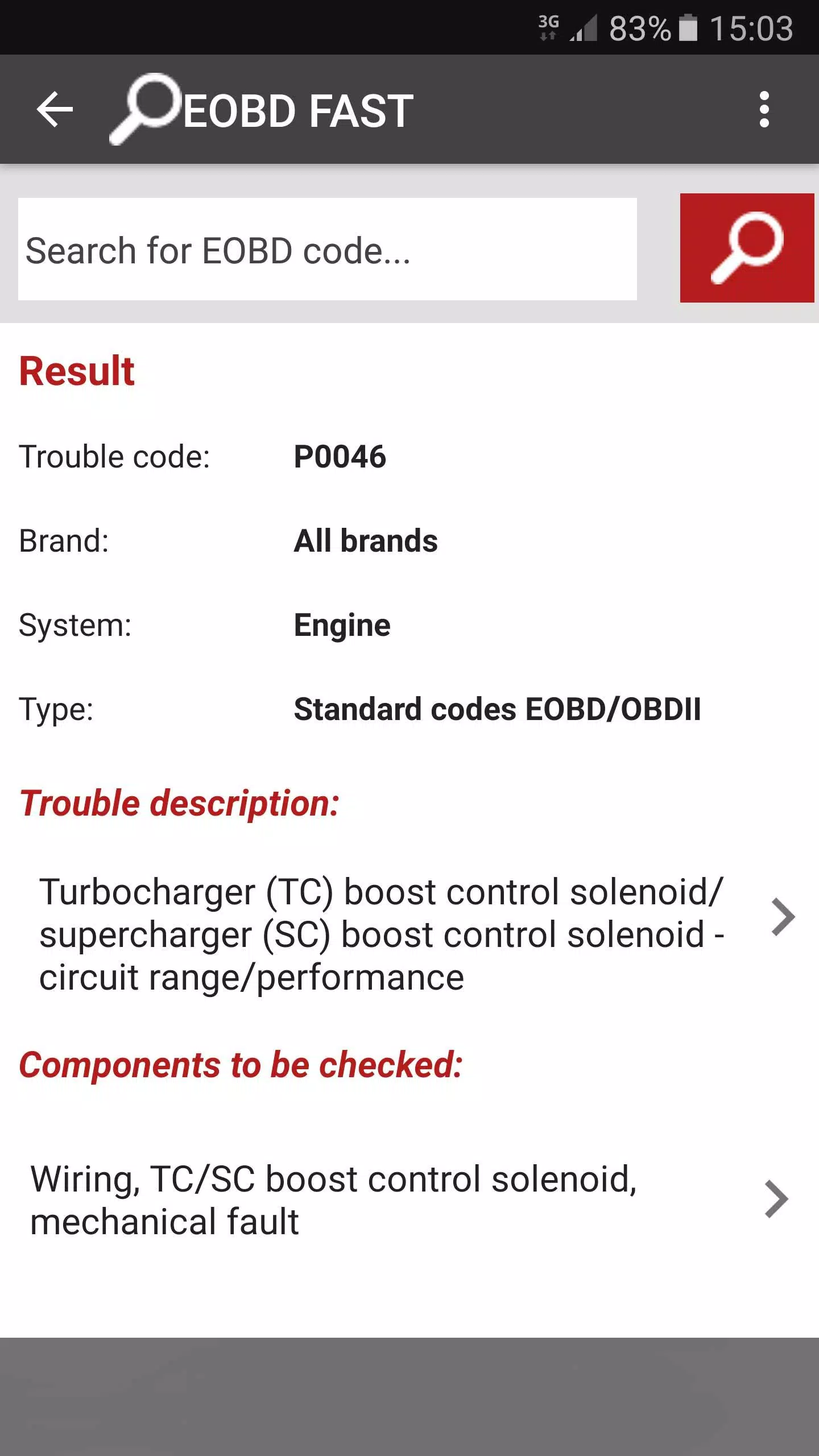
Use the app to identify probable causes and technical notes for a wide variety of faults, including many non-codified or uncommon issues that basic scanners and generic references sometimes omit. The searchable index and category grouping are designed to reduce time spent paging through manuals: type a fault keyword, partial code or system name and the most relevant entries rise to the top. Each entry explains the symptom, associated technical specifications where applicable and a prioritized list of likely causes to guide hands-on testing and ordered troubleshooting steps.
Controls and navigation
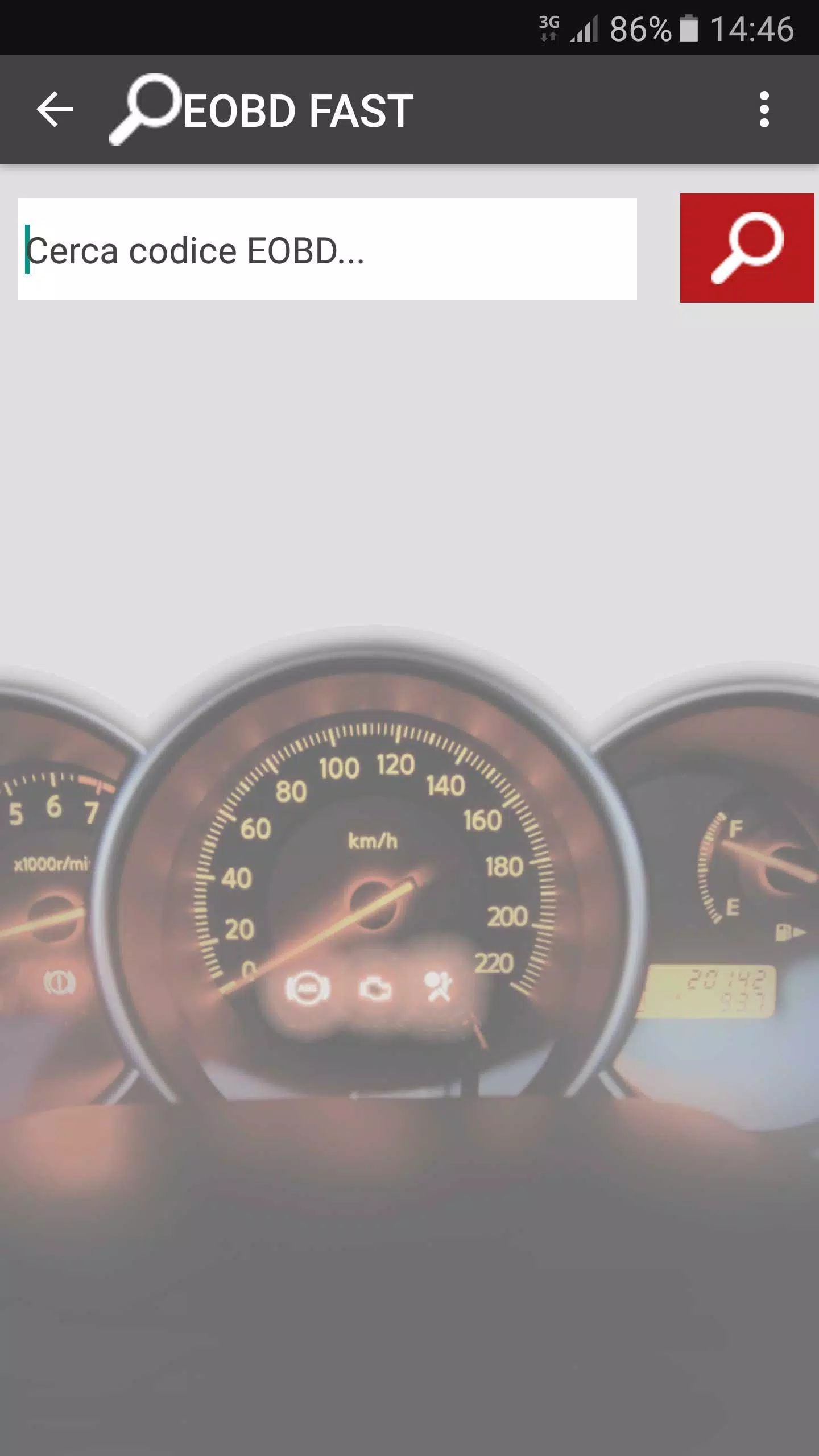
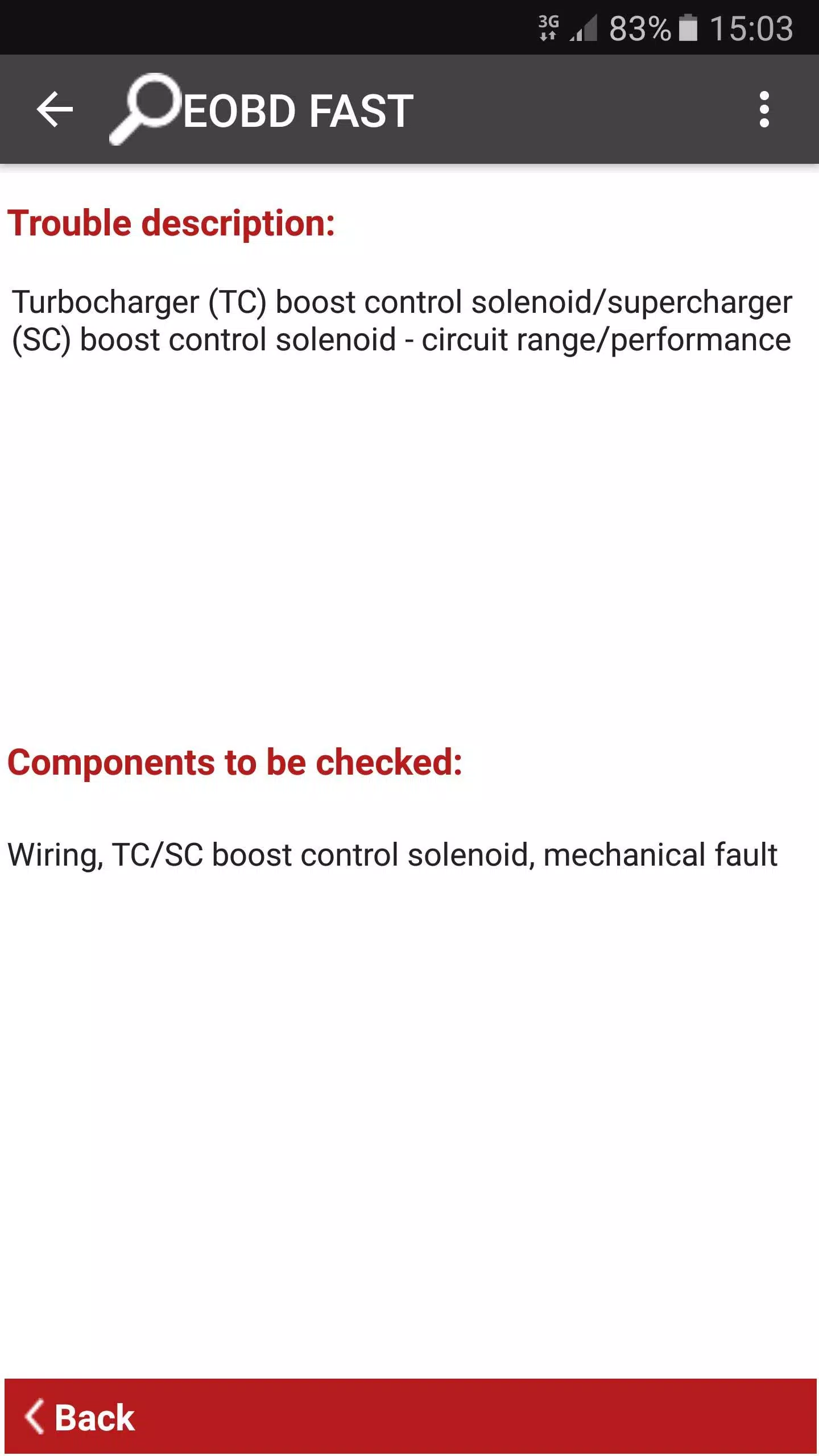
The interface focuses on straightforward controls suited to busy shop environments: a prominent search field, contextual filters for the B/C/P/U groups, and a clear entry view that places descriptions, specs and probable causes side by side. Tapping an entry expands the full technical notes; returning to search results is one tap away. These interaction patterns are intended to reduce distraction while you work on a vehicle and to speed up lookup when you have limited time at the bench.
Progression and workflow
Although EOBD FAST is a reference rather than a testing tool, it supports an effective workflow progression for technicians who want to improve diagnostic speed and accuracy. Repeated use helps build familiarity with recurring fault patterns and system relationships, and the app is useful as a learning aid for junior technicians who are developing systematic troubleshooting habits. In day-to-day use you can develop personal routines—search, inspect, test, confirm—that the app is designed to complement rather than replace hands-on diagnostics.
Visual style and readability
The design emphasizes readability in workshop conditions: plain language descriptions, concise technical lines and clear headings so you can scan entries under bright lights or in lower-contrast situations. Fonts, spacing and line lengths are chosen to reduce eye strain during long diagnostic sessions, and information blocks are arranged so the most actionable items—probable causes and test notes—are visible first.
Level structure and content coverage
Content is structured by system and severity to reflect how real-world troubleshooting proceeds: broad system categories (B, C, P, U) branch into component-level symptoms and specific error entries. In addition to standard OBD codes, the database includes many non-codified faults and unusual failure descriptions that help explain intermittent or manufacturer-variant behavior. Coverage focuses on common and historically frequent fault types, providing practical guidance for electrical, mechanical and communication-network problems found in modern vehicles.
Customization, notes and replay value
While EOBD FAST is primarily a lookup tool, routine use yields increasing value: technicians who consult the database regularly develop faster pattern recognition and can build informal checklists for recurring repair jobs. The app’s structure encourages repeated reference during complex repairs and serves as a persistent knowledge base that supports consistent troubleshooting across multiple vehicles and jobs, increasing your workshop’s diagnostic reliability over time.
User experience, accessibility and offline considerations
The app is designed for both seasoned professionals and newcomers, with straightforward language and logical information flow so that users with different experience levels can benefit. Accessibility considerations—such as clear contrast in the layout and uncluttered entry screens—help make the app usable in a variety of lighting conditions and for technicians who need an uncomplicated reference. EOBD FAST aims to be a quick lookup resource that fits into the practical realities of a workshop rather than requiring extensive training to use effectively.
Limitations and recommended use
EOBD FAST functions as a reference aid and guidance system: it compiles likely causes and technical notes but does not replace hands-on testing or manufacturer-specific diagnostic equipment. Very new manufacturer-specific codes, rare bespoke faults or the final confirmation of a defect may still require live measurement, specialized tools and vehicle-specific service documentation. Use the app in conjunction with physical inspection and diagnostic testing to reach a verified repair decision.
Availability and value
The app is free to use, making it accessible for both small shops and independent mechanics who need a compact, searchable technical library without subscription barriers. For technicians looking to reduce guesswork and streamline the diagnostic process, EOBD FAST provides a practical, workshop-oriented reference that complements scanners and service manuals and helps you move from symptom to test plan more efficiently.