
Goya

| Package ID: | |
|---|---|
| Latest Version: | v4.0 |
| Latest update: | Aug 07, 2026 06:19:05 |
| Developer: | DPCproducciones |
| Requirements: | Android |
| Category: | Wallpaper |
| Size: | 54.00 MB |
| Tags: | Travel Navigation Date |
Rating :4.5
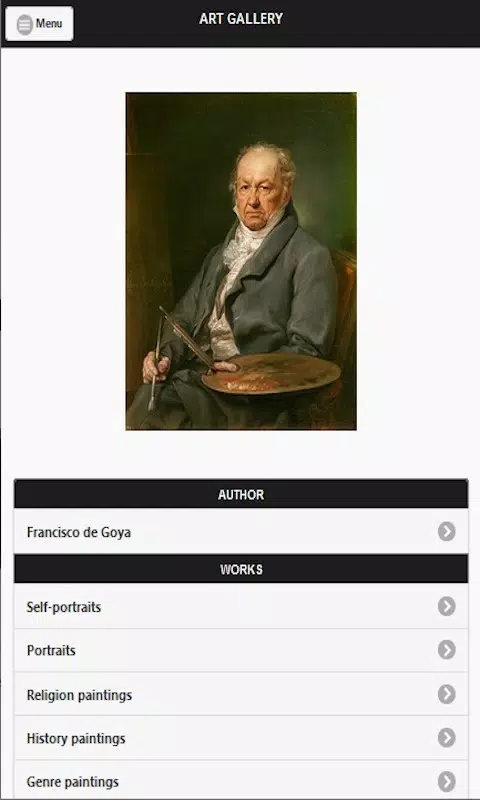
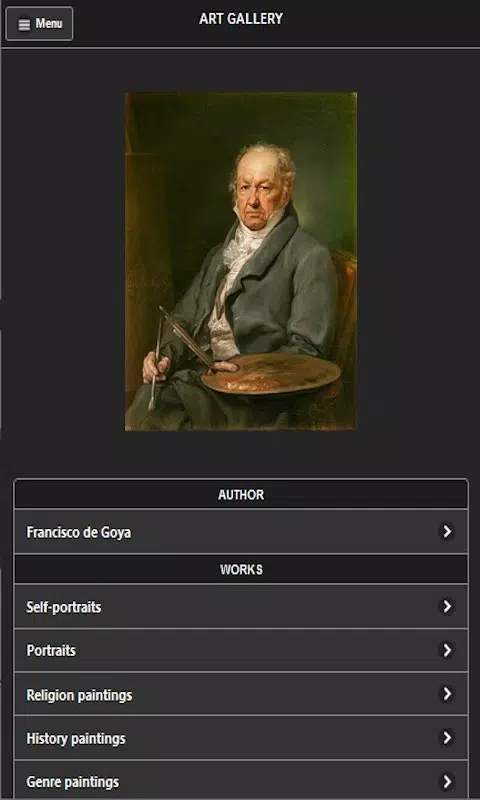
Goya is a mobile gallery app that brings the paintings and engravings of Francisco de Goya to your device, presenting a carefully curated selection of images, historical context, and interactive tools so users can explore the artist's career from courtly portraiture to the darker prints that influenced later modern art movements. The app opens with a clear home view where featured works and suggested study paths are visible at a glance, and it is designed for art lovers, students, and anyone curious about why Goya remains a pivotal figure in Western art history.
Key features and visual presentation
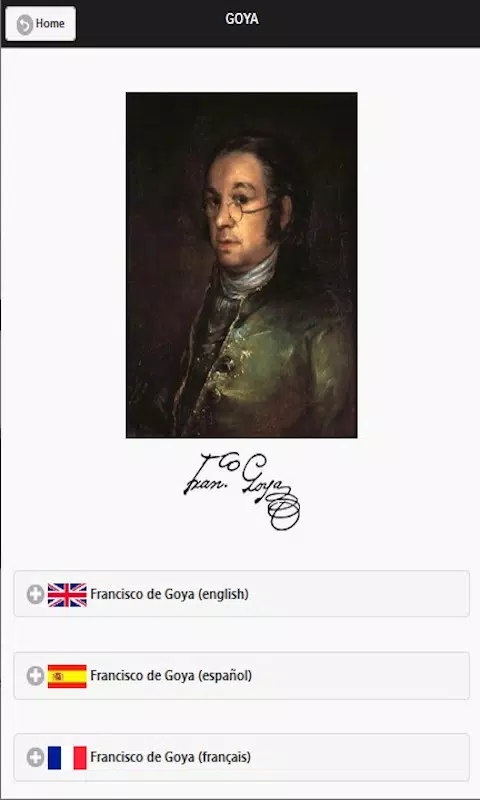
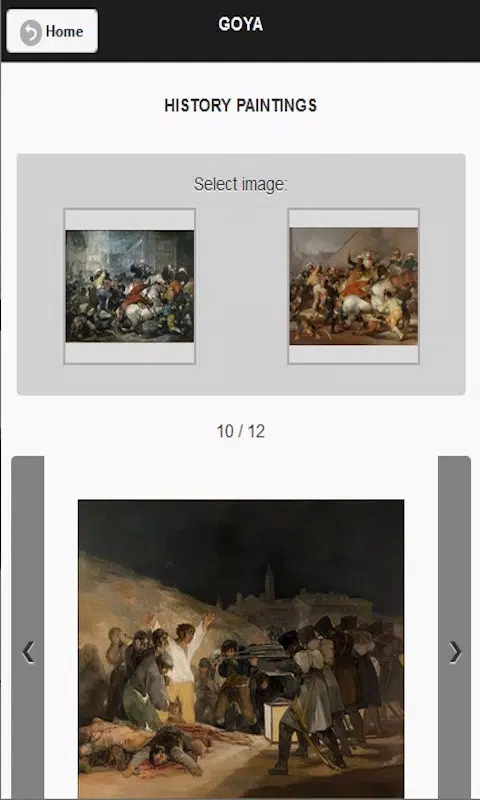
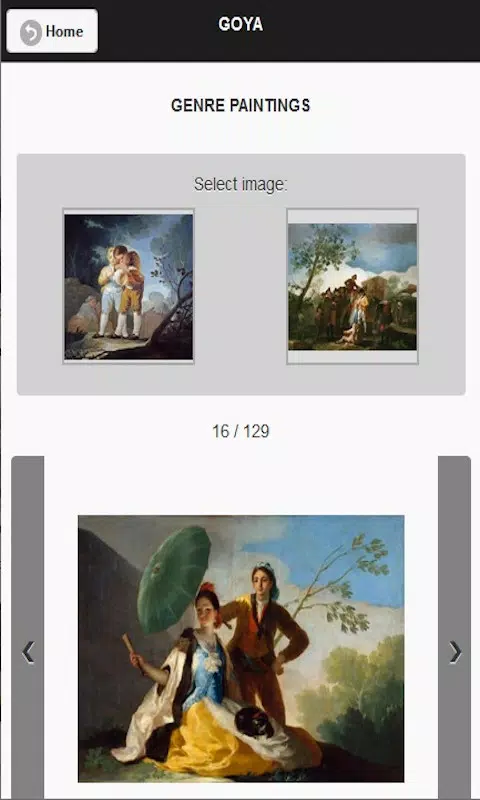
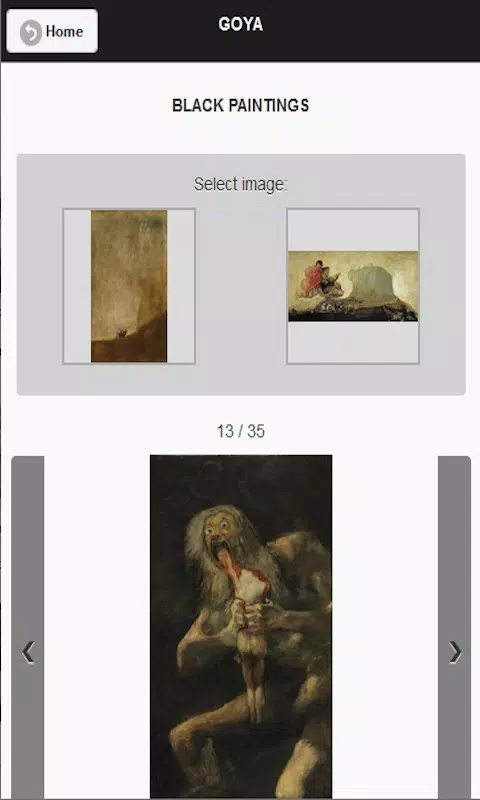
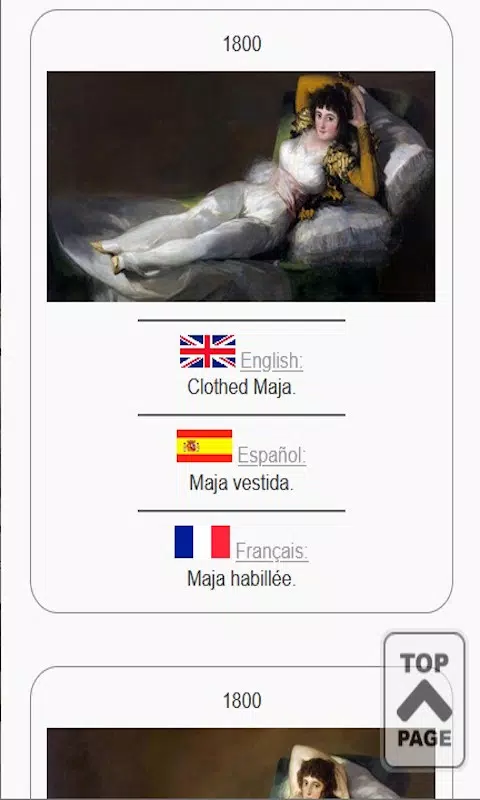
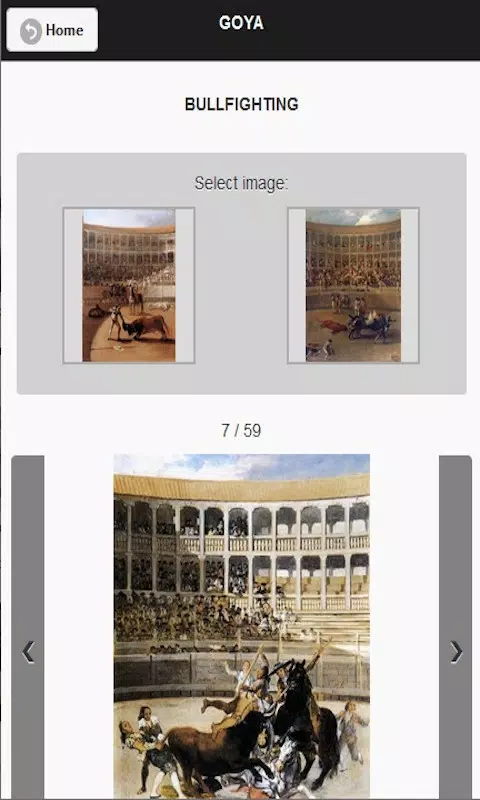
The visual style in Goya emphasizes faithful reproduction of color and texture without artificial filters, so brushwork and print marks remain legible even on smaller screens. High-resolution imagery supports deep zoom and careful inspection, while an image processing pipeline ensures consistent contrast and color management across devices. Iconic works are grouped with explanatory captions that situate each piece in a period, whether early court portraits, the Middle-period tapestry cartoons, or the late, unsettling series of prints and Black Paintings.
Rather than overwhelming the user with every available reproduction, the app offers a curated collection of signature paintings and engravings alongside representative examples of lesser-known techniques. The gallery sections highlight pieces such as the family portrait, major royal commissions, and the haunting symbolic prints, with clear attributions and date ranges so users can trace stylistic developments over time.
Navigation, controls, and progression
Navigation in Goya relies on simple touch controls: swipe horizontally to move through a gallery sequence, pinch to zoom into fine details, and tap to reveal contextual text and references. A persistent timeline control allows users to jump between decades, while filtered views let you browse by theme, technique, or historical moment. These interaction mechanics are designed to be intuitive for both newcomers and academic users.
Learning progression is structured around themed tours and study paths that guide users from introductory overviews to more focused modules on technique, iconography, and historical context. Progress is personal and local to the device: as you complete a tour or mark works as studied, the app records your place so you can resume at any time. Optional study checkpoints provide suggested readings and short reflection prompts to deepen understanding without requiring specialist knowledge.
Customization, replay value, and challenge systems
Customization options in Goya let users build personal collections, save favorites, add brief notes to specific works, and create playlists for different moods or course assignments. These features increase replay value because a casual browse can become a sequenced study session the next time you open the app. For learners who want an active challenge, the app includes optional self-assessment quizzes and discovery challenges that encourage visual comparison, identification of recurring motifs, and timeline ordering. These are single-user exercises intended to reinforce observation skills rather than competitive ranking.
Replay value also comes from rotating featured selections and periodically refreshed contextual essays that highlight a different aspect of an artist's practice or a museum's recent research. Because collections are arranged by era and theme rather than a fixed menu, users often discover new connections on repeated visits, which supports both casual enjoyment and deeper study.
User experience, accessibility, and offline use
The user experience prioritizes readable typography, consistent navigation, and easily scannable captions so that users can move between images and supporting text without losing the thread of an argument. Accessibility features include adjustable text size, high-contrast display options, and screen reader compatibility for descriptive captions so users with different needs can access the material. Short audio descriptions accompany many entries for hands-free study or auditory learners.
Goya supports offline play by allowing users to download individual galleries or entire study paths for later viewing without a network connection, making it practical for classrooms, travel, or low-connectivity environments. Downloaded content retains high-resolution imagery and captions while keeping storage use transparent so users can manage space on their device.
Overall, the app balances a museum-quality visual presentation with practical study tools and accessible controls, creating a single, portable reference for anyone who wants to examine Goya's range—from formal portraits to politically charged prints—and to return to those works as often as their interest or course schedule demands.