
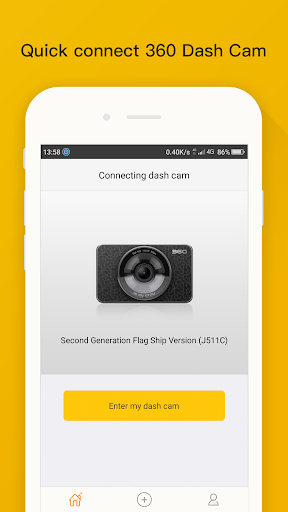
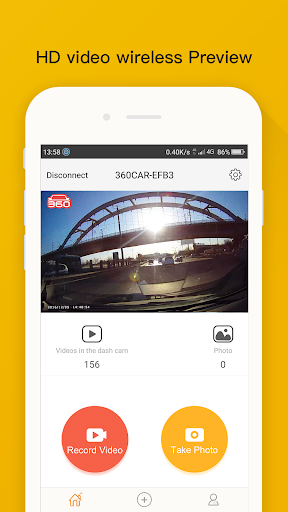
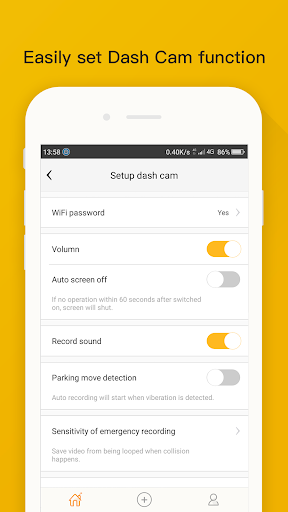
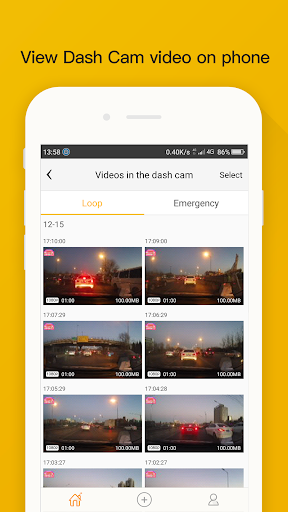

360 Dash Cam connects your phone to the dash cam hardware over Wi-Fi so you can preview and play back recorded video directly on a mobile screen. The app makes it easy to browse footage, check incidents and review trips on a larger display instead of the camera's small built-in screen, bringing a more convenient viewing experience. If you use a 360 Dash Cam device, this companion app simplifies accessing recordings and speeds up playback review, giving a clearer way to inspect what the camera captured while parked or after an event.
Key Features
⭐ Establishes a Wi-Fi connection to the 360 Dash Cam hardware for preview and playback on your phone.
⭐ Preview and play back recorded video directly on the mobile device’s screen.
⭐ Use the phone’s larger display to browse footage and inspect details more comfortably.
⭐ Easy-to-use mobile interface focused on quick access to dash cam recordings.
Advantages
✅ Faster review of recordings compared with using the camera's built-in display.
✅ Convenient mobile playback for checking incidents and reviewing trips.
✅ Larger-screen viewing helps spot details that are hard to see on the dash cam.
✅ Wireless access via Wi-Fi avoids removing the memory card for quick checks.
Disadvantages
❎ Requires a Wi-Fi connection and the compatible 360 Dash Cam hardware to function.
❎ Functionality centers on previewing and playback of recordings rather than advanced editing or backup features.