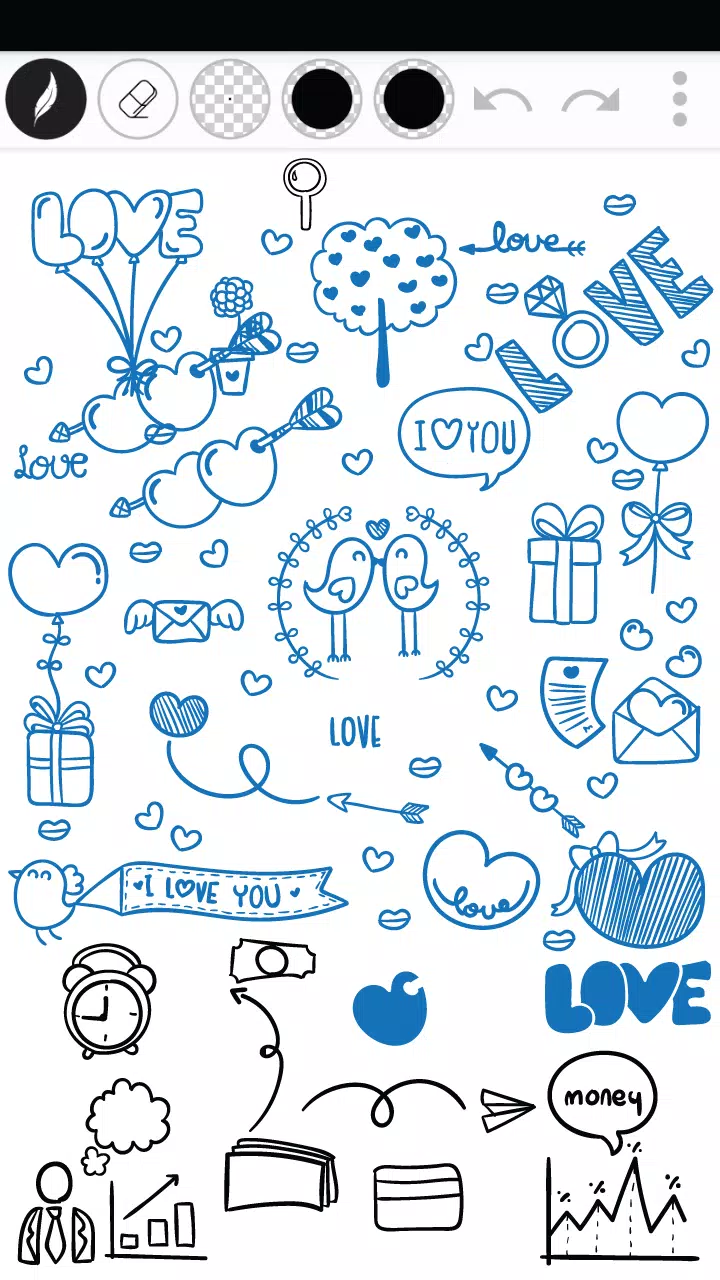
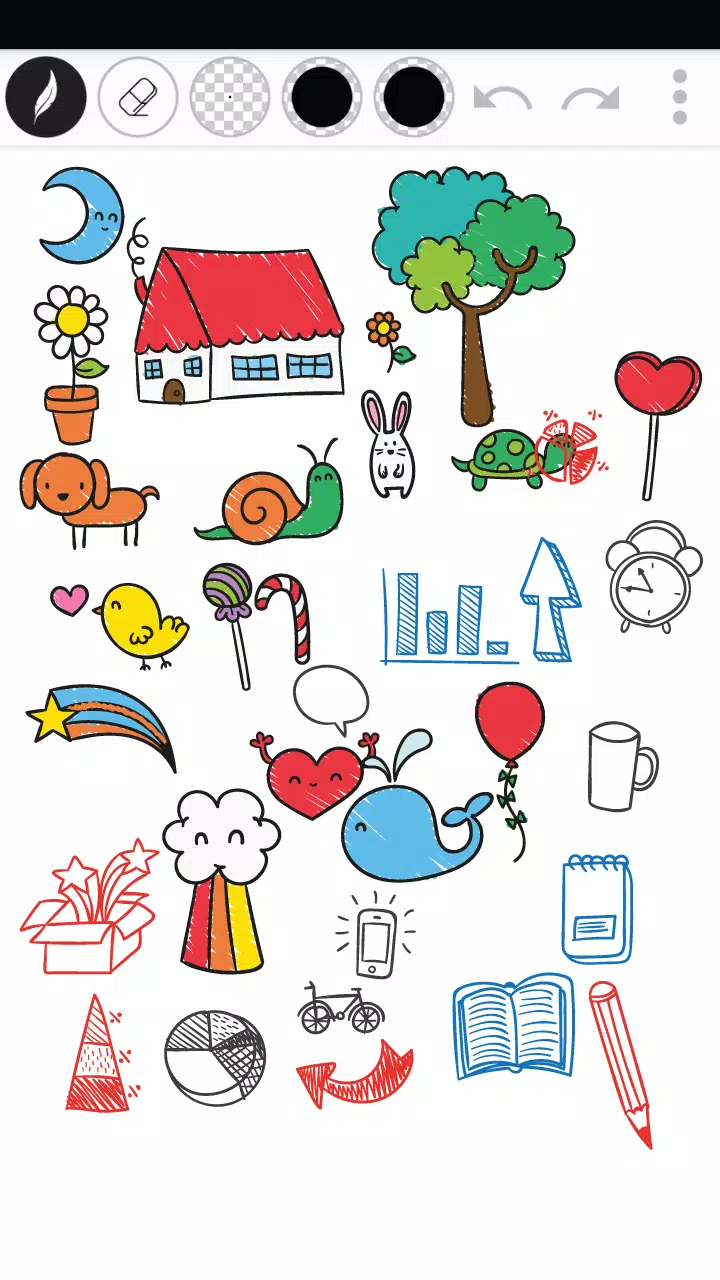
Draw Doodle Art puts a simple, focused doodling studio on your device so anyone can sketch, experiment with color, and save or share creations in seconds. Draw Doodle Art opens immediately to a clean canvas and a short set of tools—multiple pen styles and thicknesses, an eraser, adjustable pen size, color palette options and pen transparency—so casual artists and hobbyists can begin drawing without a lengthy setup.
Key features and tools
The app gives you a streamlined toolbox designed for quick creativity: several pen types that vary stroke texture and thickness, an eraser for corrections, and fine control over pen alpha for subtle shading. The customizable color palette lets you build and store favorite swatches. Undo and redo controls protect experimental work, and export options make it easy to save high-resolution images to your device or share to social platforms. These core tools are intentionally limited to encourage fast workflows rather than a full professional suite.
How drawing works: mechanics and controls
Drawing in this app relies on natural touch interactions: tap to select a tool, then drag to draw with variable pressure simulated by different pen styles and thicknesses. Adjustable pen size and transparency combine to create depth and the impression of layering without complex layer management: by varying alpha and overlapping strokes you can achieve layered-looking art in a few passes. The eraser works as an immediate correction tool, and undo/redo lets you step backward or forward through recent edits while you refine a sketch.
Progression and practice
This title does not impose levels or gated content; progression is user-driven. As you spend time sketching with Draw Doodle Art you’ll notice steady improvement in line control, composition, and color blending. The app supports a practice-based progression model: repeated use, experimenting with pen thickness, and exploring transparency lead to more confident, detailed doodles. Users can create simple warm-up sketches, repeat exercises to improve specific skills, and track their development by saving dated versions of work to the device gallery.
Customization and visual style
Customization focuses on what matters for quick creativity: configurable pen sizes, multiple stroke styles, and a flexible color picker. These controls let you shift between loose, playful doodles and tighter, more deliberate illustrations. Because Draw Doodle Art emphasizes simplicity over complexity, the visual style of your work comes from your choices of line weight, opacity, and color rather than preset filters or heavy effects. This approach keeps the interface light while offering meaningful artistic control.
Canvas structure and replay value
The app is freeform rather than level-based: there are no stages or competitive systems built in, which enhances replay value for users who appreciate unrestricted drawing time. Replay value comes from daily practice, experimenting with new color schemes, recreating reference images, or developing short series of themed doodles. Because saving is fast and exporting is straightforward, you can keep evolving pieces across multiple sessions and revisit previous explorations.
Saving, sharing and offline play
Draw Doodle Art is designed to work without an active internet connection for core drawing tasks: open the app and create sketches offline, then export or share when you’re ready. Save images locally in common formats so your work remains accessible, and use the built-in sharing options to post finished pieces to social networks or messaging apps once you have connectivity. Offline capability makes the app convenient for travel, sketch sessions, and practice anywhere.
User experience and accessibility
The interface is intentionally uncluttered to make tools easy to reach for users of all ages and abilities. Clear iconography and predictable controls reduce the learning curve, and adjustable pen size and opacity help users with limited fine-motor control produce satisfying results. Because the app avoids dense menus and keeps common functions available on the main canvas, beginners can start drawing immediately while more experienced users can refine technique with minimal friction.
Limitations to consider
Draw Doodle Art prioritizes speed and approachability over advanced illustration features. It is not intended to replace full-featured graphic editors: there is no complex layering system, no vector export, and no integrated professional workflow tools. Users seeking advanced editing, precise typography control, or industry-grade color management may find the feature set limited. For quick sketches, concept doodles, and casual creative play, however, Draw Doodle Art provides a fast, reliable, and pleasant drawing environment.