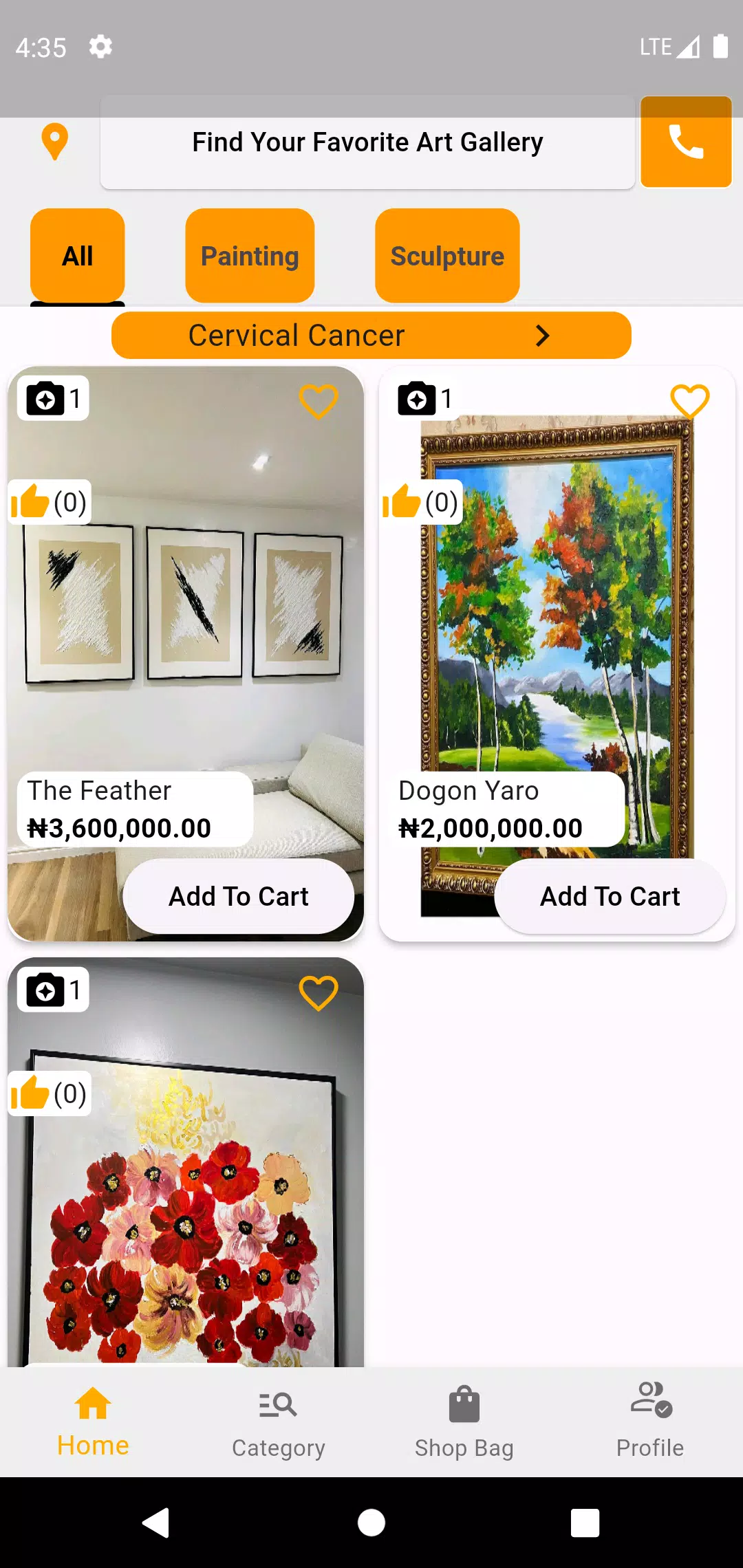
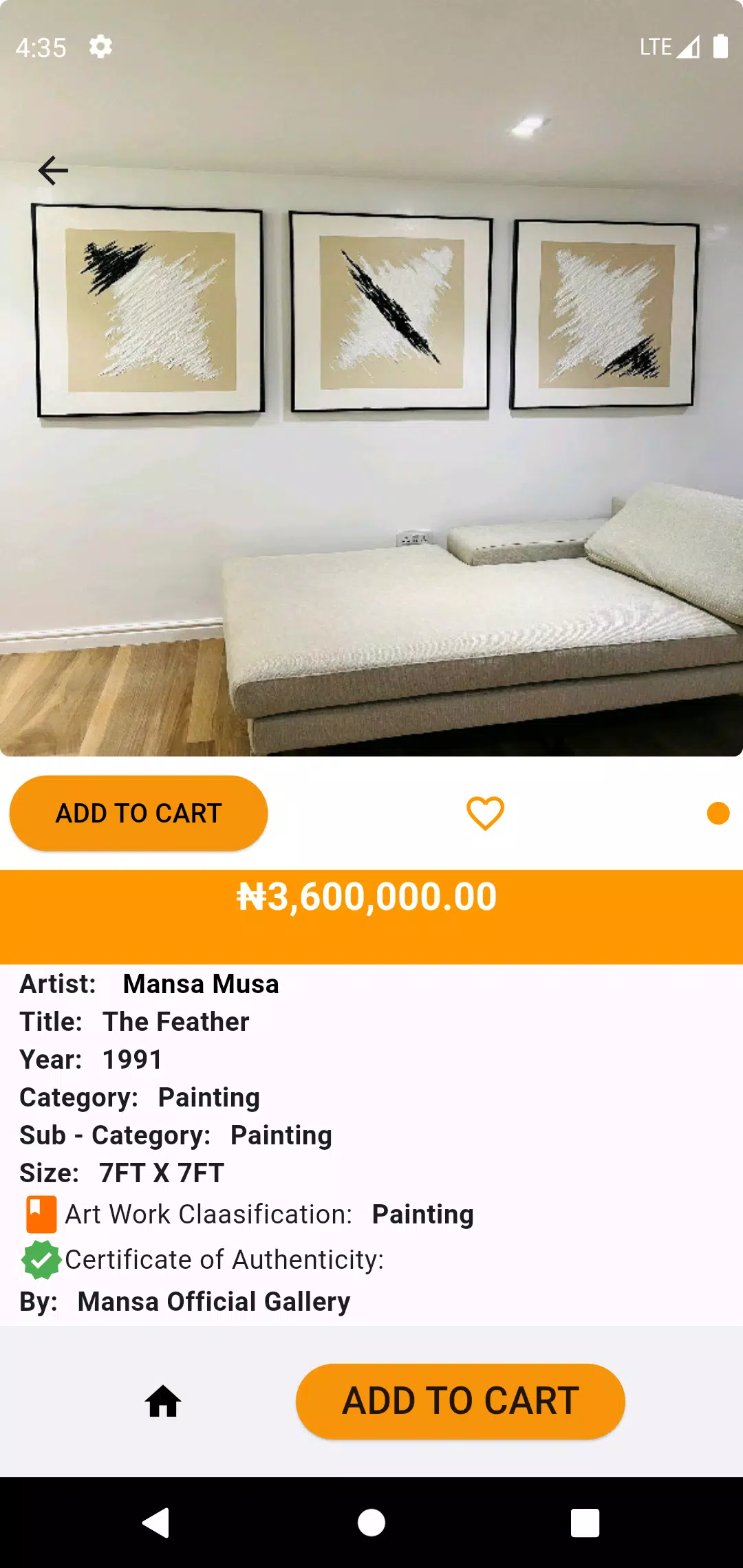
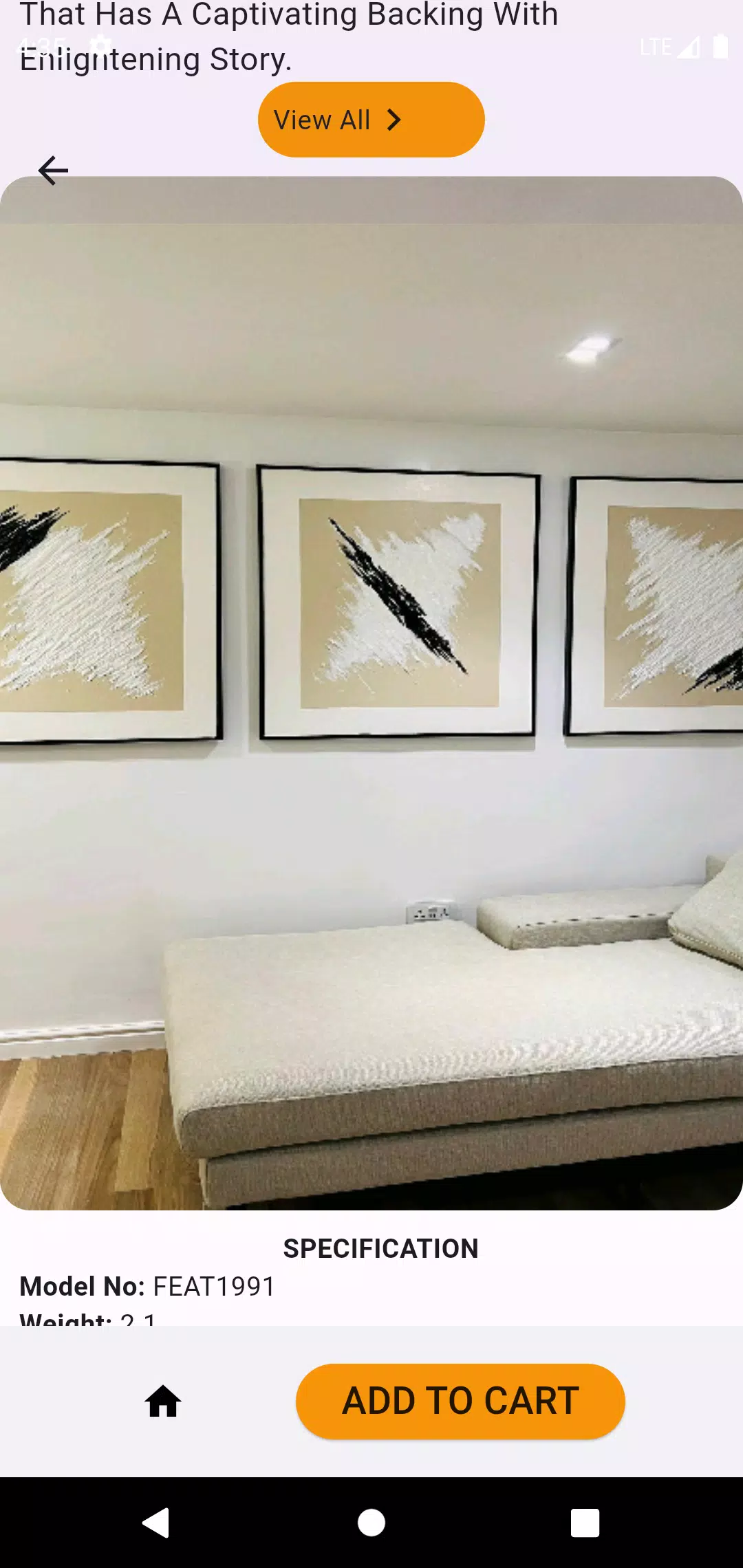

Art Breeze is a compact and capable digital studio that helps users create, edit, and organize artwork with minimal distraction. Art Breeze places essential brushes, layer controls, templates, and export options within reach so hobbyists and experienced artists can sketch ideas, refine compositions, and save finished pieces in a few straightforward steps. The app's focus is to shorten the gap between inspiration and output while keeping projects accessible across sessions through organized project folders and automatic saves.
Tools and Controls
The drawing and painting tools emphasize direct manipulation: pressure-sensitive brushes, adjustable opacity and size, and smoothing controls let lines feel natural whether you use a finger or a stylus. Brush settings are customizable so you can tweak flow, hardness, and texture to match a personal style, and presets allow quick switching between pencil, ink, marker and soft brush types. Touch gestures support quick actions like pinch-to-zoom, two-finger rotate, and multi-touch pan, which makes navigating large canvases simple on smaller screens.
Canvas, Templates, and Visual Style
Art Breeze provides multiple canvas sizes and aspect ratios suitable for web, print, and mobile outcomes, and includes starter templates for common layout tasks such as thumbnails, storyboard frames, and poster compositions. The visual design of the app itself favors a clean, low-contrast interface so palettes and artwork stand out; UI elements can be hidden to maximize drawing area. Color tools include swatches and palette starters that help maintain color harmony through a project, and the app supports both muted and vivid visual styles depending on your chosen brushes and blending modes.
Layer and Composition Management
Layer handling is designed to be approachable but flexible: add, rename, reorder, and group layers, and use simple blending options to combine textures and colors. Layer opacity and lock controls allow non-destructive edits, and frequently used actions such as merge-down and duplicate are available to speed composition work. These features help artists explore variations without losing earlier steps, encouraging experimentation during the creative process.
Workflow, Progression, and Project Organization
Rather than a linear level system, progression in Art Breeze is reflected through project depth: users develop ideas from rough sketches to refined compositions using templates, layer snapshots, and iterative presets. Project organization includes folders and autosave to keep files neat and protected, and a clear project list makes it easy to resume work where you left off. For creators building a personal routine, recurring templates and reusable palettes speed up repetitive tasks and help establish a reliable workflow.
Customization and Replay Value
Customization is central to repeat use: you can build a library of brush presets, save favorite palettes, and craft template bases that become the starting point for multiple projects. This setup increases replay value because the same base materials can be repurposed for new ideas, practice sessions, or quick commissions. Regular use is encouraged by the ability to adapt the interface and tools to your preferred working habits so the app grows with your process.
User Experience and Accessibility
The user experience focuses on clarity and low friction: tool labels are concise, menus avoid deep nesting, and common actions are reachable with minimal taps. Accessibility features include scalable UI elements and larger touch targets for precision, and the app supports pen pressure for users with styluses. Color-blind-friendly palettes and adjustable contrast help make the workspace comfortable for a broader range of users, while undo/redo and non-destructive layer options reduce the frustration of accidental changes.
Offline Use and Export
Art Breeze is designed to function offline so you can work without a network connection; autosave keeps local copies secure and files are easily exported to common image formats for sharing or further editing in other tools. Export options include common raster formats and straightforward quality controls so your images are ready for social sharing, printing, or archiving. Because the app focuses on reliable local workflow, it integrates smoothly with other parts of a creator’s toolchain without requiring constant connectivity.
Challenges and Limitations
While Art Breeze covers the essentials for sketching, painting, and project organization, it does not aim to replace large desktop suites that offer extensive filters, advanced vector tools, or complex batch processing. Performance and available features will vary by device hardware and screen size, so high-resolution canvases or very large document sets may run slower on older devices. Despite that, Art Breeze remains a practical, approachable option for artists seeking a streamlined mobile studio.