
UB500DVR is a companion application designed to let you control, view, and manage the UB500 dash cam directly from an Android smartphone. UB500DVR connects to the camera over WiFi and provides live video streaming, quick access to recordings stored on the camera’s SD card, and playback of video files saved locally on your phone. The interface is intended to simplify routine tasks like reviewing footage, transferring clips to your device, and adjusting basic recording settings without cables or desktop software.
Key features and workflow
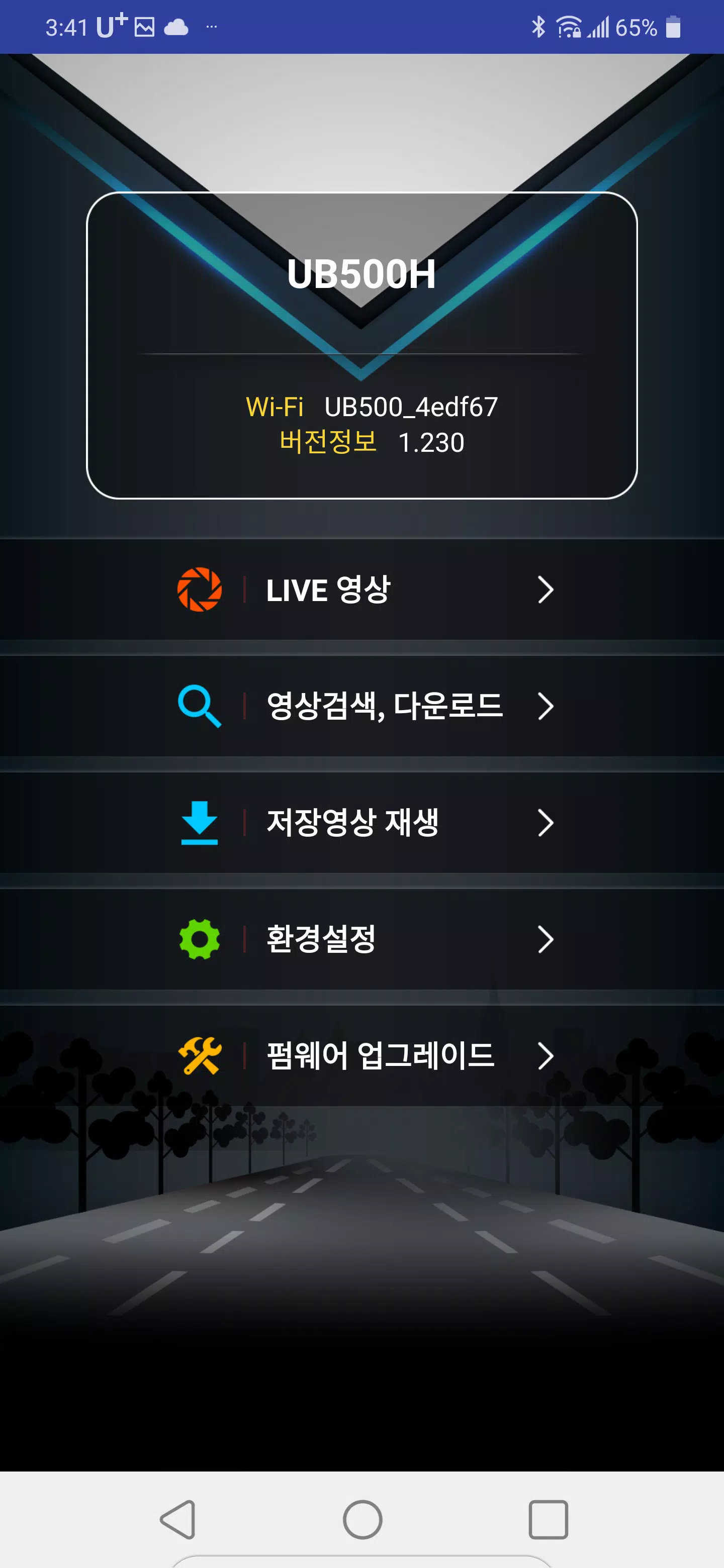
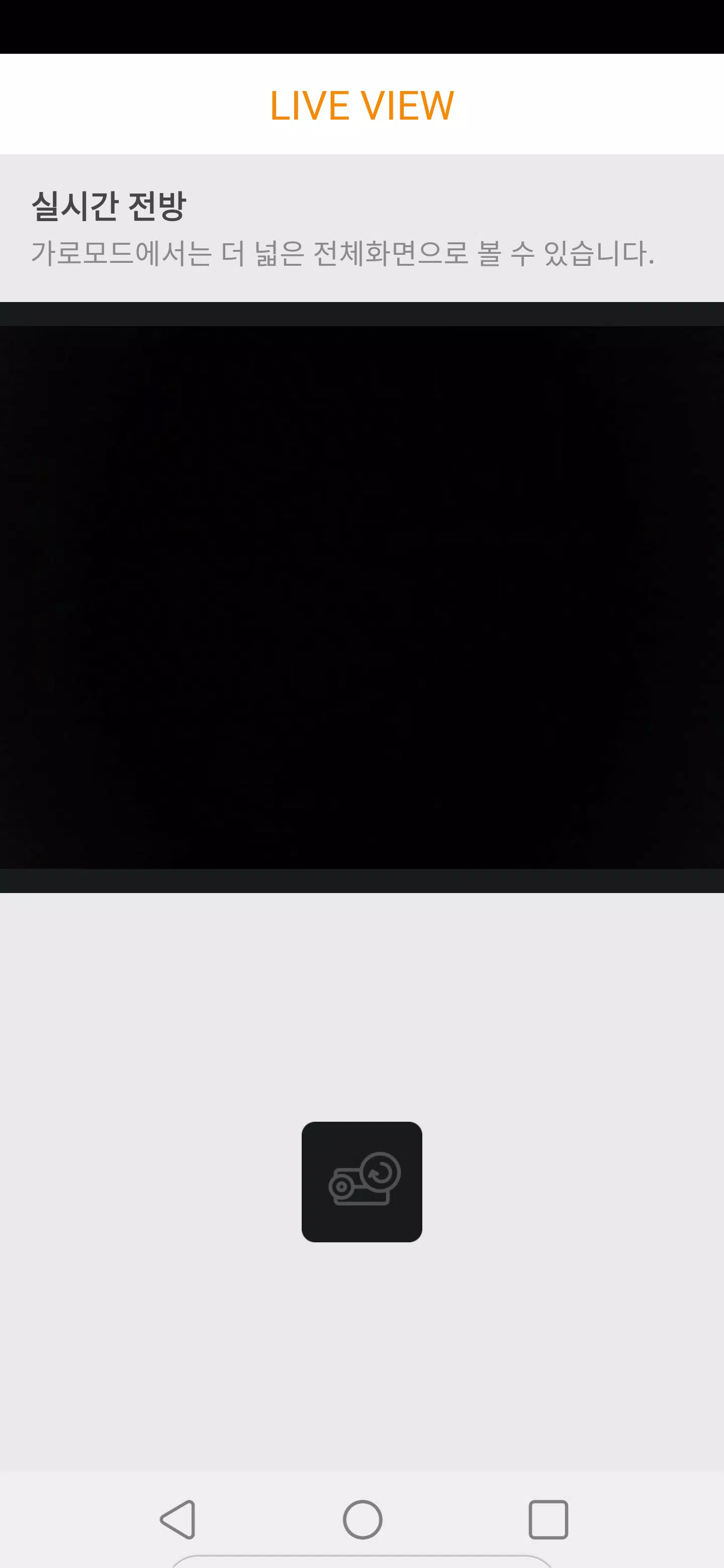
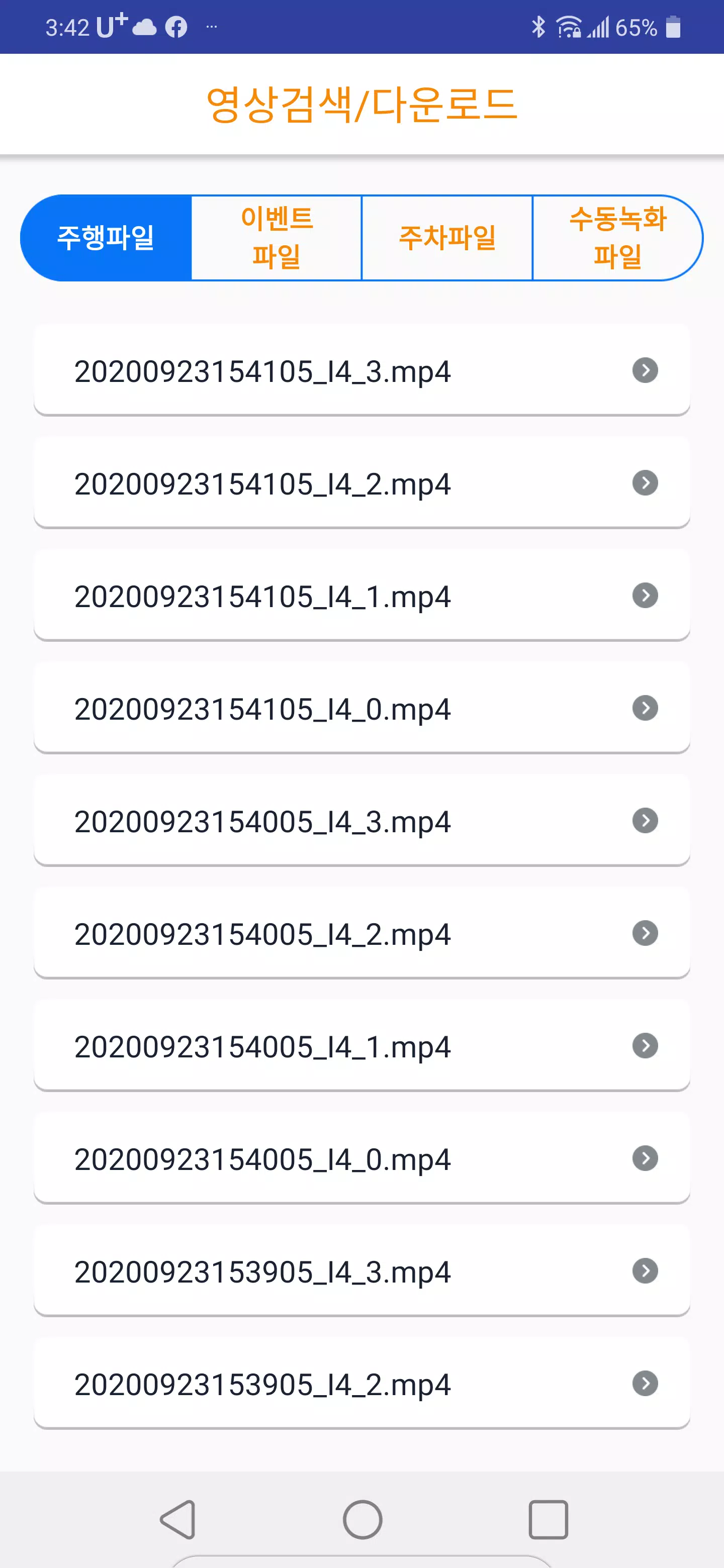
The app offers a straightforward workflow: connect your phone to the UB500 wireless network, open the live view to monitor the camera feed in real time, then browse recorded files and download any clips you need. Live streaming is optimized for low-latency preview so you can check camera orientation and framing before a trip. Recording access presents thumbnails and timestamps so it’s easier to locate events, and on-device playback uses Android’s native codecs for compatibility with most phones.
Controls and user interface
Controls are designed to be simple and discoverable. The live view includes basic on-screen controls for start/stop preview and toggles for audio or recording overlays. Playback offers familiar media controls — play, pause, seek, and a scrub timeline to jump through longer clips — plus a download option to save a copy to your phone. The menu follows a clear hierarchy (Live View, Recordings, Settings) so users can move between monitoring and file management without hunting through nested screens.
File management and progression
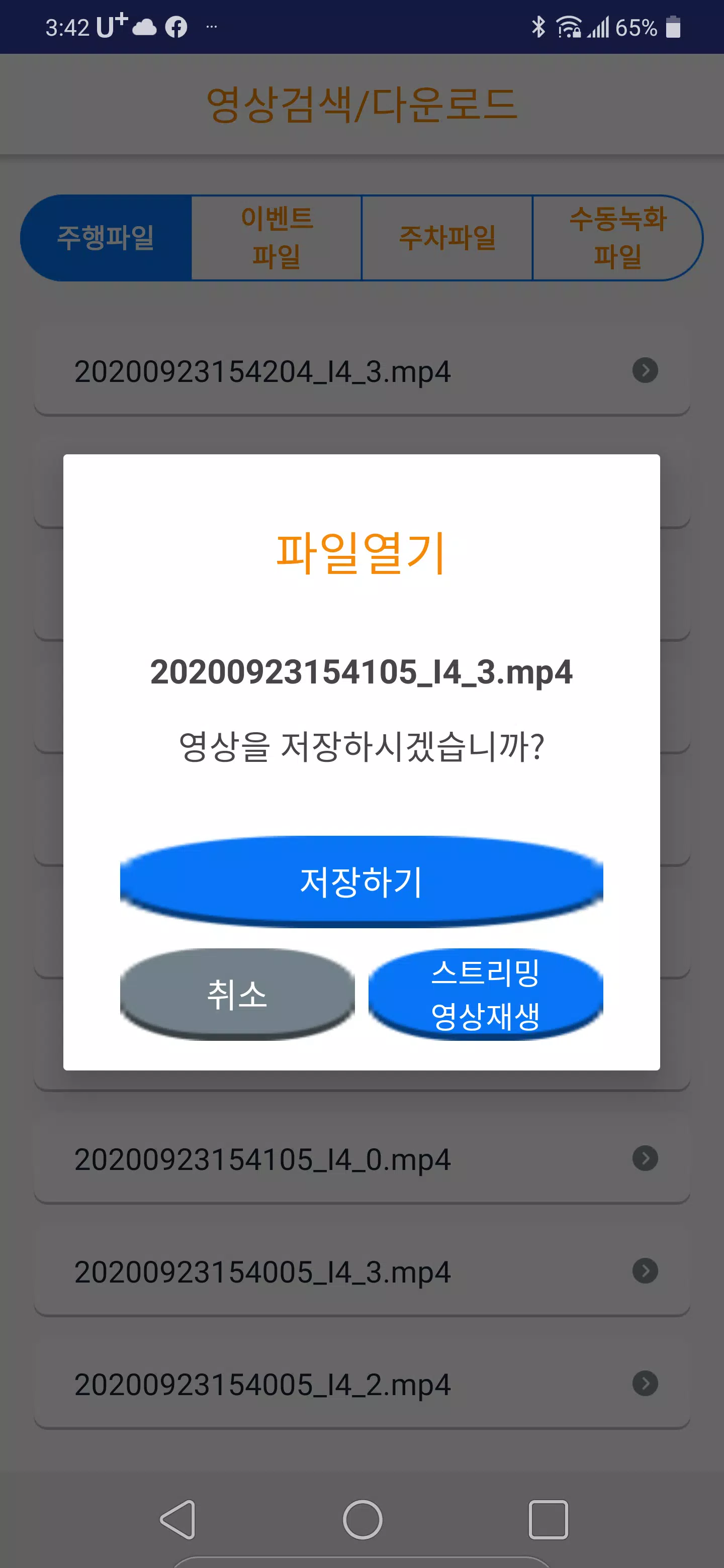
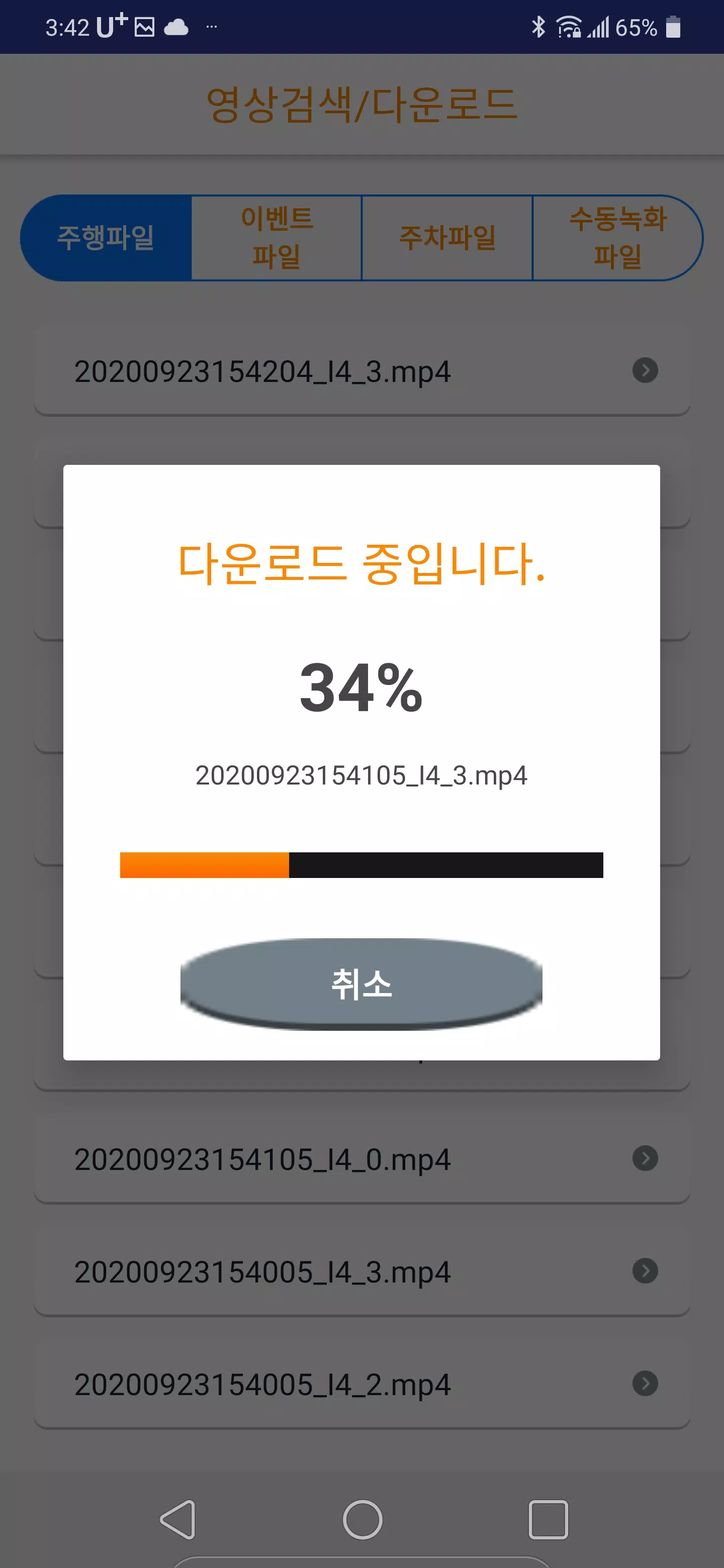
Recorded clips on the UB500’s SD card can be streamed for quick review or downloaded to local storage for longer-term keeping. This progression — previewing, then downloading, then reviewing offline — mirrors common dash-cam workflows and helps manage limited SD card space. Files are organized by date and time to simplify incident searches; users can use their phone’s file manager after download to archive clips or attach them to reports if needed.
Settings and customization
UB500DVR provides access to the camera’s core recording settings so you can adjust resolution and basic recording parameters from your phone. These options let you tailor video quality and storage behavior to your needs, for example favoring higher resolution for detailed capture or lower resolution to extend recording time. The app keeps setting labels clear and uses contextual descriptions so non-technical users can understand trade-offs without memorizing technical jargon.
Visual style and accessibility
The visual design emphasizes clarity: a large preview area for the live feed, readable labels, and high-contrast controls to help visibility in daylight or at night. The app respects Android accessibility services, making it compatible with common screen readers and system font scaling. Buttons and touch targets are sized to reduce accidental taps while driving (use only when parked), and playback controls remain responsive even on mid-range devices.
Offline play and device compatibility
Downloaded files are stored on your phone and can be played back entirely offline, so you can review footage when a WiFi connection is not available. UB500DVR relies on the UB500 dash cam hardware to function and is designed for Android devices; it does not provide direct iOS compatibility. In cases where you cannot connect to the camera, previously downloaded clips remain accessible in your device’s storage for review and sharing.
Performance, limitations, and tips
Performance depends on the WiFi link between the phone and the UB500 camera: range, phone model, and local interference affect streaming quality. To improve reliability, keep the mobile device close to the camera during transfers, ensure the camera firmware is up to date, and avoid crowded 2.4 GHz environments when possible. Remember that UB500DVR is not a standalone recorder — without the UB500 dash cam hardware the app cannot capture new footage.
Installation and troubleshooting
Setup is intentionally minimal: install the app, connect your phone to the WiFi network broadcast by the UB500 camera, and open the app to detect the device automatically. If the camera does not appear, verify the camera is powered on and broadcasting, check phone WiFi settings, and restart the app. For persistent issues, consult the device manual or support resources provided with the UB500 hardware.