
Ahesan Editing

| Package ID: | |
|---|---|
| Latest Version: | v1.1 |
| Latest update: | Aug 07, 2026 04:34:04 |
| Developer: | ideaxa |
| Requirements: | Android |
| Category: | Wallpaper |
| Size: | 5.60 MB |
| Tags: | Navigation Photo Date |
Rating :4.5
Ahesan Editing is a curated asset library designed for photo editors, designers and creative hobbyists who want a searchable collection of ready-to-use visual building blocks. Ahesan Editing places HD backgrounds, transparent PNG cutouts, professional brush packs and a focused selection of fonts within quick reach so you can preview and download elements without switching between multiple sites. The app emphasizes clear metadata and visual previews so you can confirm file types and approximate resolutions before saving assets for social posts, portfolio work or client projects.
Key features
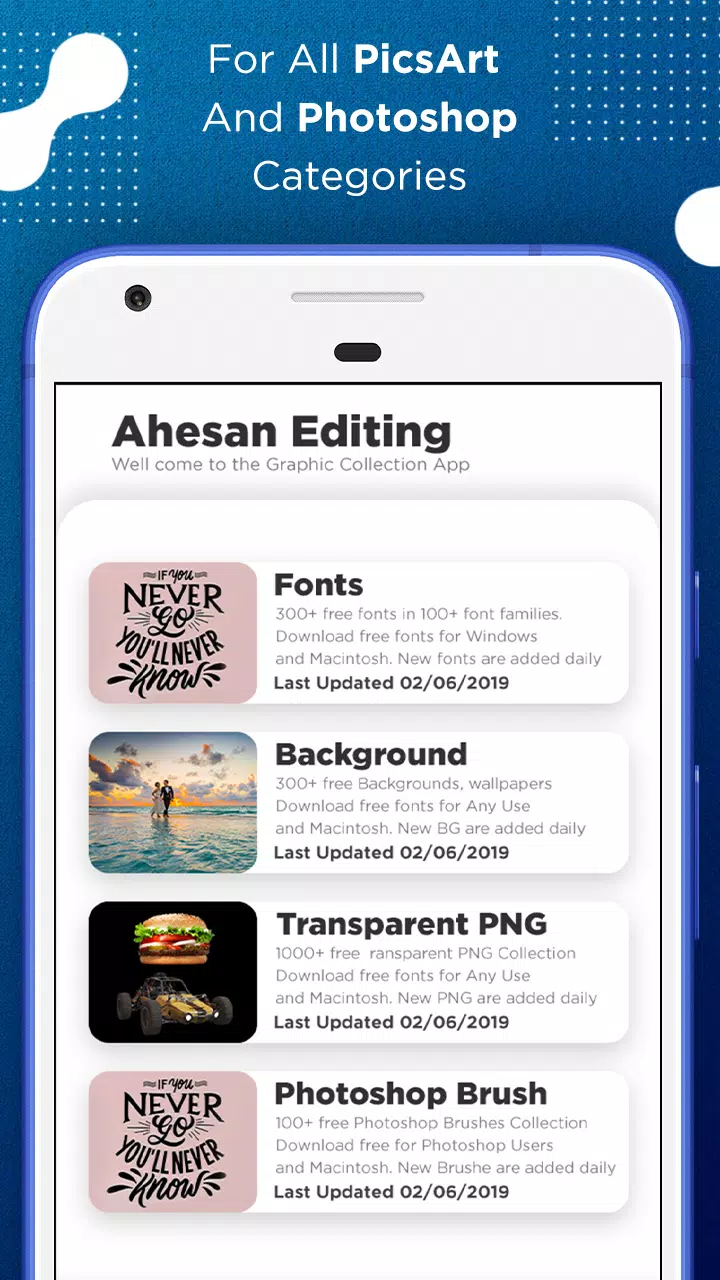
The app organizes content into category-level collections for rapid discovery: backgrounds, more than thirty PNG object categories, brushes in common formats and curated font packs for display and title work. Previews render transparent PNGs over thumbnails so you can judge edge quality and fit; brushes are packaged to be compatible with mainstream editors and fonts are provided as installable files. A single search field supports partial matches and tag-based filtering, and themed packs collect complementary assets for fast assembly of collages, thumbnails and branded posts.
How the app works
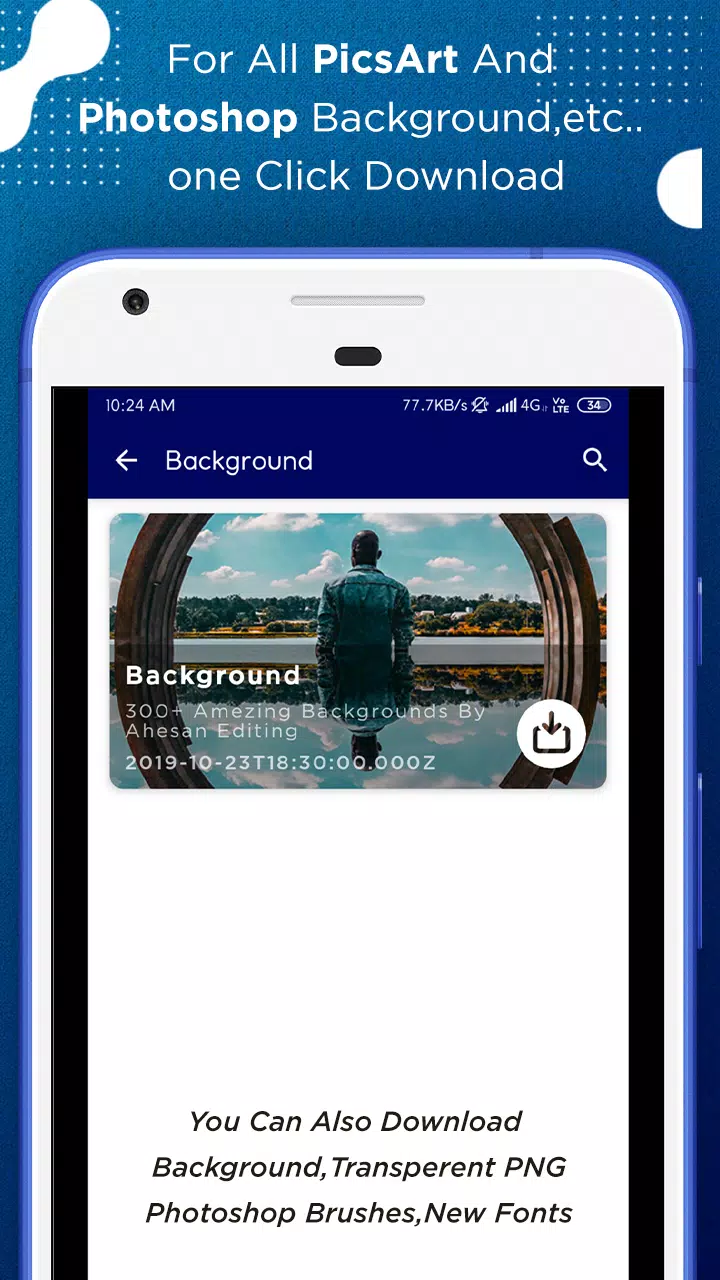
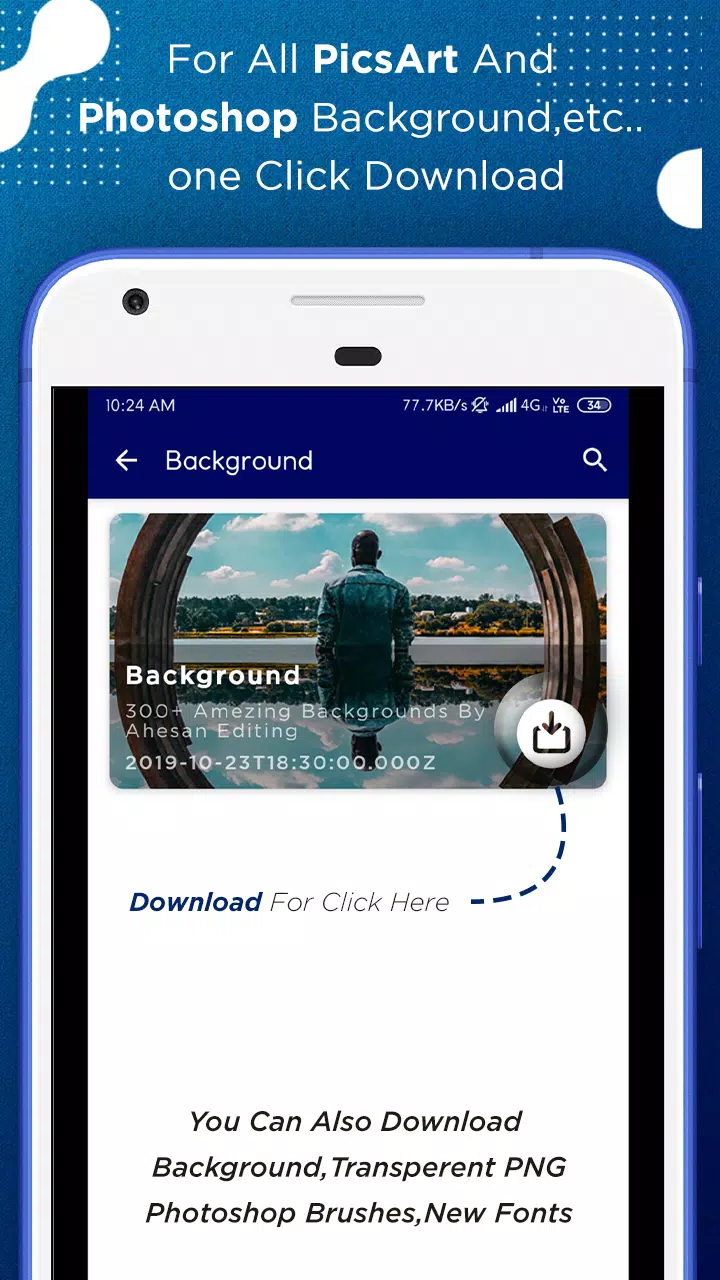
Browse by category or jump straight to curated packs for a faster workflow. Each asset entry shows a preview image, the file type (PNG, brush format or font) and an approximate resolution to help you assess compatibility. Tap an asset to view details and then download to store the file locally. Downloaded items appear in a management panel where you can track progress, open the file in an external editor or remove it to free storage. The search and filter tools let you narrow results by keyword, tag or asset attributes so locating a specific prop or effect becomes a short, repeatable task.
Controls and user experience
The interface is intentionally simple and touch-driven: swipe through categories, pinch to zoom preview images and tap to open asset pages. Thumbnails are optimized to load quickly on mobile networks while preserving enough detail to evaluate an asset. Downloads are queued and displayed in a single place with progress indicators; you can pause, resume or cancel transfers as needed. Favorites let you pin commonly used assets for immediate access during multi-step projects, and consistent naming and metadata reduce friction when importing into other tools.
Customization, compatibility and workflow
Ahesan Editing provides modular resources rather than a full editor, so customization happens when you import assets into your preferred image program. Brushes are supplied in standard formats that work with many common apps, and fonts are installable for use in titles and overlays. Because assets retain full resolution, they can be scaled and layered in high-quality compositions; many creators pair the library with a light mobile editor for quick social updates and a desktop application for final color grading and export. The app also supports clear metadata so you can match assets to your project requirements before download.
Organization, progression and replay value
The catalog is the app’s progression model: weekly updates introduce new backgrounds, PNG categories and font options that slowly expand creative possibilities. Collections and tags let you build project-specific libraries, and the favorites system helps you assemble reusable sets for recurring content types. Because assets are modular and non-destructive, you can recombine the same elements across multiple images and iterate quickly, which increases practical replay value for ongoing social calendars and client revisions.
Performance, accessibility and offline use
Preview thumbnails and low-overhead images are optimized for fast loading on constrained connections, and the download manager supports resume after interruptions so transfers continue without repeating completed segments. Downloaded assets are stored locally for offline access during travel or in low-connectivity environments, and basic storage controls let you clear caches and manage disk footprint. The interface uses large touch targets and readable type to support users who prefer simplified navigation or assistive tools.
Limitations and practical notes
While Ahesan Editing streamlines asset discovery and download, it does not replace a dedicated photo editor: combining layers, advanced effects and final color correction must be performed in external software. Brushes and fonts need to be installed into compatible editors before use, and users should review individual asset metadata for usage terms, attribution requirements or commercial restrictions. The app focuses on fast browsing and reliable downloads rather than in-app composition features.
Who will benefit
This tool is suitable for casual creators, social media managers, hobbyist designers and professional editors who require a dependable source of visual components without interrupting their workflow. Ahesan Editing reduces time spent hunting for assets, helps you maintain consistent visual style across projects and supports a modular approach to design so you can concentrate on composition, storytelling and efficient iteration with the right building blocks at hand.