
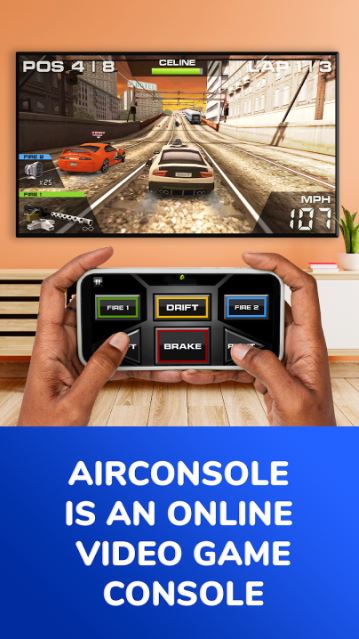
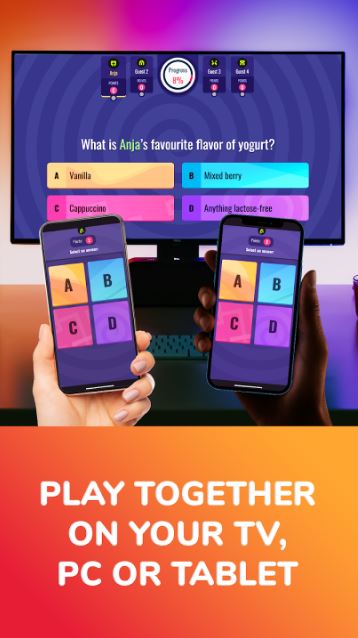
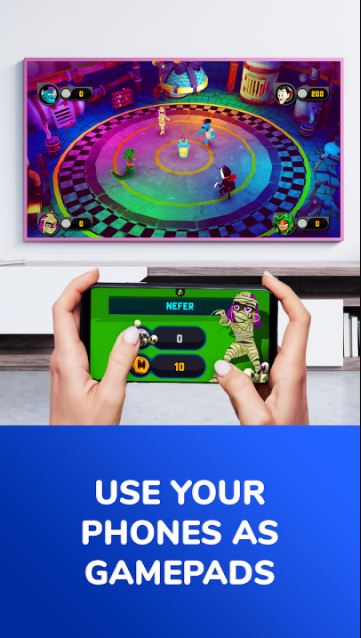

AirConsole turns a large screen and a set of smartphones into an instant local multiplayer hub, perfect for parties, family nights, classrooms, or quick office breaks. The host runs on a computer, smart TV, or tablet while each phone becomes a controller, so you don’t need extra hardware. Setup is fast and intuitive, letting groups join and start playing within minutes. Users who want the latest AirConsole version get a simple way to host and join supported games on shared screens, making it easy to prepare for your next gathering.
Key Features
⭐ AirConsole uses a computer, smart TV, or tablet as the console while players use their phones as controllers, removing the need for additional gear.
⭐ Fast, straightforward setup lets guests connect from their phones and begin a session within minutes.
⭐ Starter Pack offers a rotating weekly selection of free games for up to two players with advertisement breaks to try the service.
⭐ Hero subscription unlocks the full catalog, exclusive in-game content in some titles, and early access to new releases.
⭐ Designed for social use in living rooms, parties, schools, or office events; specific game availability can vary by host device.
Advantages
✅ AirConsole requires only a shared screen and smartphones, keeping setup inexpensive and accessible for groups.
✅ The app supports quick pickup-and-play sessions, ideal for casual gatherings and short breaks.
✅ One Hero subscriber per session can unlock reduced interruptions and premium perks for all participants.
✅ A mix of free Starter Pack titles and paid Hero features lets users try the service before committing.
Disadvantages
❎ Starter Pack access is limited to a two-player selection and includes advertisement breaks.
❎ Full content and some premium benefits require a Hero subscription, so certain features are behind a paywall.
❎ Game availability and specific features may differ depending on the device used to host the session.