
Baby Piano is a colorful educational app that introduces young children to music through playful keyboard interactions and a curated set of simple melodies. Designed for toddlers and early learners, Baby Piano presents over 20 tunes from around the world and a palette of 20 distinct instrument sounds, ranging from a classic piano tone to fun animal voices. With three clear modes—Classical for unconstrained exploration, Tutorial for step-by-step learning, and Karaoke with falling notes to guide timing—this app aims to make the first encounters with music enjoyable and easy for caregivers to share with little ones.
Key Features
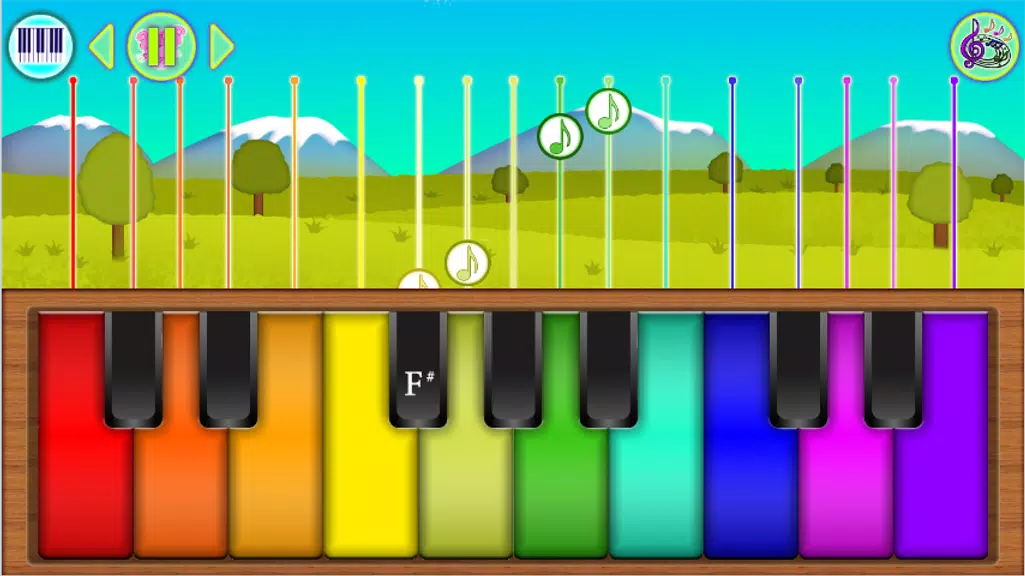
The app includes a selection of more than twenty short melodies that are suitable for short attention spans and repeated play; each tune can be replayed and explored at different tempos. Players can pick from twenty instrument sounds to hear the same melody in new timbres, which encourages experimentation and helps children recognize pitch and timbre differences. The Tutorial mode highlights keys and plays short segments so learners can imitate simple phrases, while Karaoke mode presents falling-note cues that reinforce timing and hand-eye coordination. Bright, high-contrast graphics and large, friendly keys were chosen to help focus and reduce visual clutter for young users.
Gameplay and Controls
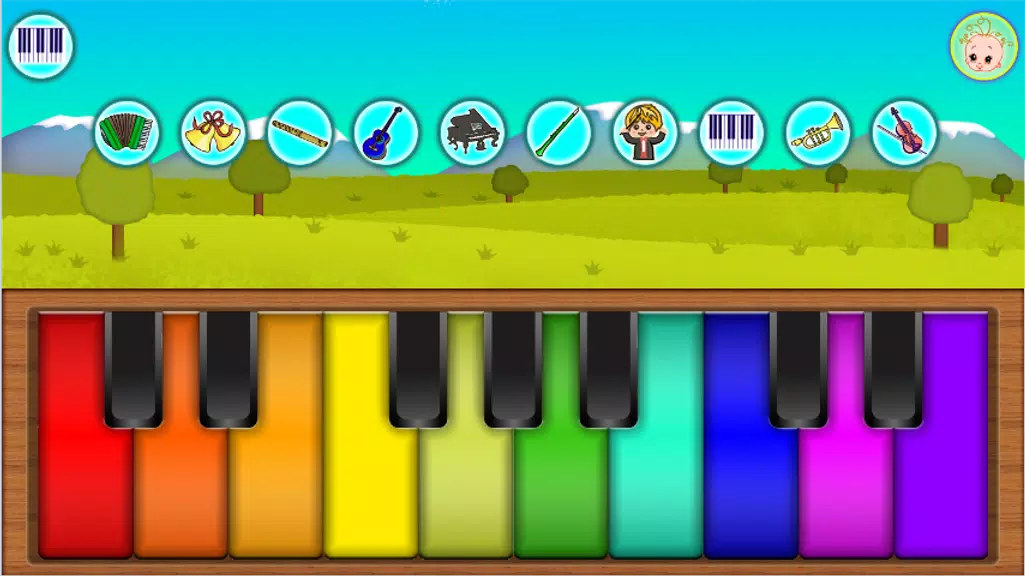
Interaction is based on direct touch: tap individual keys to play notes, or press and drag to play basic glides and short runs. The interface is intentionally simple so children can explore without complex menus; instrument selection and mode switches are accessible with large icons the caregiver can operate for very young players. In Tutorial mode, the app highlights each key to guide finger placement; in Karaoke mode the falling-note system provides a visual rhythm guide that adjusts to slower or faster tempos. Controls include straightforward options to change volume, adjust playback speed, and mute effects, giving caregivers quick ways to tailor sessions to the child’s needs.
Progression and Challenge Systems
Progress is presented as a soft learning curve rather than a rigid leveling system: the Tutorial mode is organized into increasing complexity so a child can move from single-note imitation to short melodic patterns, and Karaoke can be set to progressively faster speeds to challenge timing and coordination. There are optional difficulty settings that modify how many notes are highlighted in Tutorial or how forgiving the timing window is in Karaoke, allowing caregivers to match the activity to the child’s current abilities. Repetition is encouraged through short loops and natural musical phrasing rather than tasks, which helps build confidence without pressure.
Visual Style and Accessibility
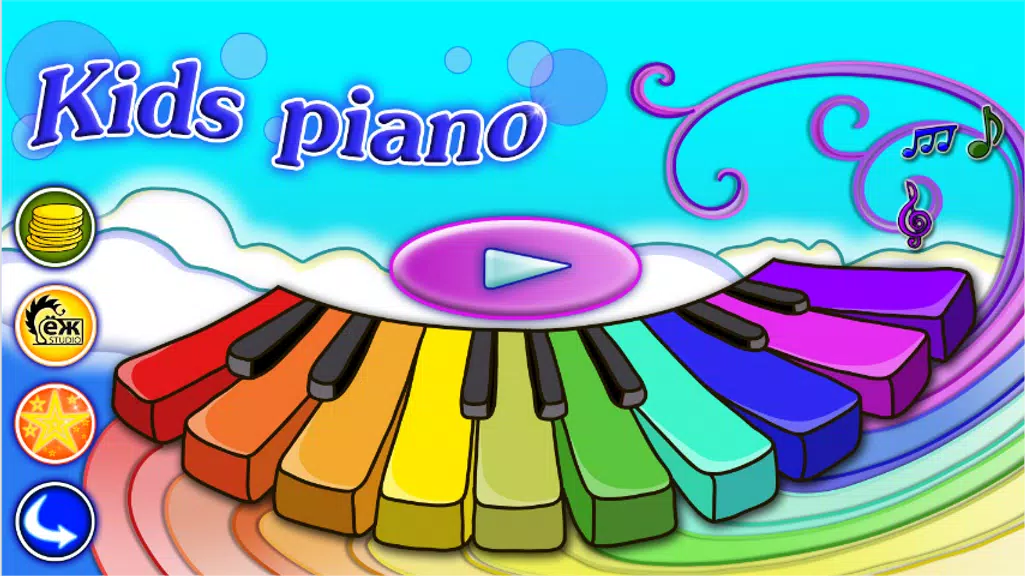
Baby Piano uses a bright, friendly visual style with large icons and high-contrast keys designed for small hands and developing sight. Graphics are kept simple and consistent to avoid overstimulation, and color choices emphasize clear separation between active and inactive elements. Accessibility options include adjustable key size, increased highlight intensity in Tutorial, and simple on/off controls for sound effects. The interface is meant to be usable by caregivers and children together, with minimal text and clear visual cues to support pre-reading users.
Customization and Replay Value
Replay value comes from exploring the same melodies with different instruments and settings: switching a melody between piano, bell, flute, or playful animal sounds changes the listening experience and invites repeat play. Tempo adjustments and the ability to toggle between free play and guided modes let the app serve both relaxed, exploratory sessions and short, focused practice. Because the mechanics encourage improvisation—children can try simple variations on a familiar tune—same pieces remain engaging over multiple sessions.
Offline Play and User Experience
The core experience is designed to work without an active internet connection so families can use the app on the go, in waiting rooms, or during quiet time without relying on data. The app aims for a low-friction setup with clear permissions and a compact install size appropriate for devices used by parents. Audio feedback is immediate and consistent, and settings provide caregivers with quick access to volume and mode adjustments. The overall design favors short, repeatable interactions that fit into everyday routines.
Limitations
Baby Piano is focused on early musical exposure rather than formal instruction: it emphasizes listening, imitation, and simple play over advanced music theory or technique. The set of twenty melodies and twenty instruments is intentionally finite to keep the interface approachable, but users seeking in-depth lessons or extended composition tools may find the app limited. The design priority is accessibility and ease of use for very young children rather than depth for advanced learners.