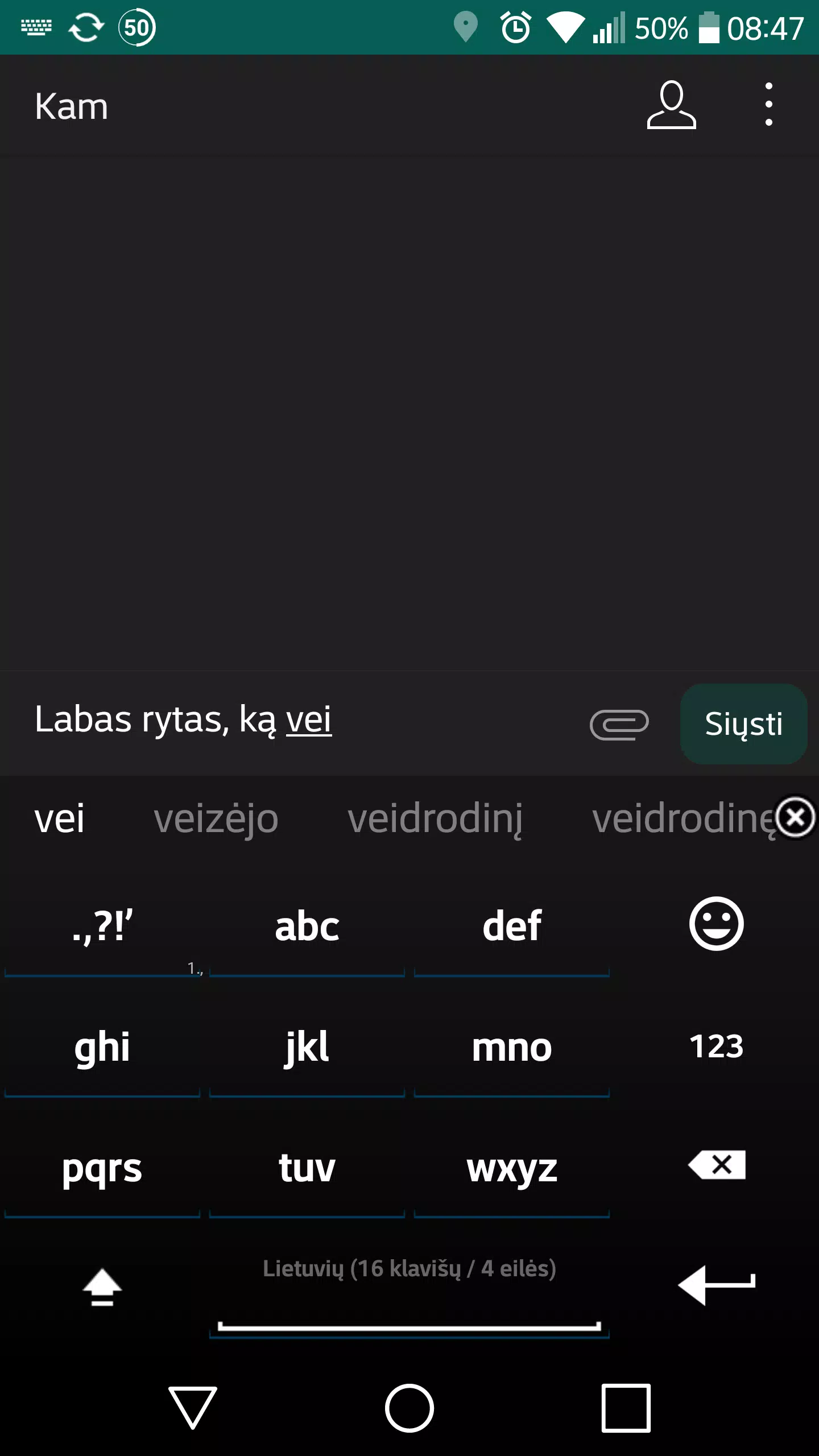
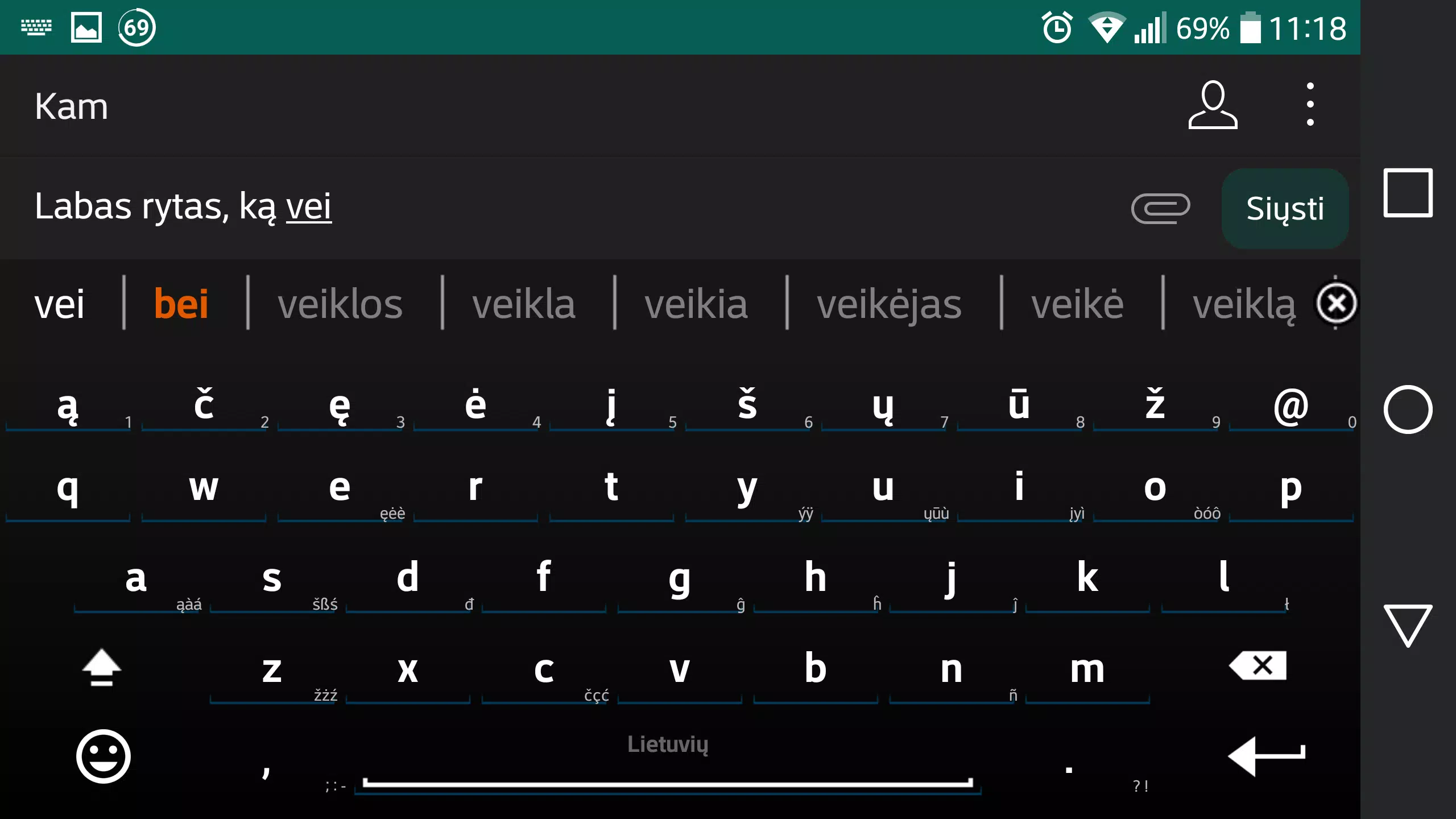
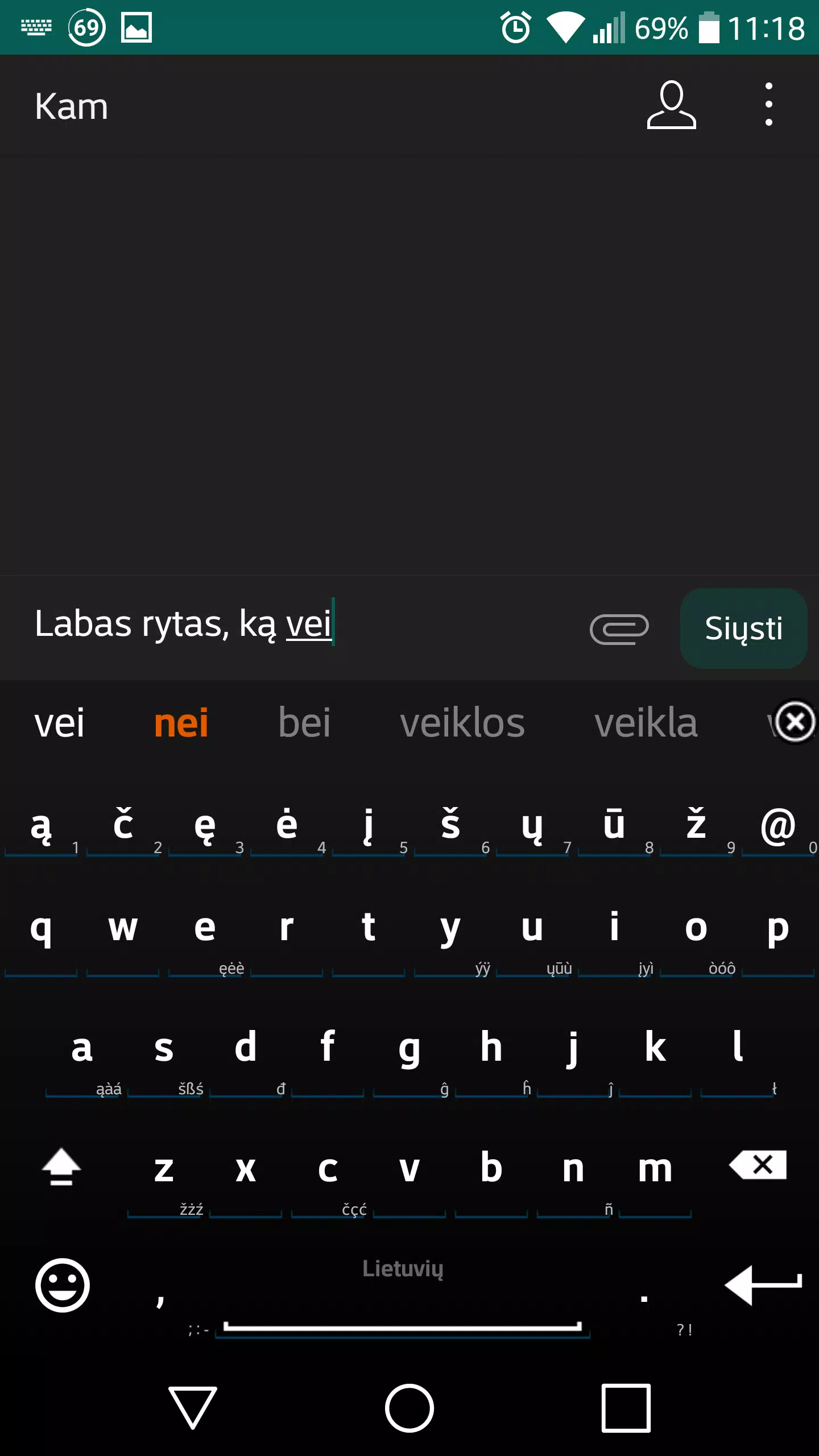
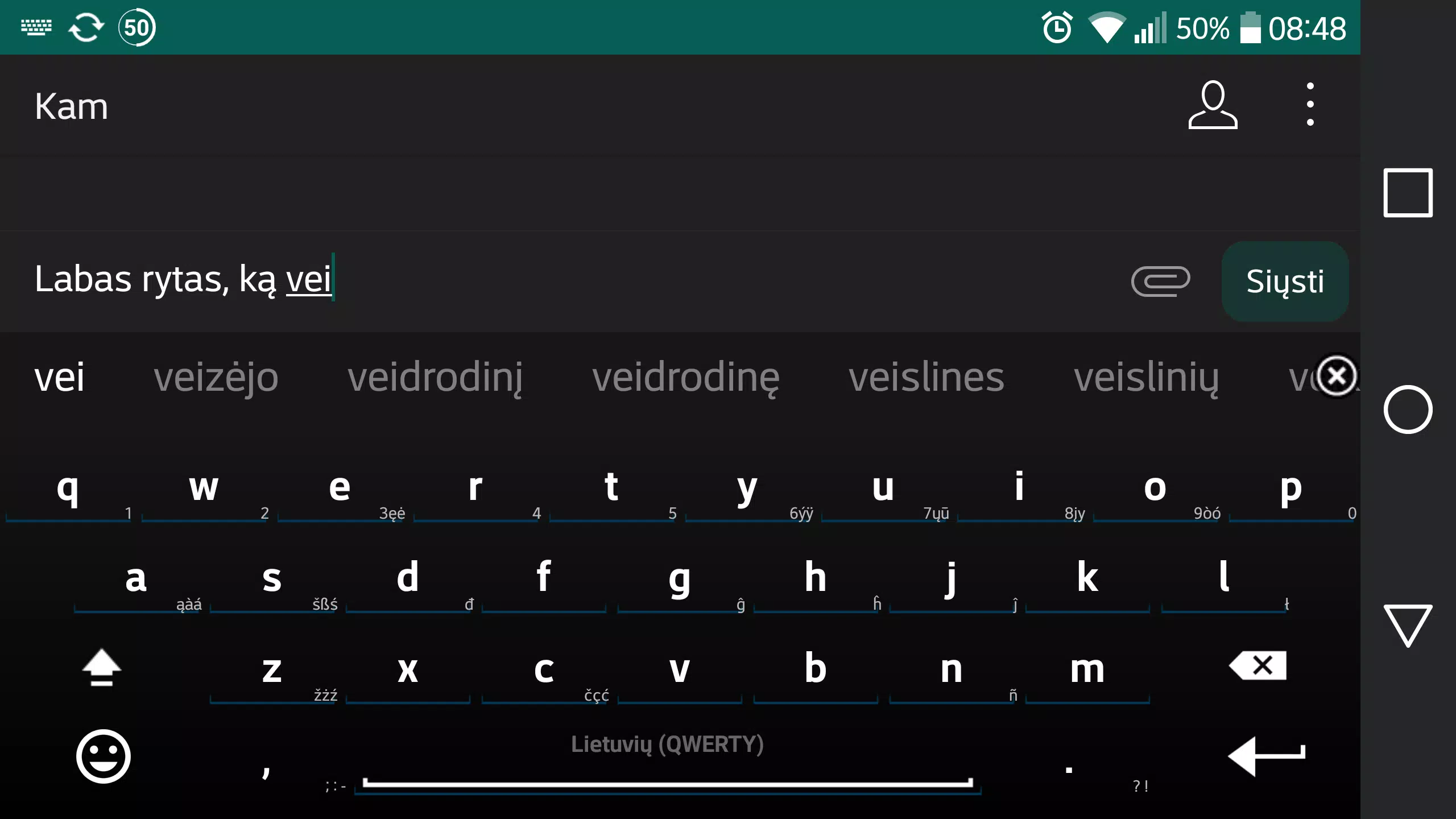
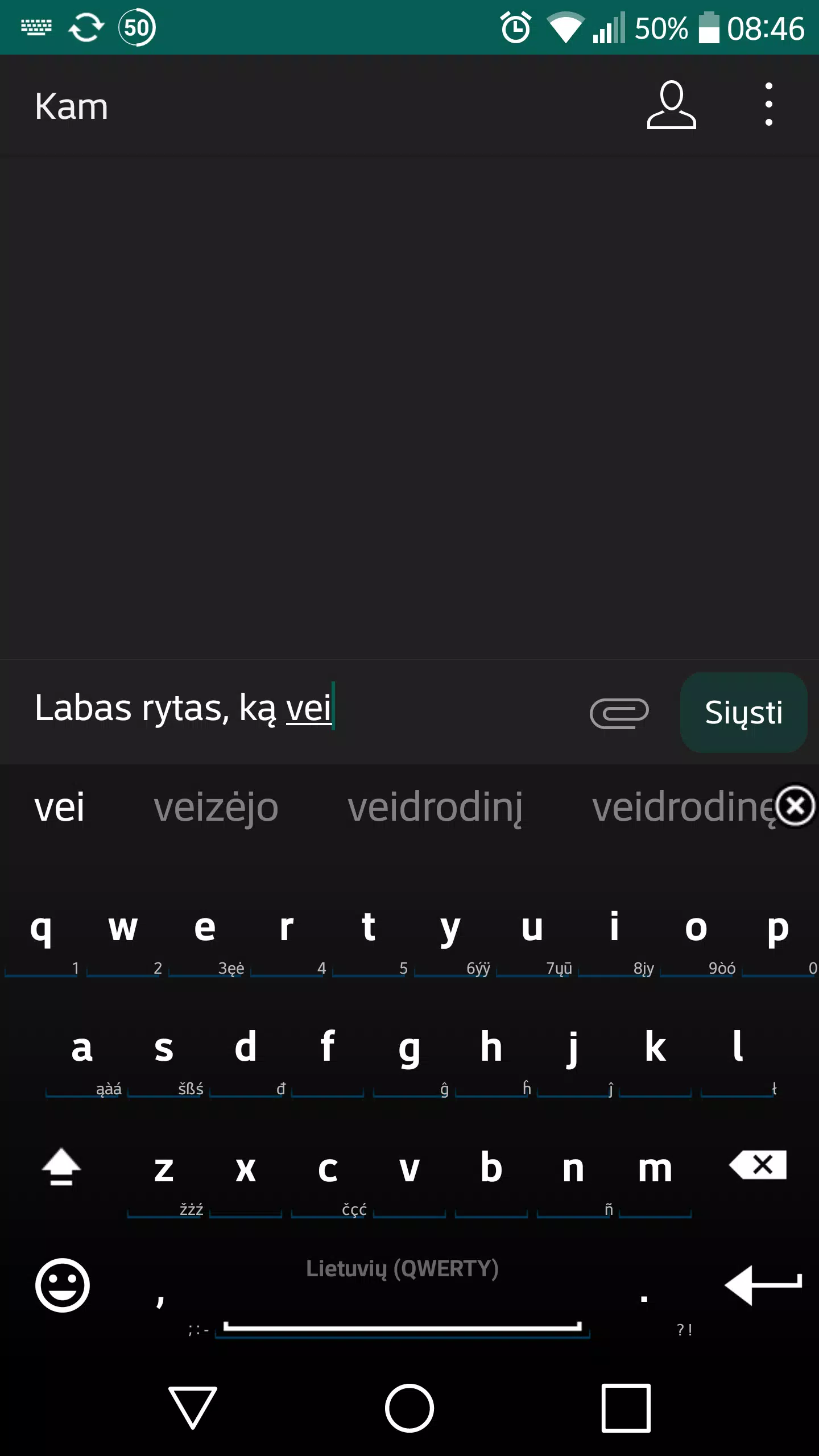
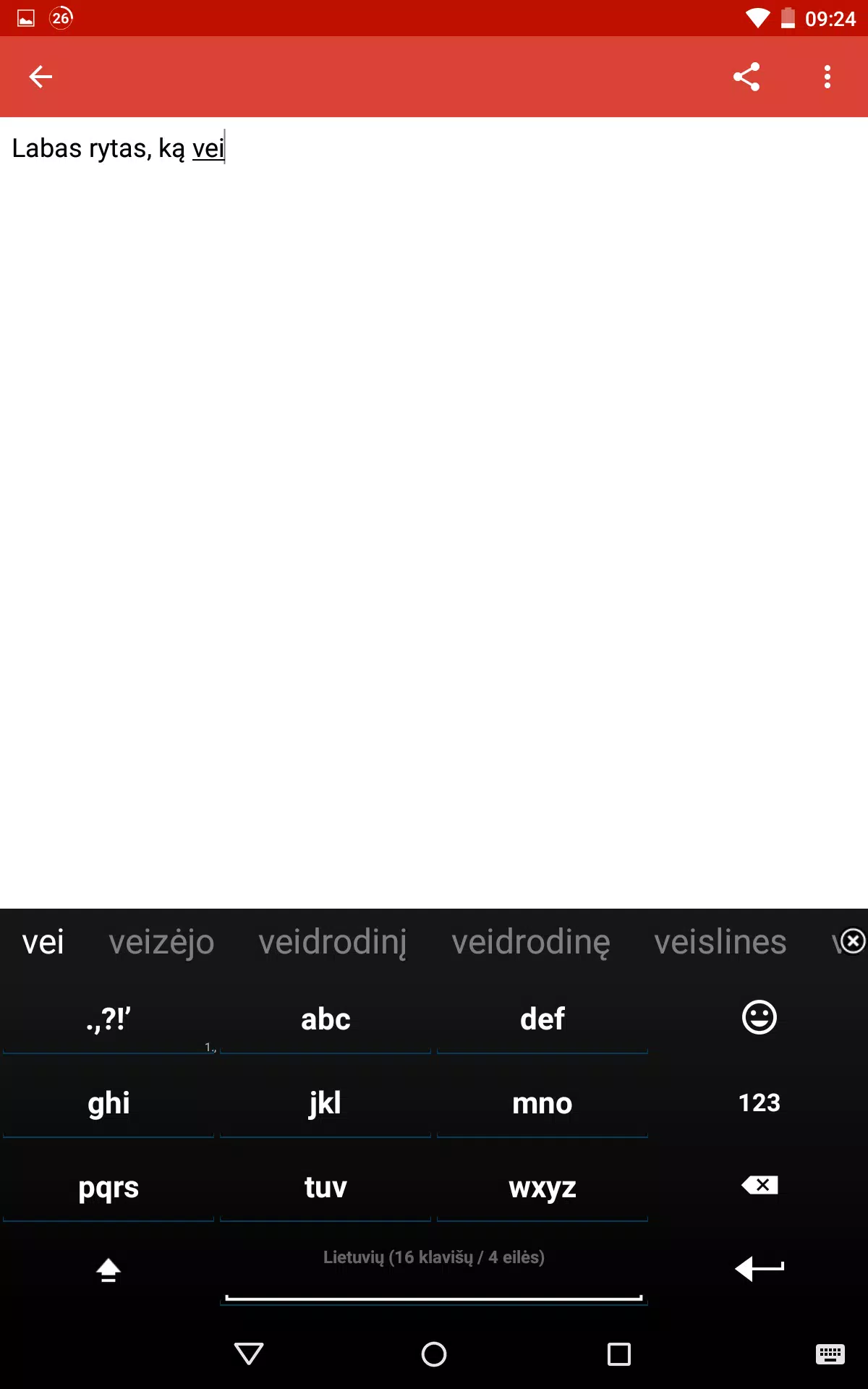

Lithuanian for AnySoftKeyboard, Lithuanian for AnySoftKeyboard and Lithuanian for AnySoftKeyboard bring complete Lithuanian typing support to the AnySoftKeyboard app on Android, offering correct diacritics, a curated Lithuanian wordlist, predictive suggestions and an optimized layout designed to reduce common errors for both native speakers and learners. This language pack is an add-on rather than a standalone keyboard: install AnySoftKeyboard first and then enable the Lithuanian layout from Settings → Languages → Keyboards to write naturally in Lithuanian across any app on your device.
Key features
This pack supplies a focused Lithuanian lexicon tuned for everyday messages, emails and notes. The curated wordlist covers common vocabulary and phrase patterns, while built-in predictive suggestions provide likely completions to speed typing. The layout includes direct access to Lithuanian-specific letters and sensible punctuation placement to minimize thumb travel and accidental omissions. All of these elements are packaged to remain lightweight so the expansion does not noticeably affect keyboard performance.
Controls and input methods
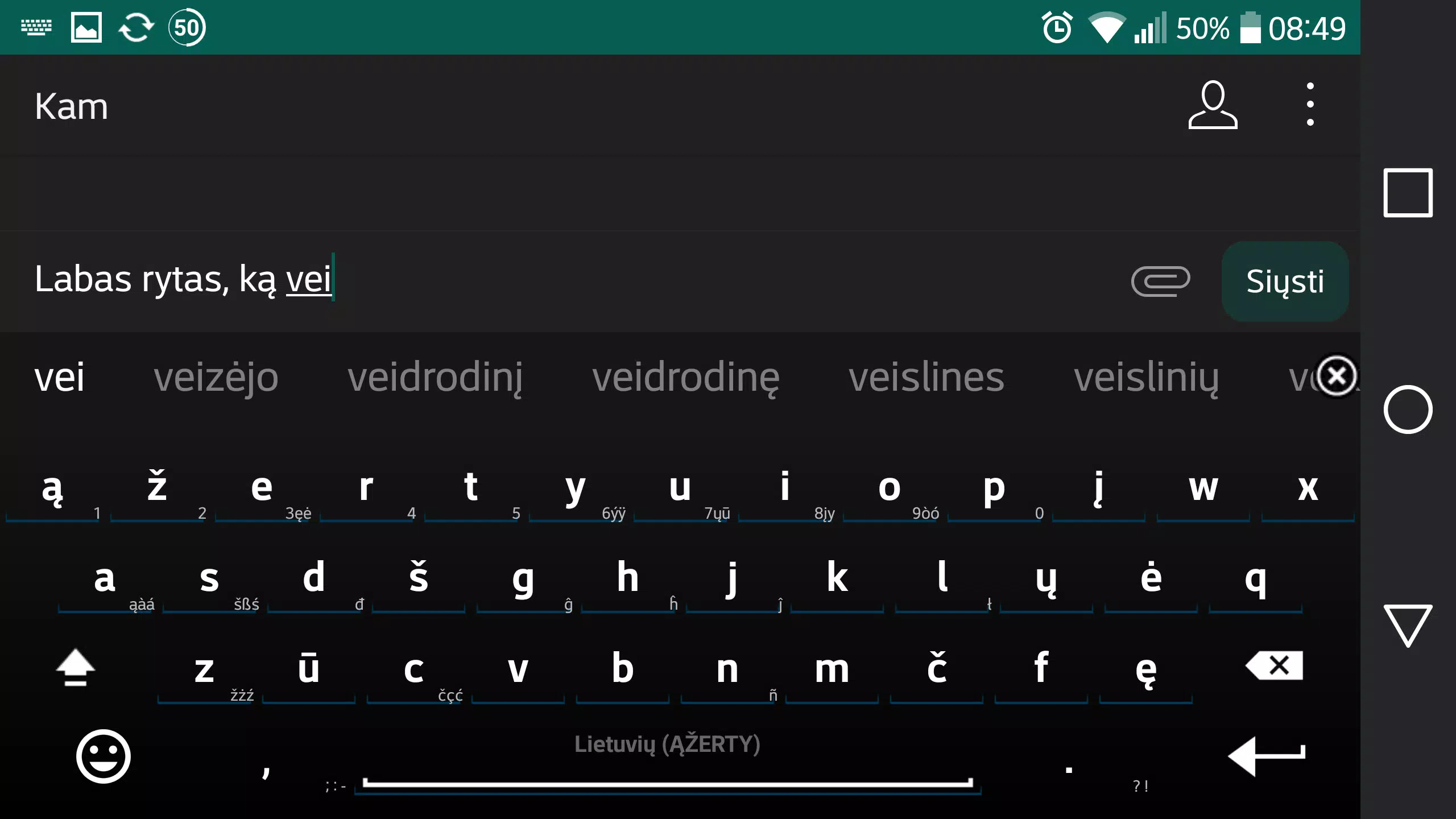
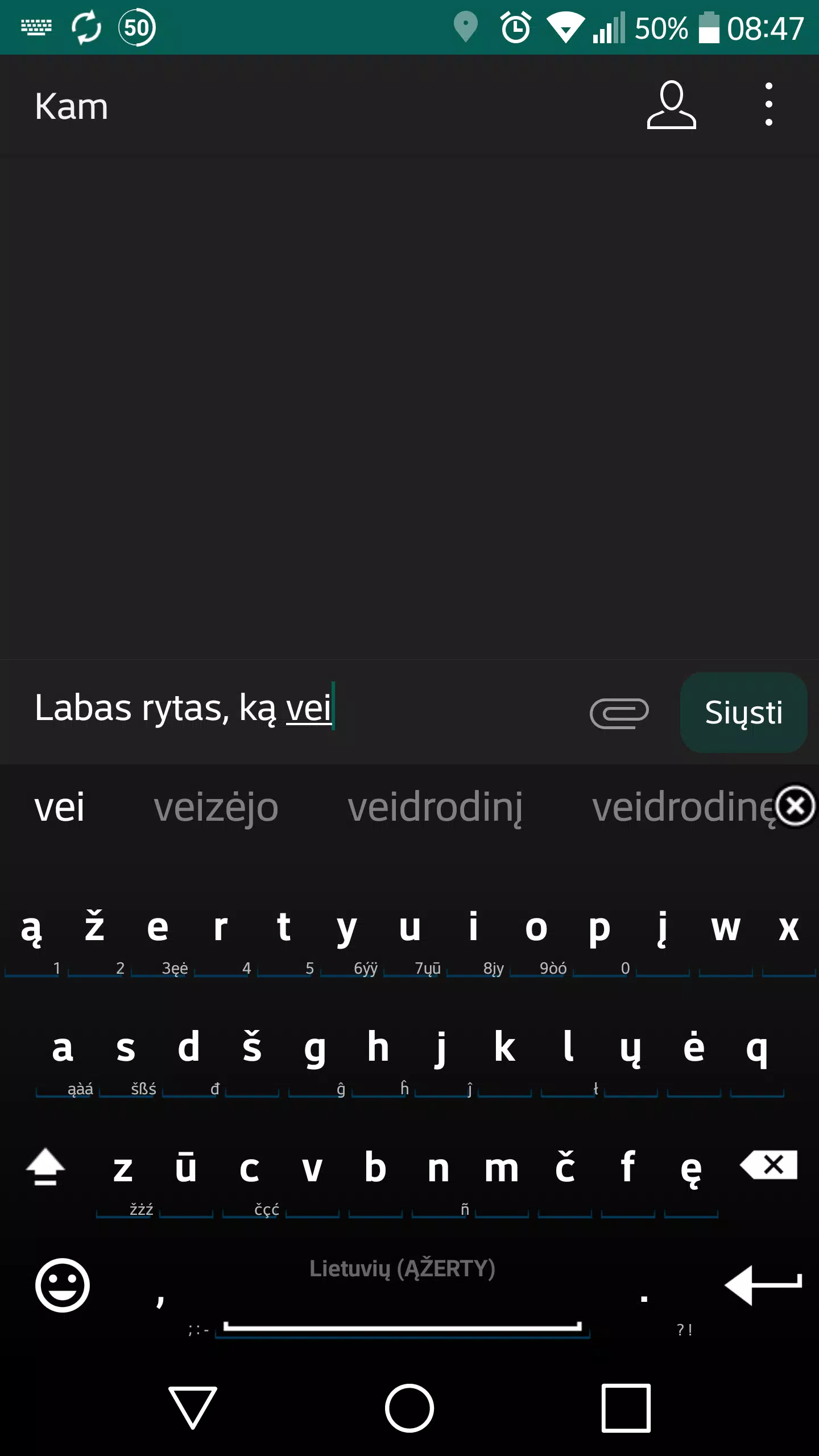
The Lithuanian layout works with AnySoftKeyboard’s standard input modes, so you can type normally by tapping keys or use gesture (swipe) input if you prefer continuous motion. Long-press popups present alternative diacritics and accented forms without changing the base layout, and dedicated symbol pages keep punctuation and numbers an arm’s reach away. Because the pack integrates with AnySoftKeyboard, existing control customizations such as keypress sound, vibration feedback and keyboard height remain available.
Progression and personalization
Typing accuracy and suggestion relevance improve as you use the keyboard: predictive suggestions adapt to your personal writing patterns when you enable AnySoftKeyboard’s personalization features and user dictionary. You can add custom words to the dictionary so names, slang or domain-specific terms appear in suggestions. Over time the combination of the curated language pack and your own dictionary reduces manual corrections and helps you compose longer messages faster.
Layout structure and visual style
The layout follows Lithuanian orthography with clear labeling and thoughtfully placed diacritics to reduce ambiguity. Secondary layers (accessed by long press or the symbol key) hold additional characters and punctuation so the main typing row stays uncluttered. The pack inherits AnySoftKeyboard’s visual theming, so color schemes, key shapes and font sizes you already use remain consistent when the Lithuanian layout is active, keeping the appearance familiar and accessible.
Customization and accessibility
Because this is a language pack, it respects AnySoftKeyboard’s accessibility settings: high-contrast themes, larger key sizes and screen reader support provided by the host keyboard continue to apply. You can tweak suggestion aggressiveness or auto-correction in AnySoftKeyboard’s preferences to match your comfort level. The layout is designed so users with larger fingers or visual needs can adjust settings without losing access to essential Lithuanian characters.
Offline use and privacy
The Lithuanian wordlist and prediction logic provided by the pack operate locally on your device through AnySoftKeyboard, so common typing tasks do not require an internet connection. This local-first approach helps maintain responsiveness when you are offline and reduces the amount of personal text sent externally. If you have concerns about data or syncing, review AnySoftKeyboard’s privacy and synchronization options when configuring the keyboard.
Limitations and troubleshooting
This language pack is not a standalone keyboard and will not appear as a separate input app in your system — AnySoftKeyboard must be installed and set as your active keyboard. The curated wordlist focuses on general vocabulary; highly technical or niche terminology may be underrepresented, but you can add such words to the user dictionary for future suggestions. If characters are missing or a layout behaves unexpectedly, check AnySoftKeyboard’s language settings and restart the keyboard to apply changes.
Getting started
After installing AnySoftKeyboard, open Settings → Languages → Keyboards, enable the Lithuanian layout and choose it when typing to switch between languages seamlessly. The Lithuanian for AnySoftKeyboard pack aims to make typing in Lithuanian more accurate and comfortable while preserving the host keyboard’s feature set, so you can keep your preferred themes, input gestures and accessibility options in place as you write in Lithuanian on Android.