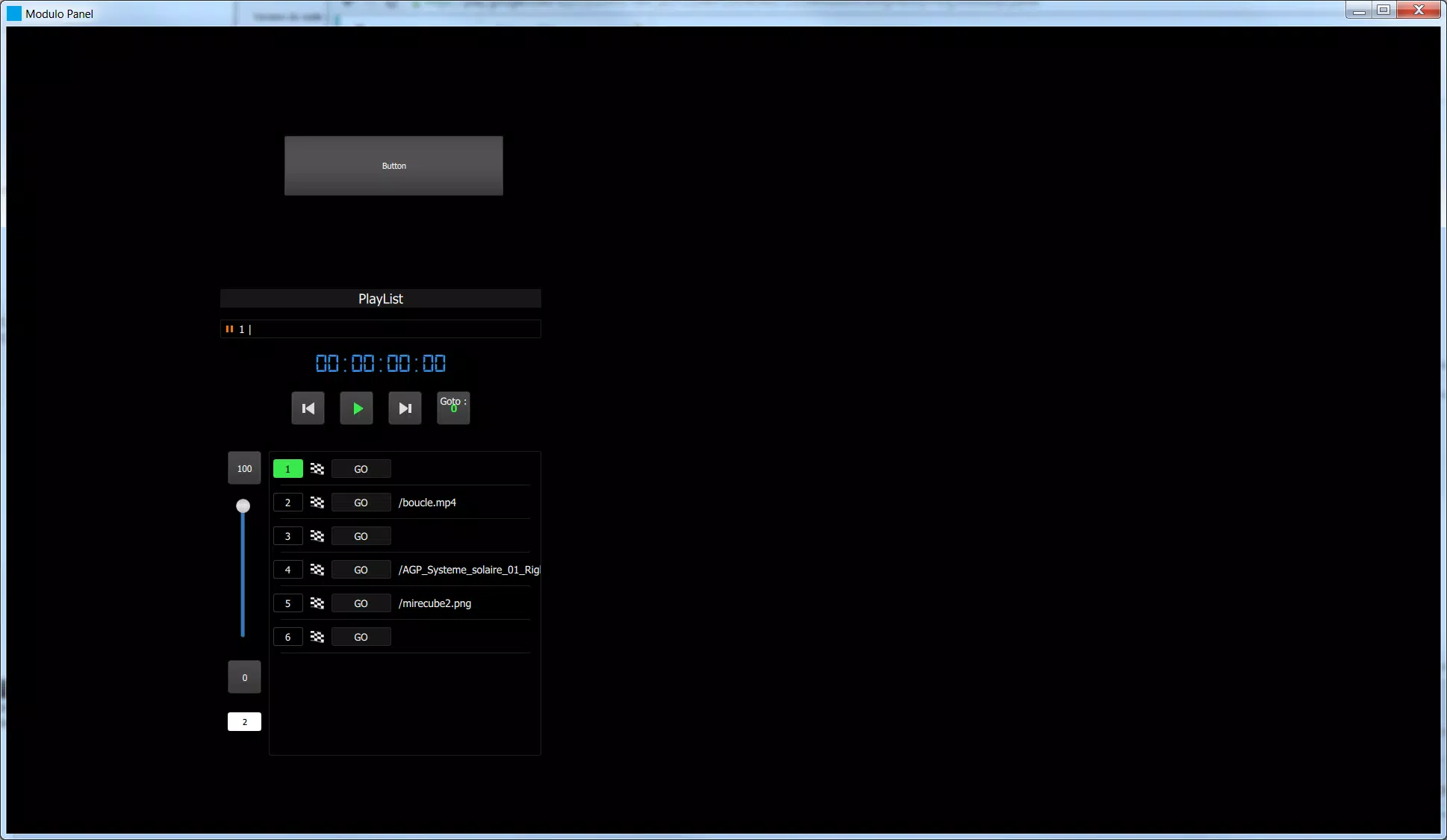
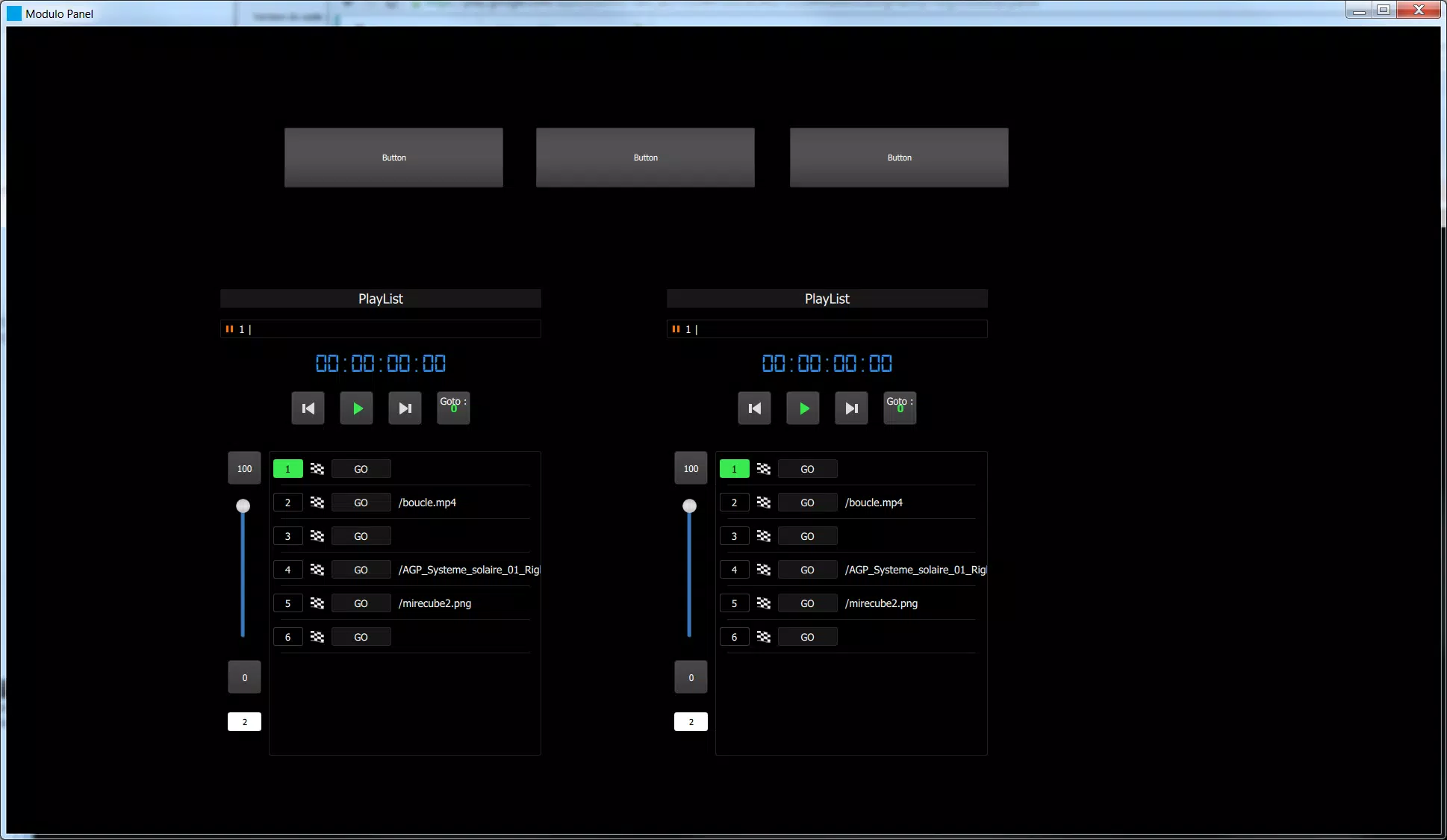

Modulo Panel brings custom remote interfaces to your Android phone or tablet, allowing you to view and operate tailored control panels created in Modulo Player from anywhere on your Wi-Fi network. The app renders the layouts designed in the Modulo Player editor as responsive touchscreen pages, so lighting rigs, audio devices and other connected hardware can be managed without a laptop at hand. Modulo Panel is intended for technicians and creatives who need mobility and fast access during rehearsals, live shows, installations and studio sessions, and it focuses on a compact installation footprint while preserving the fidelity of the original panel designs.
Core features and what the app delivers
The application provides live remote access to panels hosted on a machine running Modulo Player over a local Wi-Fi connection, translating the designer's widgets into touch-optimized controls. Panels switch quickly to reflect different parts of a production or to present dedicated toolsets for monitoring and adjustment. The interface adapts to both phone and tablet screens, preserving layout relationships and control sizes so that faders, buttons and knobs remain usable on smaller displays. Because it is a companion interface rather than an authoring tool, Modulo Panel emphasizes faithful rendering, low-latency interaction and easy reconnection to an existing host system.
Controls and interaction model
Interaction is centered on common touchscreen conventions tuned for control tasks: tap to trigger, press-and-drag for continuous parameters, and pinch or rotate gestures where the original design supports scaling or fine adjustment. The app supports multi-touch input for gestures that require two-finger control and preserves the responsiveness expected during cueing and live adjustments. Visual feedback mirrors the state reported by the host system so users can confirm changes at a glance. Control zones and hit areas scale automatically, and designers who use larger widgets in Modulo Player will find those elements easier to operate on handheld devices.
Panel organization, workflow and progression
Rather than a leveling or experience progression like a game, progression in Modulo Panel is expressed through panel sequencing and organization: you can switch among panels to follow a show script, stage-by-stage setup lists or different facility zones. Panels can be arranged to support a rehearsal-to-performance workflow, with quick-access pages for setup checks, a dedicated monitoring page during shows and backup pages for contingency. Caching of the most recently used panel assets helps maintain visual continuity if the Wi-Fi connection fluctuates, although full remote control requires the host to be reachable on the same network.
Customization, visual fidelity and scaling
Because panels are authored in Modulo Player, Modulo Panel focuses on preserving visual style—colors, icons, labels and spacing appear as the designer intended while adapting to screen size and orientation. The app honors layout anchors and relative sizing so complex interfaces remain usable when moved from a studio touchscreen to a smaller handheld device. Designers who plan for mobile use can create simplified pages or larger controls to improve on-the-fly operation. The app also supports orientation changes and remembers last-used panel pages to streamline repeat usage.
User experience, accessibility and reliability
User experience considerations include predictable reconnection behavior, transparent error messages when the host is unreachable, and compatibility with Android accessibility features such as font scaling and system-wide high-contrast modes. It is designed to work with standard Android input devices and common screen sizes; however, responsiveness will depend on network performance and device capability. Modulo Panel aims to be robust in live environments by minimizing setup steps, retaining a compact runtime, and providing visual confirmation of control states so operators can act confidently under pressure.
Typical use cases and practical setup notes
Common deployments include live event control where a stage manager moves through the venue, studio operators who prefer a tablet-based control surface away from the mixing desk, and home automation scenarios where custom panels provide unified access to lighting and AV systems. To use the app you will need panels created and hosted by Modulo Player on the same Wi-Fi network; the app connects to that host and presents the panels as touch-ready pages. For reliable operation, place the host and Android device on a stable network, test panel layouts on the target device beforehand, and keep an eye on latency-sensitive controls during critical moments.
Limitations and system considerations
Modulo Panel is a companion viewer and controller: it does not include a panel designer. Function depends on a reachable host running Modulo Player and on network quality, so remote use beyond the Wi-Fi range or over unstable networks may be limited. Not all older Android devices will provide an optimal experience, and some high-resolution or very small-screen devices may require layout adjustments in the authoring tool. Review the host and device network settings before a production and keep fallback procedures ready for mission-critical tasks.