
Apps
Productivity
MathMaster
MathMaster
| Package ID: | |
|---|---|
| Latest Version: | v1.6.3 |
| Latest update: | Jun 18, 2026 10:10:03 |
| Developer: | Appslux Media Limited |
| Requirements: | Android |
| Category: | Productivity |
| Size: | 74.05 MB |
| Tags: | Photo Camera Date |
Rating :4.4
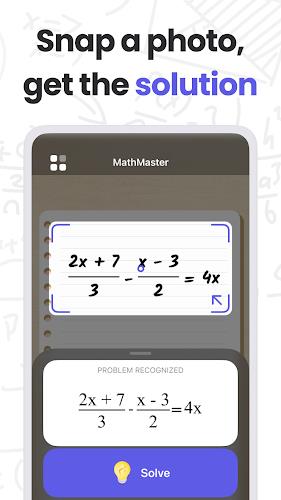
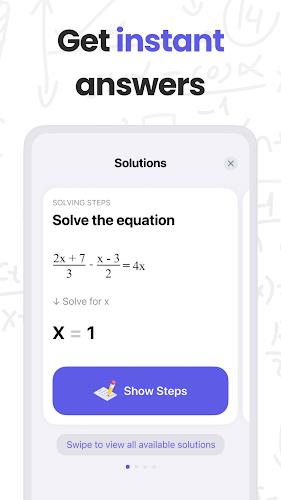
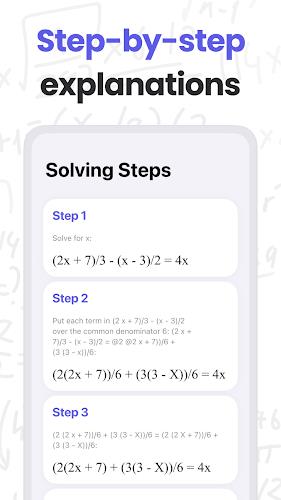
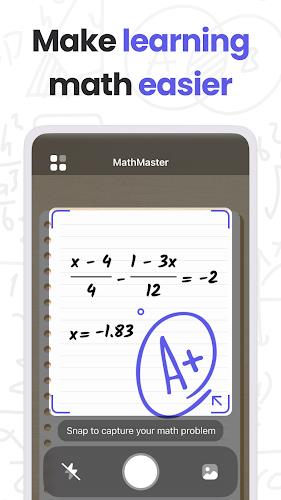
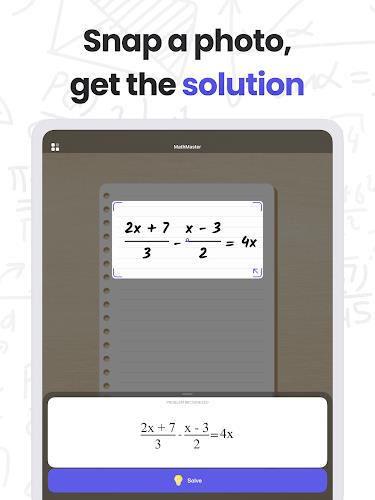
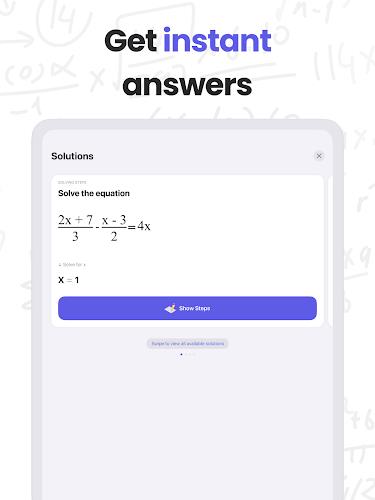
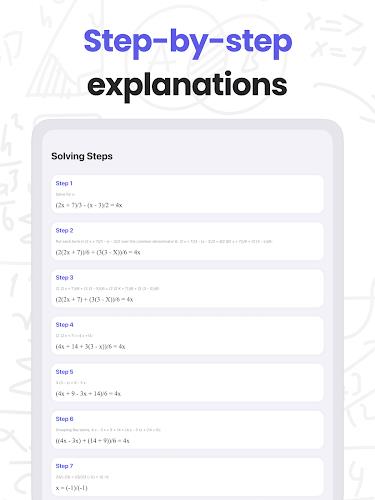
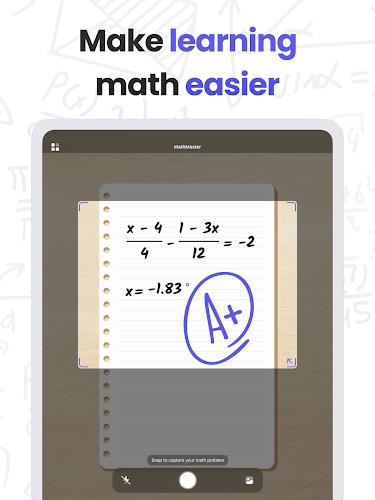
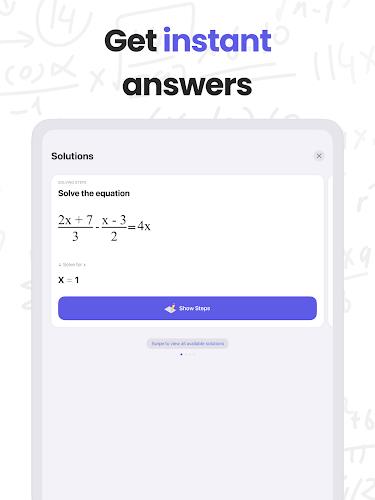
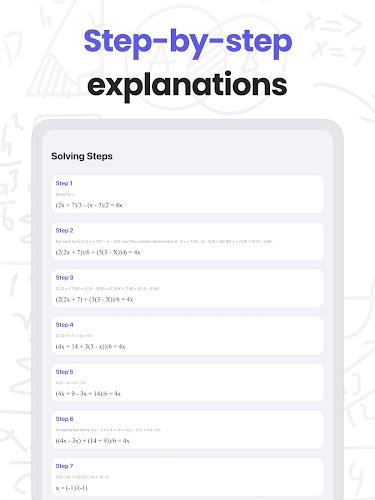
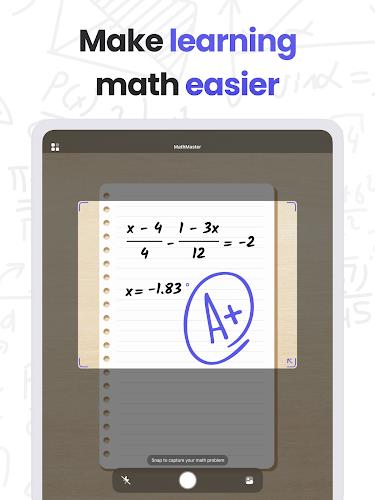
MathMaster is a mobile math solver designed to give fast, accurate answers while helping users understand the methods behind them. Point your camera at a printed or handwritten problem or upload an image and MathMaster returns an instant solution, with optional step-by-step explanations that walk through each operation. The app is useful for students working on homework, adults refreshing skills, or anyone who needs a clear reference for algebra, trigonometry, calculus, and statistics problems.
Key Features
MathMaster recognizes both printed and handwritten equations and supports a broad range of topics from basic arithmetic and pre-algebra to more advanced subjects such as calculus and probability. Solutions can be displayed as a concise final answer or expanded into a multi-step explanation that shows the reasoning, intermediate calculations, and any algebraic manipulations used to reach the result. Inputs are flexible: use the camera for quick capture, upload images from your gallery, or type problems manually for precise control. Results are presented with readable formatting, and common mistakes are highlighted so learners can see where a solution might diverge from expected work.
Gameplay Mechanics and Controls
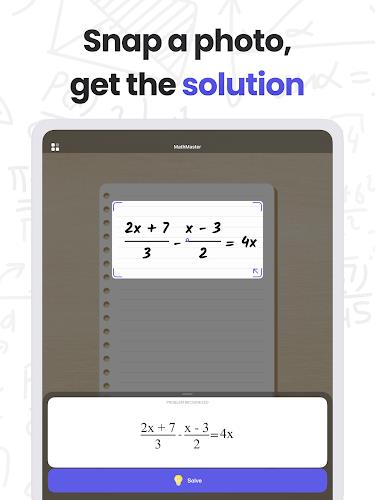
Interacting with MathMaster feels like guided practice rather than a black-box calculator. The primary control is the camera capture workflow: frame the problem, tap to capture, review the recognized text and correct any misread symbols, then request a solution. A manual entry mode supports typed equations with a small equation keyboard for fractions, exponents, and special symbols. For practice sessions, a drill mode presents new problems one after another with adjustable difficulty. Timing and hint options can be toggled to create either an open practice environment or a more exam-like challenge.
Progression System and Level Structure
Progression in MathMaster is structured around topic-based practice sets and adaptive difficulty. Learners can select units such as linear equations, trigonometric identities, derivatives, or descriptive statistics, working through beginner, intermediate, and advanced tiers within each unit. The app tracks local progress and suggests the next set of problems based on recent performance, encouraging a steady increase in complexity without relying on online accounts or external leaderboards. Problem sets are organized into short levels that take five to fifteen minutes each, making it easy to practice in short study sessions.
Visual Style, Customization and Controls
MathMaster emphasizes a clean, uncluttered visual style with clear math typesetting and high-contrast text. Users can switch between light and dark themes, adjust font sizes for readability, and choose the level of detail in step explanations—ranging from a high-level overview to line-by-line derivations. Controls are intentionally simple: camera capture, manual edit, hint request, and toggle for detailed steps. Bookmarks let you save specific problems for later review, and a local history keeps recent problems accessible without network access.
Replay Value and Challenge Systems
Replay value comes from varied problem generation, timed practice sessions, and adjustable hint settings. The drill mode can randomize numbers and problem layouts so repeated practice stays fresh, while timed challenges and streak tracking encourage consistent study without gamifying the experience excessively. Users can retake a level with different parameters or reduce hint frequency to increase difficulty, allowing sustained improvement through repeated, focused practice.
User Experience and Accessibility
Designed for clarity and low friction, MathMaster prioritizes fast recognition, clear feedback, and accessible controls. Accessibility features include scalable text, high-contrast display options, and optional text-to-speech for step explanations so learners with visual or reading challenges can follow reasoning audibly. The app accommodates left- and right-handed users by placing primary controls within easy reach and supports simplified camera guidance overlays to help capture well-framed problems.
Offline Use and Practical Considerations
MathMaster works locally for most recognition and explanation tasks, allowing users to solve previously saved problems and practice offline. This is useful for study sessions in locations without reliable internet. For the best results, use clear, well-lit photos and conventional notation; very messy handwriting or unusual symbols can reduce recognition accuracy. Where a photo is ambiguous, the editable recognition review step makes it simple to correct the interpreted problem before solving.
Accuracy, Limitations and Best Practices
While MathMaster aims to provide accurate answers and helpful step-by-step guidance, it is intended as a study aid and not a substitute for classroom instruction. Accuracy depends on image clarity and standard notation. The app highlights areas of uncertainty and offers editable recognition so users can confirm the intended problem. Use MathMaster to check work, learn solution methods, and practice skills, while relying on teachers and textbooks for deeper conceptual instruction.






