
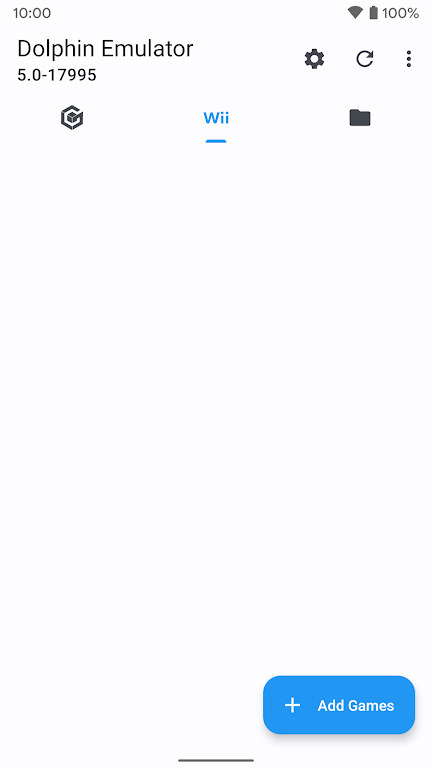

Dolphin Emulator brings console emulation to capable Android devices in an official 64-bit beta build and appears here as the recommended build for users who want up-to-date emulation on phones and tablets. This APK lets you load and run your own legally obtained game files rather than providing games directly, so ownership and file preparation remain in the hands of users. Because Dolphin Emulator is compiled as a 64-bit application, very old devices or models with limited RAM may not be able to install or run it, and Android TV support is limited to a few Nvidia Shield models that meet the memory and performance requirements.
Key features and what to expect
The core appeal of this release is a maintained, official beta with frequent updates that deliver fixes and occasional improvements. The app focuses on accurate emulation, compatibility with a wide variety of game images supplied by users, and performance tuning options aimed at modern ARM64 devices. It does not include copyrighted content; users must provide their own game images acquired through legal means. Release cadence is fast enough that active testers will see iterative improvements and stability patches on a regular basis.
Controls and input options
Input behavior depends mostly on the game you run and the hardware you use. The emulator supports touchscreen control schemes on mobile devices and recognizes many external controllers when connected by USB or Bluetooth, allowing button mapping and axis configuration. You can expect to map physical buttons, triggers, and analog sticks to match original console layouts; on-screen overlays can be customized for placement and size to suit different screen dimensions. These control options help adapt titles with different control mechanics, from precise platformers to complex action games.
Gameplay mechanics and progression
Gameplay mechanics are determined by the original games you load, and the emulator preserves those mechanics while offering tools to manage progression. Common features such as save slots and save state functionality allow you to save at any point and resume later, which is useful for long sessions or for trying different approaches to the same challenge. Because the emulator runs games locally, progression systems, unlocks, and in-game saves behave the same as on the original hardware when using the correct save files.
Graphics, visual style, and performance tuning
Visual presentation depends on both the source game and the device hardware. The app offers graphics configuration options that let users adjust resolution scaling, aspect ratio, and filtering to improve clarity on modern displays. Frame limiting, synchronization settings, and optional enhancements help balance smoothness and visual fidelity according to device capability. On higher-end phones and tablets you can expect much better image clarity than the original console resolution, while lower-end devices may need reduced settings to maintain stable performance.
Level structure, replay value, and challenge systems
Levels and structure are inherent to the games you supply, but using this emulator can increase replay value by making older titles more accessible on contemporary hardware and by giving you convenient save state and performance options. Challenge systems remain those designed by the original developers; the emulator does not alter game progression by default but can help you experiment with speed runs, difficulty settings, and different control schemes to replay content in varied ways.
Accessibility, offline use, and user experience
This app runs entirely on-device and does not require a persistent network connection for play, only for downloading updates if you choose to do so. Accessibility benefits come from flexible control mapping, display scaling, and the ability to adjust input sensitivity to fit different players and setups. The user interface centers on loading existing game files and managing per-game settings so that you can tailor performance, controls, and visual options for each title you run.
Compatibility notes and installation tips
Because the build is 64-bit, installation is limited to devices with ARM64 architecture and sufficient RAM; very old phones and small-memory models are likely incompatible. Android TV support is practical on a handful of Nvidia Shield models but is otherwise limited. For best results, use high-quality game images, keep device firmware updated, and monitor the in-app release notes to stay informed about specific fixes and compatibility improvements included in each beta.
Version information and ongoing maintenance
The official beta of Dolphin Emulator included here is updated regularly to deliver fixes, stability improvements, and incremental enhancements. Check release notes within the app to see what changed between builds and whether a newer beta resolves an issue you might encounter. This APK is aimed at users who want an actively maintained emulator on modern Android hardware while retaining full control over the game files they run.






