
Bruh Sound Button

| Package ID: | |
|---|---|
| Latest Version: | v02.24.g |
| Latest update: | Jun 27, 2026 09:10:03 |
| Developer: | |
| Requirements: | Android |
| Category: | Other |
| Size: | 13.67 MB |
| Tags: | Social Navigation Video |
Rating :4.3
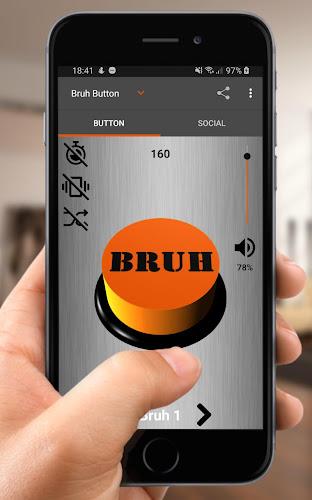
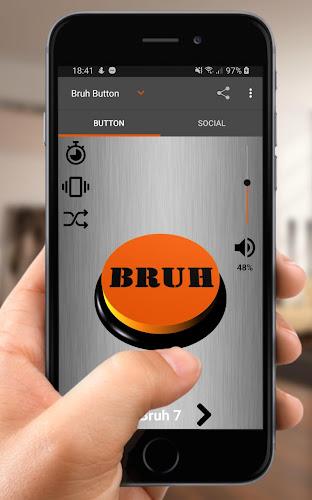
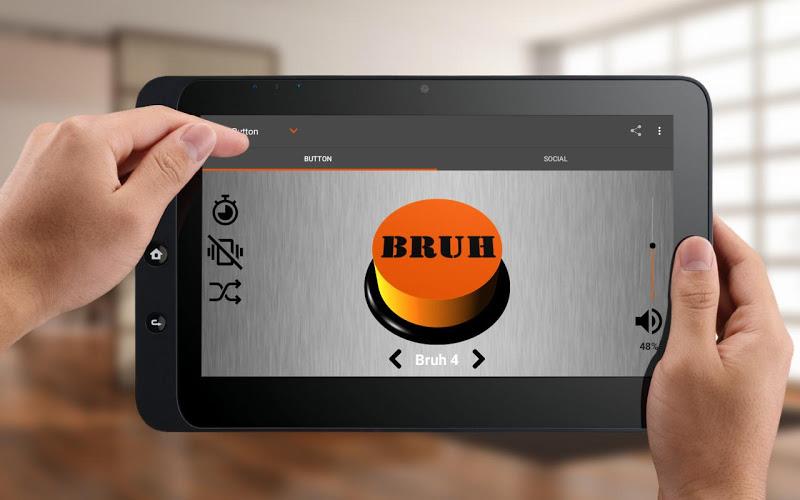
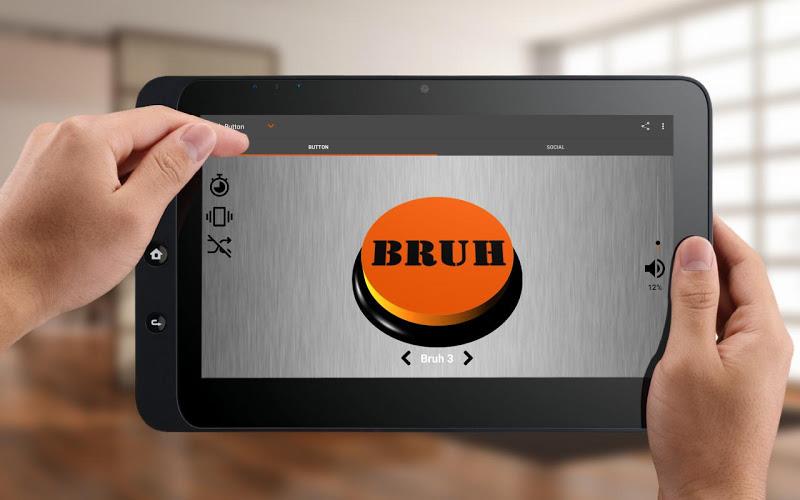
Bruh Sound Button puts eight classic reaction sounds at your fingertips in a compact, easy-to-use soundboard designed for quick laughs, timed playback, and simple recording. The main screen centers on a single realistic tactile button with left and right arrows to step through clips, a shuffle option for random reactions, and quick access to vibration and timer controls. Small, focused and offline-friendly, Bruh Sound Button is aimed at anyone who wants a low-friction way to add audio reactions to conversations, videos, or short recordings.
How it works
The app uses straightforward controls: tap the large center button to play the current clip, swipe or press the left and right arrows to move between the eight built-in sounds, and enable shuffle when you prefer a surprise effect. A built-in timer lets you schedule a clip to play after a short delay, useful for timed pranks or syncing a sound to a recorded moment. The record function captures short audio snippets so you can make your own clips using the same interface, then access them from the app’s local storage without needing an internet connection.
Controls and tactile feedback
Bruh Sound Button emphasizes immediacy and tactile response: the realistic button simulator provides subtle visual feedback and optional vibration when a sound plays, making each press feel satisfying even in noisy environments. Large touch targets and clear arrow controls keep navigation simple on phones of all sizes, while the timer and shuffle buttons are clearly labeled to avoid accidental activation. These design choices help users react faster and reduce mis-taps during quick exchanges or when filming short clips.
Sound selection and customization
The app includes eight carefully chosen high-quality sound clips that are familiar and easy to recognize, and it keeps the experience compact rather than overwhelming. You can record your own short clips from within the app and save them locally to replace or augment the default set, giving a modest level of customization without complicated editing tools. Because clips are stored on the device, you control when and how you use them—there’s no mandatory online account or cloud sync required.
Progression and replay value
Rather than traditional levels or in-app progression, Bruh Sound Button offers player-driven development: as users experiment with timing, they naturally improve at syncing sounds to reactions, creating short meme clips, or developing prank routines. Replay value comes from the quick, repeatable interactions—shuffle mode, the timer, and the record option encourage trying different combinations of sounds and timing, which keeps the app useful for everyday messaging and creative short-form content.
Visual style and accessibility
The interface favors a clean, minimal visual style with high-contrast buttons and a centered layout that scales well on different screen sizes. Text labels are readable and controls are large for one-handed use, supporting accessibility for users with limited dexterity. Haptic feedback and adjustable vibration help convey confirmation without relying solely on sound, which is helpful for noisy settings or when discreet use is needed.
Offline play and privacy
Bruh Sound Button is designed to work fully offline; built-in clips and any recordings you make remain on your device. There are no required online features or persistent connections, which keeps the app lightweight and suitable for situations where connectivity is limited. Local-only storage also reduces privacy concerns since recorded clips are kept on the user’s phone rather than synced to cloud services.
Challenge and timing use cases
Although not a game with levels, the app supports informal timing challenges and social games: set the timer to create surprise reactions, attempt to hit the button at precise moments while recording, or use shuffle mode to test quick improvisational responses. These simple challenge scenarios make the app useful for content creators who want to add comedic stings to short videos or for friends playing lighthearted timing games.
User experience and device compatibility
Bruh Sound Button prioritizes speed and reliability: small download size, fast launch, and immediate playback minimize friction. The app works across a wide range of Android devices and leverages system vibration where available. Because it avoids heavy resource use and online dependencies, the app remains responsive on older phones and in low-bandwidth situations, making it a practical tool for spontaneous use.
Who should try it
If you enjoy quick audio reactions, short humorous clips, or need a simple soundboard for recordings, Bruh Sound Button provides a straightforward, privacy-friendly option. Its small feature set keeps the learning curve minimal while recording and shuffle features offer enough flexibility to personalize how you react or create short audio content. The result is a dependable utility that fits easily into everyday conversations and creative workflows.