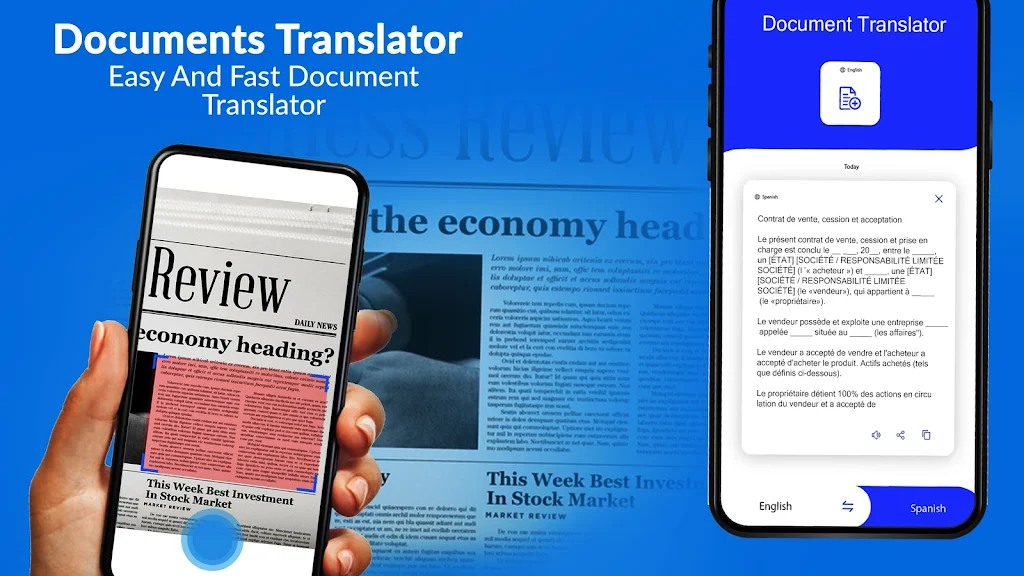
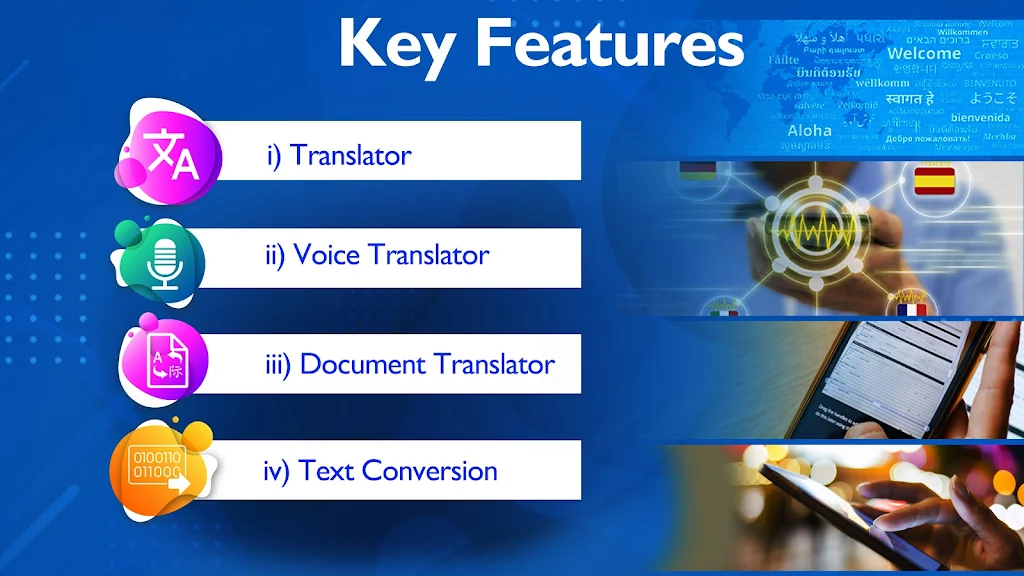

Translate All Language is a practical translator app designed to convert spoken words, typed text and documents across more than 100 languages. Translate All Language puts voice-to-text translation, PDF and image OCR, and a range of text conversion utilities into a single, easy-to-use package so travelers, students and professionals can communicate, study and reuse content without switching tools.
Key features
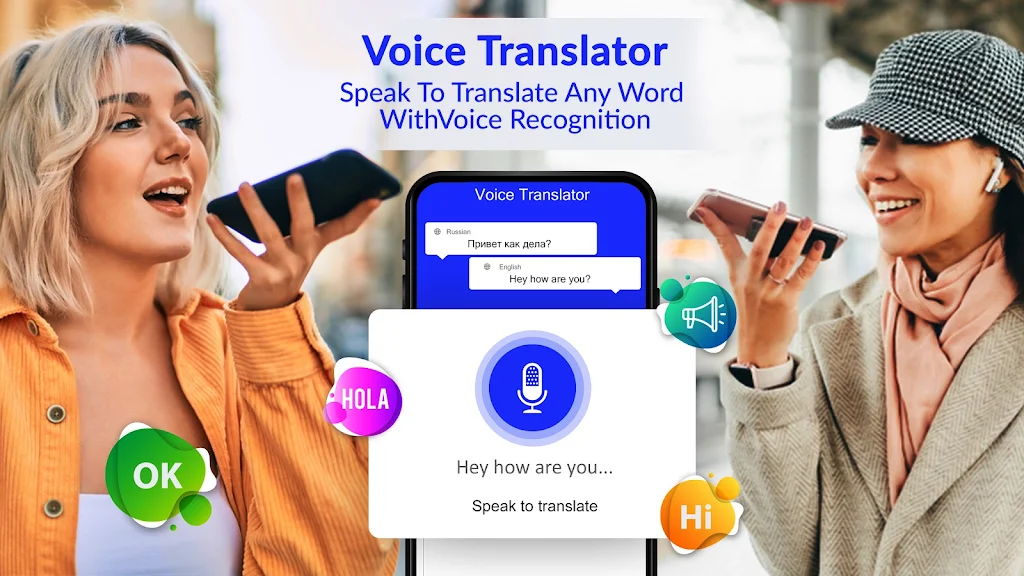
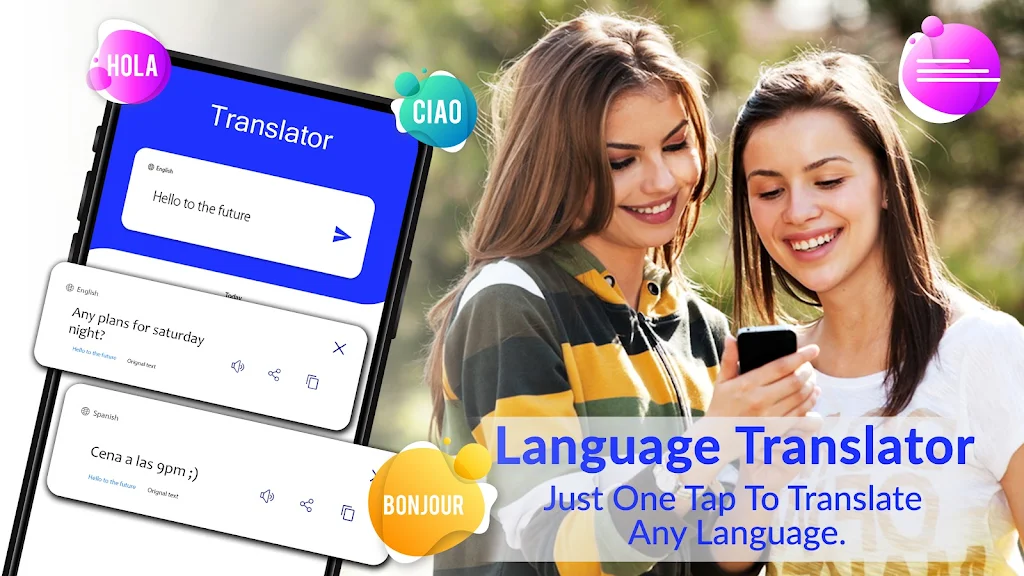
The app supports instant voice and typed translations in 100+ languages with a single-tap input and simple language switching. Live speech-to-text lets you follow short conversations in near real time and listen to translated audio playback for clearer pronunciation. Document and PDF translation converts scanned pages and screenshots into editable soft text, aiming to preserve paragraphs and basic layout where possible. Built-in text conversion tools let you encode or decode simple message formats such as decimal, hexadecimal, ASCII and binary, which can be useful for learning, puzzles or basic data inspection. All translated content can be copied, saved locally or shared to other apps so you can reuse phrases, export notes or send results by email or messaging services.
How it works and controls
Controls are intentionally straightforward: tap the microphone to speak, type directly into the text field, or use the camera/import function to capture pages and PDFs for OCR. A language selector sits across the top of the main screen for quick source and target language swaps, and long-press gestures reveal copy, favorite and delete options for entries in your history. Playback controls let you repeat the translated audio and adjust the speech rate, while a preview step after OCR shows editable text so you can correct recognition errors before saving or sharing.
Progression and personalization
Translate All Language helps you build a personal translation workflow through a persistent history and save feature. Each translation you keep becomes part of your quick-reference list, so common phrases and travel essentials become easier to access over time. The app’s saved entries can be organized with simple tags or favorites to speed repetition and practice, turning routine use into a lightweight learning routine: review saved phrases, replay audio for pronunciation practice, and reuse document conversions for editing or reporting.
Document translation and layout
Document translation uses optical character recognition to extract editable text from photos, scans and PDFs. The app tries to retain basic layout such as paragraphs and headings, but complex formatting, multi-column pages or decorative typography may require manual adjustments after conversion. For best results, capture documents in even lighting with straight framing and a high-resolution photo. After OCR you can edit the extracted text directly, copy it into other apps or export it as plain text for further processing.
Text conversion and practical uses
The text conversion utilities support decimal, hexadecimal, ASCII and binary formats for quick encoding and decoding tasks. These tools are intended for simple message transformations, study of character encodings, basic debugging and hobbyist use rather than secure encryption. They are useful when inspecting raw data, solving puzzles that use coded text, or teaching how different encodings represent the same information.
User experience and accessibility
The interface favors clarity and legibility with adjustable font sizes and straightforward contrast so translations are easy to read in a variety of lighting conditions. Text-to-speech playback includes adjustable volume and speed, and the app provides visual feedback during live recognition to help users with hearing or speech differences follow the process. Translations are designed to be shared quickly, and simple in-app edits let you tailor output to tone, context or audience before sending.
Limitations and best practices
While Translate All Language aims to be fast and accurate, a reliable internet connection typically improves translation quality for less common languages and specialized vocabulary. The secret-message tools are limited to basic encoding formats rather than advanced encryption, and document conversions may lose complex formatting—so plan to proofread OCR results if precise layout or formatting is important. For spoken translations, short clear phrases and a quiet environment produce better recognition results.
Getting started
To begin, open the app, choose your source and target languages, and try a short voice or text translation. Use the camera or import function to test document OCR, then save useful translations to build a personalized phrase list. With a few minutes of setup and practice, Translate All Language becomes a handy companion for travel, study and daily communication, bringing voice, document and code-conversion tools into one accessible toolset.