
Imperium

| Package ID: | |
|---|---|
| Latest Version: | v3.2.0 |
| Latest update: | May 15, 2026 11:20:03 |
| Developer: | Oymak Group |
| Requirements: | Android |
| Category: | Finance |
| Size: | 17.60 MB |
| Tags: | Navigation Photo Date |
Rating :4.3
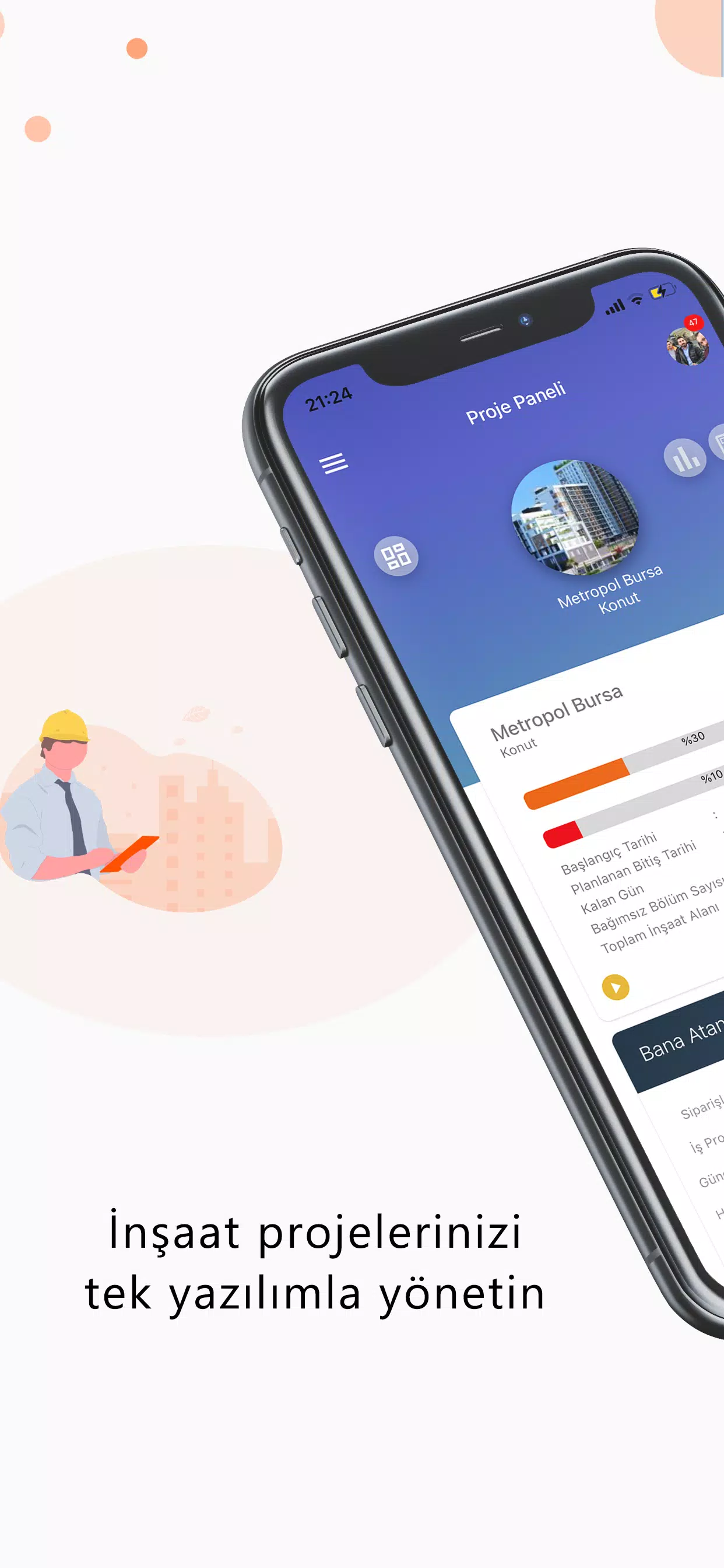
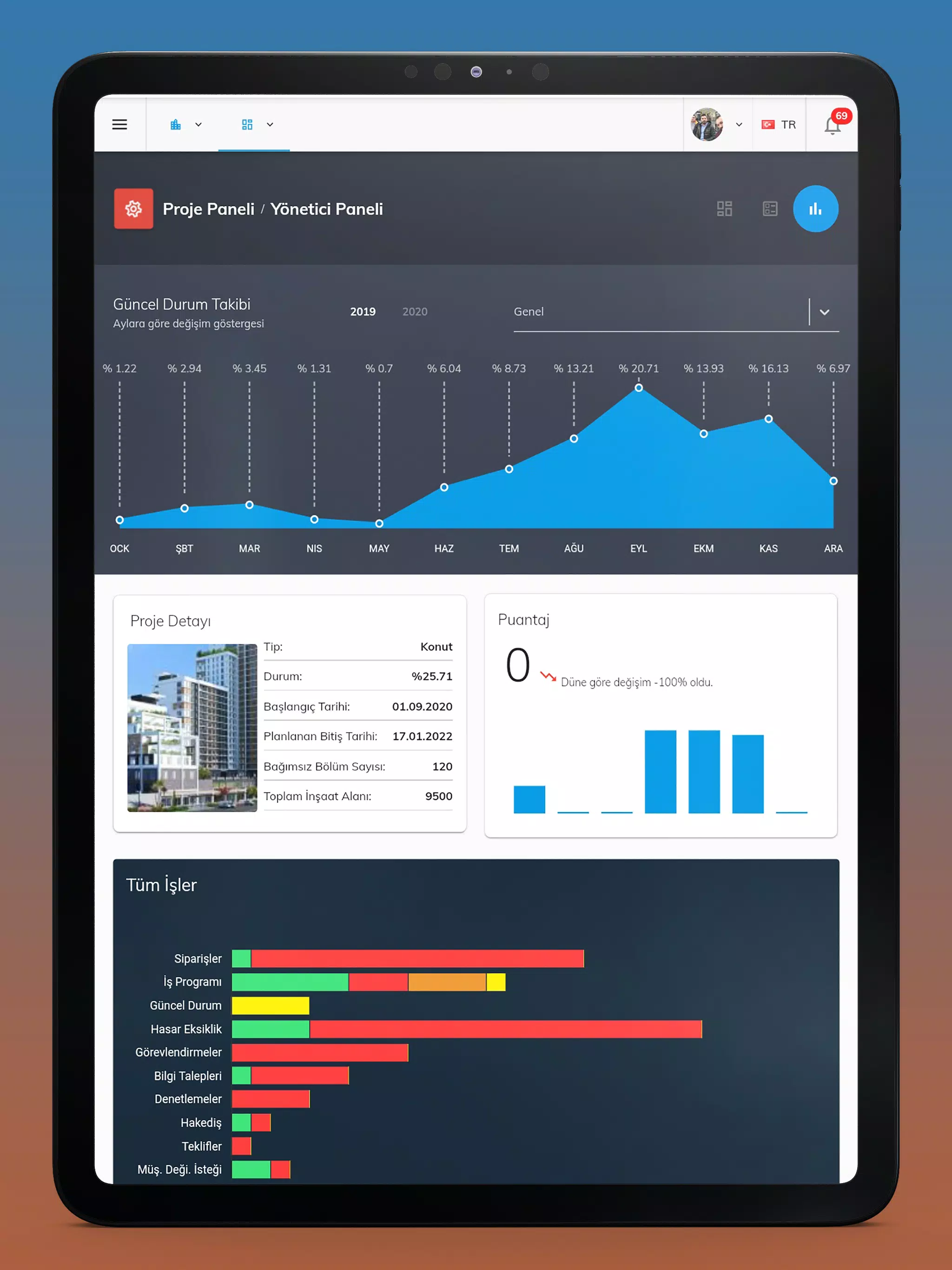
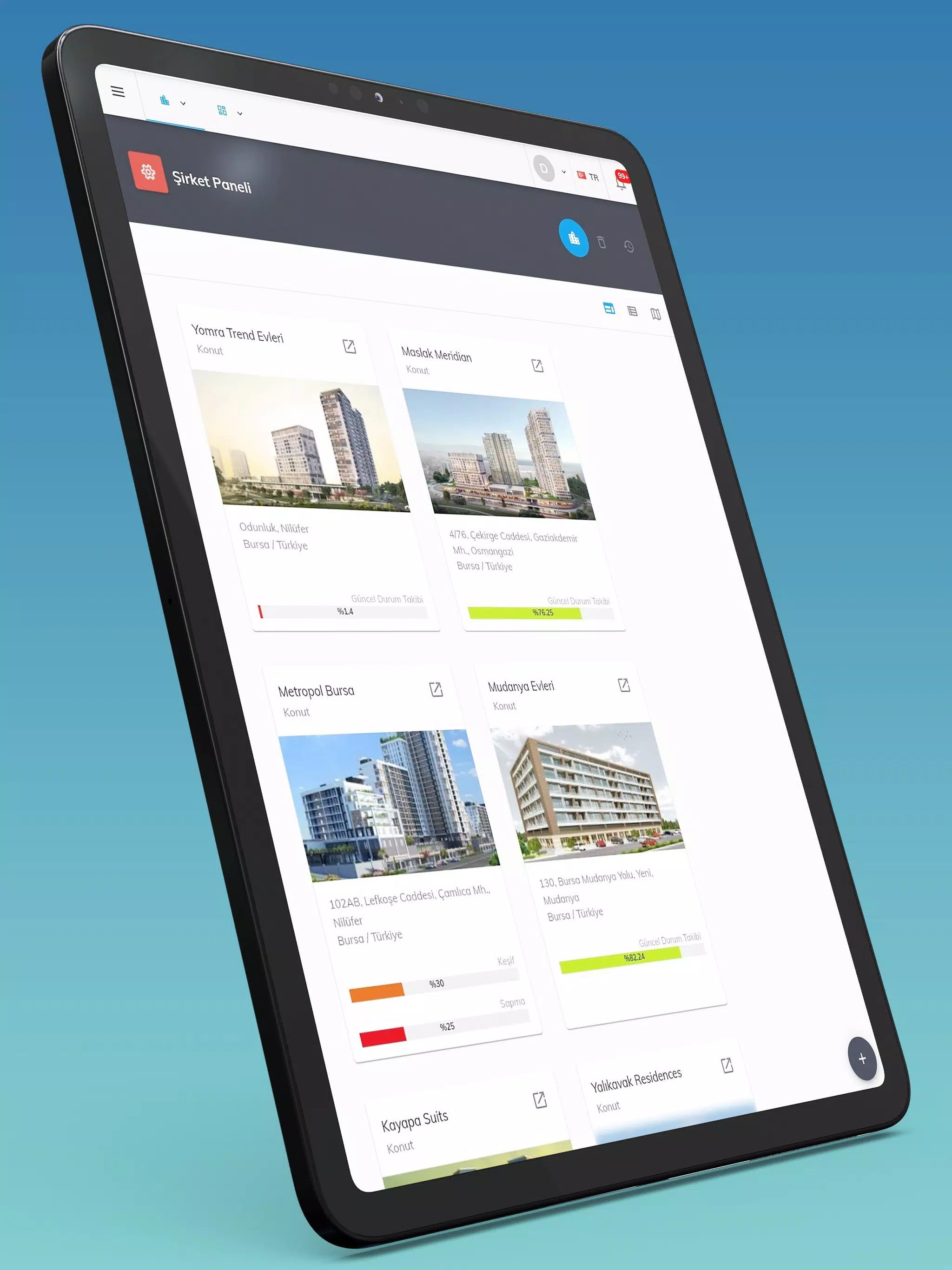
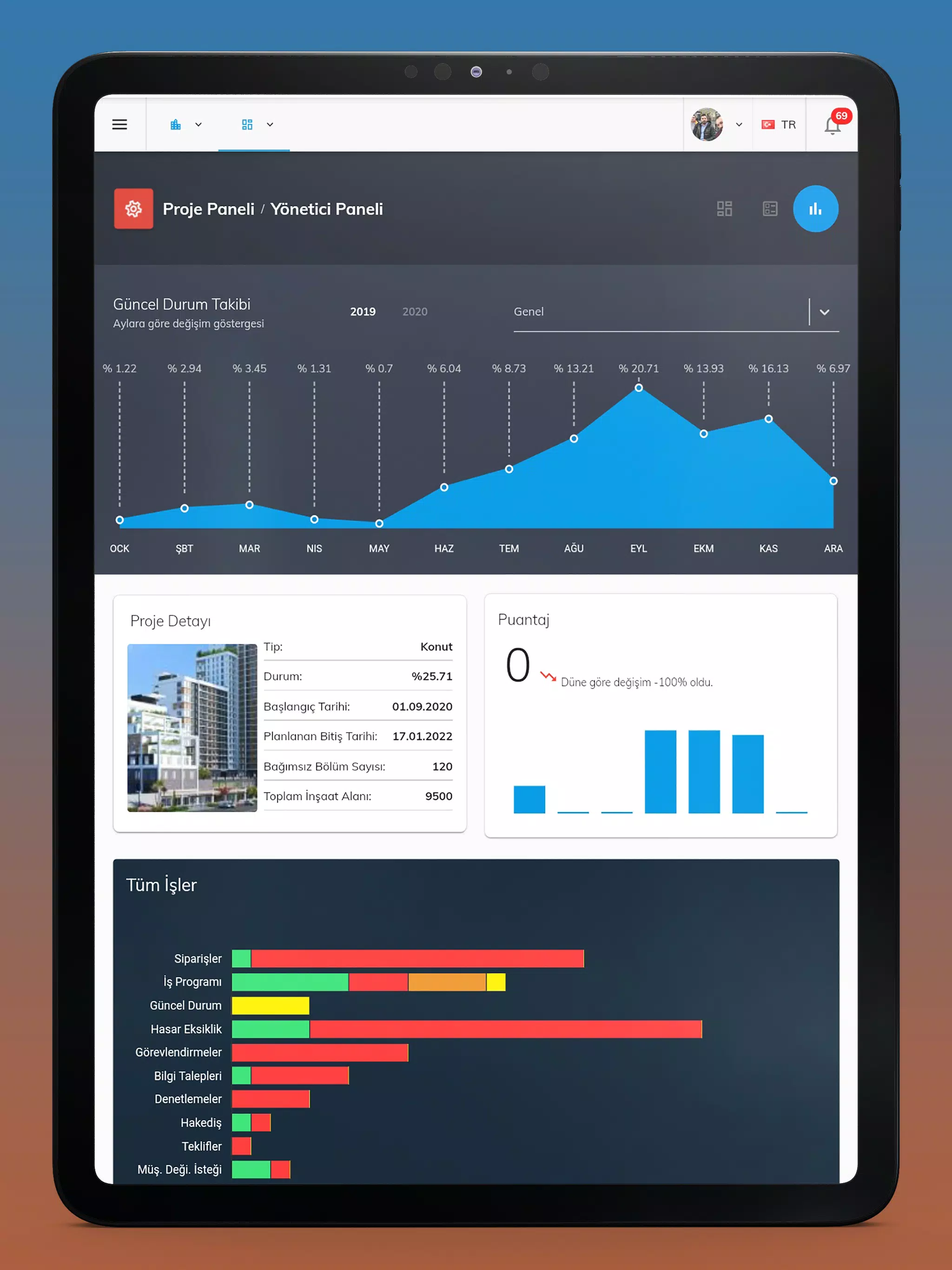
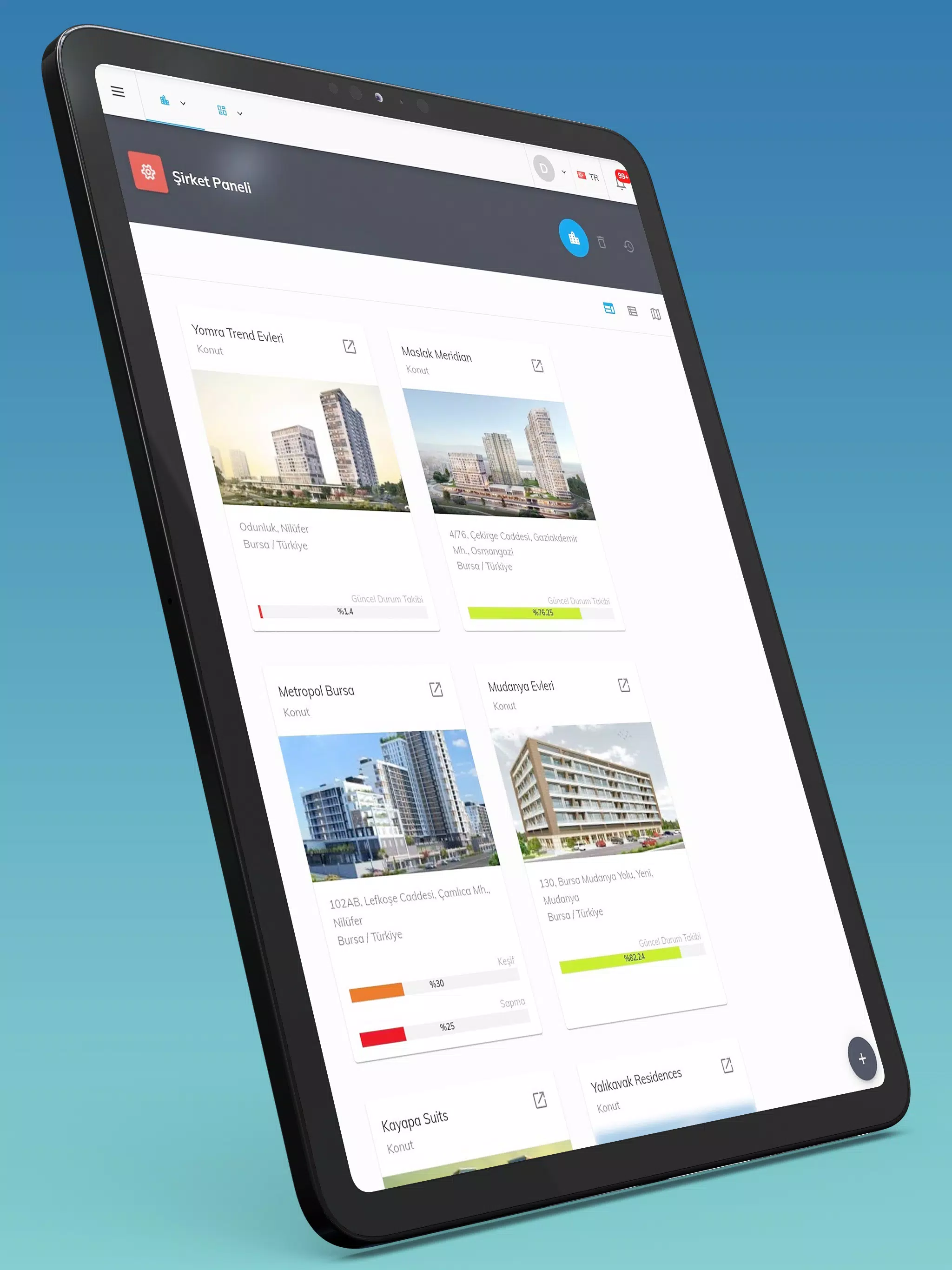
Imperium is a mobile companion app for a web-based construction project management platform that brings project oversight and field reporting to phones and tablets. With Imperium you sign in with your existing account credentials to view schedules, orders, daily reports, inspections and task assignments from any internet-connected device, so supervisors and managers can make decisions while on site or in transit. The app syncs with your web account to reflect the latest changes, enabling common mobile workflows such as approving or rejecting requests, assigning tasks, and recording deficiencies without having to return to a desktop workstation.
Core features and how they work
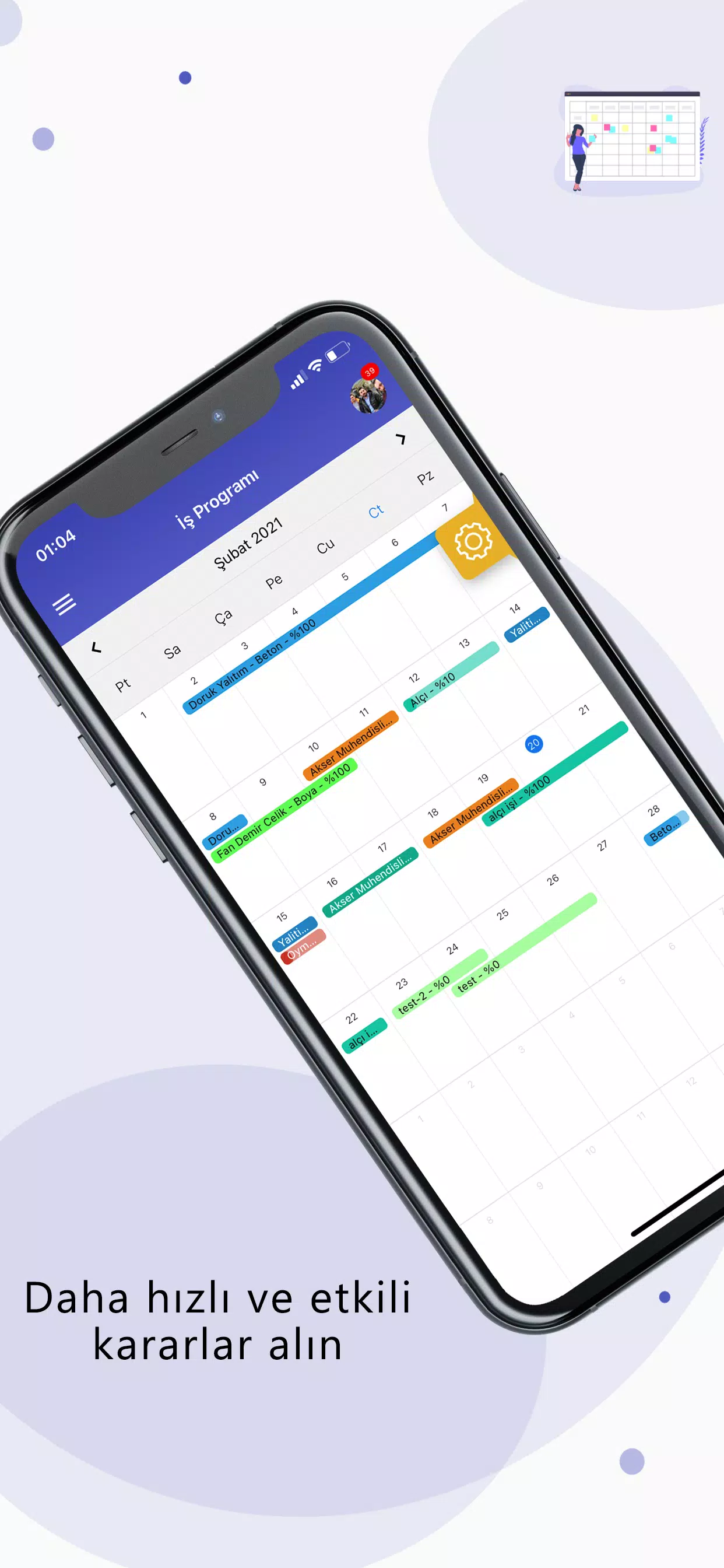
The app centralizes essential tools for jobsite coordination: schedule viewers show which contractors and crews are assigned to each phase, order tracking displays where materials have been placed for a project, and Daily Reports capture who is on site and the work completed each day. Imperium surfaces inspection checklists and defect reports in a format designed for quick field entry, and supports structured approvals so supervisors can accept or reject requests initiated in the field. All actions performed in the mobile interface are reflected in the web platform through regular synchronization.
Navigation, controls and user experience
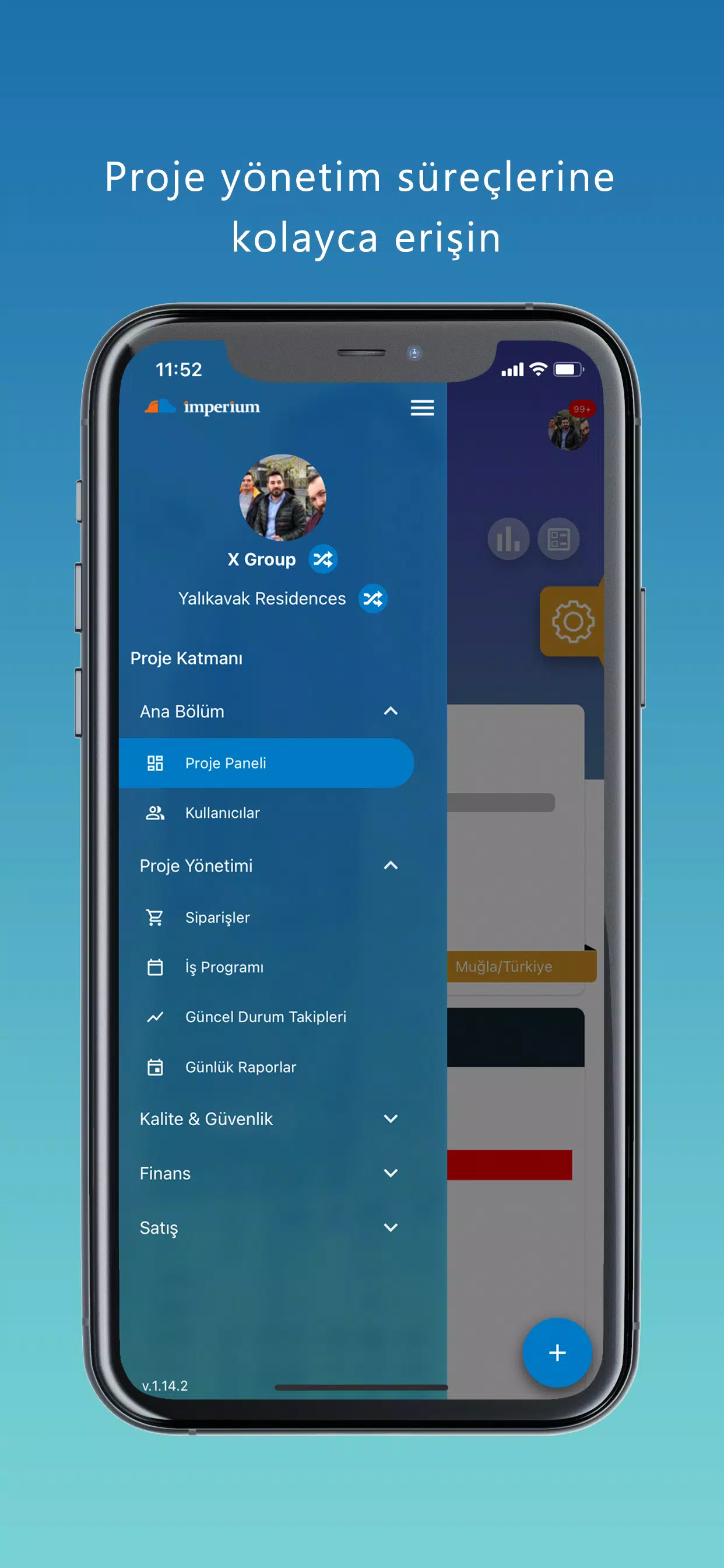
Navigation in Imperium follows a simple, role-aware layout that places current assignments and urgent items at the top of the dashboard. Menus and touch controls are optimized for one-handed use on phones and for larger touch targets on tablets. Data views let you filter by project, date, or work type and tap into specific reports or orders for details. Forms for daily logs and inspections use clear fields and guided entries to reduce typing on small screens and speed up reporting from busy sites.
Progress tracking, workflows and progression systems
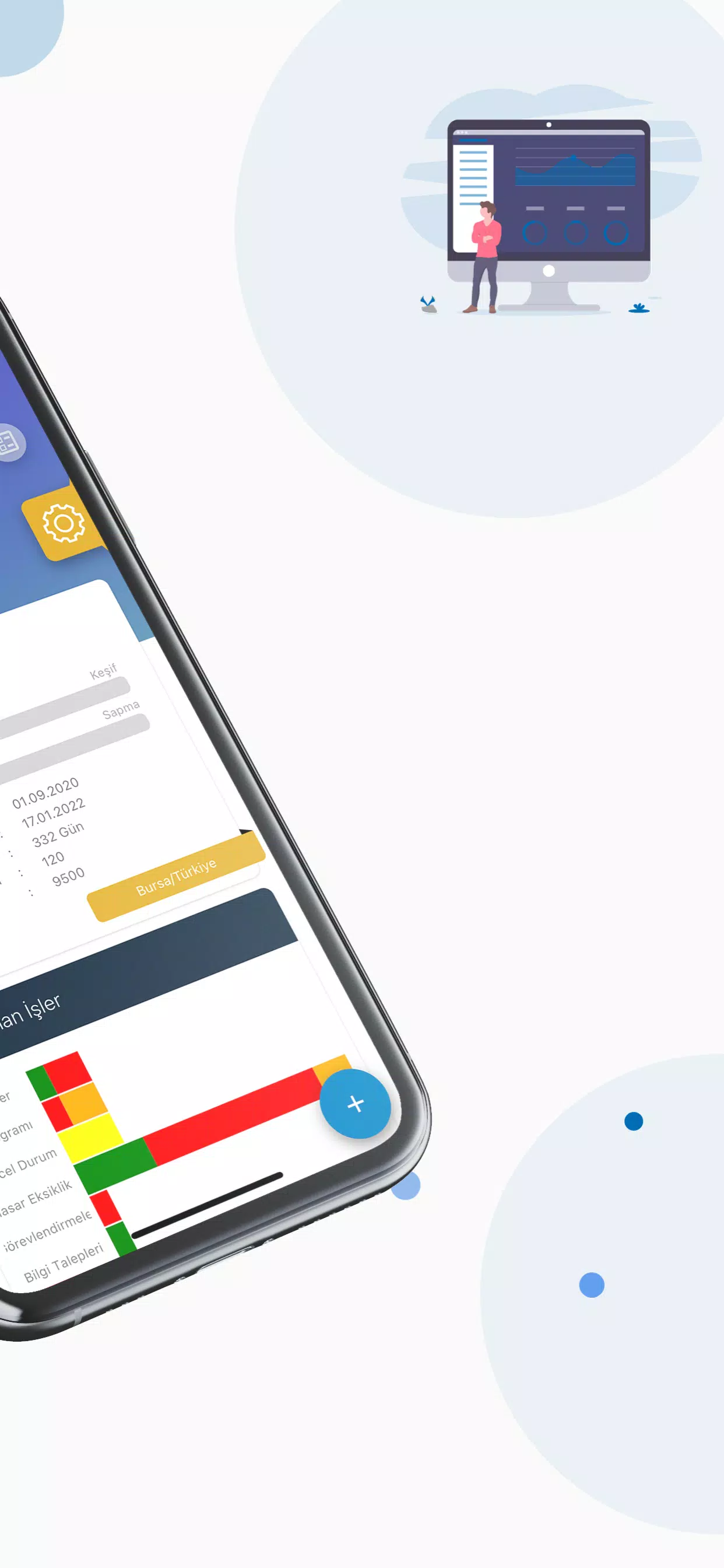
Progress markers and work checklists translate project phases into discrete mobile tasks so teams can mark milestones as they are completed. Assignment workflows allow supervisors to route tasks to specific subcontractors, set due dates, and record status updates. Imperium helps to maintain a single source of truth for progression: the mobile updates, approvals and defect resolutions contribute to the project timeline visible in the web application, keeping everyone aligned on milestones and completion percentages.
Visual style, layout and level structure
The visual design emphasizes clarity under field conditions: high-contrast text, clear icons for common actions, and scalable elements for readability in bright outdoor light. Project data is organized into hierarchical levels—project, phase, site and task—so users can drill down from an overall schedule to a single defect item without losing context. Reports and photographs attached to inspections are presented alongside the related checklist entries to reduce ambiguity during follow-up.
Customization, templates and repeatable workflows
Imperium supports configuration of checklists and report templates through the linked web platform, allowing site teams to reuse standard inspection forms and Daily Report formats across multiple projects. Custom fields and role permissions set in the web account determine which options appear on the mobile screens, enabling teams to tailor the app to their company processes while preserving consistent data capture and reporting standards.
Replay value, reuse across projects and long-term utility
Rather than game-style replay value, Imperium delivers ongoing utility: its value grows as historical records accumulate and teams reuse templates, schedules and defect histories across projects. Archived reports and order histories make it easier to identify recurring issues, refine procurement and scheduling, and accelerate onboarding for supervisors working on familiar project types, which increases productivity over the life of an organization’s projects.
Accessibility, device compatibility and limited offline considerations
Designed to run on modern Android phones and tablets, the app follows common accessibility practices like readable fonts and touch-friendly controls to help users in varied conditions. Imperium relies on synchronization with the web application for up-to-date project data, so a stable internet connection is required for full functionality; changes made while offline will be updated on the web platform when connectivity is restored, and the app prioritizes preserving entered information to avoid accidental data loss during intermittent network conditions.
Challenge management and practical limitations
On-the-ground challenges such as conflicting assignments, overlapping inspections or discovered defects are managed through assignment reassignment and defect tracking tools that provide clear ownership and status history. The primary limitations are administrative: initial account setup and some configurations must be completed through the web interface before full mobile use, and teams should plan for connectivity in areas with poor cellular or Wi-Fi coverage to maintain real-time synchronization.
Who benefits and recommended usage
Imperium is best suited to construction managers, site supervisors, project coordinators and field inspectors who need concise, reliable access to schedules, orders and reports while working away from the office. For day-to-day use, maintain synchronized rosters and templates on the web platform, train field users on the mobile forms, and use the app to shorten the approval cycle and keep inspection and defect resolution workflows moving efficiently.