
Privacy Display AI

| Package ID: | |
|---|---|
| Latest Version: | v1.0.0 |
| Latest update: | May 09, 2026 09:12:04 |
| Developer: | LeaseMe |
| Requirements: | Android |
| Category: | Tools |
| Size: | 94.63 MB |
Rating :4.5
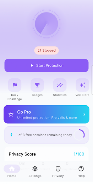
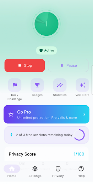
Privacy Display AI helps protect on-screen information by applying adjustable masks and intelligent blurring to sensitive areas. Privacy Display AI performs local analysis to identify text, images, and notification content and obscures them according to user preferences. Privacy Display AI lets you create and switch profiles for different apps and situations.
How it works
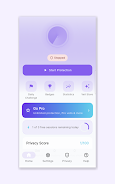
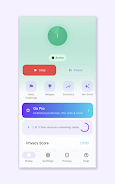
The app places a configurable overlay that targets detected regions or a manual selection. Processing is performed on-device to reduce data sharing. Controls include sensitivity, mask type, opacity, and automatic activation for selected apps.
Key features
- Adaptive blur and mosaic masks for selective obfuscation
- Text and face detection to focus protection where it matters
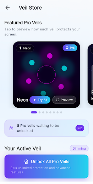
- Custom profiles per app with quick switching
- Manual selection and adjustable overlay appearance
- Minimal permissions and local processing to limit data exposure
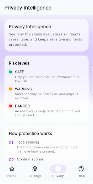
Privacy and permissions
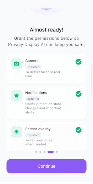
Permissions are limited to what is needed to place overlays and detect content; no images or text are uploaded off the device by default. Settings allow you to control when the app runs and what it protects.