
Apps
Productivity
Challenges Alarm Clock
Challenges Alarm Clock

| Package ID: | |
|---|---|
| Latest Version: | v1.38.8 |
| Latest update: | Apr 07, 2026 12:13:03 |
| Developer: | Garage App Co |
| Requirements: | Android |
| Category: | Productivity |
| Size: | 80.39 MB |
| Tags: | System Photo Camera |
Rating :4.1
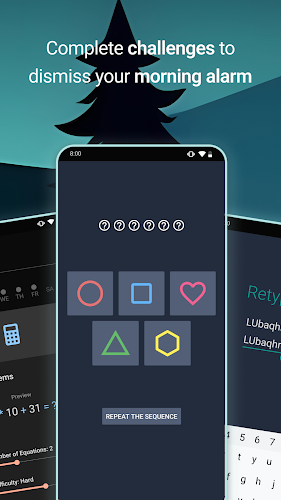
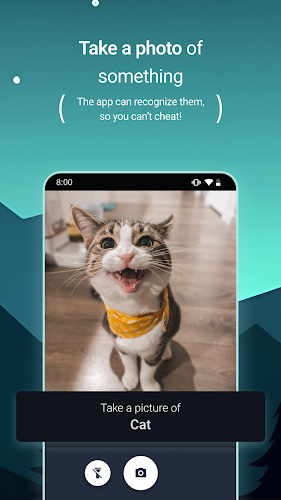
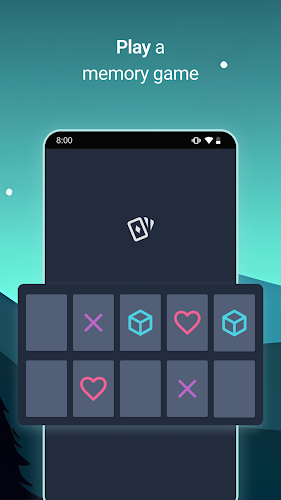
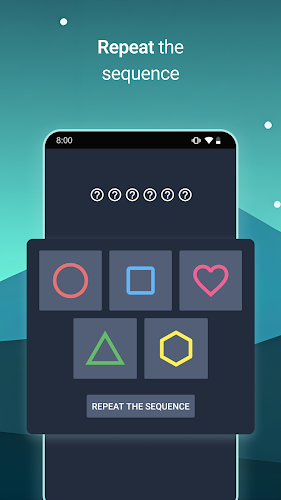
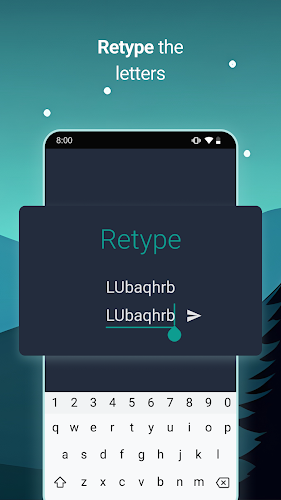
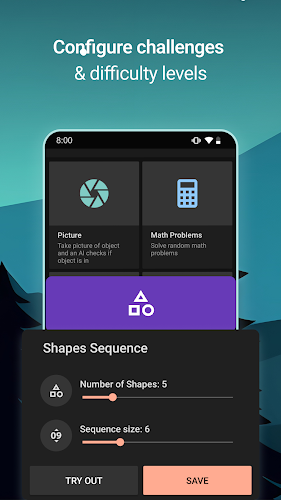
Challenges Alarm Clock helps heavy sleepers wake up by requiring real actions rather than a single tap: camera-based object recognition, puzzles, math problems, memory and sequence tasks, plus pose and smile detection make dismissal conditional on completing a chosen challenge. You can limit or disable snooze, choose gradual volume increase or extra-loud overrides, and block dismissal until challenges are solved so the alarm suits your routine and preferences.
Key Features
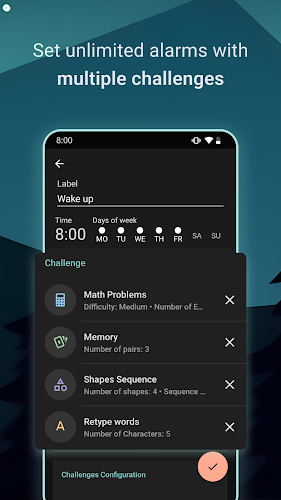
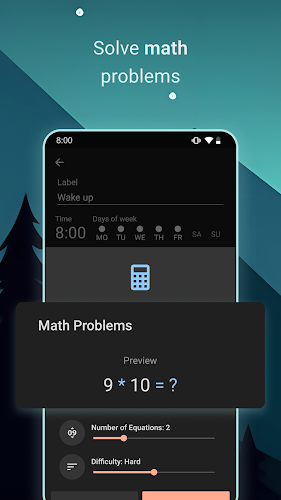
Key features of Challenges Alarm Clock include camera-based picture recognition that can require a photo of a preselected object or animal, multiple challenge types such as memory boards, sequence puzzles, retype tasks and math questions, smile and pose detection, configurable snooze controls, media and volume options with smooth volume increase or loud overrides, and safety and usability settings like dark mode and an optional lock to prevent leaving the app while an alarm is active.
Advantages
With Challenges Alarm Clock you get a more reliable wake-up method because dismissal requires focused actions, a wide range of challenge types to tailor your routine, flexible audio controls for gentle or forceful alerts, and optional privacy-conscious behavior since camera-based tasks are used only when you enable them.
Disadvantages
Some features depend on permissions: camera-based challenges require camera access, and the optional 'prevent leaving app' feature requires the Accessibility Service; features that override system volume or block dismissal can feel intrusive if not configured carefully.






