



Apps
Photography
Shutterstock Contributor
Shutterstock Contributor

| Package ID: | |
|---|---|
| Latest Version: | v1.22.1 |
| Latest update: | Apr 06, 2026 12:15:04 |
| Developer: | Shutterstock Inc. |
| Requirements: | Android |
| Category: | Photography |
| Size: | 32.88 MB |
| Tags: | Photo Camera Video |
Rating :4.3
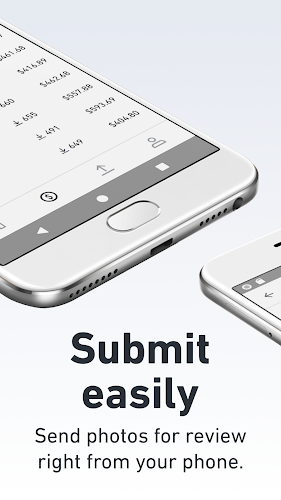
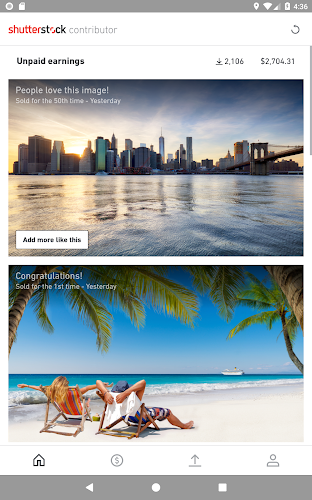
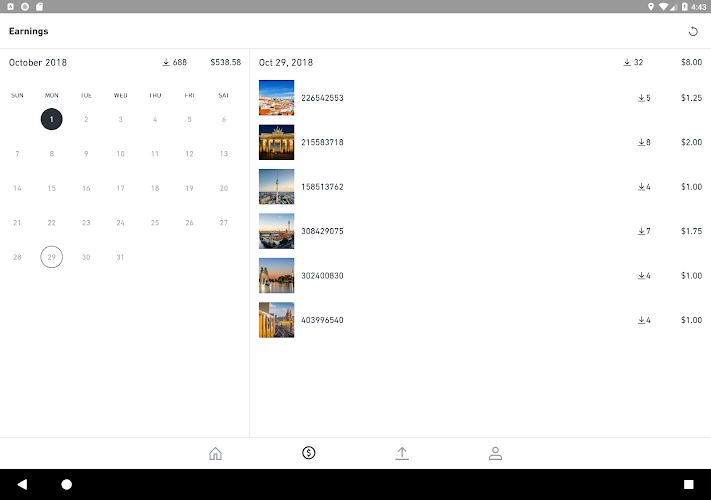
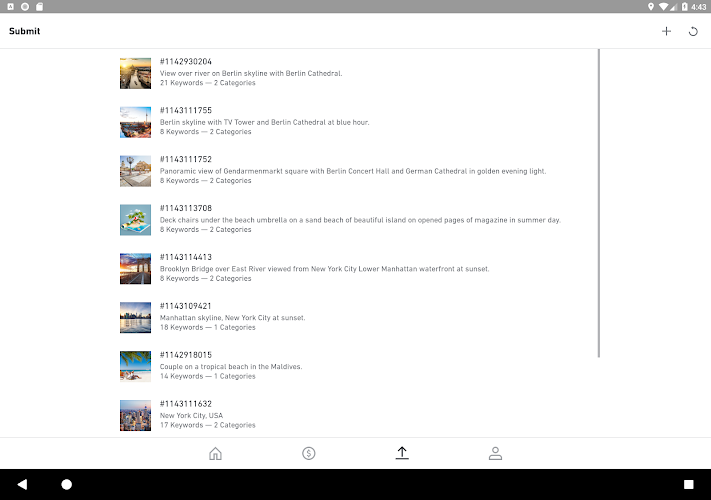
Shutterstock Contributor helps photographers and videographers upload, manage, and sell their work on Shutterstock. With Shutterstock Contributor you can submit images and footage, add titles, keywords, and captions, and track earnings and content status in one place. The Shutterstock Contributor app supports direct uploads from your device and provides review feedback to help improve acceptance rates.
How it works
Sign in with your Shutterstock account to create and manage your contributor profile. Upload photos or videos, add accurate metadata, and submit items for review. Submissions go through Shutterstock's review process; you can monitor status updates and sales reports within the app. Payment methods and schedules follow your Shutterstock account settings.
Key features
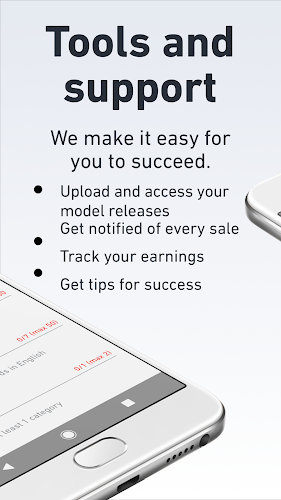
- Upload and manage: Submit photos, illustrations, and video clips directly from your device.
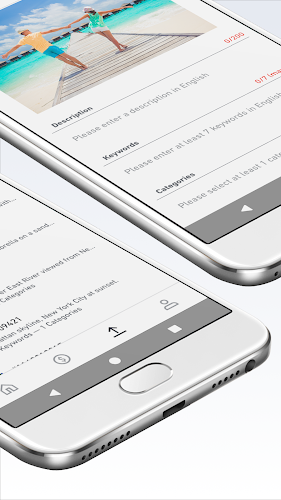
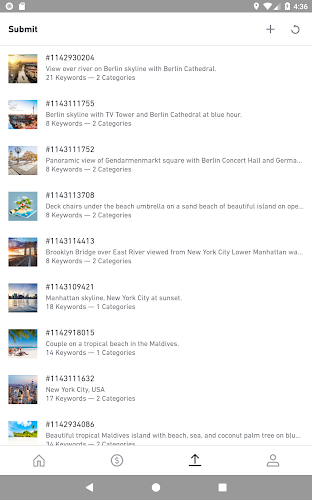
- Metadata tools: Add titles, captions, and searchable keywords to improve discovery.
- Submission tracking: View review status, acceptance history, and rejection reasons.
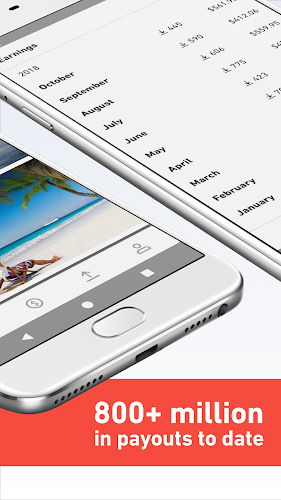
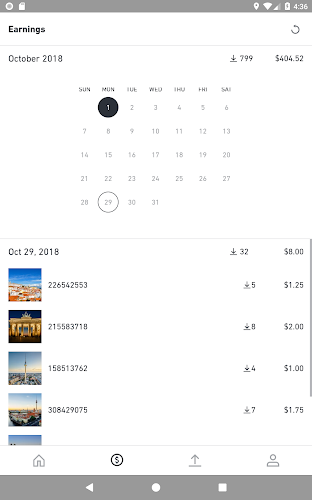
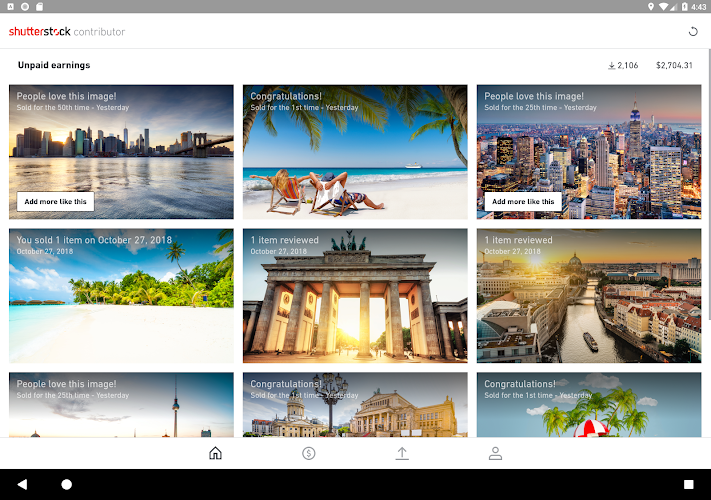
- Portfolio and earnings: Monitor sales, downloads, and basic earnings summaries.
- Guidelines and tips: Access submission guidelines and best-practice suggestions to increase acceptance chances.
The app requires a Shutterstock contributor account and may request access to storage, camera, and network connectivity to upload and manage files. For full account settings and payment options, manage preferences in your Shutterstock account.






