
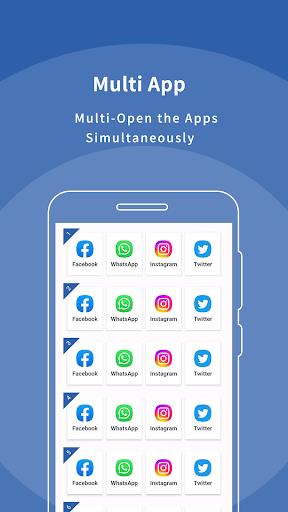
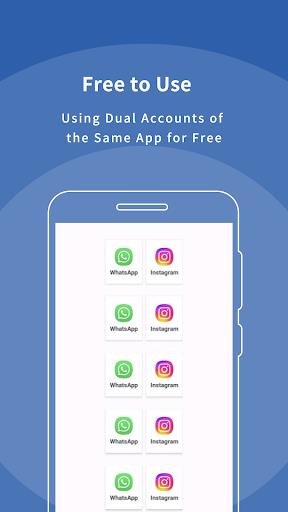
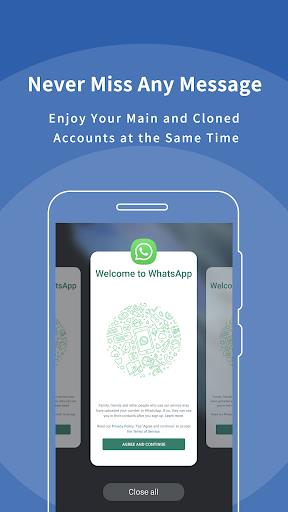


Multi App: Dual Space is a lightweight app cloner that creates isolated parallel spaces on a single Android device so you can run multiple accounts of the same app simultaneously without interference. It’s useful for keeping work and personal profiles separate, managing extra social or gaming accounts, or testing different logins on one phone. With fast account switching, broad compatibility across Android 8–15, and tools to hide or lock cloned apps, Multi App: Dual Space simplifies multi-account management while keeping data from each instance separated and private.
Key Features
⭐ Multi App: Dual Space creates independent dual spaces so each account runs in its own isolated environment.
⭐ Fast switching between accounts lets you move from one profile to another with minimal delay.
⭐ Strong compatibility with Android 8–15 and most mainstream social apps and games.
⭐ Customize icons and labels for each cloned instance to keep your home screen organized and discreet.
⭐ Privacy tools include hidden apps, an icon changer, secure lock and a secret zone for protected access.
Advantages
✅ Multi App: Dual Space keeps data for each account separate so information never overlaps between spaces.
✅ The app offers stable, fast startup and supports unlimited cloning to run many parallel accounts at once.
✅ Built-in privacy and security features let you hide apps, change icons and lock cloned spaces for added protection.
✅ Compatible with a wide range of Android devices (Android 8–15), making it a flexible tool for different phones and use cases.
Disadvantages
❎ The app integrates third-party advertising SDKs and, with consent, collects device and usage data as described in its privacy policy.
❎ Although it supports most apps, some system-level or specially protected applications may not function correctly when cloned.
❎ Certain features require agreement to the privacy policy and necessary permissions to operate, which some users may find intrusive.






