
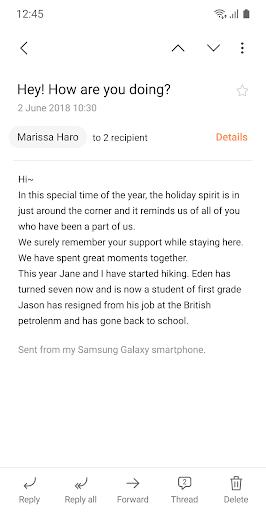
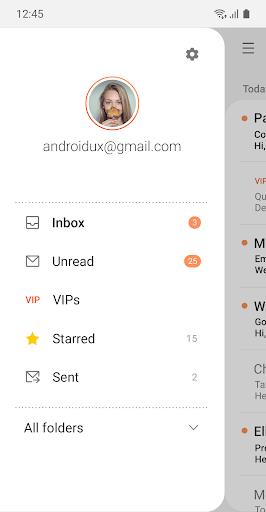
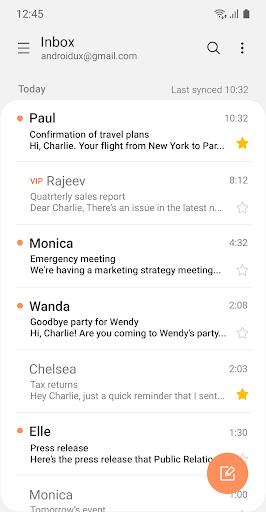

Samsung Email is a versatile Android email client that helps you manage personal and work accounts from a single app, supporting POP3, IMAP and Exchange ActiveSync for email, calendar, contacts and task synchronization. Samsung Email simplifies handling multiple inboxes with a consolidated mailbox view and threaded conversations, while offering enterprise-grade tools such as S/MIME encryption and spam filtering to protect sensitive communications. The app’s notification controls and a straightforward interface help you stay on top of messages without unnecessary clutter, and optional permissions enable extra functionality when needed.
Key Features
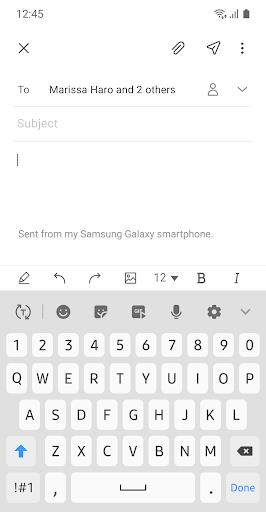
Samsung Email supports POP3, IMAP and Exchange ActiveSync so you can add personal and business accounts; full Exchange synchronization keeps email, calendar, contacts and tasks in sync via EAS. The app includes S/MIME encryption for protected messaging, combined mailbox and threaded conversation views for managing multiple accounts, built-in spam filtering and customizable notifications to prioritize what matters, and the ability to attach photos, files, camera shots and location information directly from the app.
Advantages
Samsung Email brings multiple accounts into a single inbox to reduce app switching and save time. It is enterprise-friendly with EAS policy support and Exchange integration that help IT teams enforce security and compliance. The app focuses on privacy by using optional permissions and encryption for users handling confidential data, while keeping a simple, clear interface for everyday email tasks.
Disadvantages
The app is focused on Android devices, so users seeking native desktop or other platform clients will need additional solutions. Advanced enterprise features rely on Exchange ActiveSync, so organizations not using Exchange may not have the same controls. Some enhanced features require granting optional permissions to access the camera, files or location.