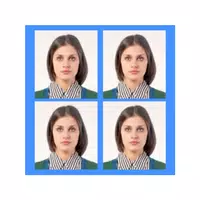
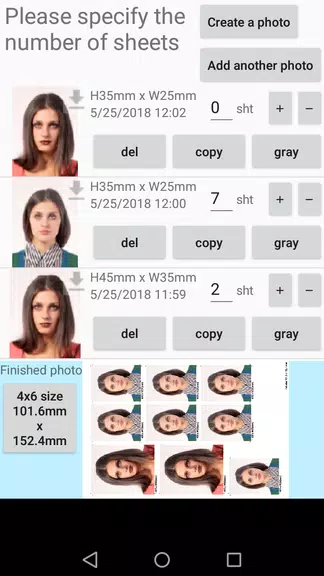
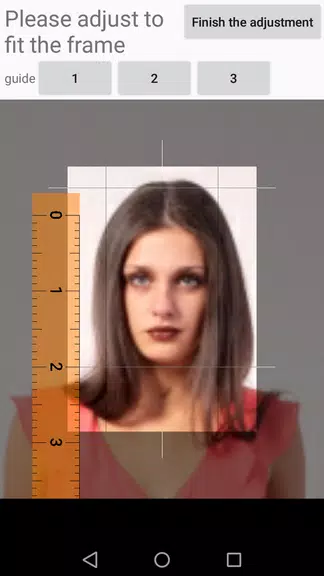

ID Photo application makes it easy to turn smartphone pictures into printable ID photo sheets for passports, visas, official forms and other identity needs. The ID Photo application lets you crop, size and save individual headshots as standard JPEG files and arrange multiple copies on a single 4x6 print, all from your device.
Key Features
Convert smartphone photos into correctly sized ID photo data ready for printing.
Save individual cropped photos as JPEG files for reuse or separate prints.
Unlimited retakes let you capture the best shot without time pressure.
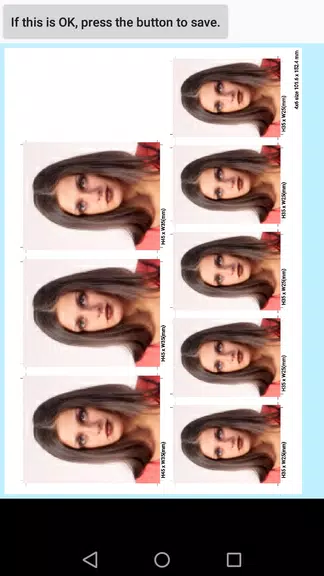
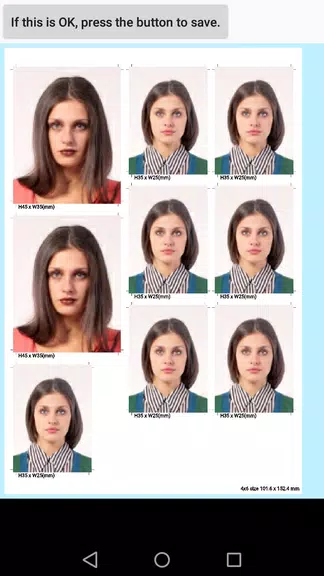
Support for many standard sizes (25×25mm, 35×25mm, 45×35mm, 50×35mm, 51×51mm and others) and an option for custom dimensions.
Arrange multiple ID photos and different sizes on a single 4x6 print.
Output in color or grayscale to match printing or submission requirements.
Advantages
Outputs JPEG files compatible with most photo printers and lab services.
A default 4x6 print layout simplifies home printing, with the option to change print size if needed.
Placing multiple cropped photos and mixing sizes on one sheet helps save paper and reduce printing cost.
Straightforward workflow—crop, save, retake and print—makes batch ID creation fast in ID Photo application.
Disadvantages
Home printing requires a printer that accepts and prints JPEG files from a smartphone or camera.
Exports are provided in JPEG format only; other file formats are not available.