
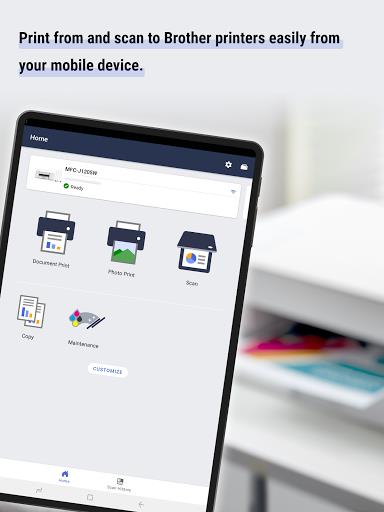
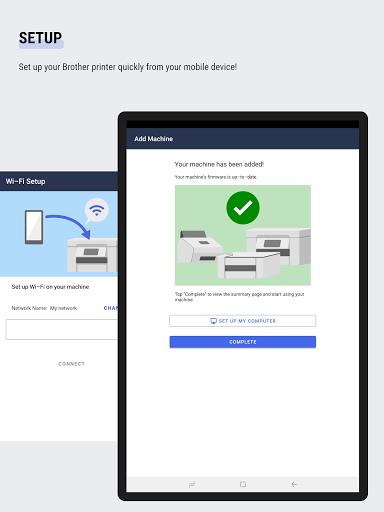
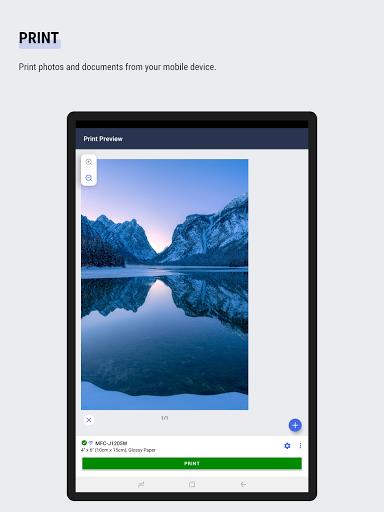
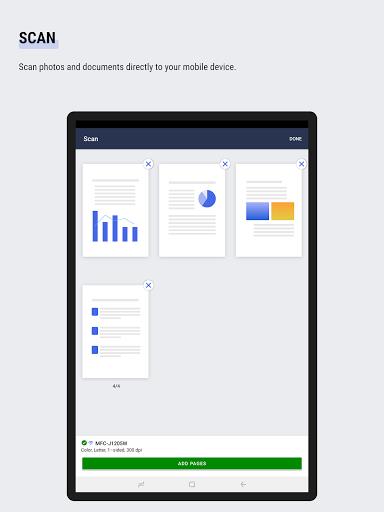

Brother Mobile Connect puts printer control in your pocket, letting you set up, print, scan and copy from an Android device with minimal fuss. The app is designed for users who want quick access to their Brother machine without walking over to the printer: you can complete initial setup, trim photos before printing, scan directly to PDF or JPEG, and change copy settings from a phone or tablet. Brother Mobile Connect also stores a history of scans and surfaces ink and toner levels so you can manage supplies — note that not all Brother models and regions are supported, and if yours isn’t compatible, try Brother iPrint&Scan.
Core Functions
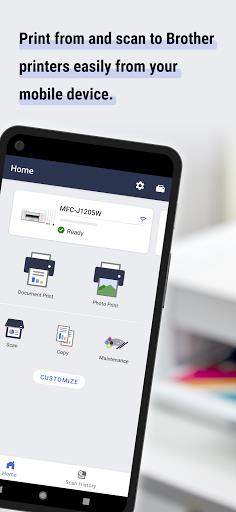
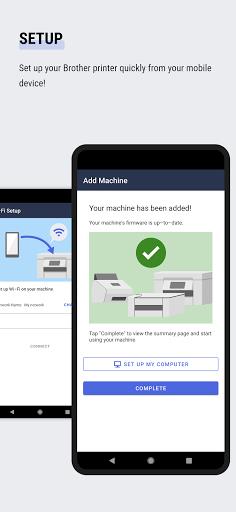
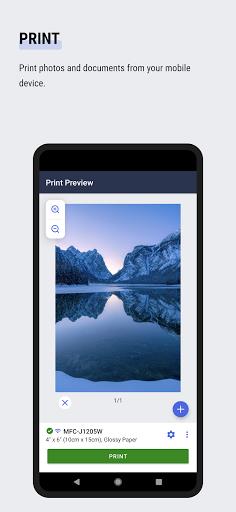
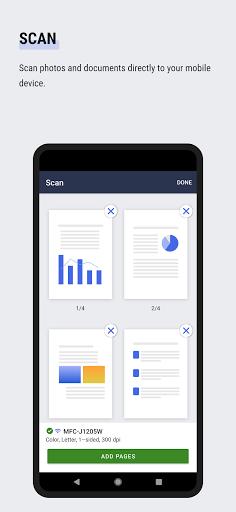
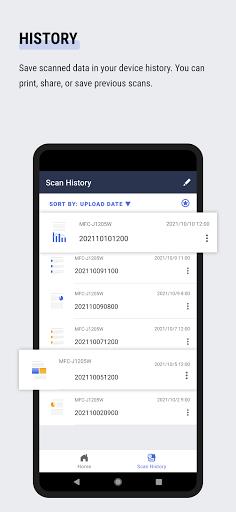
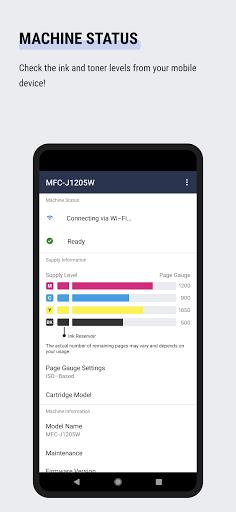
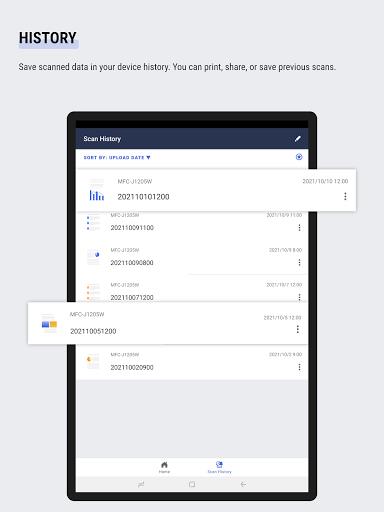
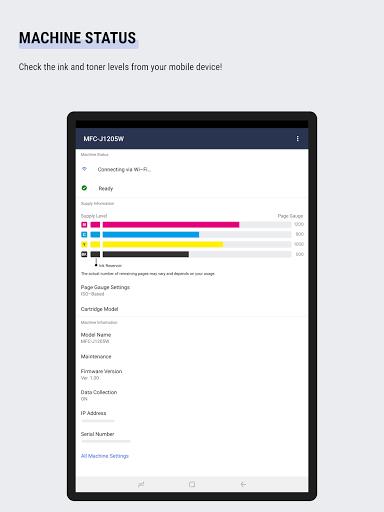
Brother Mobile Connect handles the basics and a few niceties. Setup walks you through connecting your Brother machine to the network. Print supports photos and documents with simple trimming tools for images. Scan captures documents and photos as PDF or JPEG files and saves them to your device. Copy lets you adjust common settings and trigger the machine remotely. History keeps recent scanned items available to print, share or save. Management displays ink and toner levels and offers options to purchase Brother Genuine supplies where available.
Key Features
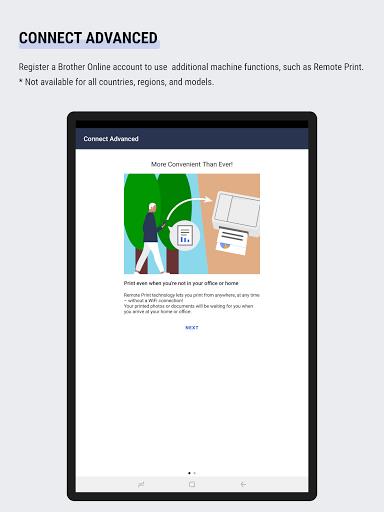
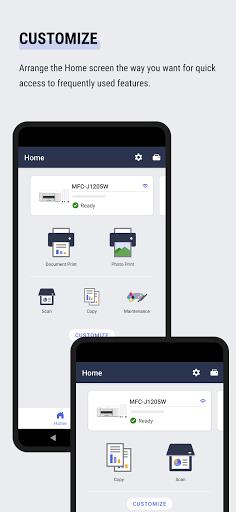
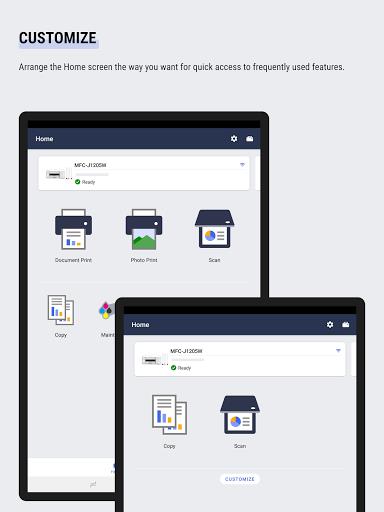
The app focuses on practical features rather than bells and whistles. Home-screen customization puts frequently used actions front and center for faster access. Notifications can alert you to supply or service events on supported models. An advanced Connect option links a Brother Online account for remote capabilities such as Remote Print, although some connected services are restricted by country, region or model. Feature availability varies by printer model, so expect differences depending on the hardware you own.
User Experience
Interface choices prioritize clarity: essential functions are grouped so common tasks require only a few taps. Scanning to standard file types and keeping a device-side history makes it easy to reuse or share documents without additional apps. Supply monitoring reduces surprises by showing ink and toner levels on demand, and the ability to arrange the Home screen helps frequent workflows move faster. Some features, like supply purchase and advanced remote services, may not appear in all regions or on all machines.
Conclusion
For users with compatible Brother hardware, Brother Mobile Connect streamlines printing, scanning and basic machine management from a mobile device. It’s a practical choice for home offices and small businesses that prefer to control printers remotely and keep a record of scans on the phone. If your model isn’t supported, consider the alternative Brother iPrint&Scan to cover essential mobile printing and scanning needs.






