
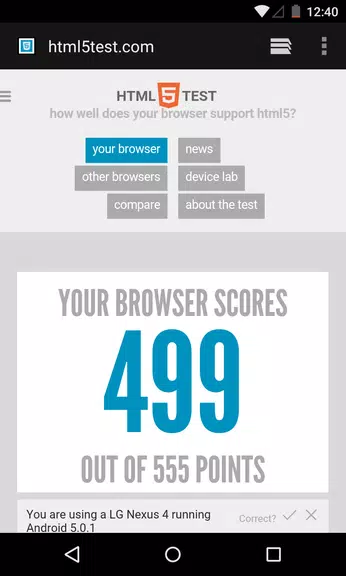

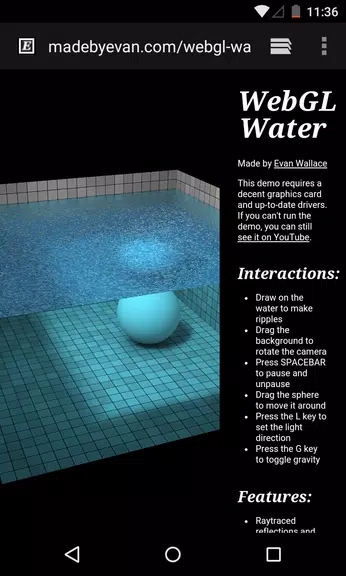
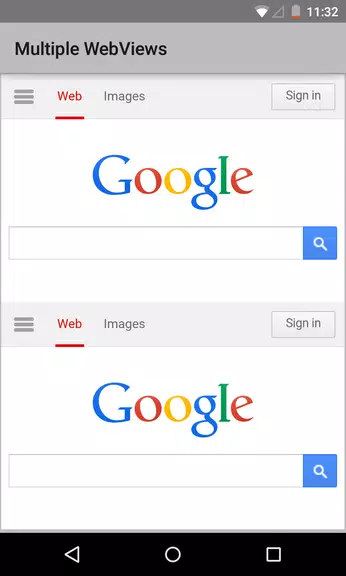

Android System WebView Canary is a specialized version of the Android WebView component, designed for developers and advanced users who want to test and experiment with the latest features and updates before they are widely released. It allows Android apps to display web content directly within the app itself. This Canary version provides early access to the most recent updates and changes to WebView, enabling users to try out new functionalities and report bugs or issues. While primarily intended for testing purposes, it can be a useful tool for users who want to stay on the cutting edge of Android web capabilities.
Features of Android System WebView Canary:
1. Early Access: Test the latest WebView updates and features before they are officially released.
2. Web Integration: Enables apps to display web content seamlessly within the Android ecosystem.
3. Developer-Focused: Ideal for developers to ensure their apps are compatible with the newest web content functionalities.
4. Bug Reporting: Provides a platform for users to report issues and contribute to development.
5. Frequent Updates: Regular updates to improve performance and add new experimental features.
Playing Tips of Android System WebView Canary:
1. Use with Caution: Since it's a Canary version, expect occasional instability and bugs.
2. Stay Updated: Regularly check for updates to benefit from the latest features and improvements.
3. Test on Safe Devices: Try the app on secondary devices or virtual machines to avoid disruptions on your main device.
4. Report Bugs: Provide feedback to help improve future WebView releases.
5. Monitor Compatibility: Ensure that your apps work correctly with the newest WebView updates.
Conclusion:
Android System WebView Canary offers early access to new and experimental features for displaying web content within Android apps. It is an essential tool for developers, testers, and tech enthusiasts who want to stay on the cutting edge of Android web integration. By providing a platform for reporting issues and experimenting with the latest updates, it allows users to contribute to the evolution of Android web technologies. While not intended for general users due to potential instability, Android System WebView Canary is an exciting option for those looking to explore new Android features.






