Games
Simulation
ITsMagic Engine - Create games
ITsMagic Engine - Create games

| Package ID: | |
|---|---|
| Latest Version: | v1.0 |
| Latest update: | Aug 06, 2026 19:38:05 |
| Developer: | ITsMagic |
| Requirements: | Android |
| Category: | Simulation |
| Size: | 75.83 MB |
| Tags: | Puzzle Drive Management |
Rating :4.5
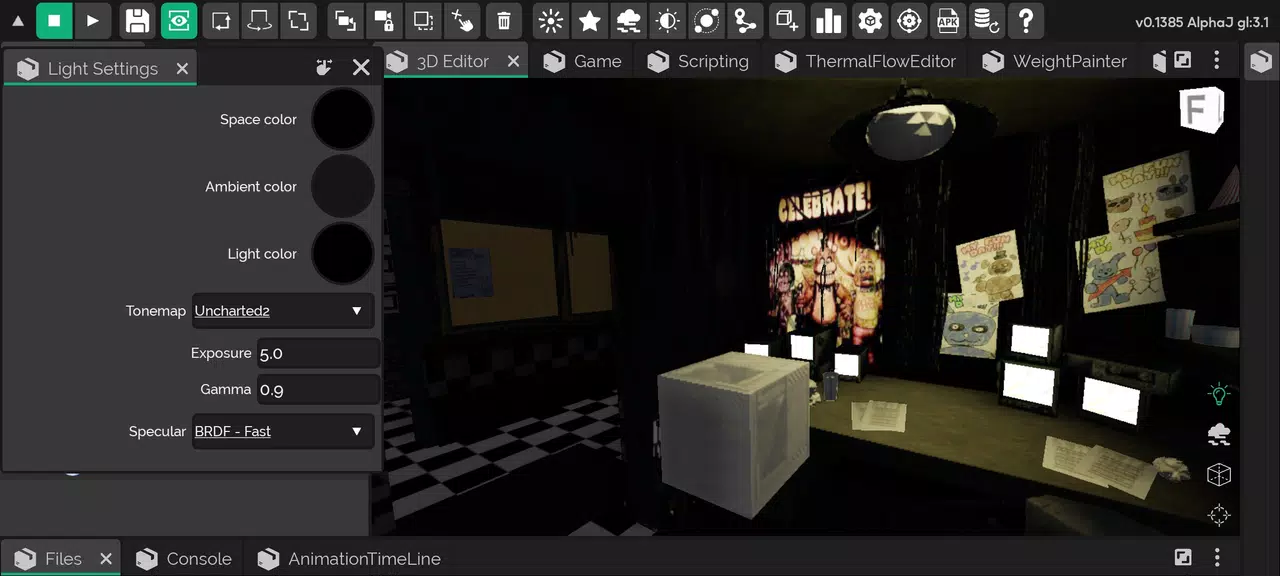
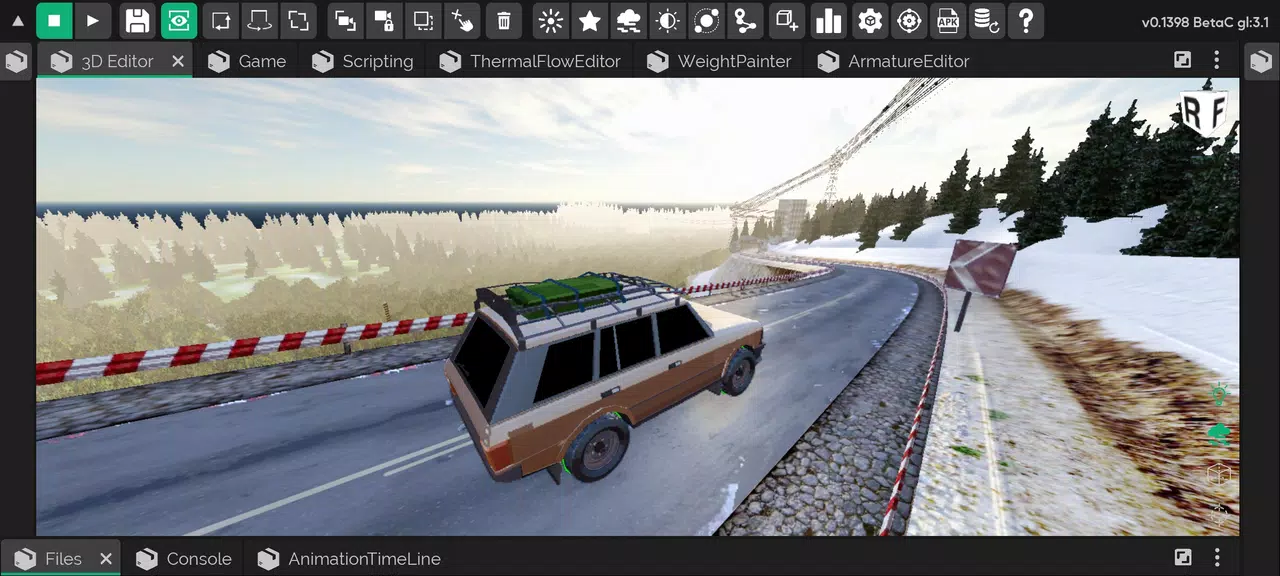
ITsMagic Engine - Create games puts a full, mobile-first game development toolkit into your hands so you can build, test and share playable projects without moving to a desktop. This app recreates familiar computer-style authoring workflows on phone and tablet, combining a visual editor with real-time rendering, physics simulation and 3D animation tools so creators can prototype levels, assemble characters and iterate mechanics on the go. The interface is designed for touch interaction while preserving precise control over scene layout, asset placement and collision behavior, and projects can be exported as APK or AAB packages for installation or wider distribution.
Key features
The editor includes high-fidelity rendering, adjustable lighting and GLSL shader support to help you achieve a specific visual style, plus physics-driven interactions for responsive gameplay. Import common 3D models and scene elements (.obj, .dae, .3ds and partial .fbx/.blend support) and use the timeline-based animation tools to author movement and state transitions. Built-in multiplayer support allows creators to design cooperative or competitive experiences without separate server management, and export options produce standard Android packages so you can install or share builds directly from your device.
Gameplay mechanics
ITsMagic Engine - Create games supports a component-style approach to gameplay logic: designers place actors in a scene, assign physics and behaviors, and connect triggers to events such as collisions, timers or input actions. Common mechanics—platforming, puzzles, basic AI patrols and item collection—can be prototyped with visual triggers and adjustable parameters. Creators can tune difficulty curves, response times and object interactions in real time and test changes instantly in play mode, which helps balance challenges before a formal release.
Controls and interface
The app prioritizes touch-friendly controls with multi-touch gestures for camera orbit, pinch-to-zoom and drag-to-pan, while context-aware toolbars offer precise transforms, snapping and grid alignment for level construction. Playtesting uses a configurable input overlay so you can simulate virtual buttons, touch zones or tilt-based input for prototypes. The editor's layout is adaptable: tool panels can be expanded, collapsed or docked to make the most of smaller screens and improve workflow on tablets.
Progression systems and level structure
Designers can structure games with scenes and nested levels to create clear progression—from simple tutorial rooms to complex multi-stage encounters. Each scene can contain conditions that advance the player, unlock new tools or spawn challenges. Progression elements such as checkpoints, inventory states and scripted event chains are supported through straightforward logic connectors, allowing creators to map player flow and pacing without writing low-level engine code.
Visual style and audio
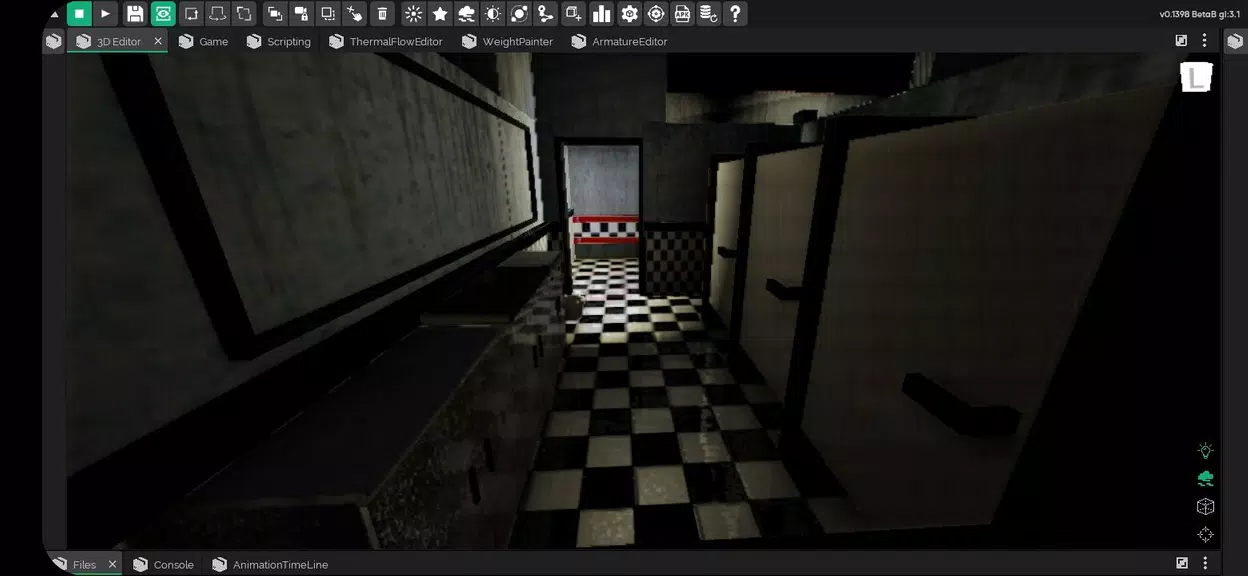
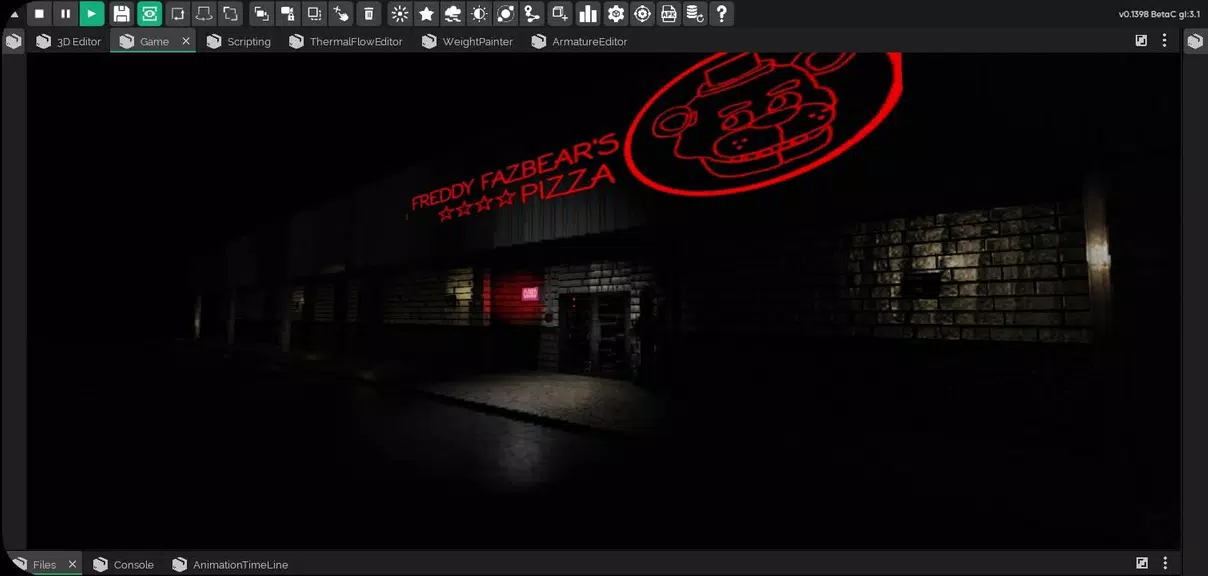
Visual options range from stylized low-poly aesthetics to higher-detail models enhanced by real-time shadows, post-processing and custom shaders. 3D sound positioning and simple sound mixing let you place audio cues in the world to reinforce atmosphere and feedback. The rendering pipeline includes controls for ambient light, skyboxes and fog, helping creators establish mood and readability for gameplay-critical elements such as enemy visibility and collectible highlights.
Customization and extensibility
For developers who want deeper control, the environment is extensible with Java integration and scripting support so you can implement custom game logic, new behaviors or specialized systems. Asset workflows allow you to import models and textures created in common desktop tools; where formats like .fbx and .blend are only partially supported, the editor recommends conversion to supported interchange formats and offers guidance for preserving animations. This blend of visual authoring and code access makes it possible to scale projects from simple prototypes to more complex applications.
Multiplayer, sharing and collaboration
The built-in multiplayer framework simplifies adding cooperative or competitive modes, allowing creators to invite friends to try levels during development without requiring a separate server setup. Sharing features let you export a playable APK/AAB for testers and collaborators, or package a project for further refinement on another device. The social playtesting workflow is designed to speed iteration: host a session from your device, have teammates connect, and collect feedback while making live adjustments to level parameters.
Accessibility, offline use and user experience
ITsMagic Engine - Create games aims to be usable on the go: key editing and playtesting tools work offline so you can develop without an active connection, and project export is available locally. The UI supports adjustable text and icon scaling, clear visual contrasts and simplified control modes to help creators with different needs. Tutorials and in-app help provide step-by-step guides for common tasks, and contextual tips surface relevant options as you work to reduce the learning curve for newcomers.
Replay value and challenge systems
Replayability is supported at both the design and player levels: creators can design branching paths, optional objectives and variable enemy behaviors to encourage multiple playthroughs, and the editor's randomization tools let you generate procedural elements that keep levels fresh. Challenge systems such as timed runs, score objectives and unlockable content can be composed from the available triggers and progression nodes to reward mastery and experimentation.
Limitations and practical notes
Some import formats are only partially supported, especially complex .fbx and .blend files, which may need conversion to ensure animations and hierarchies import correctly. Animation import is most reliable with .dae files, and advanced scripting benefits from programming experience, so absolute beginners may face a steeper learning curve when attempting deep customization. Overall, the app balances mobile convenience with powerful tools for creators who want to iterate quickly and share playable builds directly from their device.