
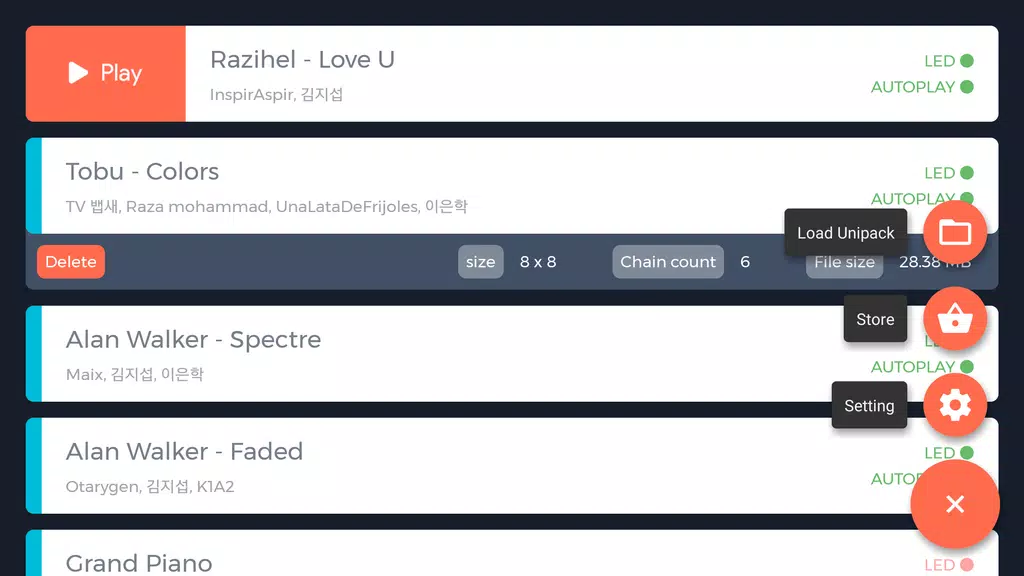
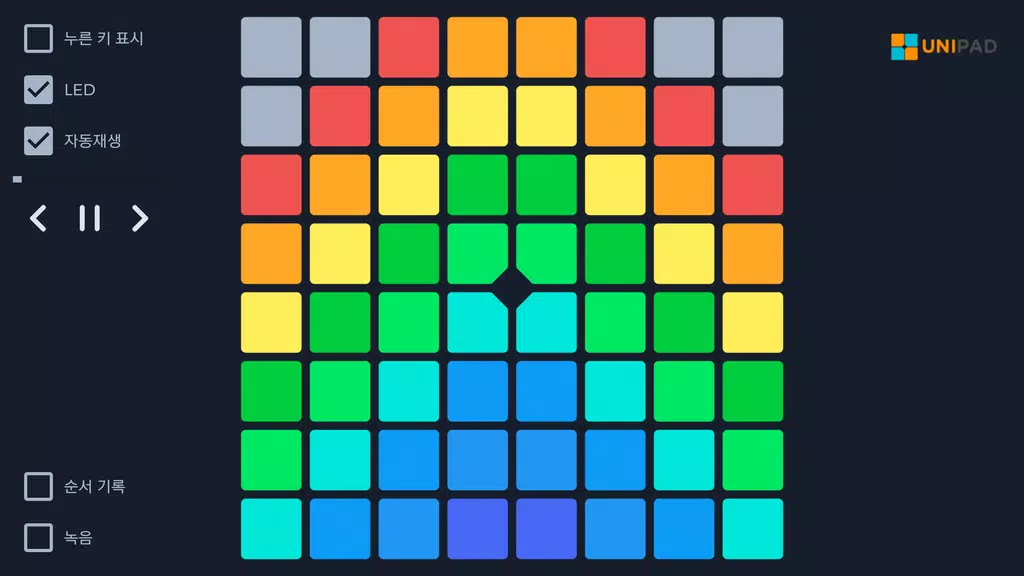
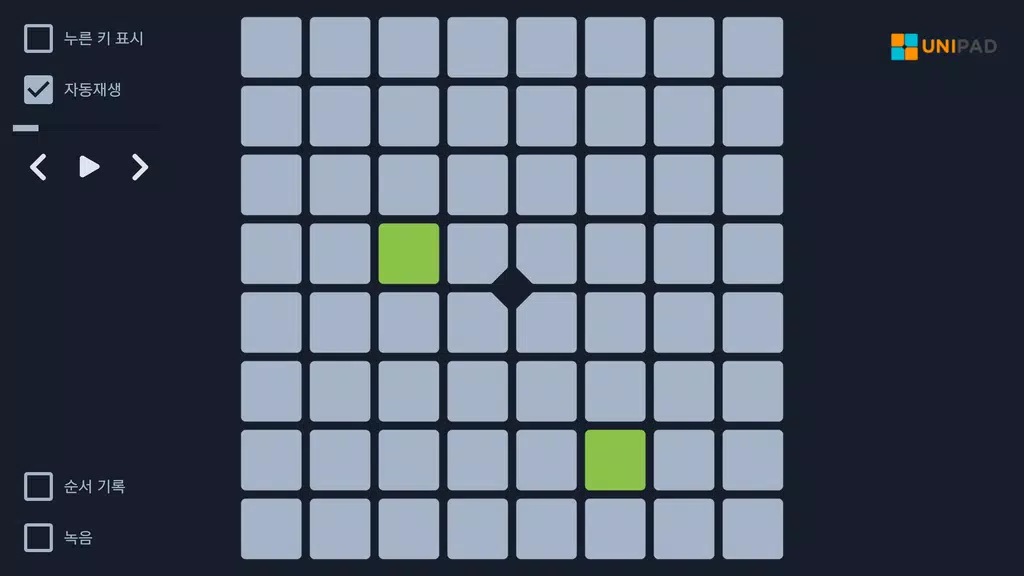

UniPad puts a modern twist on Launchpad-style rhythm gameplay, letting players perform songs by tapping on an on-screen pad or a connected device. The app reproduces tracks as you press buttons, and it bundles more than 40 built-in songs, practice aids and an auto-play mode to help newcomers learn patterns. Players can create and save their own project files, customize the pad's look with skins, and link external Launchpad or MIDI hardware for a tactile experience. UniPad is aimed at rhythm-game fans who want both casual play and a creative space for building and refining performances.
Key Features
⭐ More than 40 base songs included to play and master across different styles.
⭐ Create, edit and save custom project files to arrange your own tracks.
⭐ Built-in auto-play and practice modes that help players learn patterns and improve timing.
⭐ Personalize the interface by applying skins to make a unique UniPad appearance.
⭐ Connect physical Launchpad and MIDI devices for hands-on, tactile gameplay.
⭐ Requires storage access to save project files and sound sources on your device.
Advantages
✅ Engaging rhythm-based mechanics that reward timing, coordination and creativity.
✅ Practice aids and auto-play features reduce the learning curve for new players.
✅ Project system encourages experimentation and incremental improvement of arrangements.
✅ Hardware support lets sessions feel more like a live performance with physical controls.
Disadvantages
❎ The best experience is often achieved with a Launchpad or MIDI controller, which not all players own.
❎ Storage permission is required to store projects and sound files, which some users may be cautious about.
❎ Players unfamiliar with Launchpad mechanics may face a brief learning curve before playing comfortably.