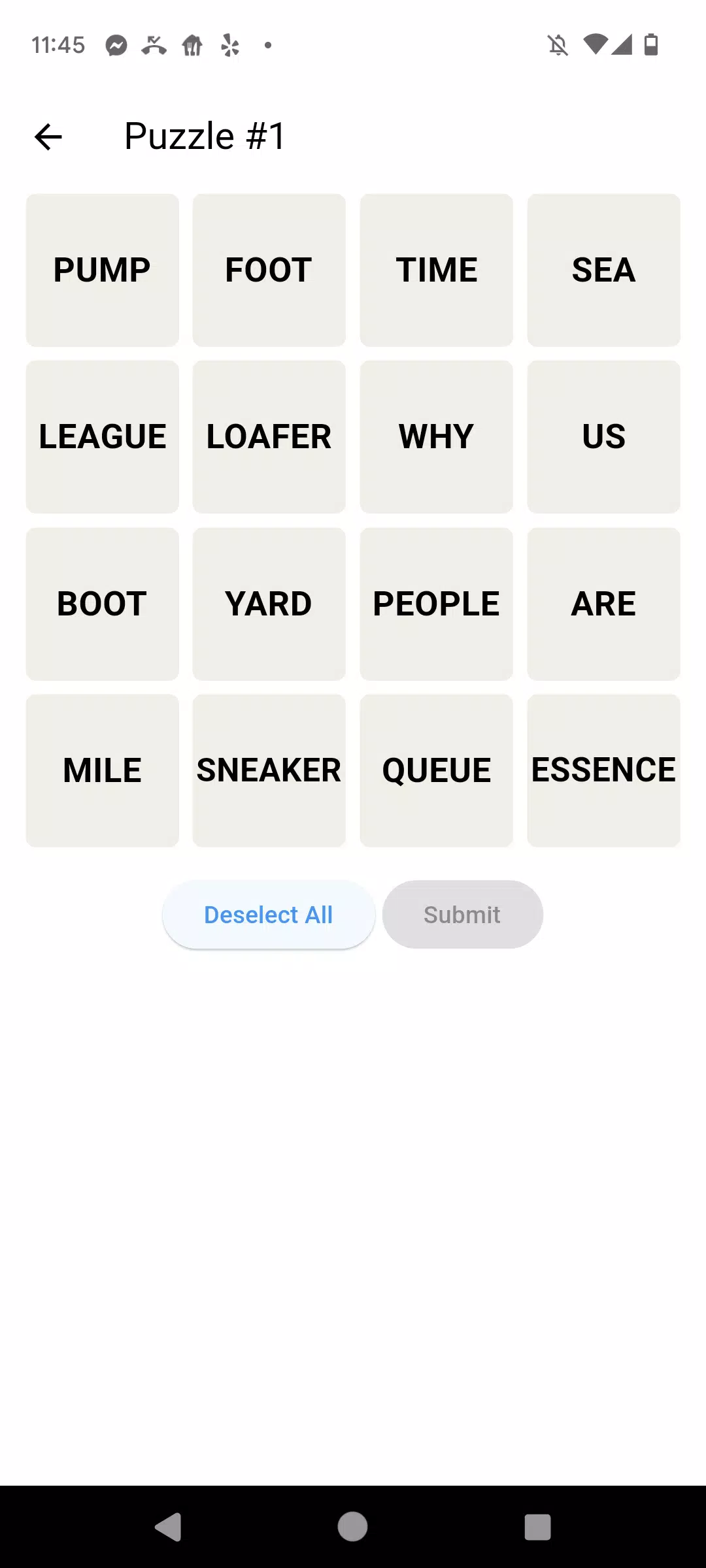
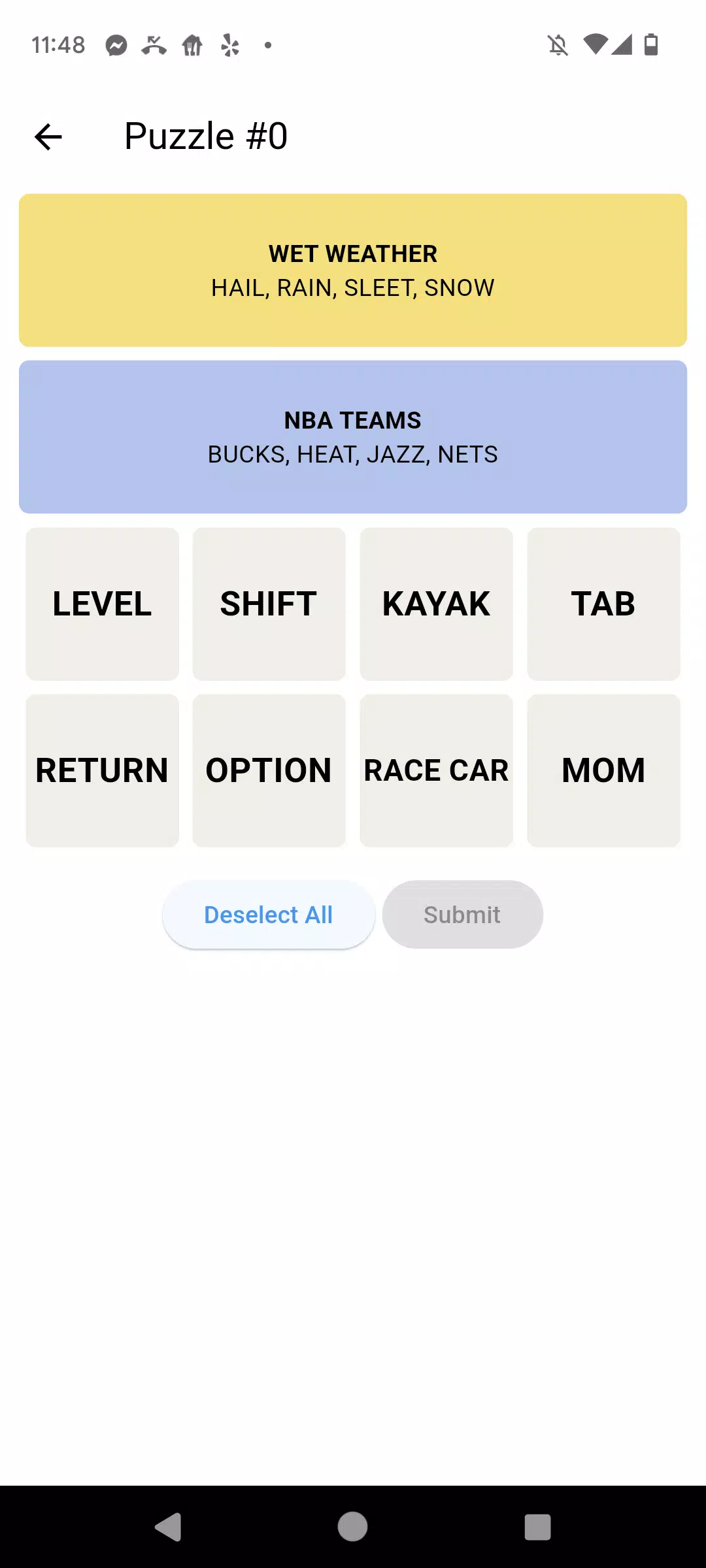
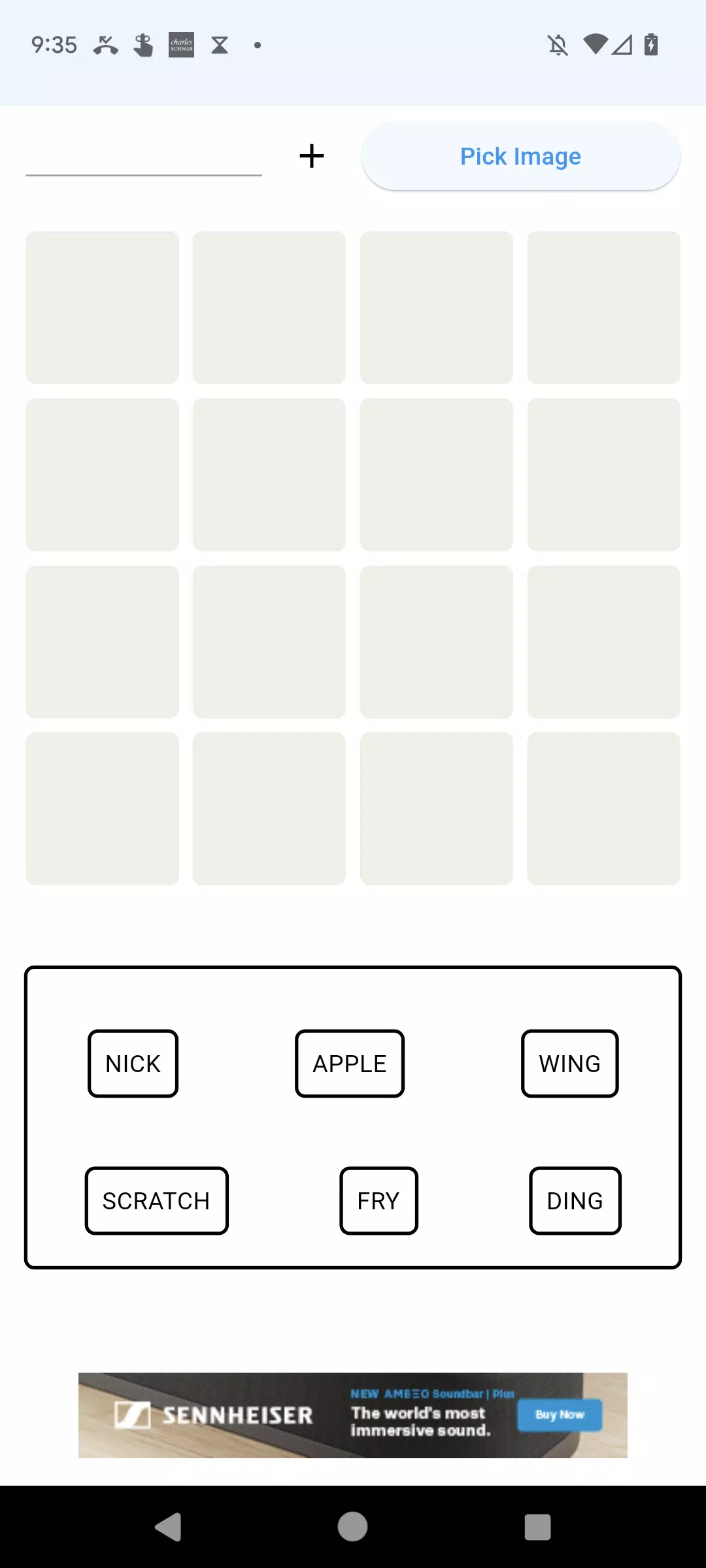
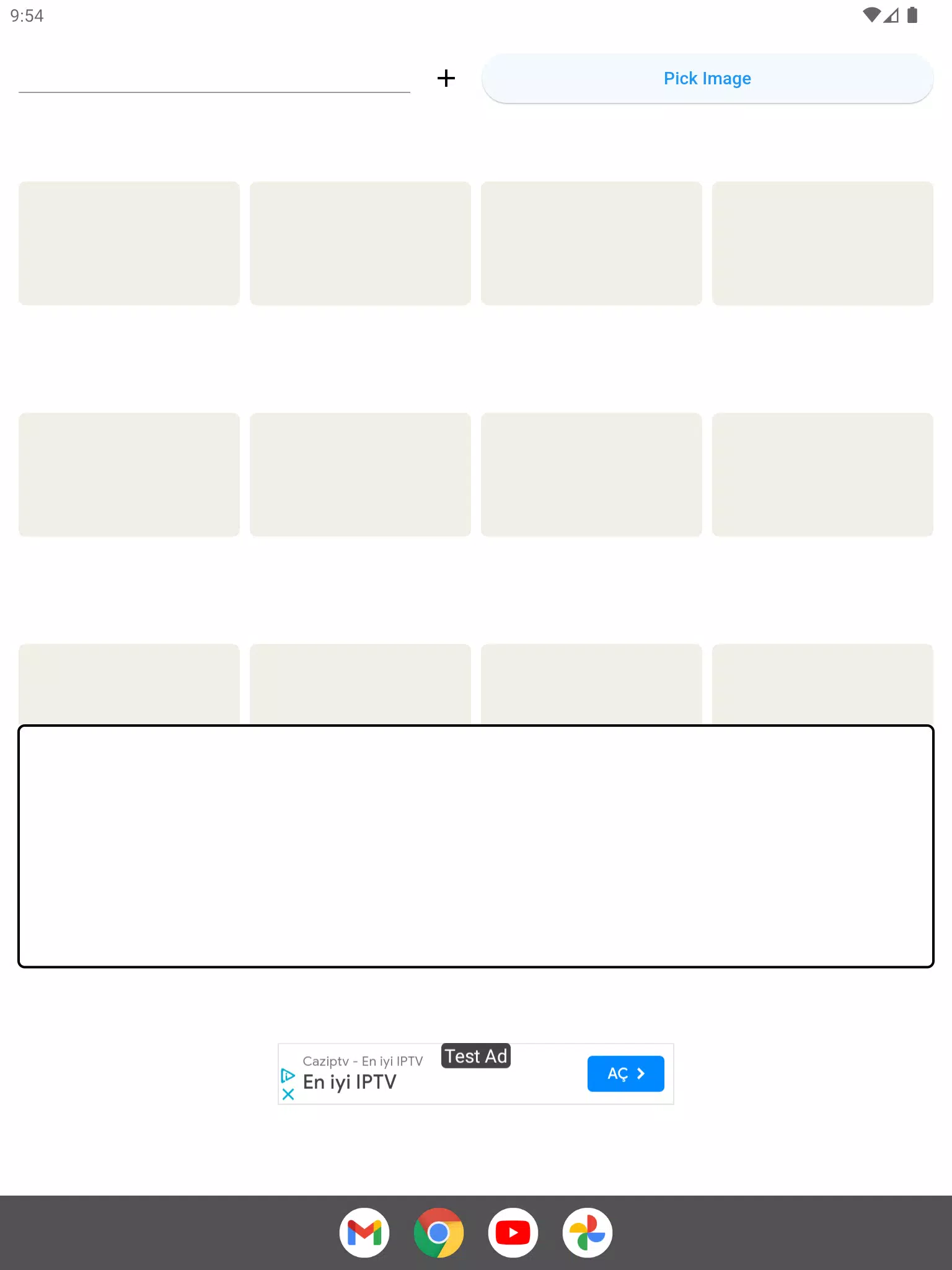

Connections Game Archive is a compact, offline companion designed for players who want a private workspace to replay, practice, and organize past Connections puzzles. The Connections Game Archive app imports a photographed or screenshot board, extracts the visible words, and places them into a local practice grid so you can freely experiment with groupings before entering answers in the original game. Because the tool runs fully on-device, it offers a distraction-free environment for repeated practice and careful planning.
How it works
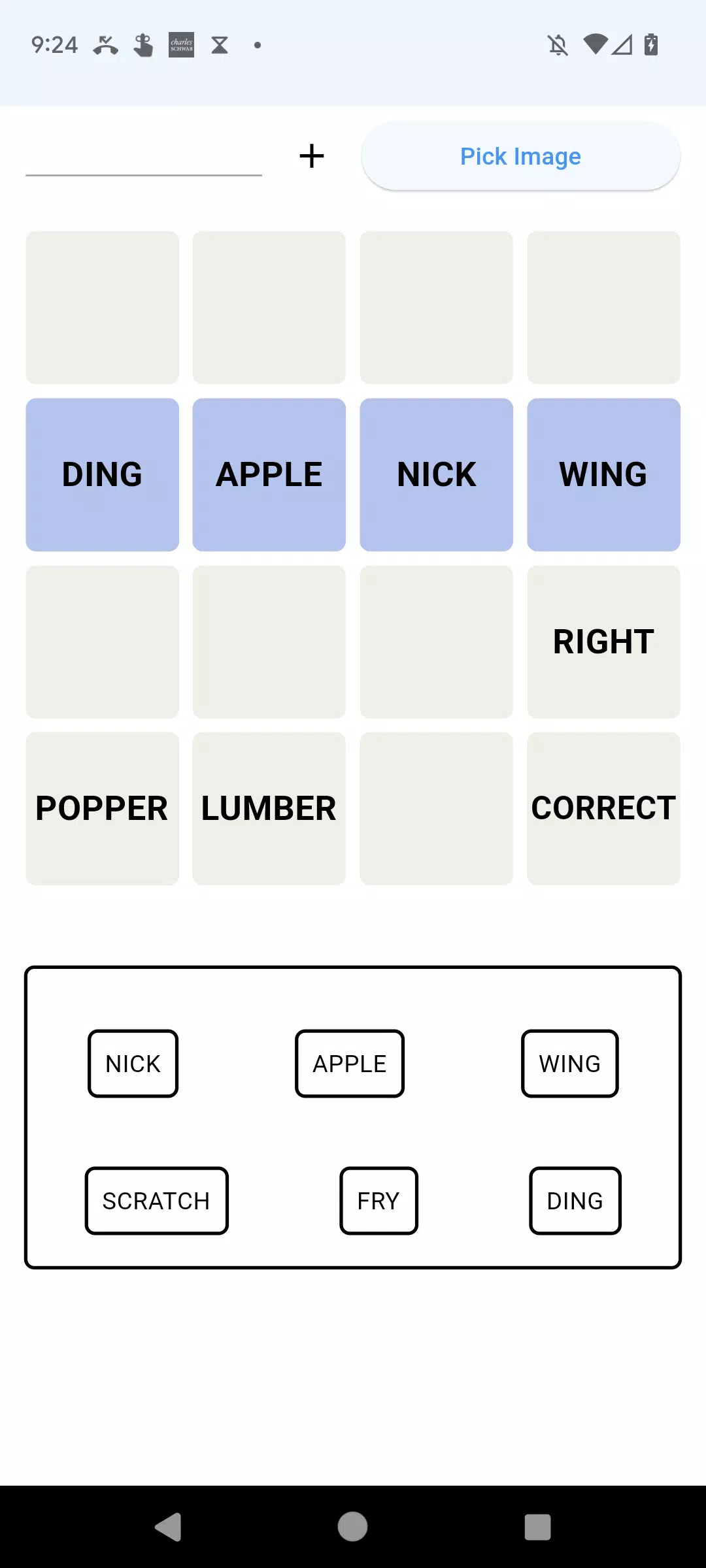
After you load a screenshot into Connections Game Archive the app runs on-device OCR to detect words and populate a draggable word bank. From there you use touch controls to drag and drop entries into the grid, try different placements, and test ambiguous fits by placing the same word in multiple rows. If the automatic text recognition misses or misreads an entry you can type it in manually; a long press on any placed word removes it from the grid. The interface emphasizes direct manipulation so each action — move, place, remove — feels immediate and predictable.
Gameplay mechanics and controls
The primary mechanics are simple: import, arrange, refine. Drag-and-drop is the central control method, with tap to select and drag, long-press to remove, and a clear undo option for quick corrections. The grid supports snapping so words align cleanly, and visual highlights indicate potential groupings or conflicts as you move items. Touch targets and gestures are tuned for mobile use; small onboarding overlays explain the gestures when you first open the app so new users can start practicing without a learning curve.
Progression, sessions, and level structure
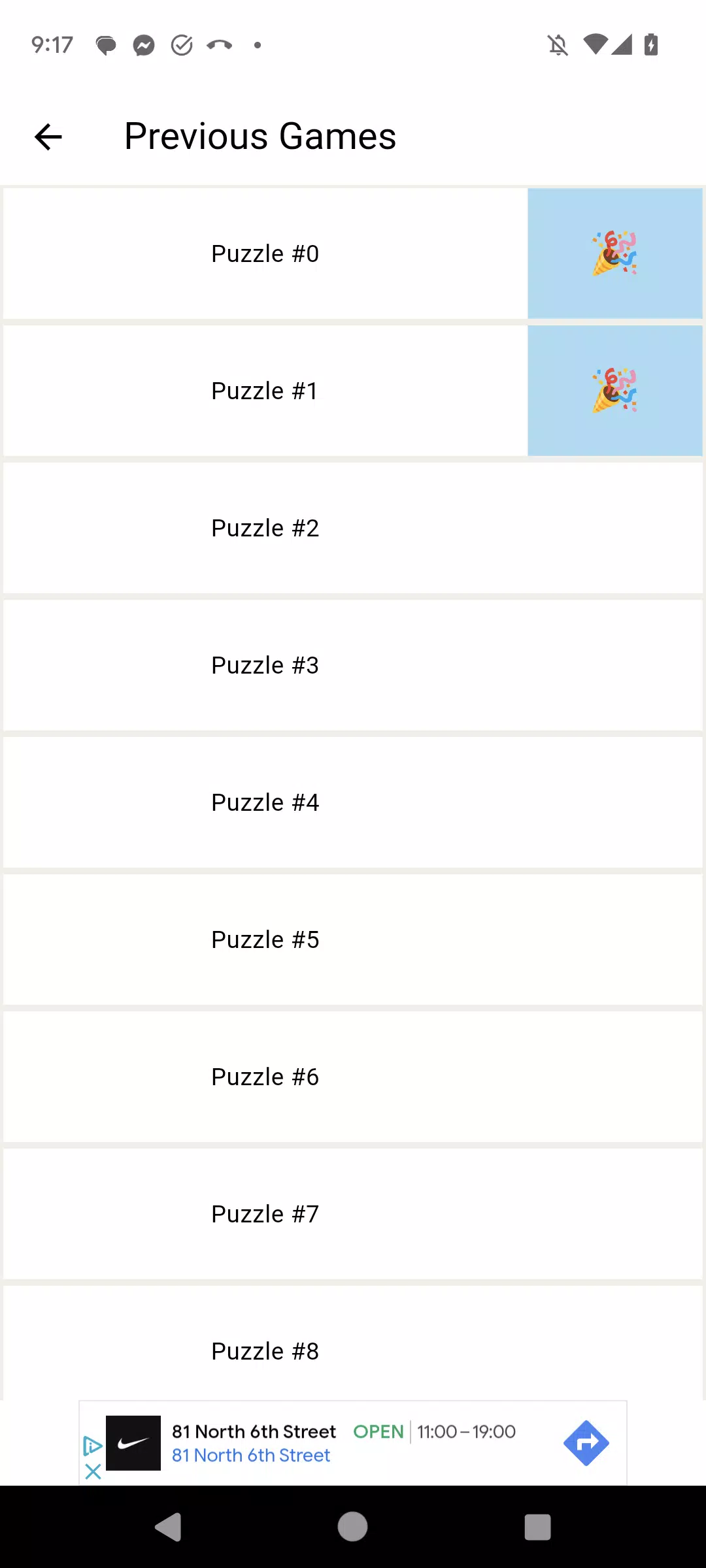
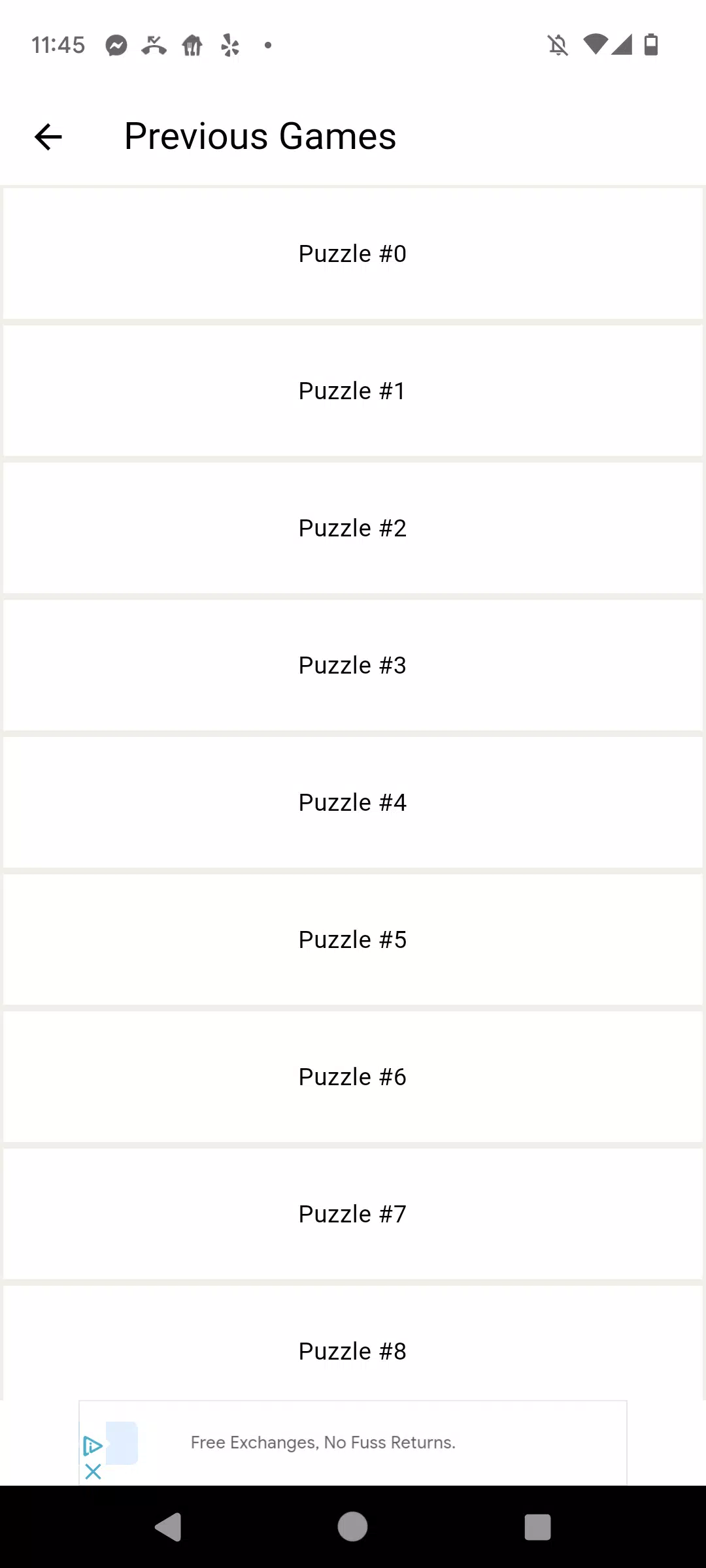
Rather than levels or progression tied to online systems, Connections Game Archive organizes practice as saved sessions. Each imported puzzle becomes a local session you can name, timestamp, and reopen later, letting you revisit the same board to try different strategies over time. Sessions are stored in a simple archive view so you can sort by date or by a custom label (for example: early-week puzzles or challenging boards you want to revisit). This structure supports deliberate practice: reattempt a puzzle, refine your grouping logic, and track how your approach evolves without any account or cloud sign-in.
Visual style and customization
The app keeps the visual design minimal and functional to focus attention on puzzle-solving. Clear typography, adjustable font sizes, and a grid with subtle dividers make it easy to read and manipulate words. Users can toggle a compact mode to fit more content on-screen or a relaxed mode with larger tiles for easier tapping. Color-coding options let you mark provisional groups, confirmed answers, and uncertain placements so the workspace adapts to your preferred planning style. There is also an option to export the current practice board as an image so you can transfer your final layout back into the original Connections interface by reference.
Replay value and challenge systems
The sandbox nature of Connections Game Archive creates replay value through repetition and experimentation rather than added levels: repeatedly reconstructing past puzzles, exploring alternative groupings, and testing ambiguous fits all provide ongoing practice. Because you can save multiple versions of the same board, you can compare strategies side by side or keep a record of your best attempts. The app intentionally avoids timers or scoring so users can focus on pattern recognition and vocabulary strategies, making it useful for both casual players and those developing systematic solving approaches.
Accessibility and user experience
Accessibility is built in with adjustable font sizes, high-contrast color palettes (including a colorblind-friendly option), and enlarged touch targets to reduce input errors. Haptic and sound feedback are optional and can be disabled for a quieter experience. The OCR step includes an easy correction flow so users who rely on screen readers or keyboard input can quickly add or edit words. Because all processing is local, Connections Game Archive works consistently on flights, in low-signal areas, or wherever you prefer to practice without connecting to the internet.
Privacy, limitations, and developer information
Connections Game Archive is published by VHAppsApps as an independent tool to help players rehearse Connections puzzles privately on their devices. It is not affiliated with or endorsed by the creators of the official Connections game. OCR accuracy depends on screenshot clarity, so occasional manual entry may be required; saving sessions and using the app’s editing tools can minimize repeated corrections. The app keeps all data local unless you explicitly export a session image, and there are no accounts, analytics, or cloud backups enabled by default to respect user privacy.