
Games
Simulation
Nuclear Bomb Simulator 2
Nuclear Bomb Simulator 2

| Package ID: | |
|---|---|
| Latest Version: | v1.1 |
| Latest update: | Jul 06, 2026 18:07:03 |
| Developer: | Strategimws |
| Requirements: | Android |
| Category: | Simulation |
| Size: | 85.30 MB |
| Tags: | Board Drive Slot |
Rating :4.0
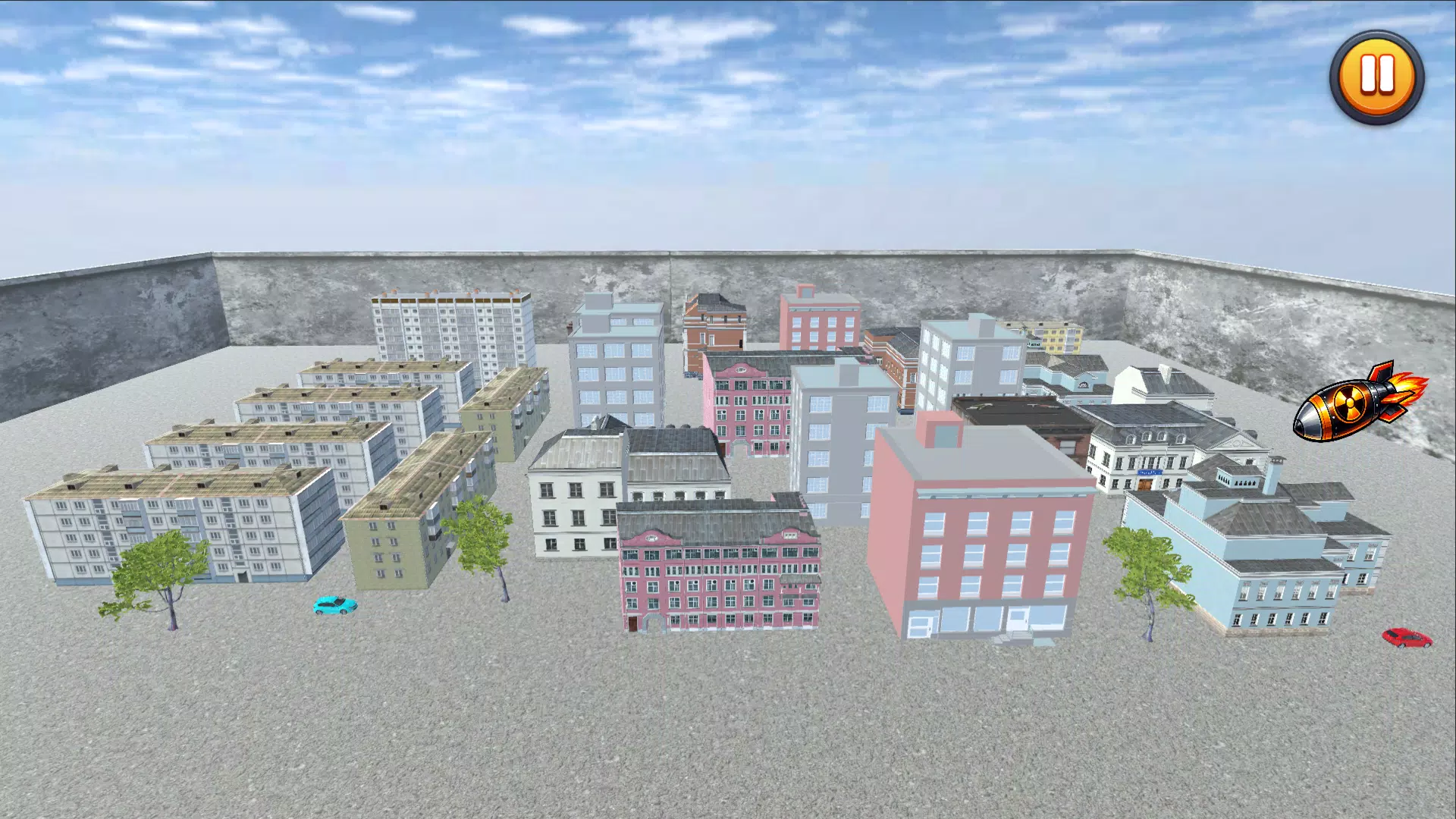
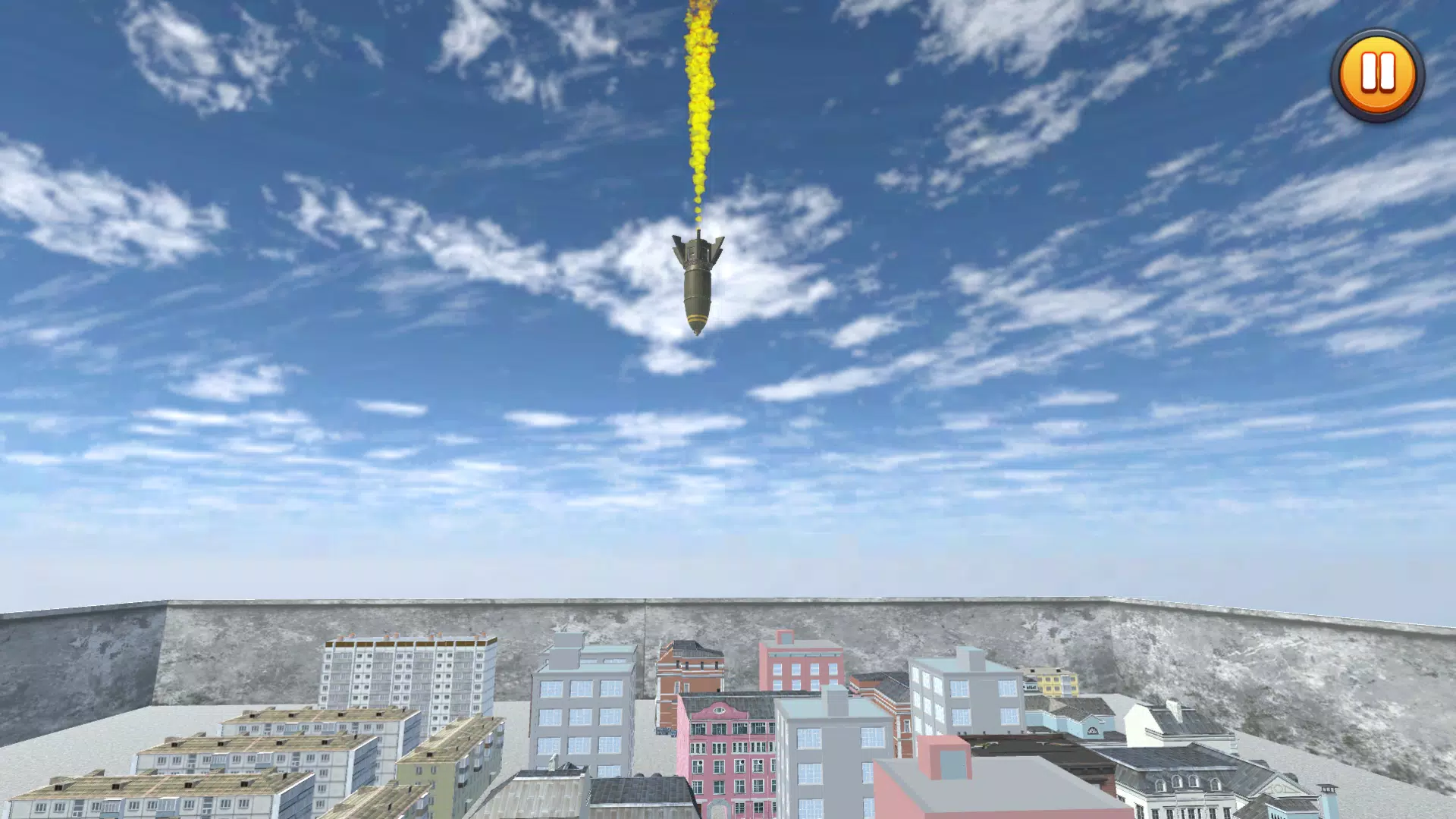
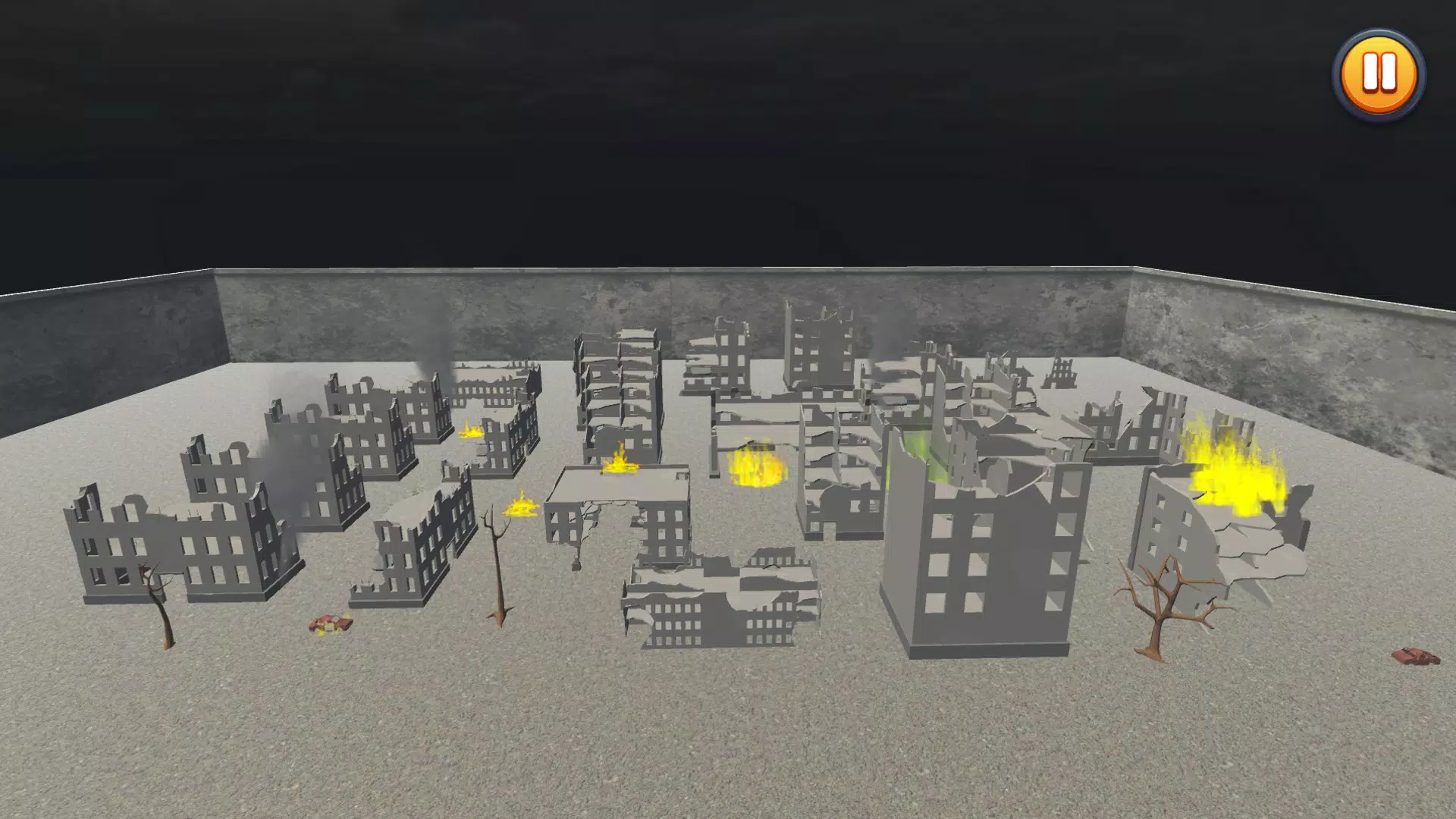
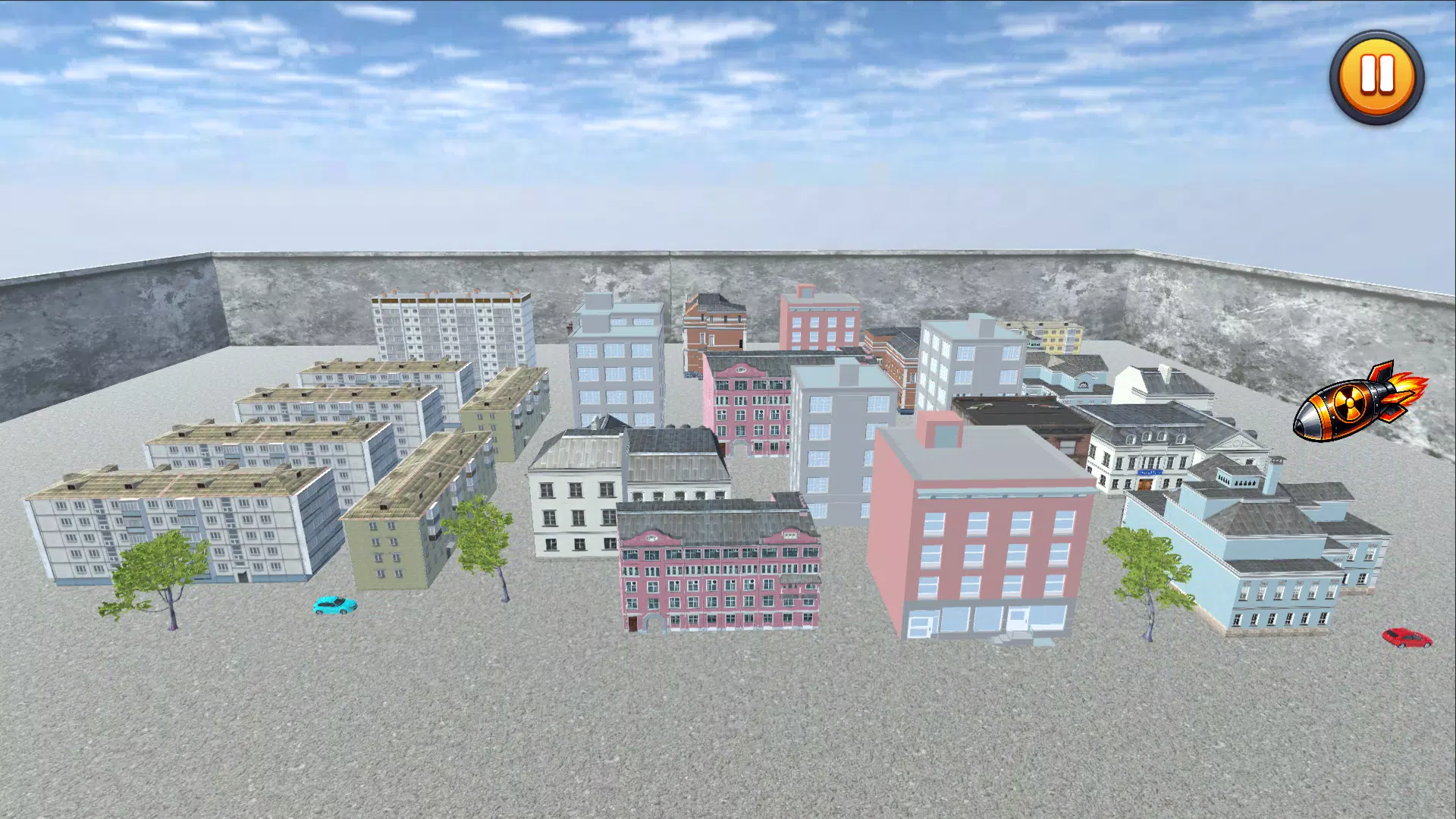
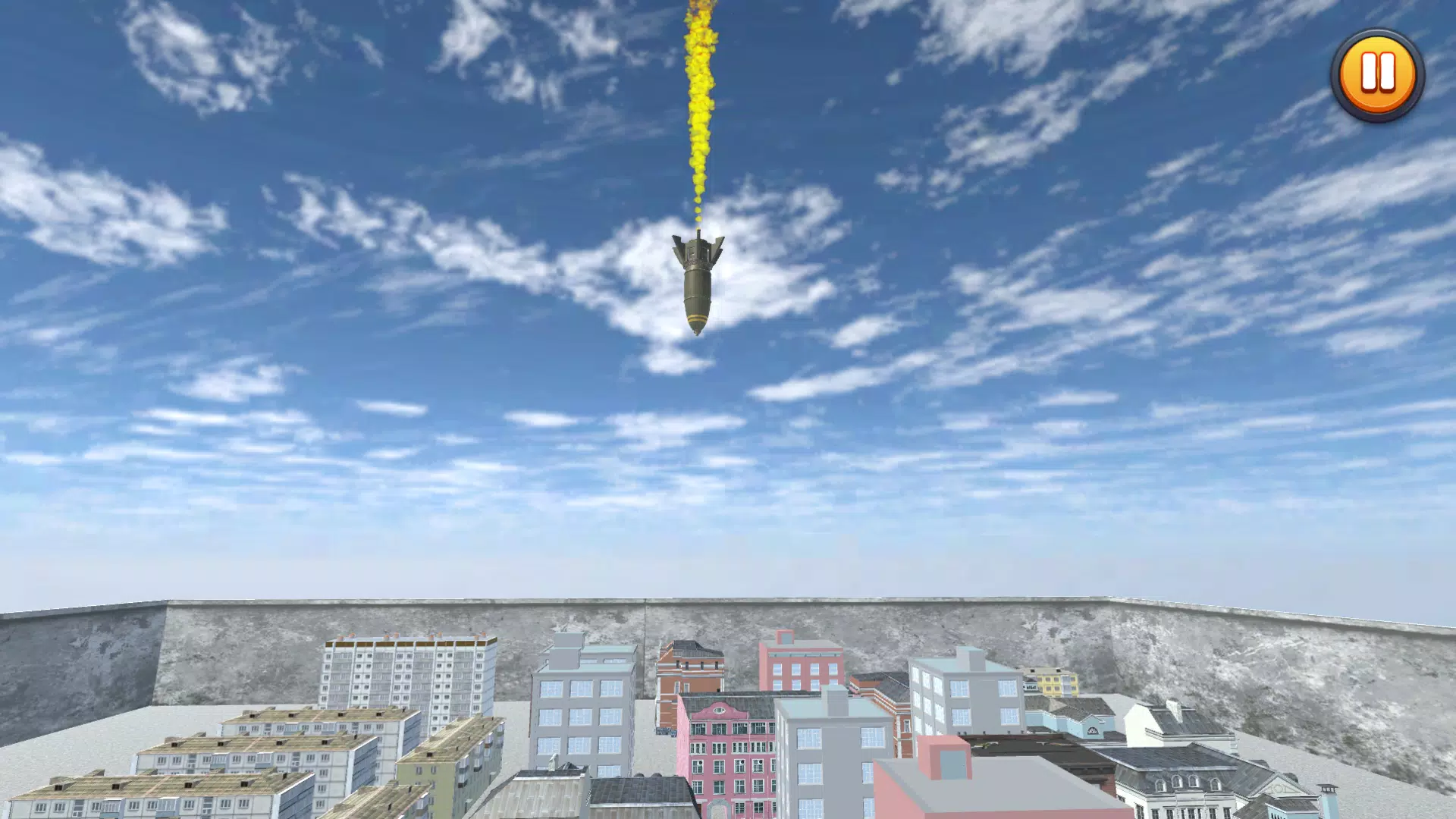
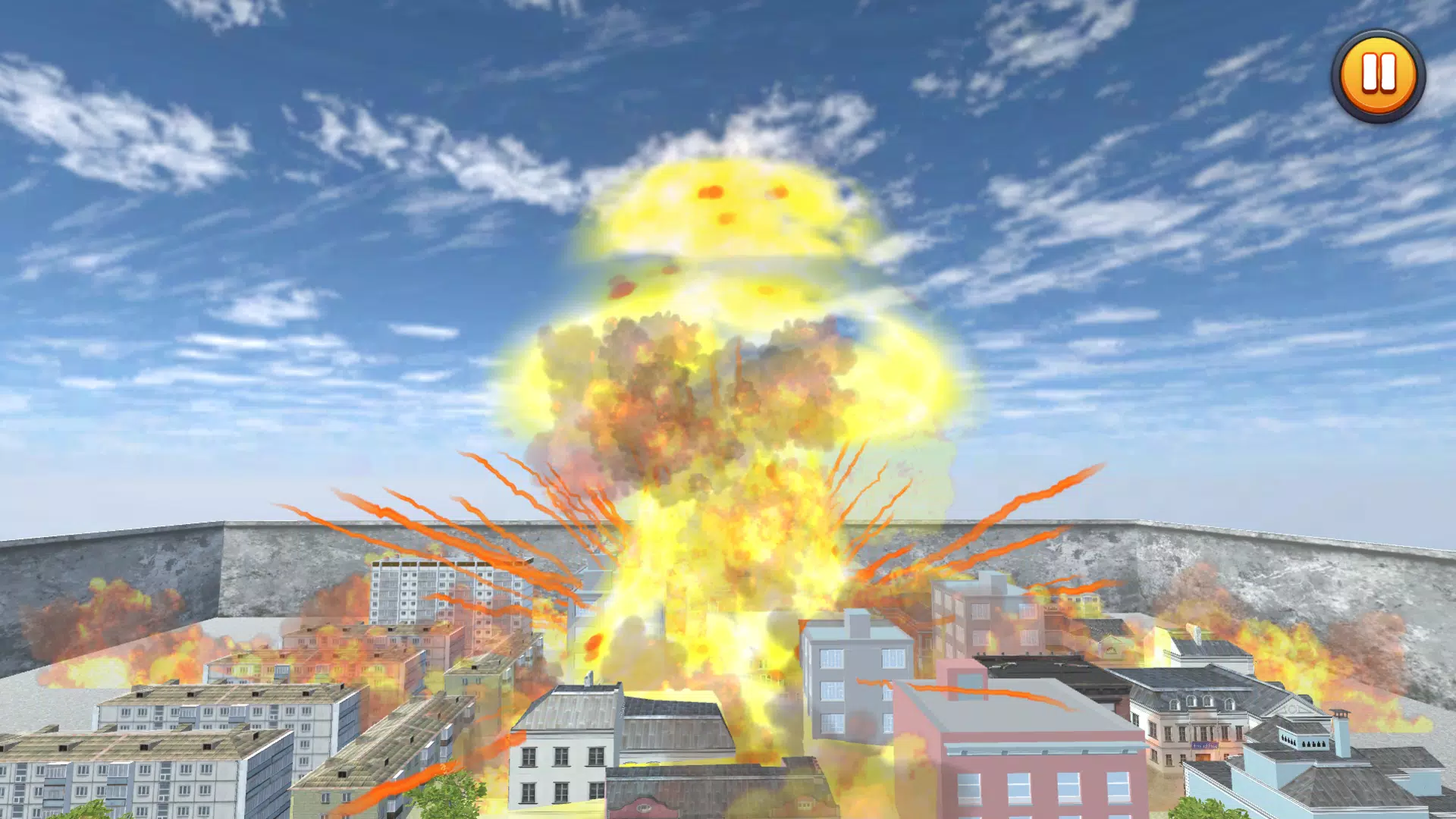
Nuclear Bomb Simulator 2 places a purely fictional, risk-free simulation of large-scale detonations on your phone, designed for players who are curious about dramatic sandbox mechanics without any real-world danger. Nuclear Bomb Simulator 2 opens with a clear entertainment-first approach: you collect a range of virtual warheads, arrange experiments in a contained digital environment, and watch physics-inspired visual effects play out in a responsibly simulated setting. The app makes it explicit that all activity is virtual and cannot be used for real-world application, emphasizing safe curiosity and casual play.
Key Features
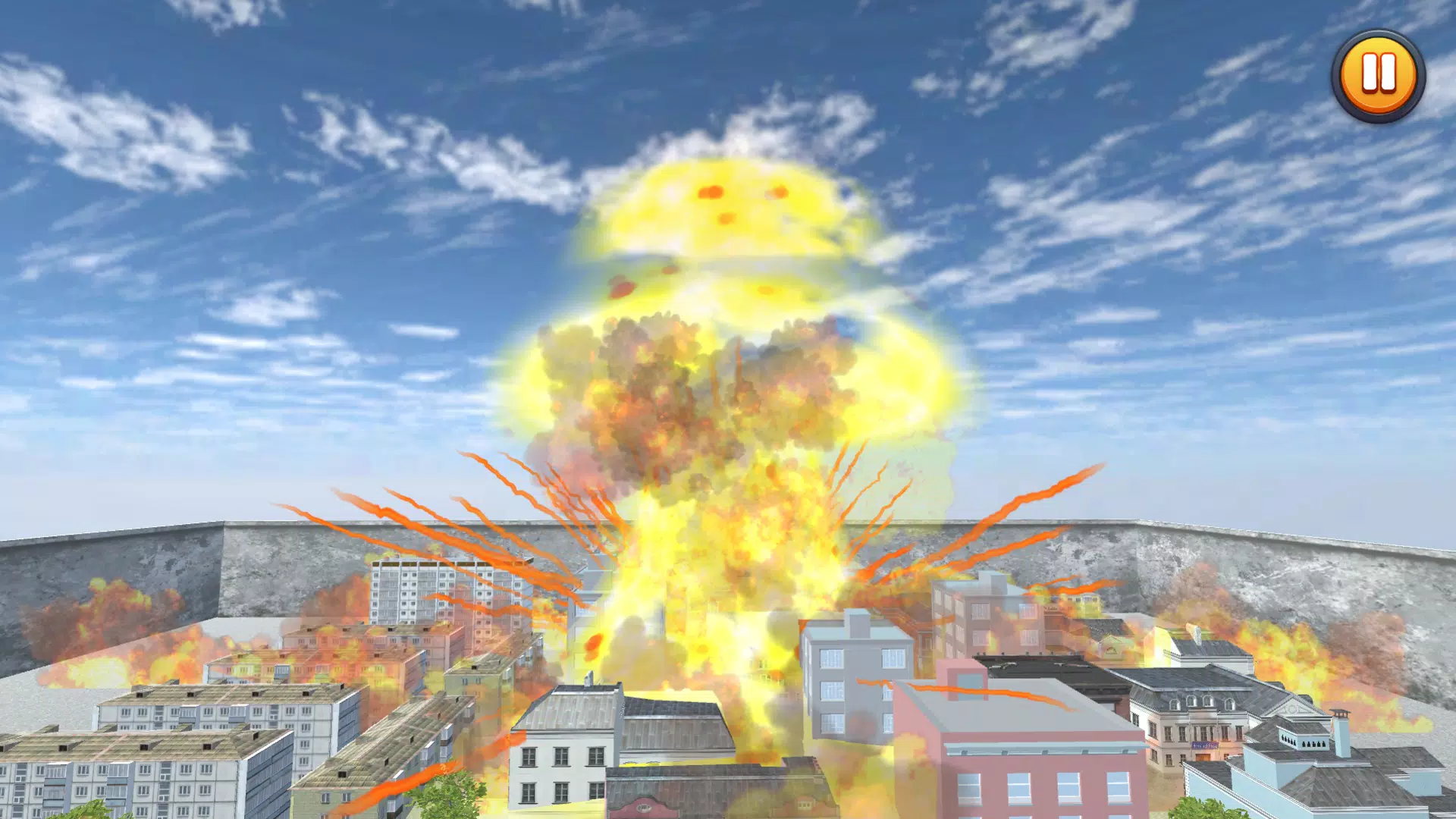
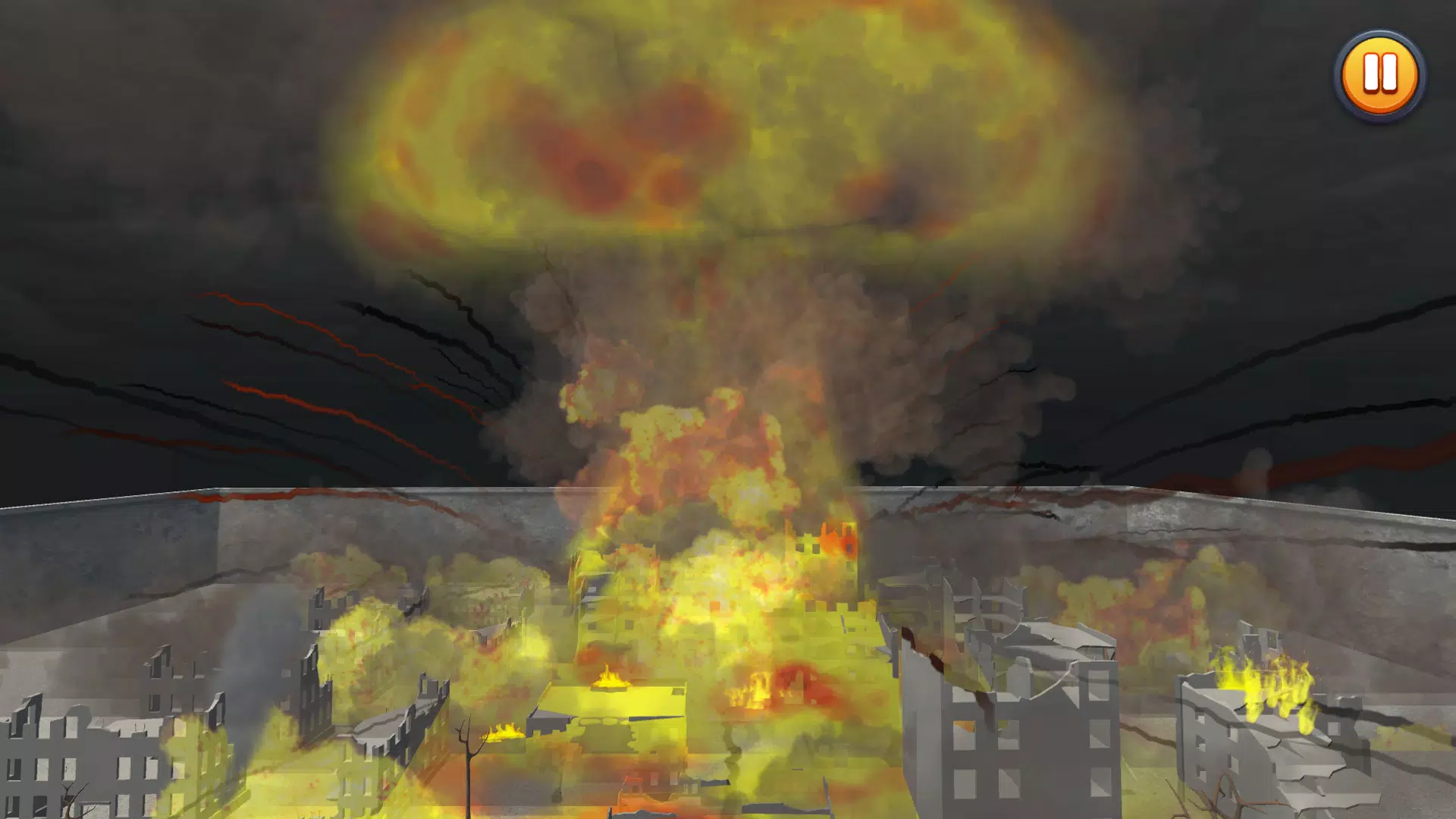
The core of Nuclear Bomb Simulator 2 is a compact set of features built around experimentation and observation. The simulation includes a catalog of fictional warhead models to unlock through play, a sandbox area to place and configure devices, and an effects engine that renders explosions, shockwaves, and environmental response purely for visual and educational interest. Controls are optimized for touch screens with simple placement gestures, zoom and rotate camera options, and a timeline control to scrub through playback of each detonation sequence. All features are implemented as single-player, offline modes so you can explore scenarios at your own pace.
Gameplay and Controls
Gameplay centers on collecting virtual items, customizing setups, and triggering sequences to see how different configurations change the simulated outcome. Players use intuitive drag-and-drop placement to arrange devices, sliders to adjust yield and environmental settings, and camera gestures to frame scenes. A slow-motion playback option and a rewind scrubber let you study individual frames of an event. Touch-friendly menus and tooltips guide new players through the basic mechanics, while optional advanced settings allow more detailed control over simulation parameters for those who prefer deeper experimentation.
Progression and Customization
Progress in Nuclear Bomb Simulator 2 is driven by a light unlock system rather than competitive mechanics. Completing in-app scenarios and experimentation goals awards cosmetic unlocks for the sandbox, additional fictional device types, and new environments to test in. Customization focuses on the visual presentation of the sandbox—camera presets, weather conditions, time of day, and environmental materials—rather than any real-world functionality. This progression model encourages replay and discovery without introducing time pressure or performance-based ranking.
Visual Style and Audio
The visual approach favors stylized, clearly fictional effects that communicate scale without realistic technical detail. Particle systems, lens effects, and environmental deformation are designed to be dramatic yet clearly digital, reinforcing the entertainment purpose. Sound design supports the visual cues with cinematic, non-technical audio that enhances immersion but avoids any instructional tone. Adjustable graphics settings let the app run smoothly on a broad range of devices while preserving the intended visual clarity of each simulation.
Level Structure and Challenge Systems
The app structures play through standalone sandbox scenarios and a set of optional challenge tasks that encourage creative setups rather than realistic simulation training. Challenge modes might ask players to achieve particular visual outcomes or to explore the differences between preset environments. Difficulty is expressed as creative constraints—limited inventory, environmental obstacles, or time-limited recording windows—offering a light puzzle element without promoting hazardous knowledge or behavior.
Replay Value and User Experience
Nuclear Bomb Simulator 2 offers replay value through experimentation, unlockables, and a variety of environments that respond differently to the same setups. The user experience emphasizes accessibility: clear menus, context-sensitive help, and a guided tutorial make it straightforward for newcomers, while adjustable settings offer room for deeper exploration. Local save slots let you preserve favorite setups and revisit them later, supporting iterative experimentation and creative replay.
Accessibility, Offline Play, and Privacy
Accessibility features include adjustable text sizes, high-contrast UI options, and simplified controls to accommodate different play styles and device capabilities. The app functions fully offline and does not require an account to use core features, ensuring that experimentation remains private and local to the device. No online leaderboards or multiplayer systems are included; all progress and saves remain stored on the user’s phone to respect privacy.
Responsible Use and Limitations
This application is intended strictly for entertainment and conceptual exploration. It does not provide technical information, instructions, or real-world modeling for hazardous activities. The creators and this description emphasize that Nuclear Bomb Simulator 2 is not a substitute for academic study or professional training and should be used only as a harmless simulation experience for casual curiosity and sandbox play.