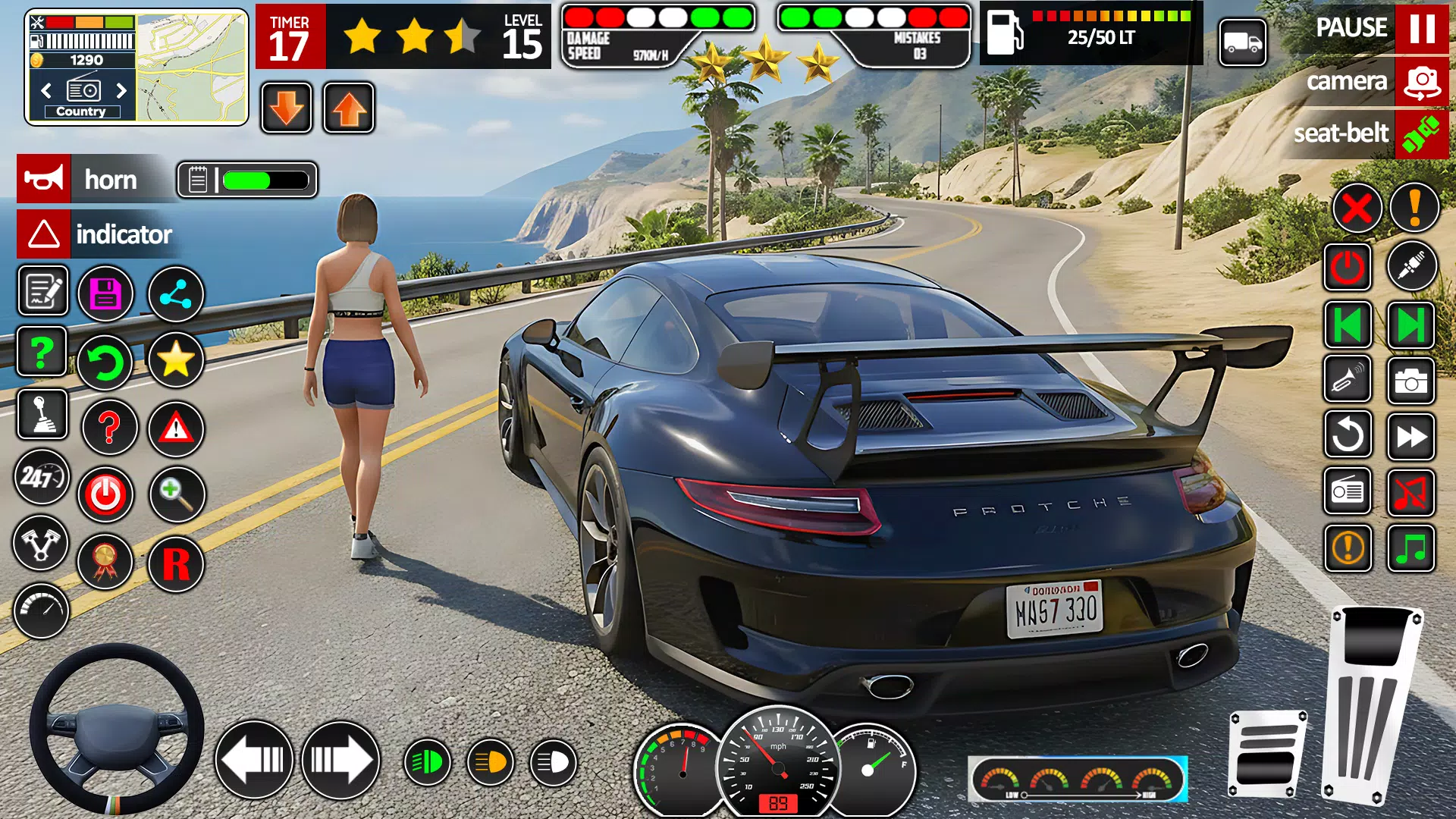
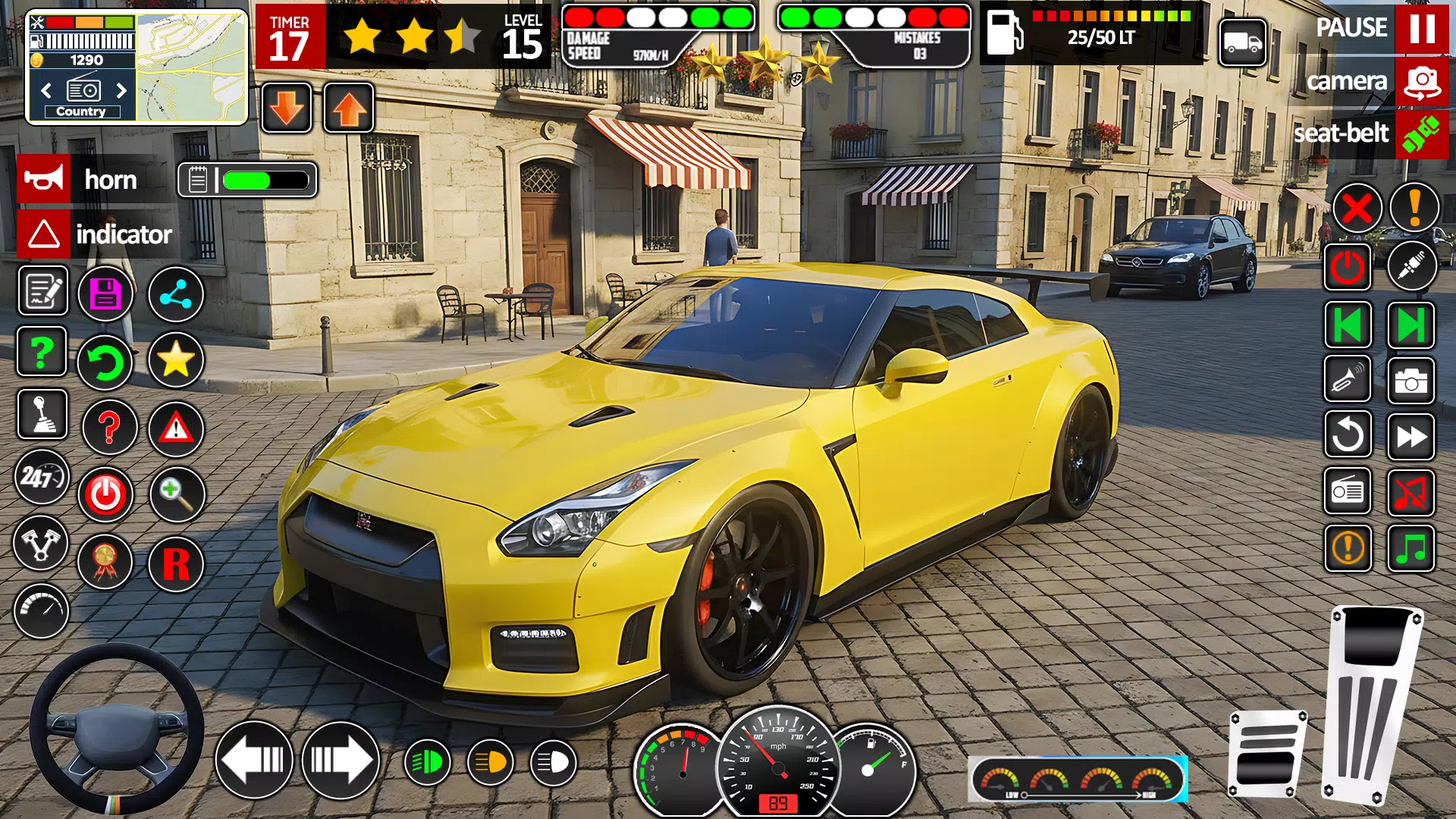
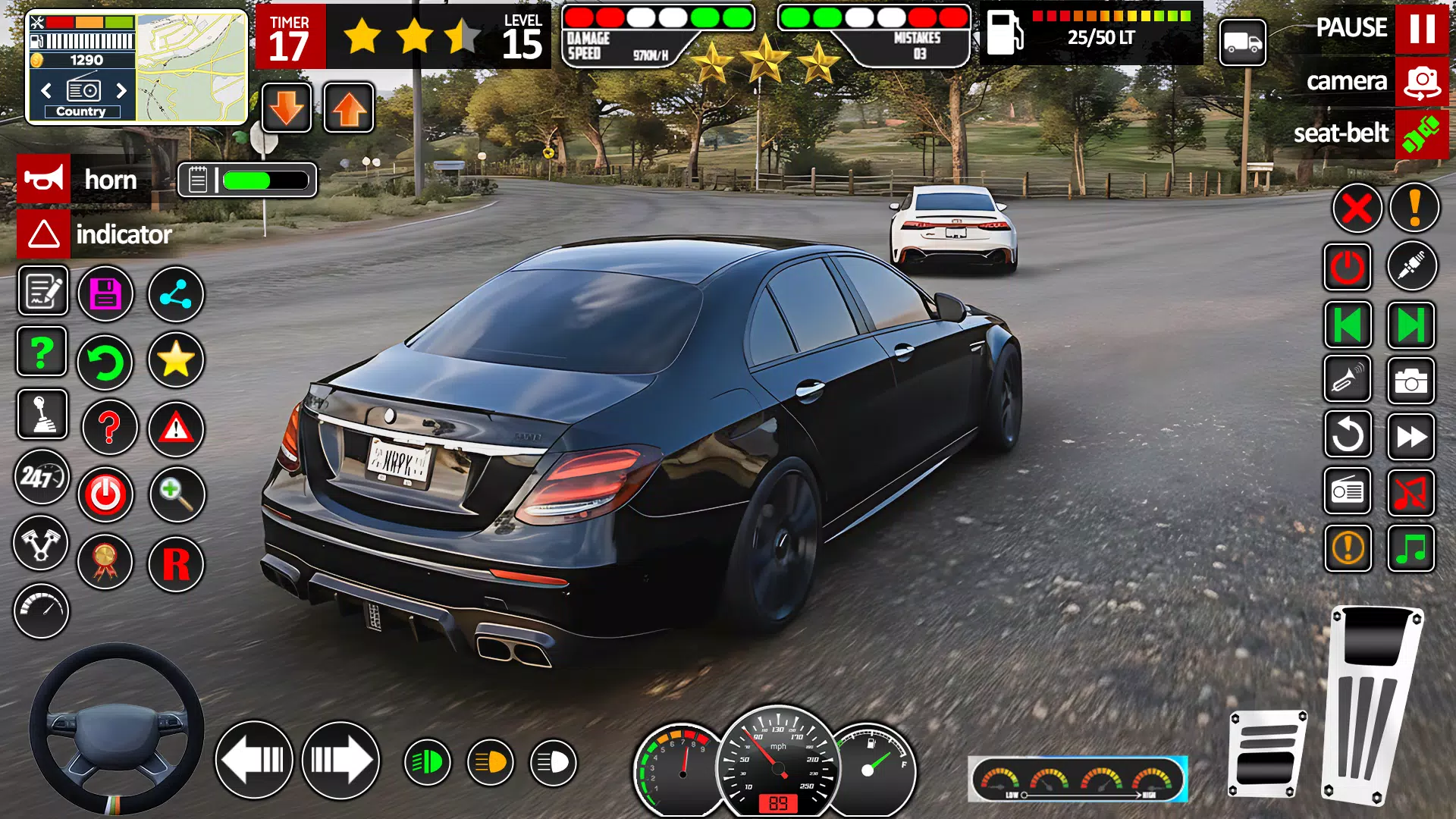
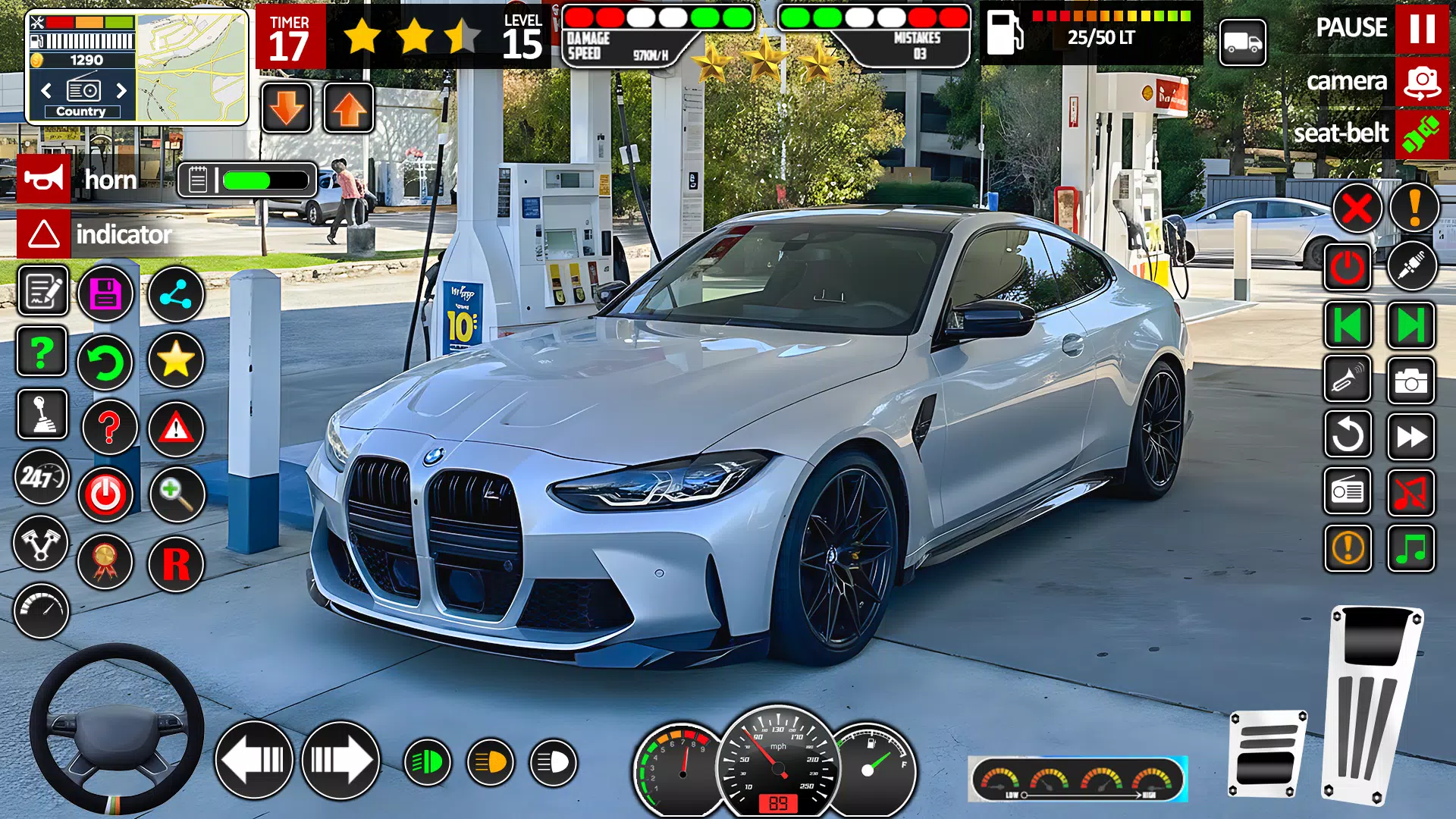
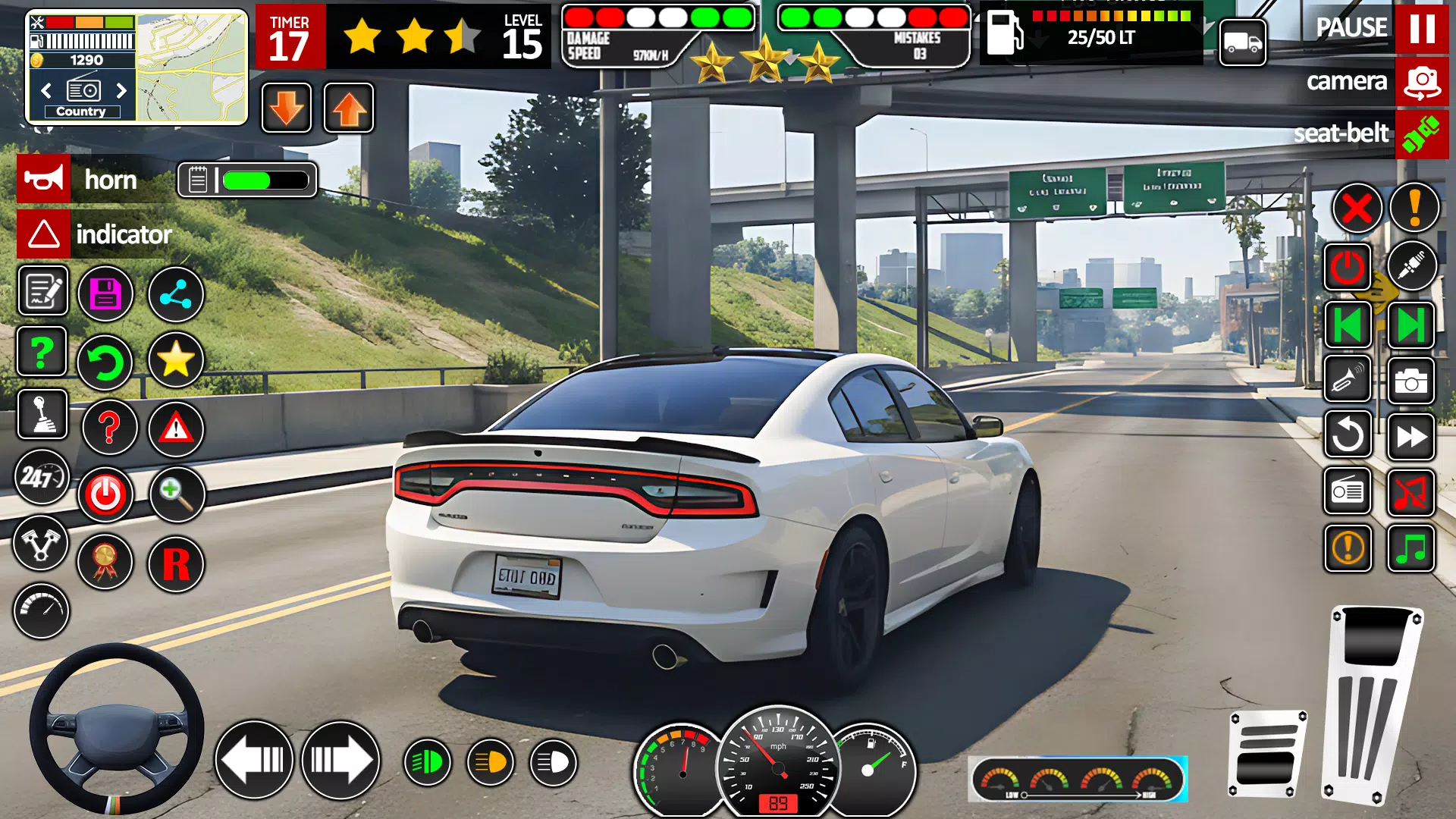

Car Driving School- Parking 3d places you behind the wheel in a focused driving simulator that emphasizes learning traffic rules and mastering parking techniques in realistic, everyday situations. The introduction levels ease players into essential maneuvers while later stages increase precision requirements, making the app useful both for casual practice and for players preparing for a real driving test. Visual cues, realistic vehicle handling and a variety of mission types combine to create a training environment that mirrors common parking scenarios.
Key Features
Car Driving School- Parking 3d offers a mix of carefully designed parking challenges set in detailed city environments that mimic the types of spaces drivers encounter in real life. Multiple vehicle options allow you to experience different handling characteristics, while clearly defined objectives guide skill development. The game focuses on measurable goals—such as aligning within boundaries, managing space during reverse parking, and completing time-limited precision tasks—to help players track improvement over repeated practice sessions.
Gameplay and Mechanics
The gameplay centers on tight, focused missions that emphasize vehicle positioning, throttle control and situational awareness rather than long-distance driving. Missions include reverse parking, parallel parking and negotiating tight spots between obstacles. A simple penalty system encourages careful maneuvers: collisions and curb impacts affect scores, while clean, precise parking earns higher completion ratings. The physics model is tuned for approachable realism so that steering input and braking produce predictable, learnable responses without overwhelming new players.
Controls and Camera
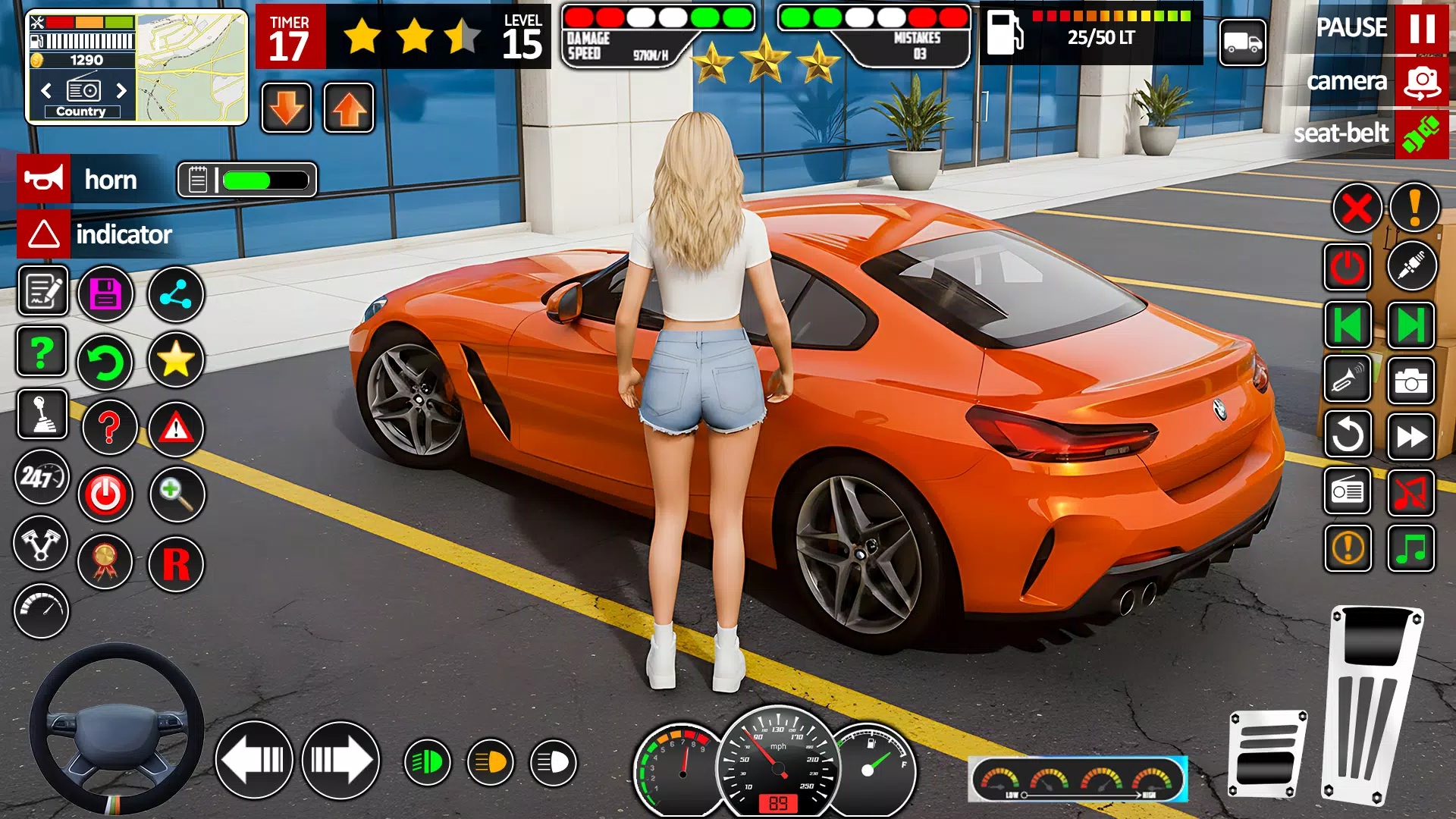
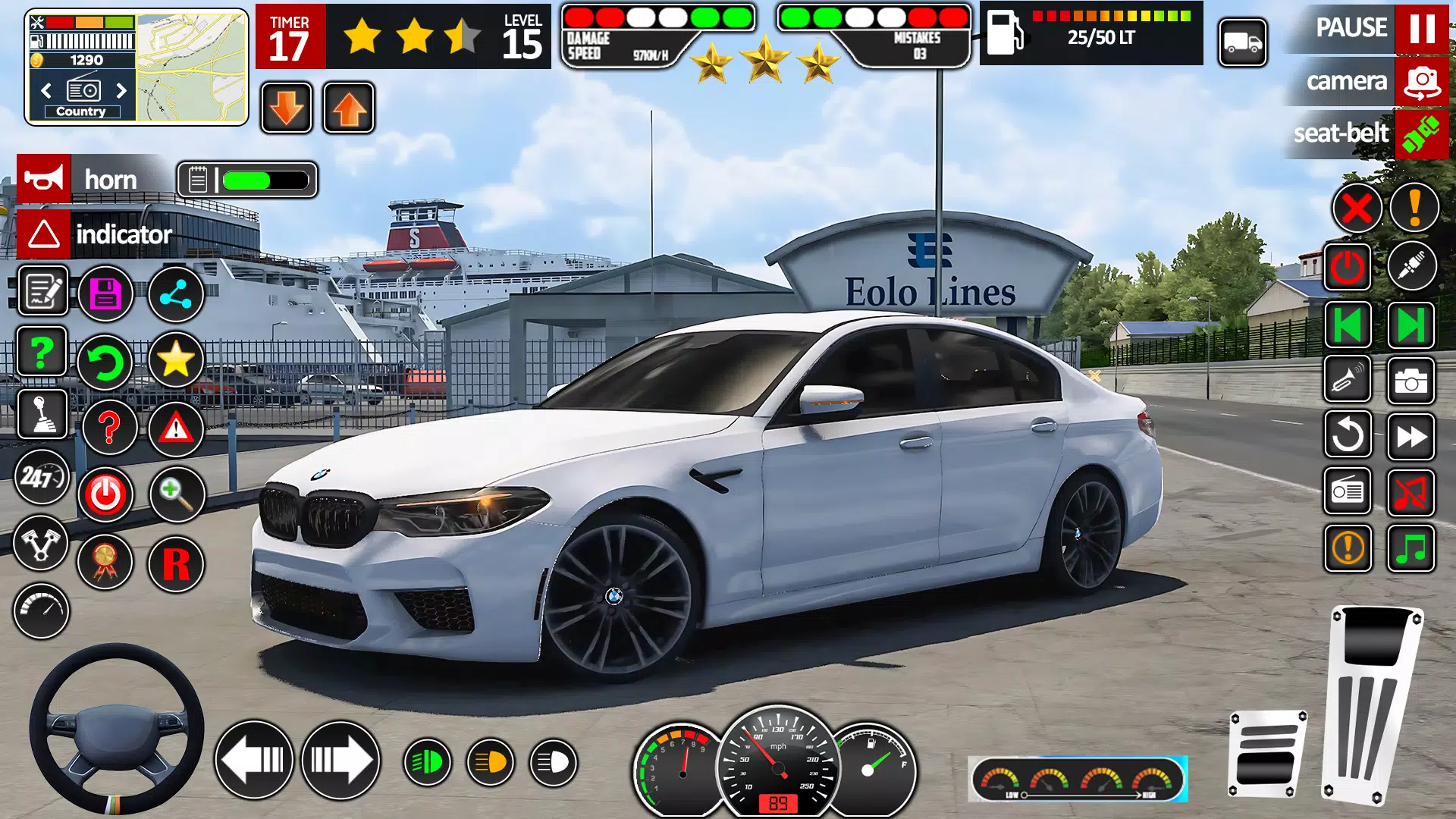
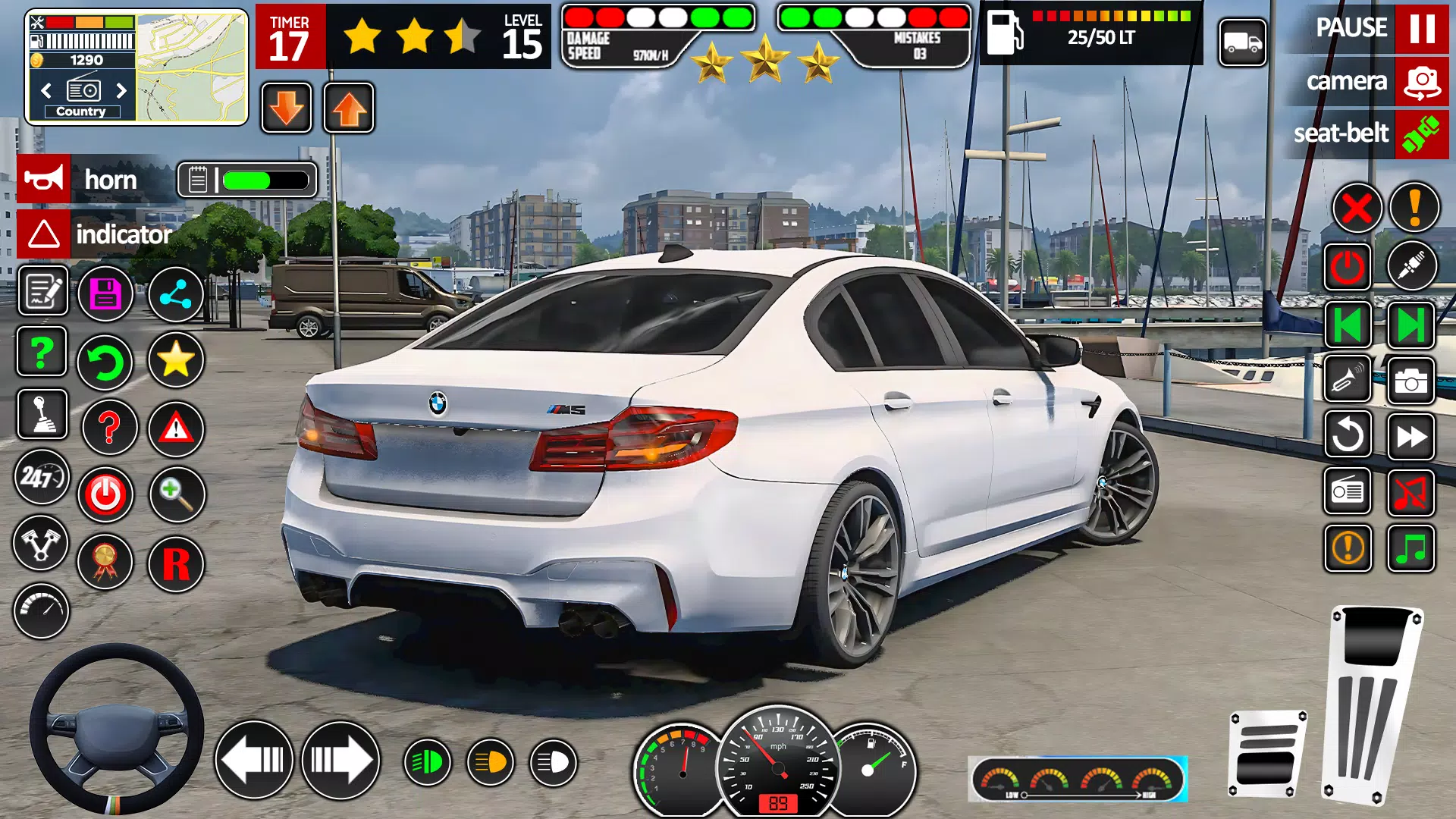
Controls are designed to be smooth and responsive on touch devices, with options to adjust sensitivity to match personal preferences. Players can steer with on-screen wheel controls, tilt input or simplified tap-to-steer schemes depending on comfort and device orientation. Multiple camera angles allow you to switch between close hood views for detailed alignment and broader overhead or third-person views for better spatial awareness. These camera choices help beginners learn how vehicle movement relates to the environment and let experienced players refine precision techniques.
Progression and Level Structure
Levels are arranged to introduce concepts progressively: early stages focus on basic alignment and slow-speed handling, while later levels require tighter timing, reverse entry into confined spaces and multi-step parking maneuvers. A clear progression path unlocks more challenging environments and vehicle handling profiles as you demonstrate competency. The level design encourages incremental learning—repeating a scenario shows measurable improvement and often introduces small variations that test adaptability rather than simply increasing speed.
Visual Style and Audio
The game presents a clean, readable visual style that balances detail with clarity to keep focus on the parking task. Streets, curbs and parking lines are rendered with enough contrast to make spatial judgment easier, and ambient sound design reinforces immersion without becoming distracting. Environmental details such as parked cars, pedestrian sidewalks and city structures create believable contexts for each parking exercise while maintaining consistent performance on a wide range of devices.
Customization and Vehicle Options
Multiple car choices let players experience different handling and turning radii, which helps develop transferable control skills. While the game does not focus on deep vehicle tuning, it offers cosmetic options and straightforward vehicle selection so you can practice with models that feel most familiar. These variations help maintain player interest and make it easier to simulate the way different real-world vehicles behave during parking maneuvers.
Replay Value and Challenge Systems
Replay value comes from refined scoring and challenge variations that reward precision and efficiency. Many levels include optional stricter objectives for players seeking an extra test of skill, such as tighter clearance goals or time-based accuracy challenges. Because scenarios can be replayed with slightly altered starting positions or obstacles, practice remains productive: repeated runs encourage incremental improvement and sharpen reflexes for complex parking tasks.
Accessibility, Hints and Offline Play
The user experience is designed for broad accessibility: adjustable control sensitivity, multiple camera perspectives and an intuitive interface help players of different skill levels engage quickly. In-game hints and clear visual markers assist beginners learning new maneuvers, while more experienced users can disable prompts for a purer challenge. The app is suitable for offline play, allowing focused practice without a constant internet connection and making it convenient for training on the go.
Limitations and Practical Use
While Car Driving School- Parking 3d is effective at building parking skills and reinforcing traffic rules in controlled scenarios, it is not a full substitute for on-road instruction with a qualified teacher. The title concentrates on parking and short maneuver training rather than extended open-road driving, so users should complement virtual practice with real-world experience to develop comprehensive driving ability.