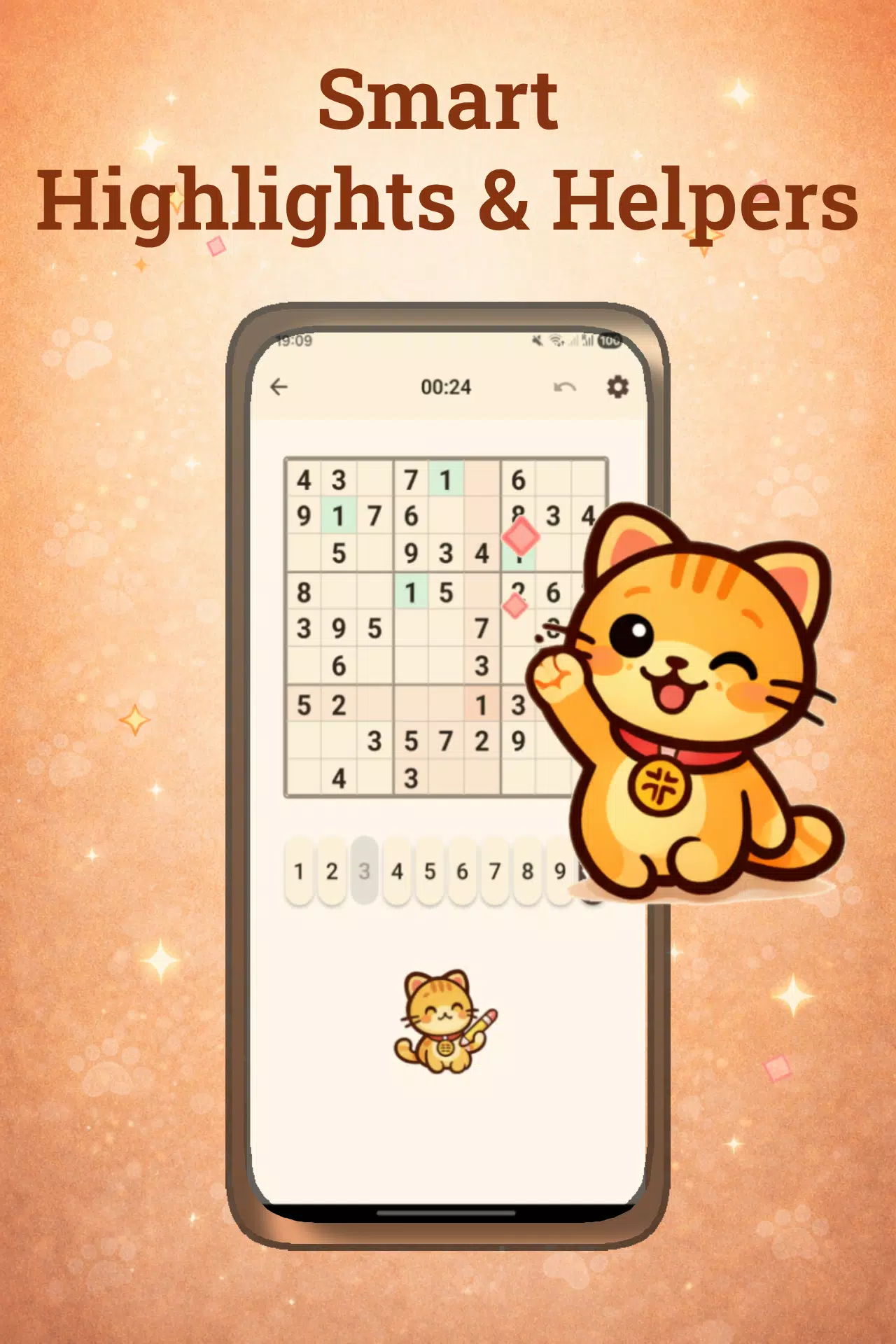

Catudoku is a cozy, cat-themed sudoku app that blends classic 1–9 puzzles with a calm aesthetic and fully offline play; Catudoku is designed so you can enjoy a short brain workout or an extended solving session without an internet connection. This editor-style introduction highlights what to expect from the app: clear rules, gentle visual design, and tools that help you learn and improve at your own pace.
Key Features
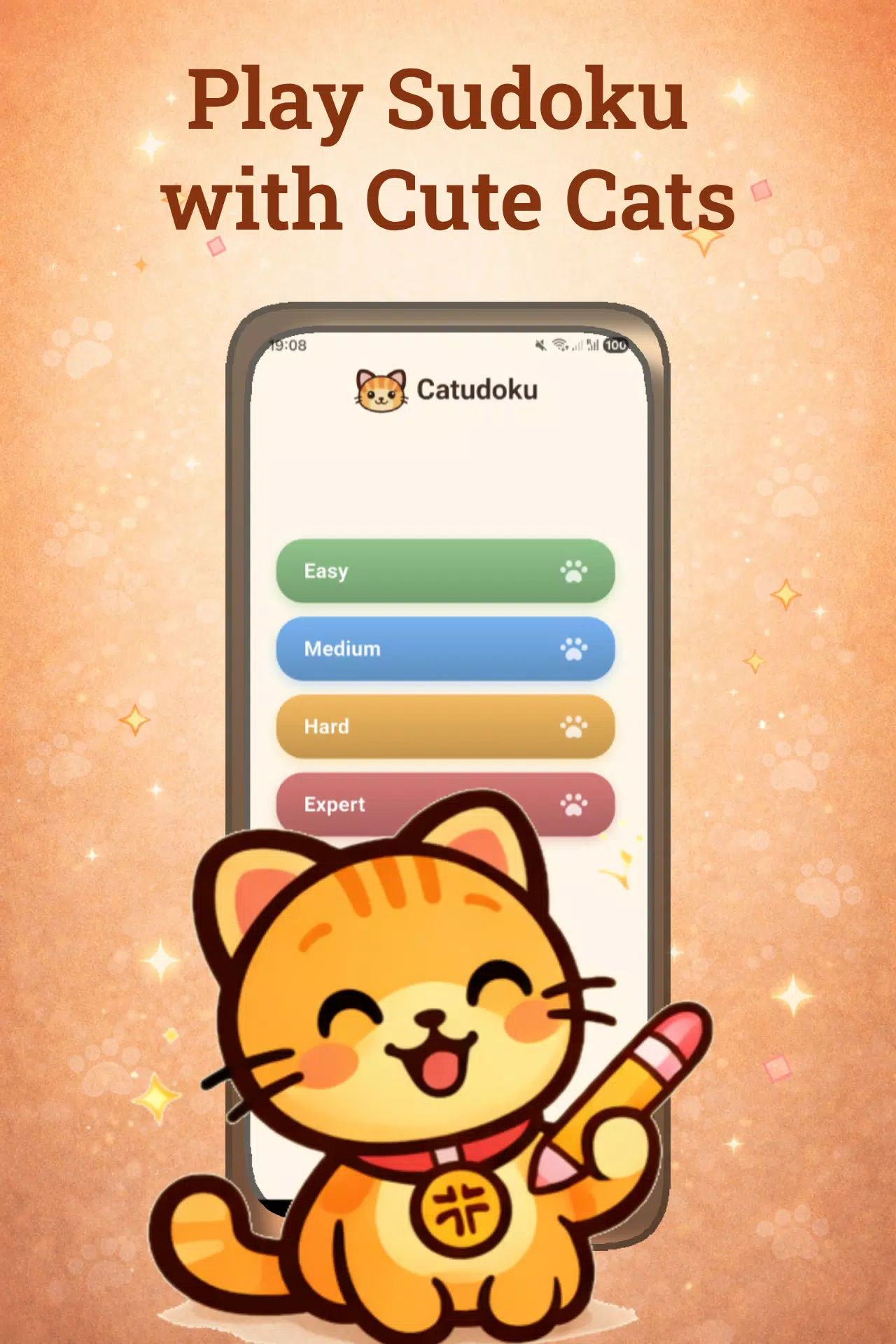
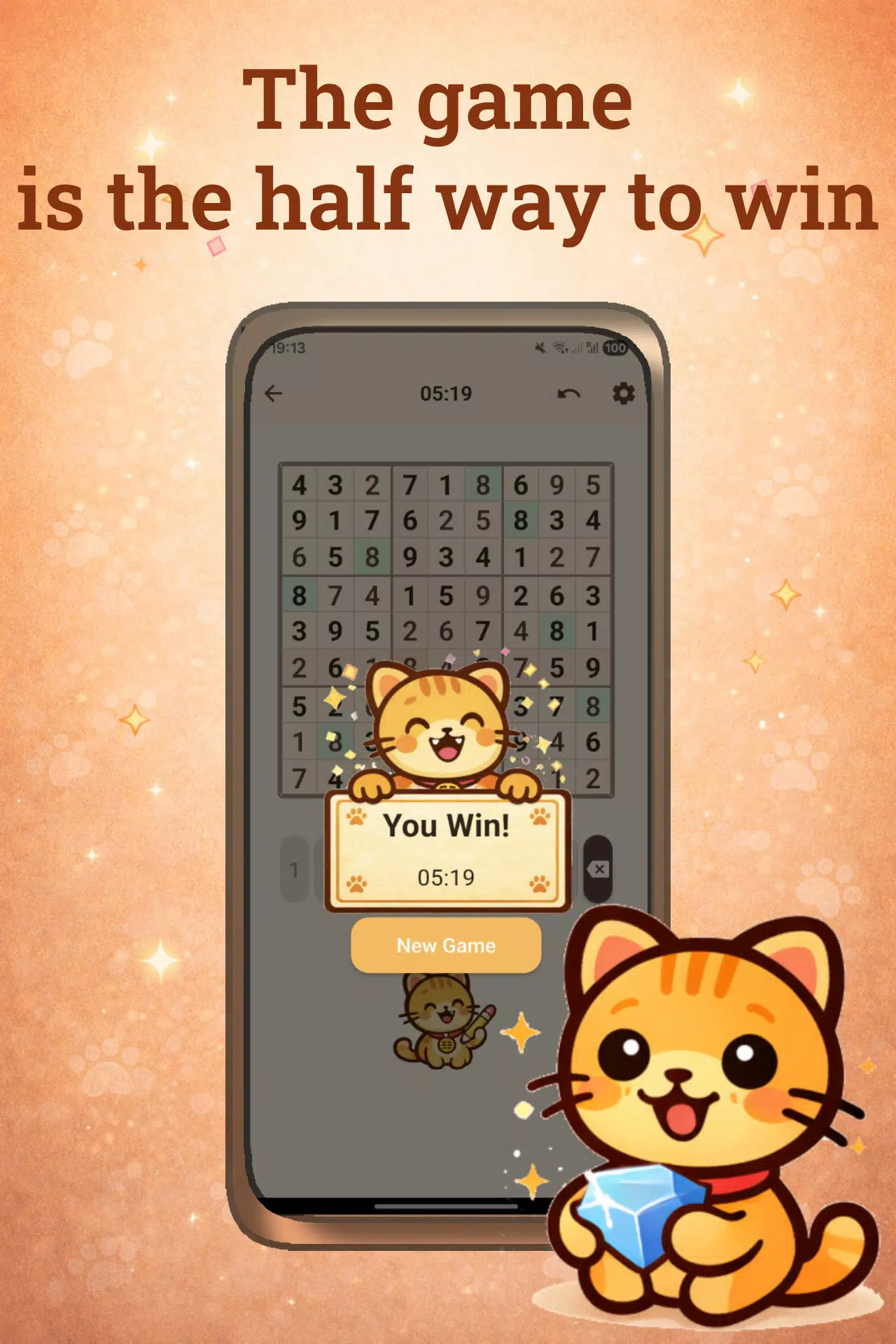
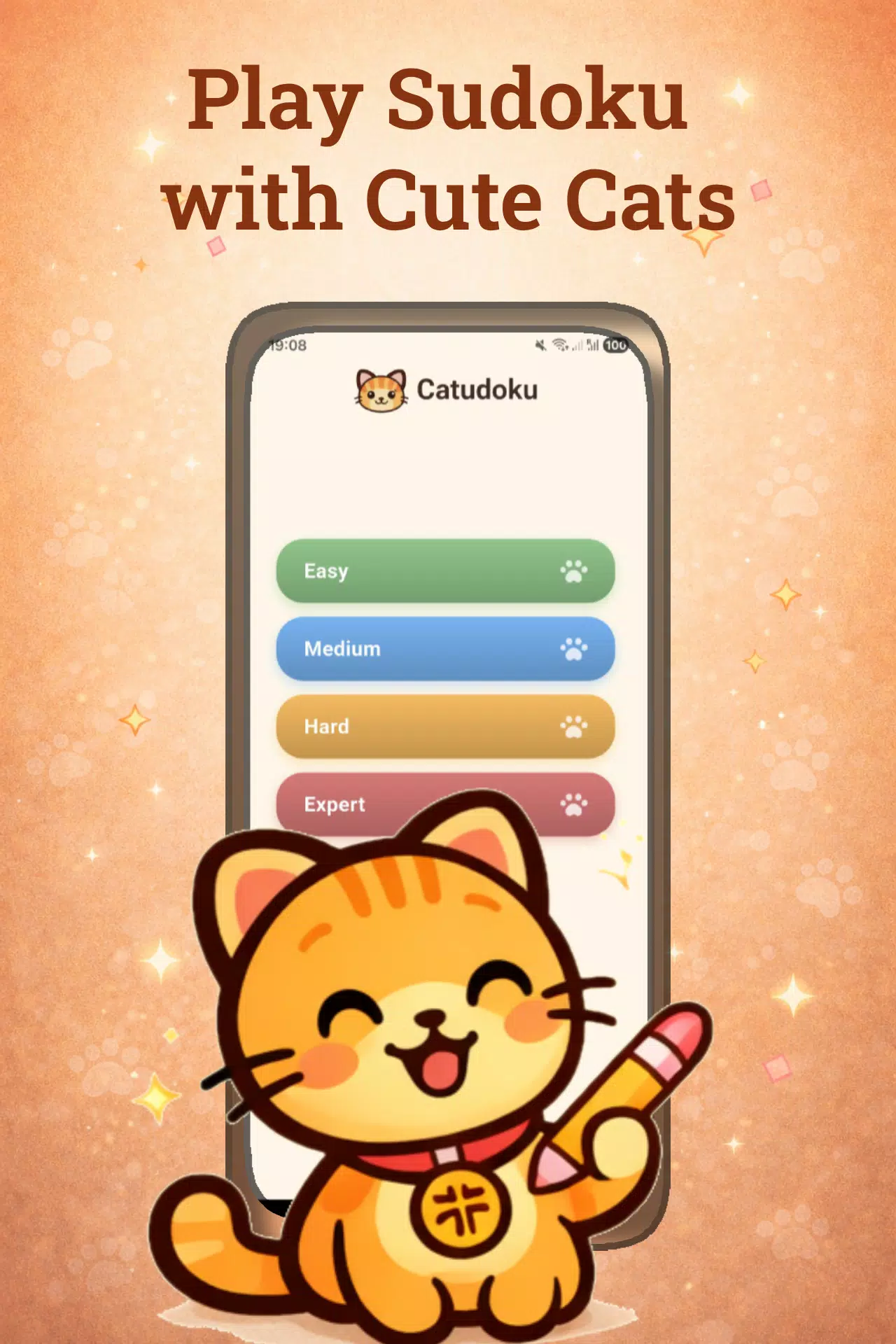
Catudoku offers four difficulty tiers that scale from beginner-friendly grids to expert puzzles that reward careful deduction. Built-in tools include a notes mode for pencil marks, a conservative hint system that reveals a single cell, an undo history so you can experiment without penalty, and automatic save so progress is preserved between sessions. A simple timer and local statistics help you track completion times and streaks, while daily puzzles generate a fresh challenge each day without repeating the same grid immediately.
Gameplay and Controls
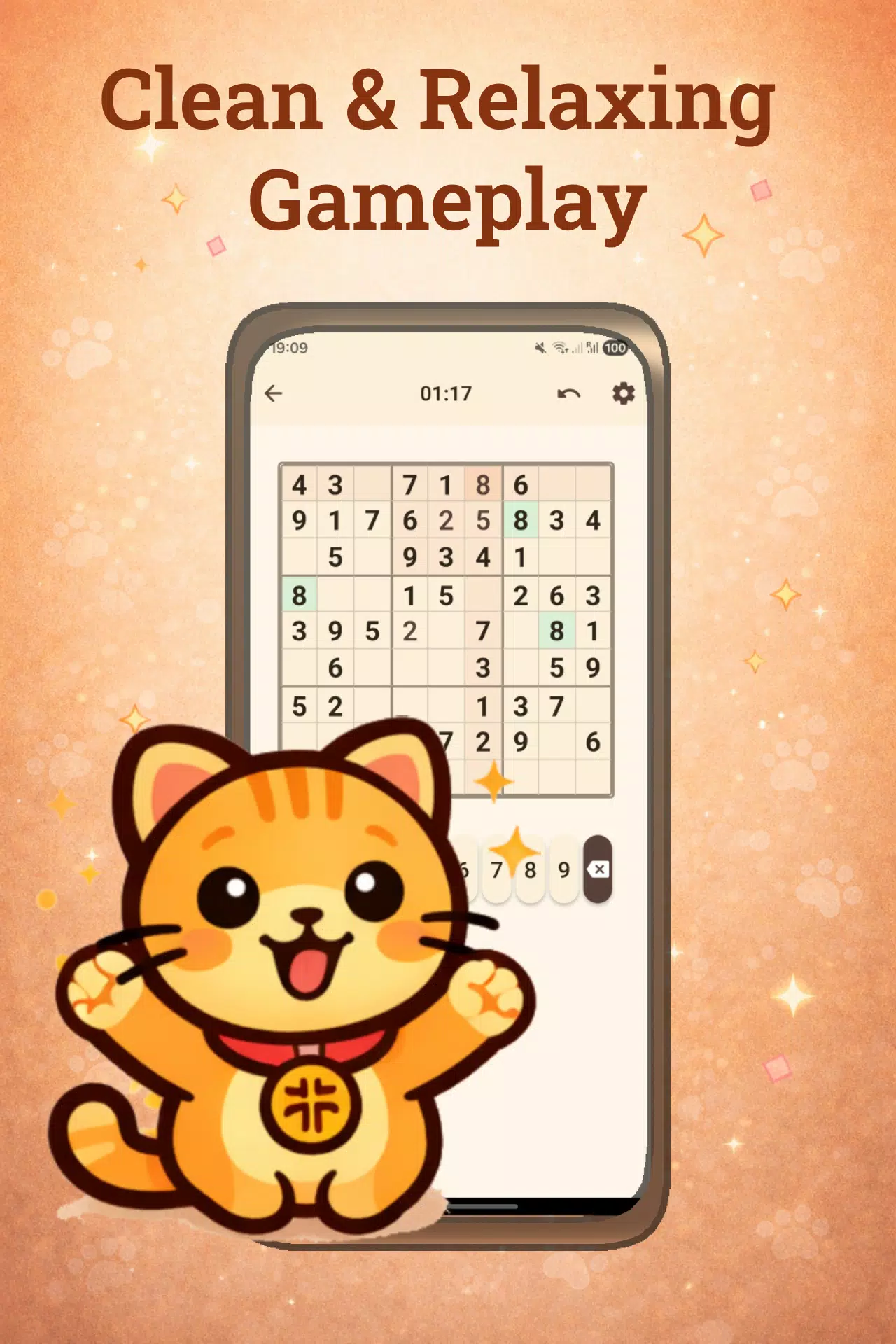
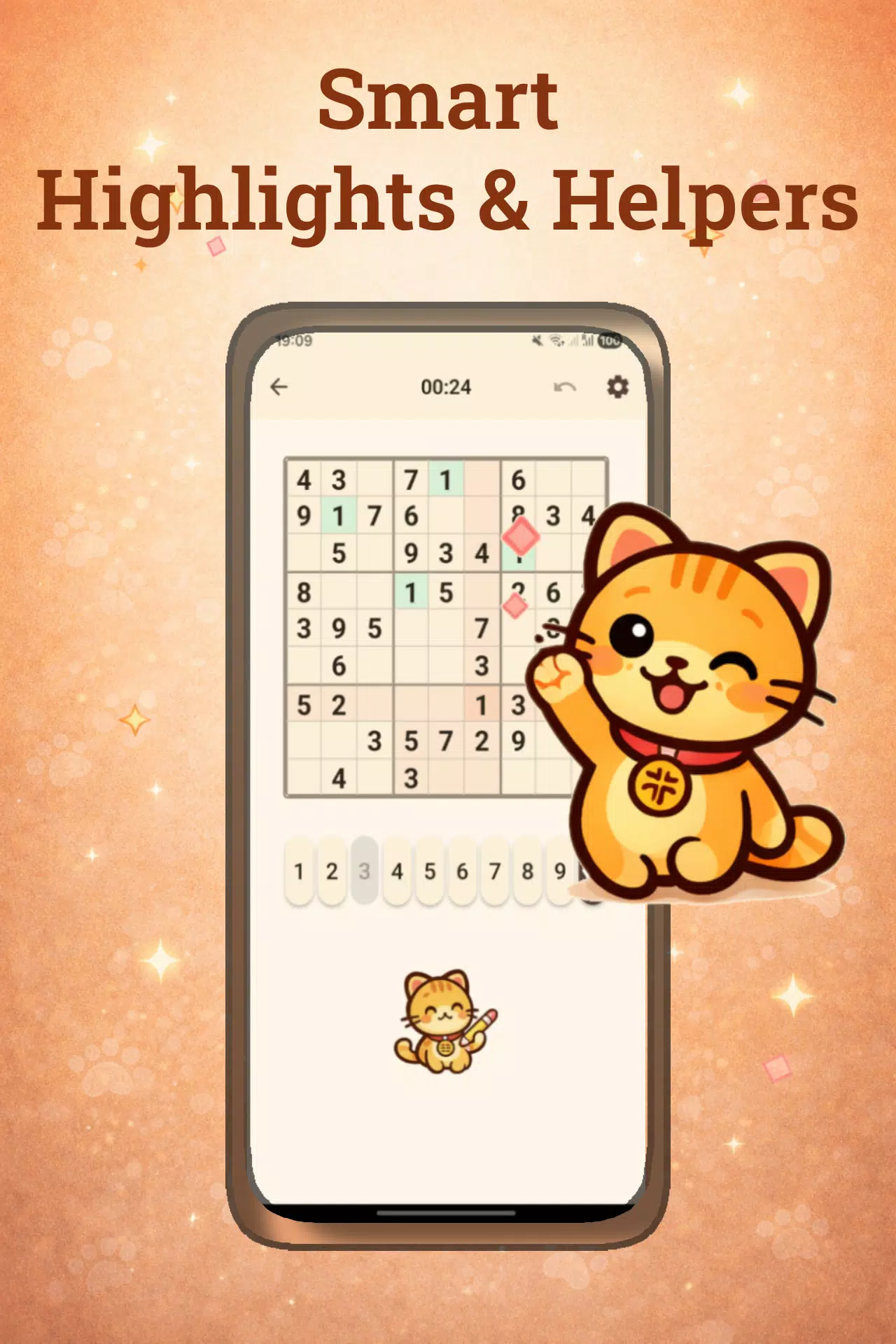
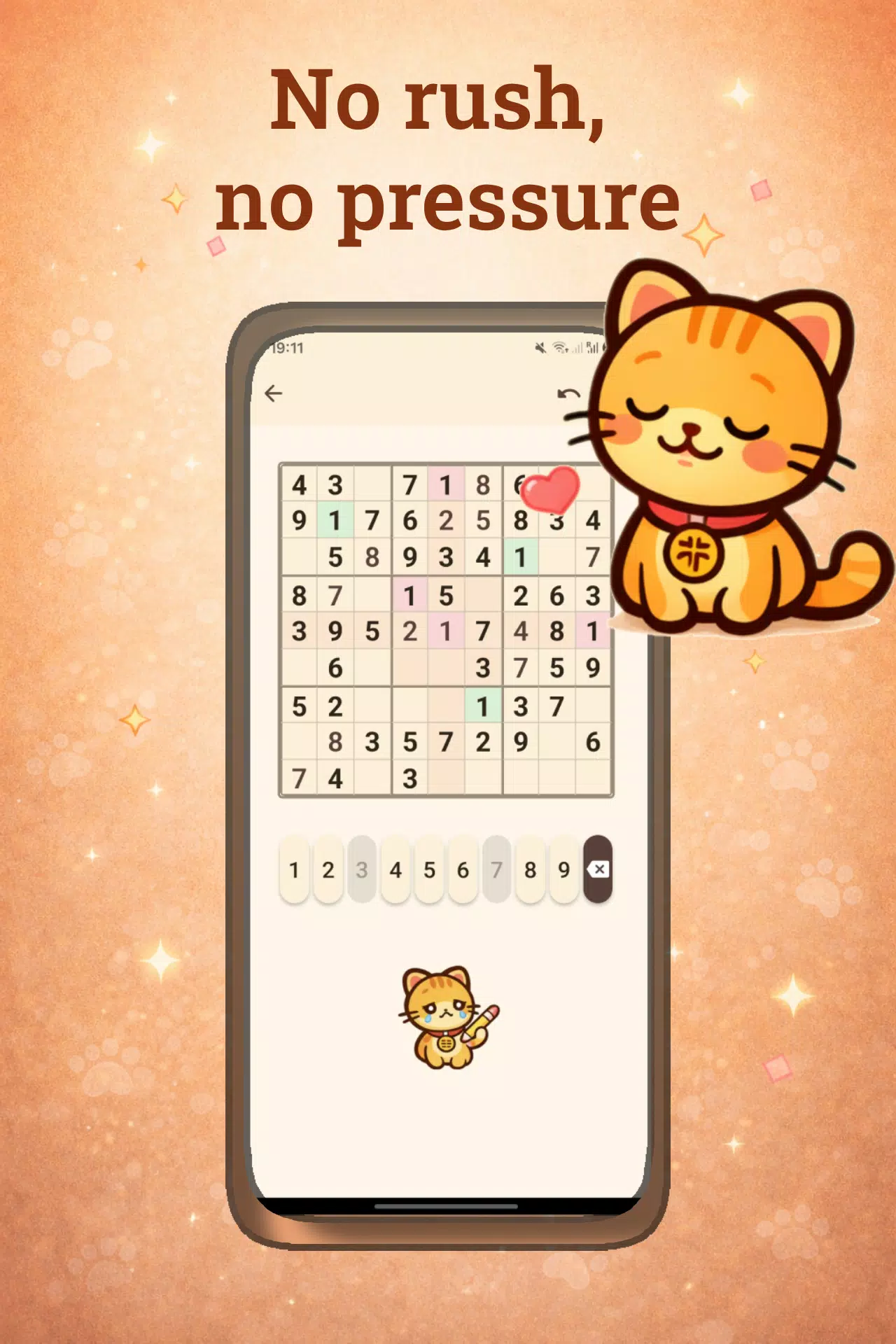
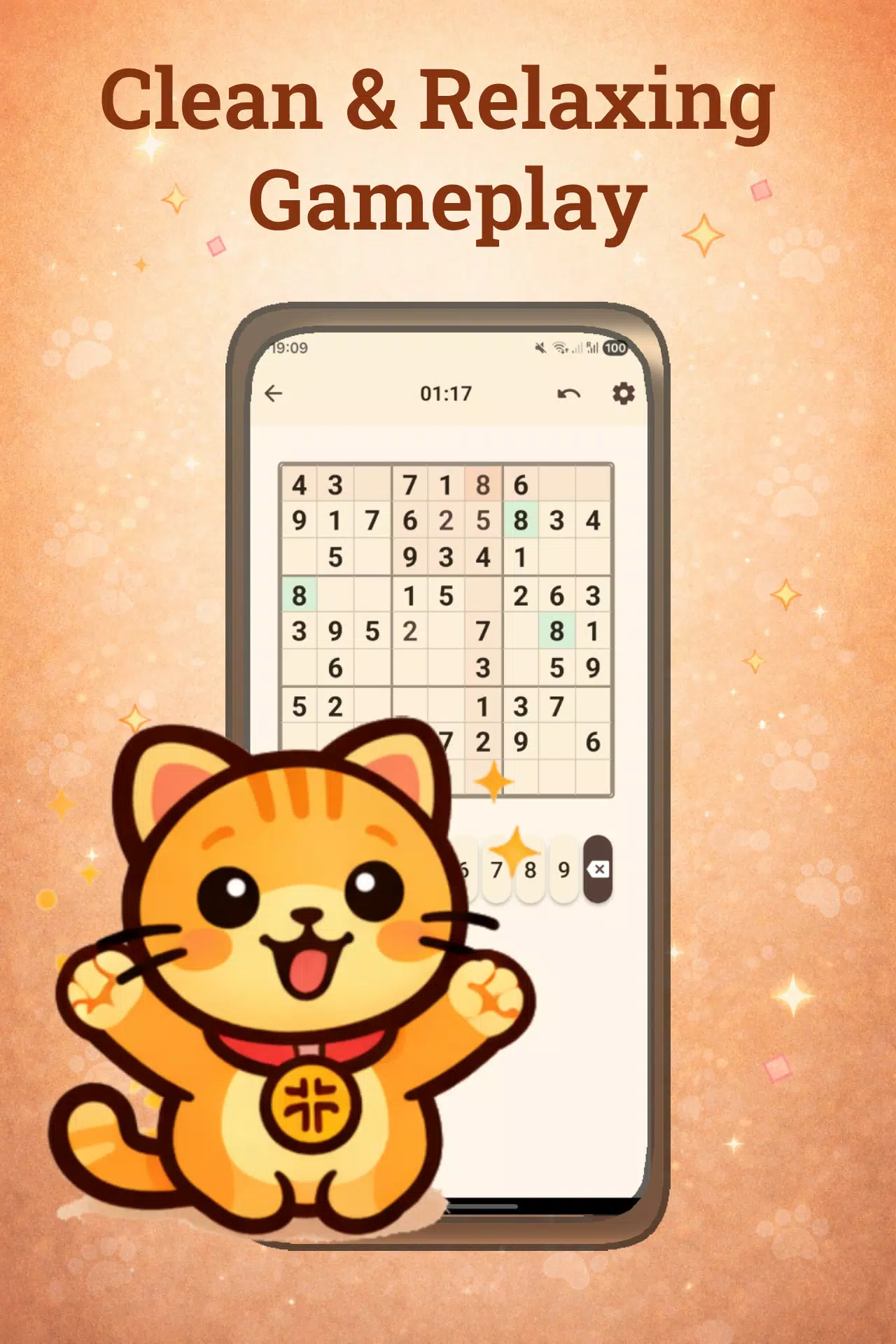
The core gameplay follows standard 1–9 sudoku mechanics: complete every row, column and 3x3 box with the digits 1 through 9 without repeating numbers. Controls are tuned for touchscreens: tap to select a cell and choose a number from an on-screen keypad, long-press to toggle candidate notes, and use a clear control to remove entries. There is an optional input confirmation to prevent accidental inputs and a visible undo list so you can step back through moves. Visual highlights for selected rows, columns and matching numbers help you scan the board quickly while maintaining focus.
Progression and Challenge Systems
The progression model balances structured learning with open practice. Early puzzles introduce simple deduction and pattern recognition, while higher difficulties require multi-step reasoning and attention to candidate interactions. Daily challenges present a comparable level puzzle each day so you can measure improvement over time. A local progress tracker records completion times, accuracy and streaks so you can set personal goals; because everything is stored locally there are no online leaderboards or social features required.
Visual Style and Customization
The visual design centers on a warm, cat-themed presentation that aims to reduce clutter and encourage focused play. You can choose from several background styles and color palettes, switch to a minimal board for competition-style focus, and adjust number size and contrast for readability. Decorative cat motifs and gentle animations are optional and can be turned off for a more utilitarian view. These customization options let you tailor the appearance to your mood—whether you want a whimsical break or a concentrated training session.
Accessibility and Offline Play
Accessibility is built into the interface with adjustable font sizes, high-contrast color options, and clear touch targets to improve usability for a range of players. The app is fully functional offline: previously downloaded daily puzzles, saved games and all tools are available without a network connection. Settings and progress are stored locally, so no account or sign-in is required and your preferences persist between uses.
Replay Value and User Experience
Replay value comes from procedurally generated puzzles across multiple difficulty levels combined with the daily puzzle cycle, producing a practically unlimited supply of unique grids. Quick startup, responsive touch controls and an unobtrusive help overlay with rules and basic solving tips make both short and longer sessions comfortable. The interface emphasizes low friction and steady practice, encouraging gradual improvement through repetition and consistent challenge.
Considerations
Catudoku focuses on classic sudoku, so you will not find alternative puzzle variants such as killer sudoku or irregular grids, and competitive online features are intentionally absent. The modest hint system preserves the solving challenge and may feel too restrained for players who prefer more guided assistance. The cat-themed styling may not appeal to users seeking a strictly minimal interface, though visual options can reduce decorative elements to suit a more utilitarian preference.