
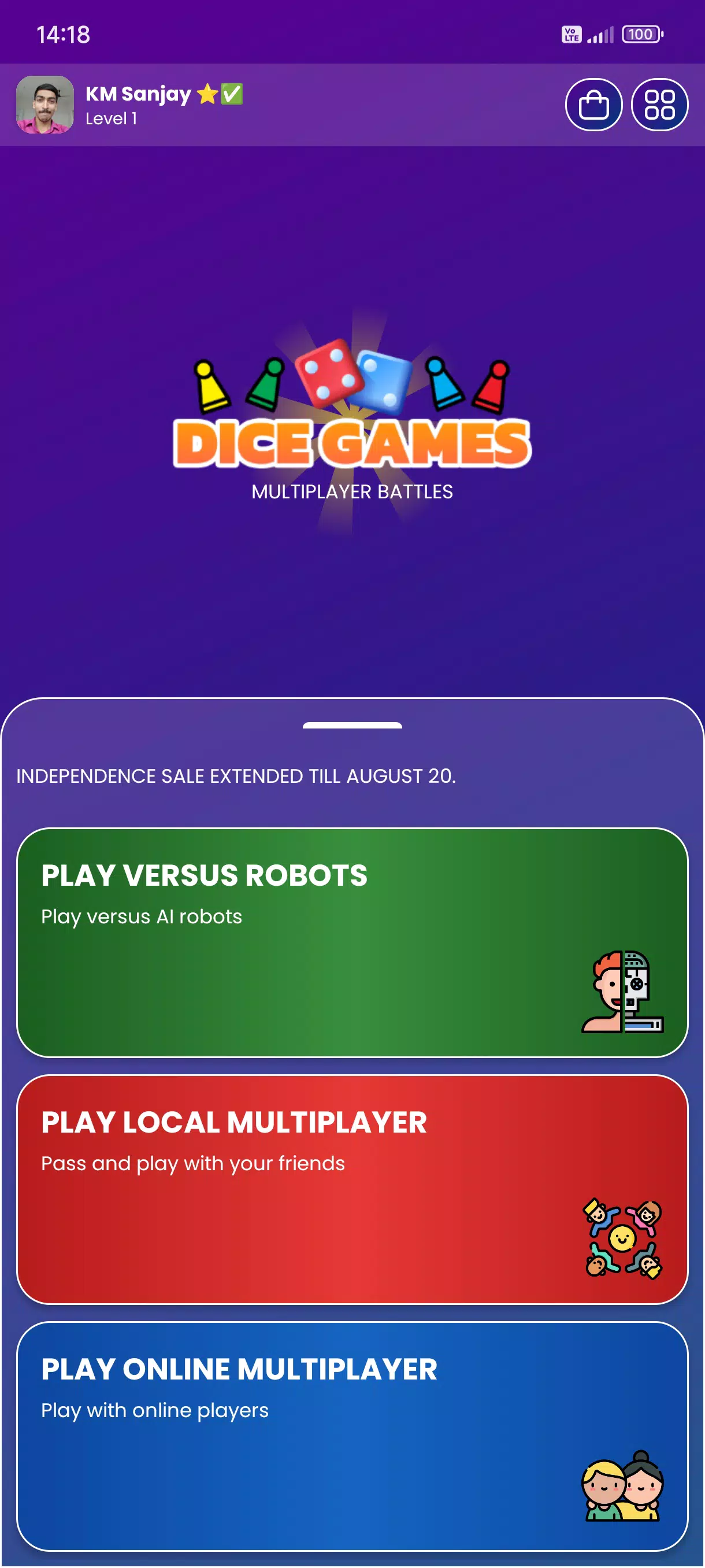
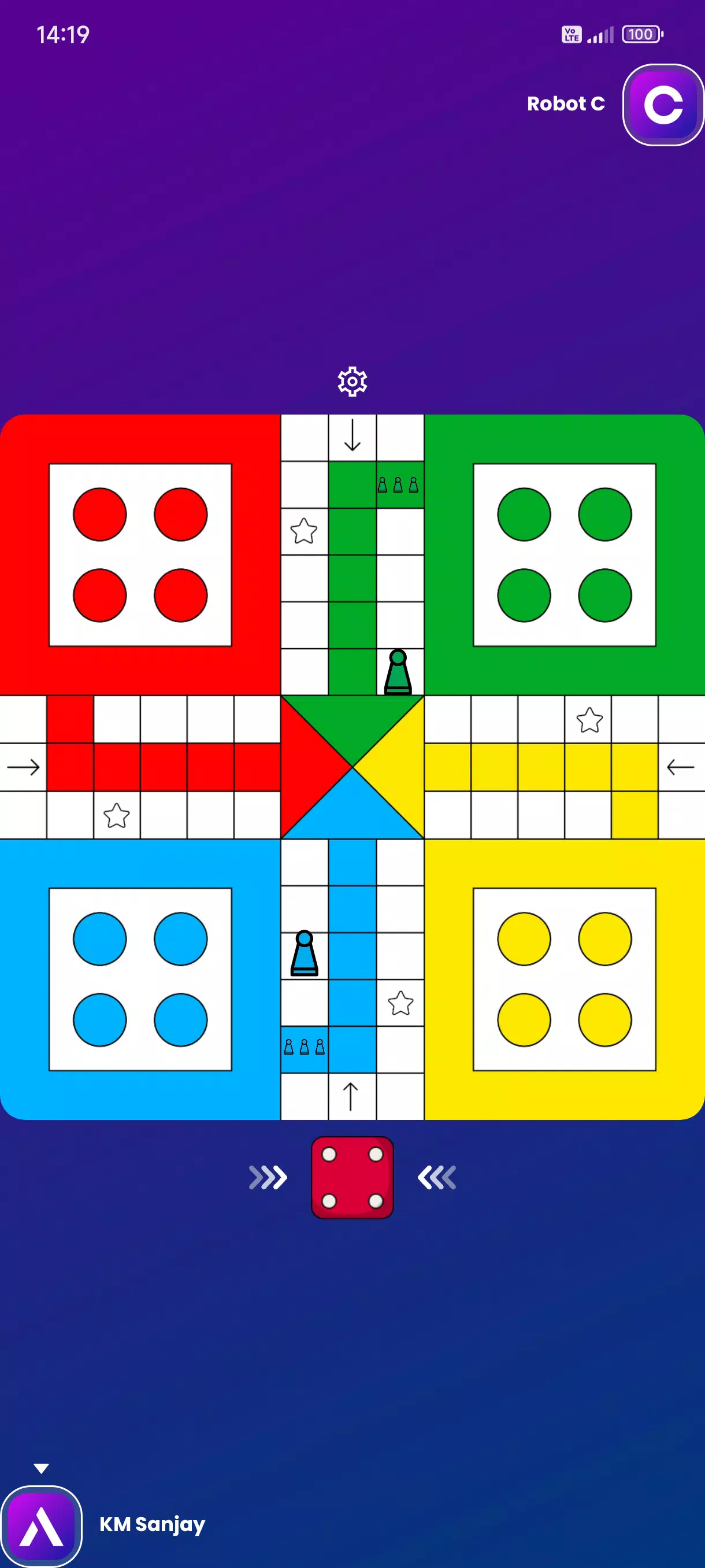
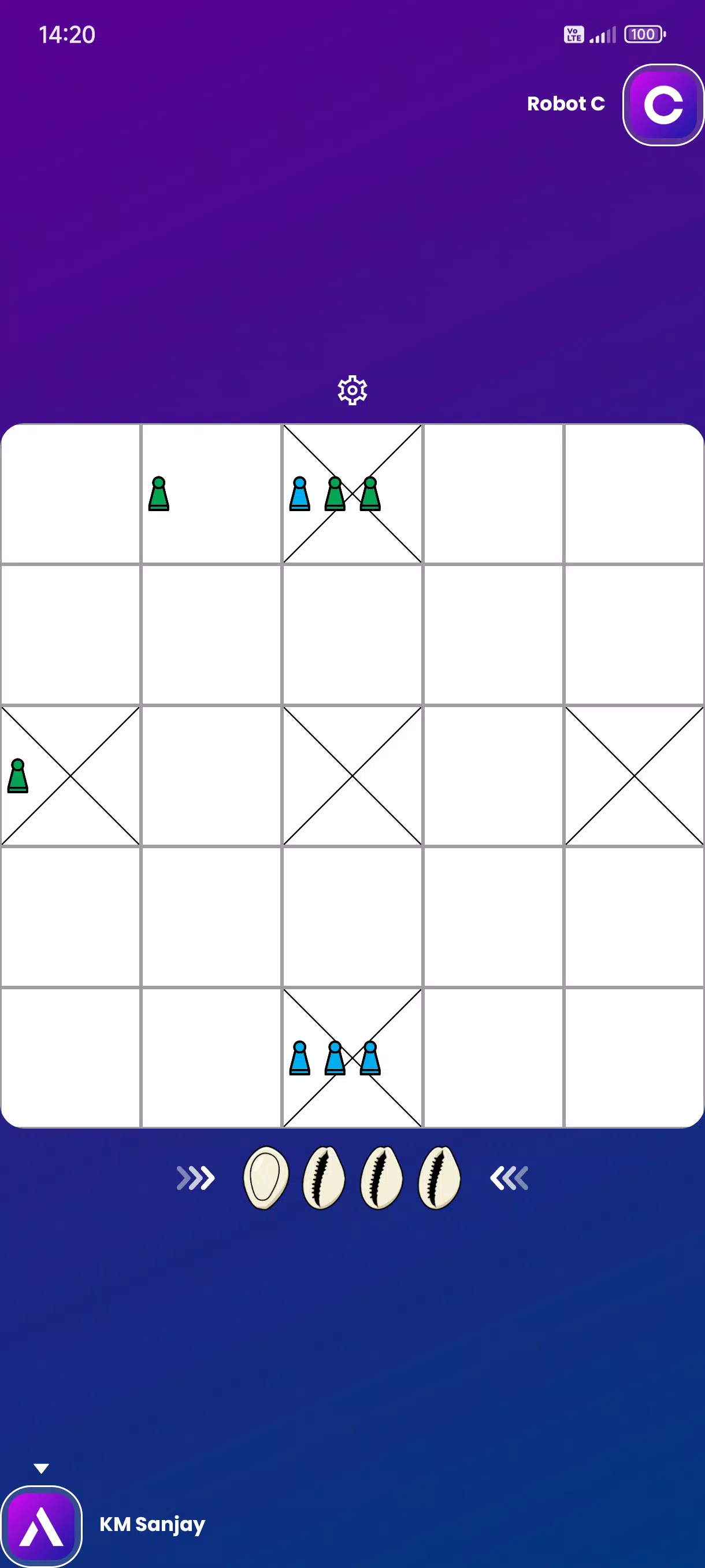
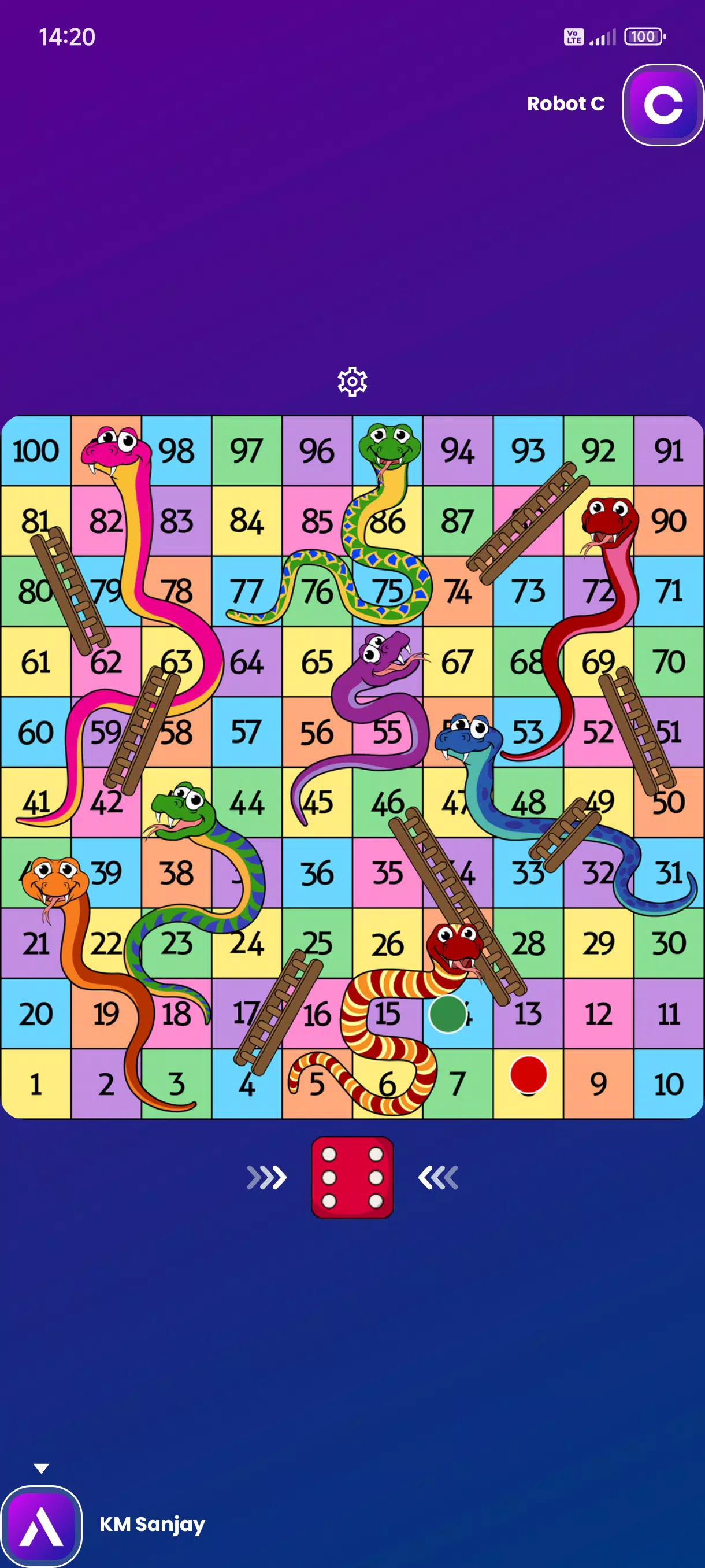
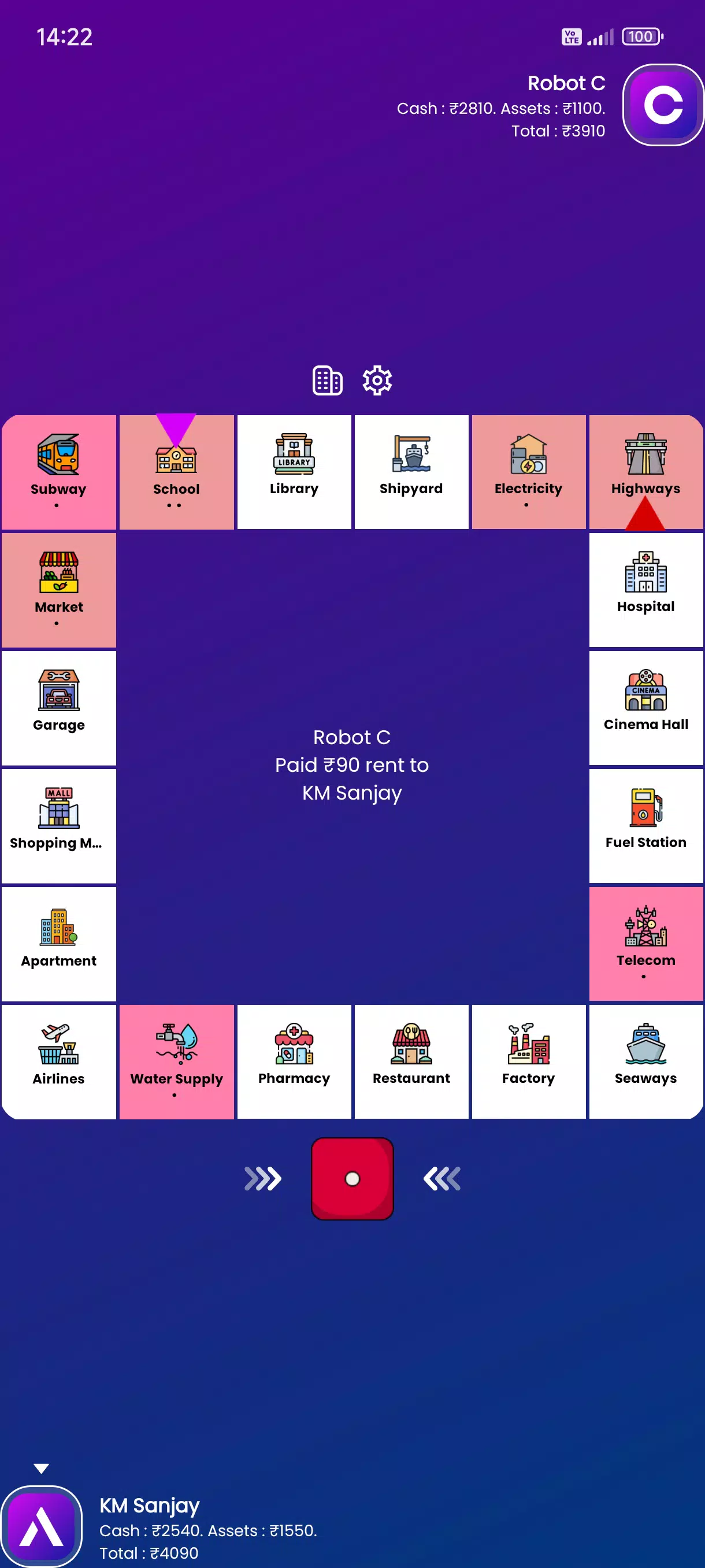
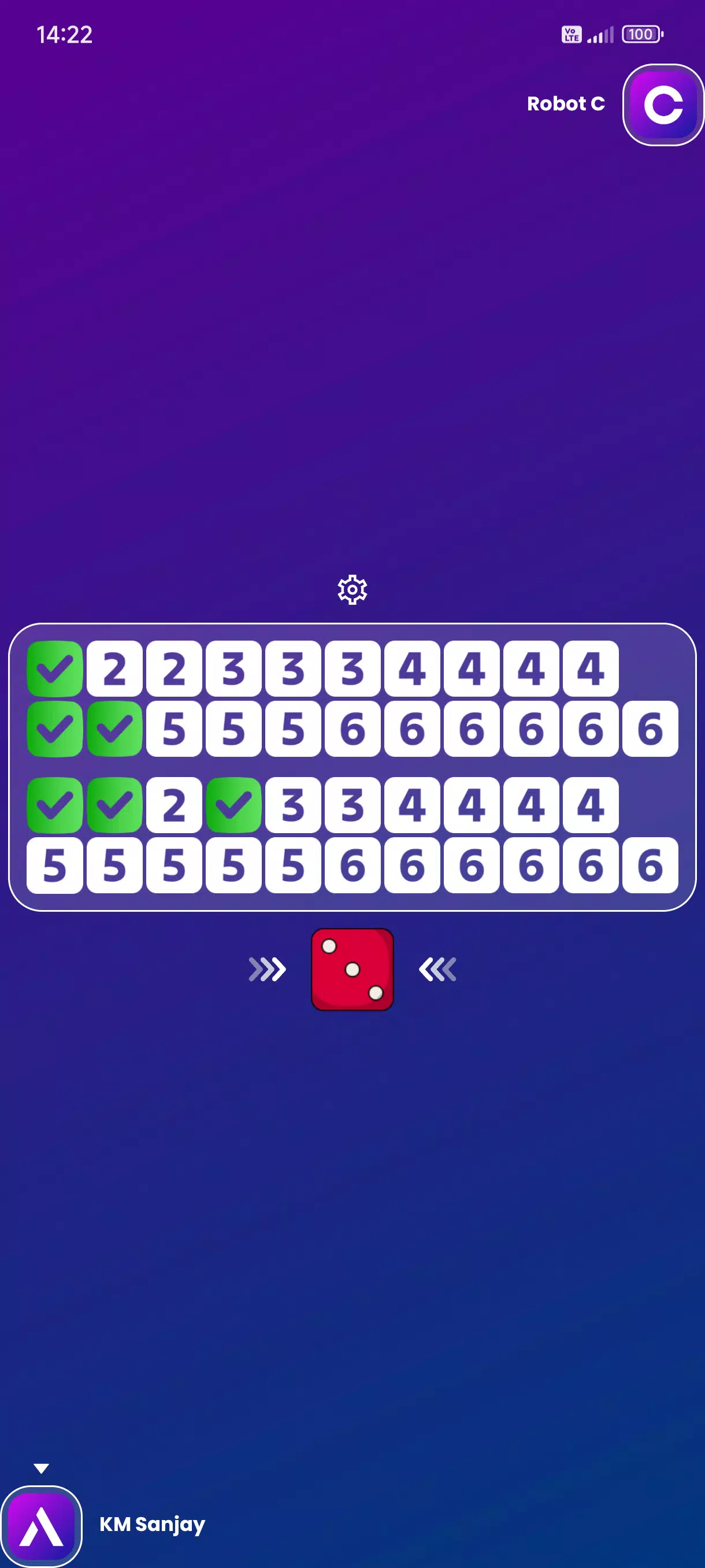
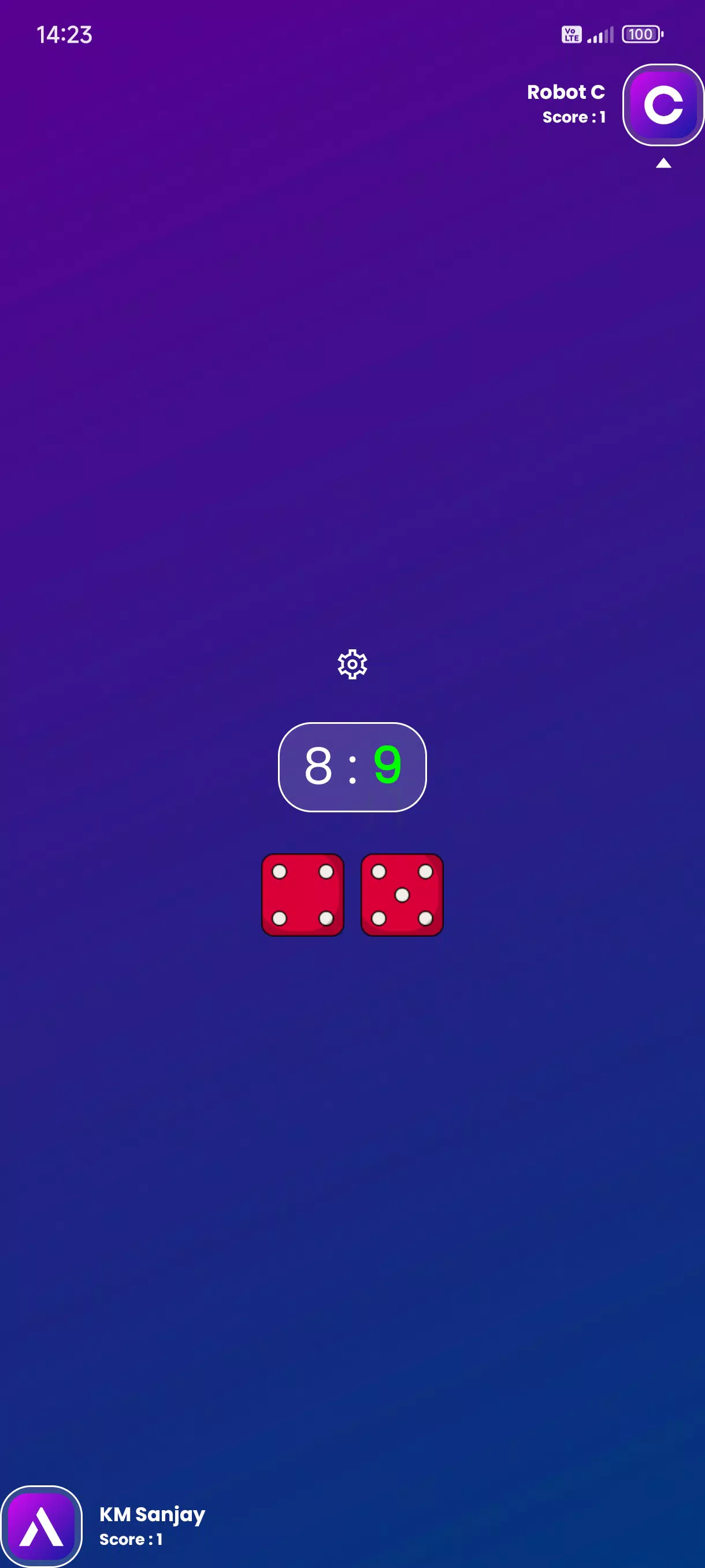

Accessible Board Games brings a curated library of classic tabletop titles into a single app designed for players who value audio-first interaction and simple, fast play. Accessible Board Games places the app name and core accessibility features up front: clear spoken instructions, tactile touch targets, and full screen-reader compatibility that help visually impaired and sighted users enjoy Ludo, Chess, Checkers, Dominoes, Bingo and many more without navigating dense visual menus.
Key features
The collection covers a wide range of mechanics, from roll-and-move and tile play to turn-based strategy. Each title in Accessible Board Games is adapted with spoken prompts for every important event: dice outcomes, legal moves, captures, scoring updates and turn changes. Audio cues are paired with haptic feedback on supported devices to make it easier to feel progress during a round.
Controls are intentionally simple: large touch targets, swipe and tap gestures for piece selection and movement, and single-button confirmations for common actions. For users who prefer less touch interaction, voice messaging and in-game text chat are available so friends can coordinate or react without needing precise visual navigation. The chat includes brief, accessible presets and full-text options that the screen reader can announce.
The app supports customizable audio: you can choose from built-in sound profiles or swap in your own files for dice, piece moves and ambient cues. Sound volume, speech rate and verbosity are adjustable so players can tailor the spoken feedback to their listening preferences and hearing needs. Visual presentation takes a minimal, high-contrast approach with large fonts and optional reduced-animation settings to keep attention on audio and tactile feedback.
Gameplay and controls
Game rounds are designed for quick starts and repeatable sessions. Quick matchmaking connects players to a casual opponent for short rounds, while a solo practice mode lets you rehearse rules and test strategies without an internet connection. Practice sessions include spoken hints that explain legal moves and suggested options, helping new players learn rules at a comfortable pace. For turn-based games like Chess and Checkers, moves are described in plain language and confirmed before execution to reduce accidental inputs.
Movement and selection use consistent gestures across titles so once you learn one game in the app, the others feel familiar. Accessibility settings let you enlarge controls, slow down audio timing between prompts, or enable step-by-step mode where the app waits for confirmation after every spoken instruction. These options reduce cognitive load and make gameplay predictable for both new and experienced users.
Progression, customization and replay value
Progress in the app is focused on learning and variety rather than competitive rank. Players unlock alternate board sizes, rule variants and themed sound packs by completing short in-app tutorials and practice challenges. These unlocks encourage experimentation with new rule sets or faster/slower pacing, extending replay value without introducing complex progression systems. Customization also covers display contrast, text size and the verbosity of spoken descriptions so the experience adapts to different needs.
Replay value comes from three main sources: the breadth of games included, randomized elements in dice- and tile-based games, and adjustable difficulty or rule variants suitable for casual matches or longer strategic sessions. Regularly switching between game types keeps sessions fresh and supports mixed-age or cross-ability playgroups.
Accessibility and user experience
Every aspect of Accessible Board Games is built with inclusive design in mind. Full screen-reader support means menu items, game state and move confirmations are all announced in context. The app includes short interactive tutorials that demonstrate controls using spoken guidance and guided practice rounds. For social play, voice notes let players share brief audio reactions mid-game while text chat is structured so screen readers can parse and announce messages clearly.
On the visual side the interface favors clarity over decoration: strong contrast, large icons and minimal animations reduce distraction and keep focus on the audio layer. The settings center provides one-tap options to adjust speech rate, sound profiles, haptic feedback and touch sensitivity, so users can set the app up once and play consistently across sessions.
Offline play, challenges and limitations
Solo practice mode and many tutorial tasks work offline, allowing you to learn rules, practice moves and test sound customizations without an active connection. Challenge-style tasks present optional objectives—such as winning in a set number of moves or playing with alternate rules—which provide a short-term goal and help players build competence gradually.
There are trade-offs: the audio-first design intentionally downplays visual polish and advanced graphics, which means players seeking high-end visuals may find the presentation intentionally simple. Custom sound support requires users to supply their own audio files for a fully personalized profile, adding a small setup step. Finally, players who prefer silent or purely visual interfaces may need time to adapt to the spoken, tactile-forward interaction model.