
Celebrity Call & Chat Fun

| Package ID: | |
|---|---|
| Latest Version: | v5.0.0 |
| Latest update: | May 19, 2026 09:23:05 |
| Developer: | Bowen Arrow |
| Requirements: | Android |
| Category: | Action |
| Size: | 12.30 MB |
| Tags: | Level War Entertainment |
Rating :4.0
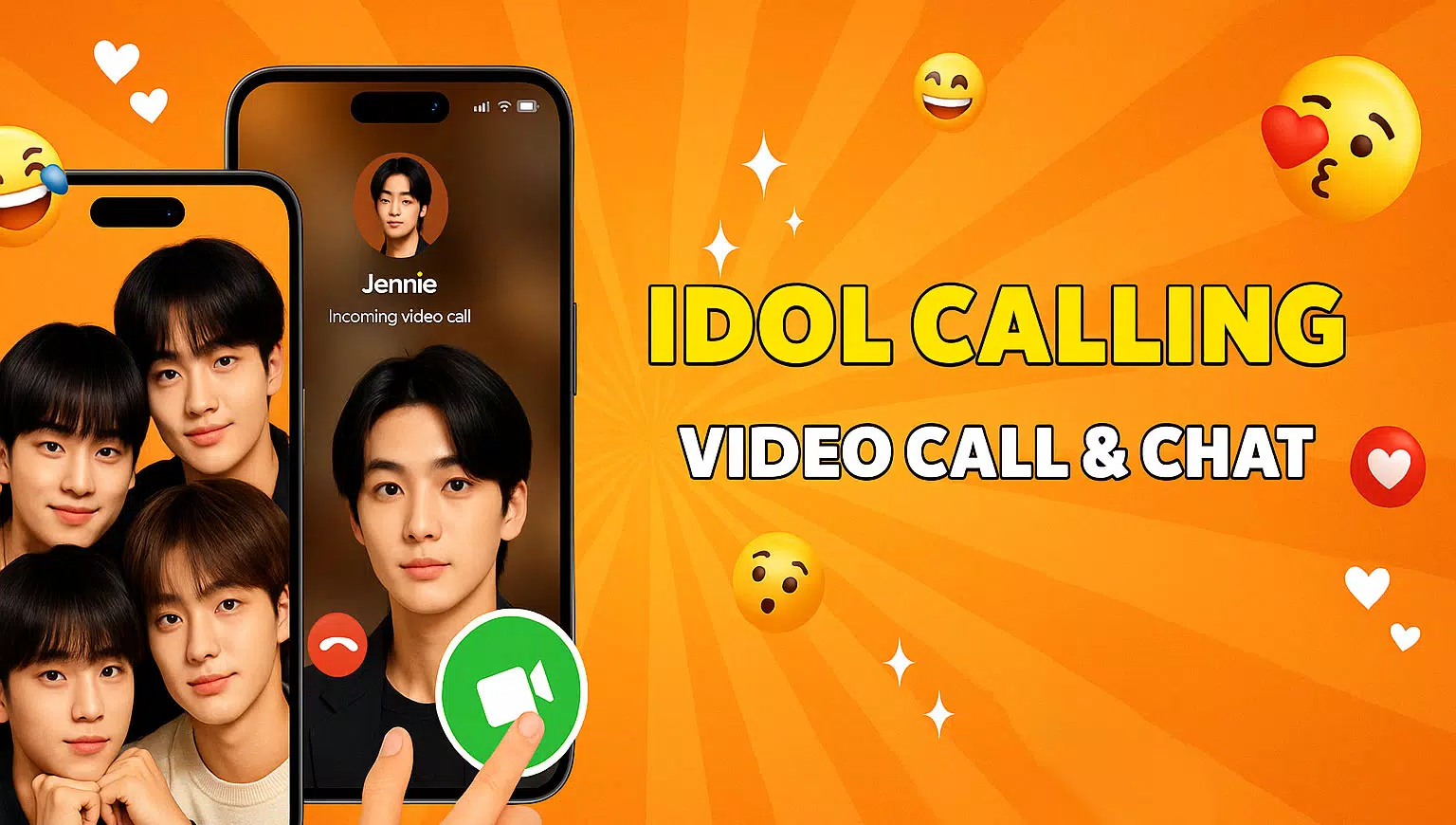
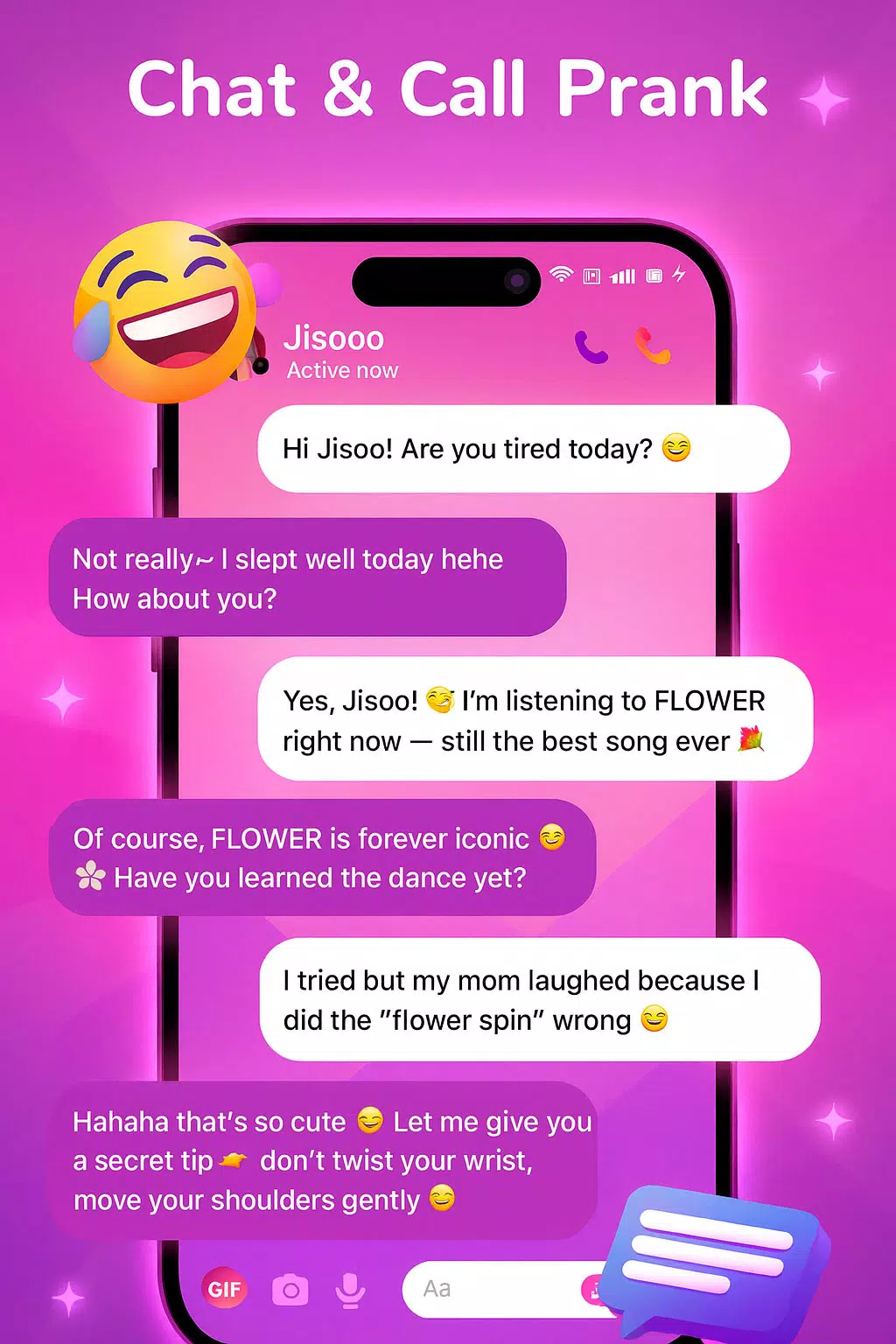
Celebrity Call & Chat Fun is a playful prank and simulation app that reproduces lifelike incoming calls, chat messages, and voice clips so you can stage believable scenarios for friends, record reactions, or create shareable social content. Celebrity Call & Chat Fun opens with a simple setup and focuses on local, simulated interactions rather than actual communication, so everything you produce is for entertainment and privacy is preserved. The app balances realistic visuals with an accessible design so anyone can create a convincing moment in seconds.
Key features
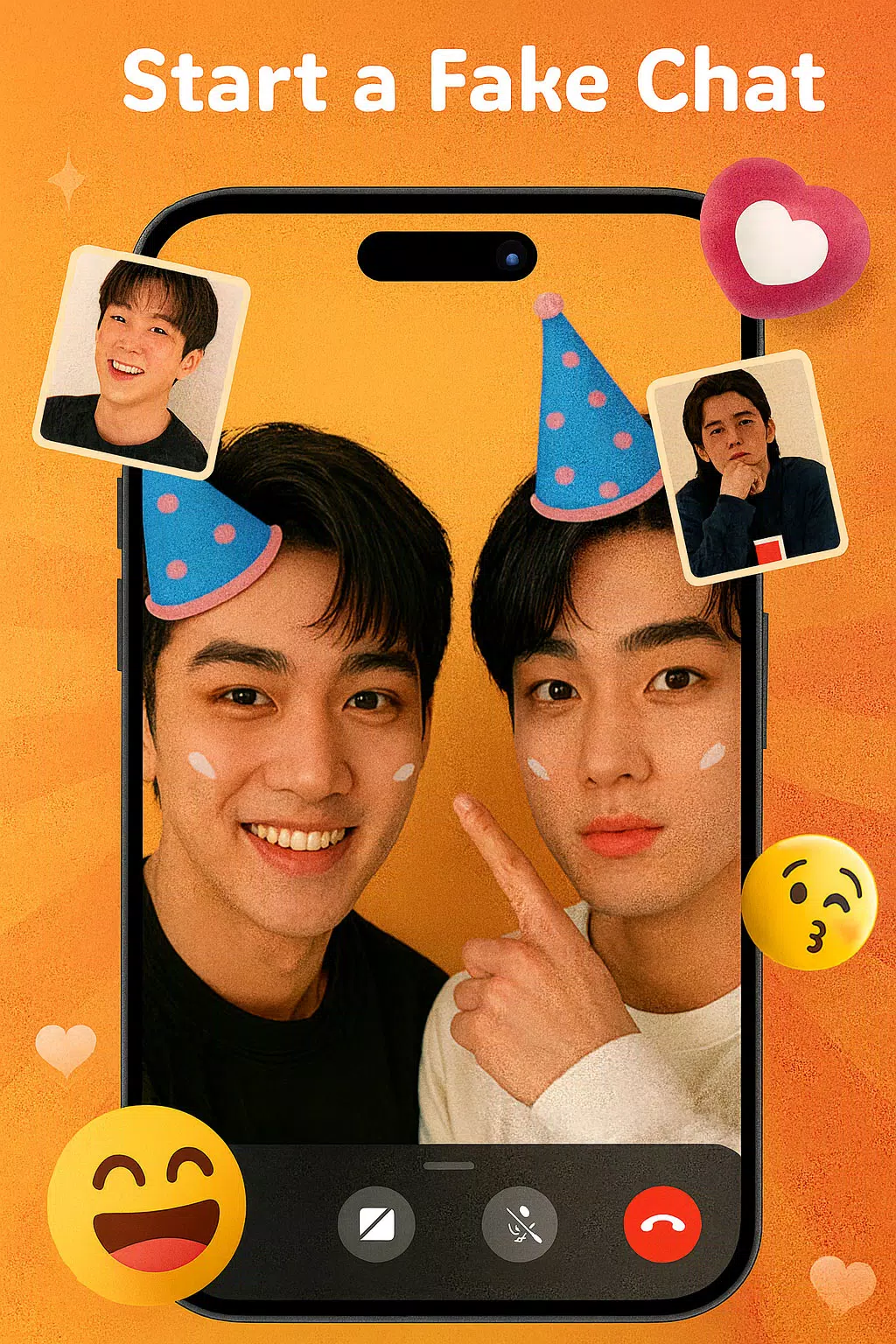
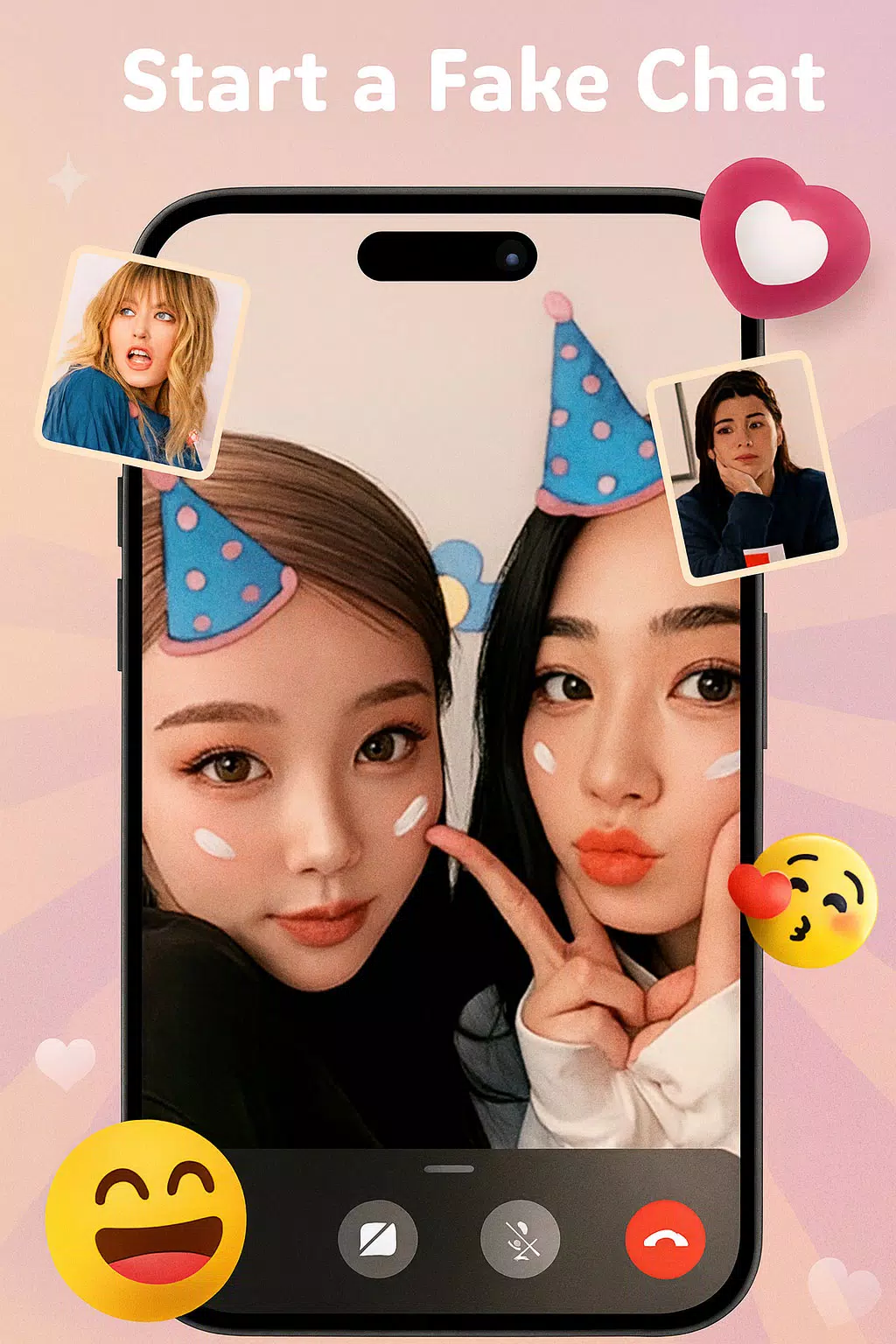
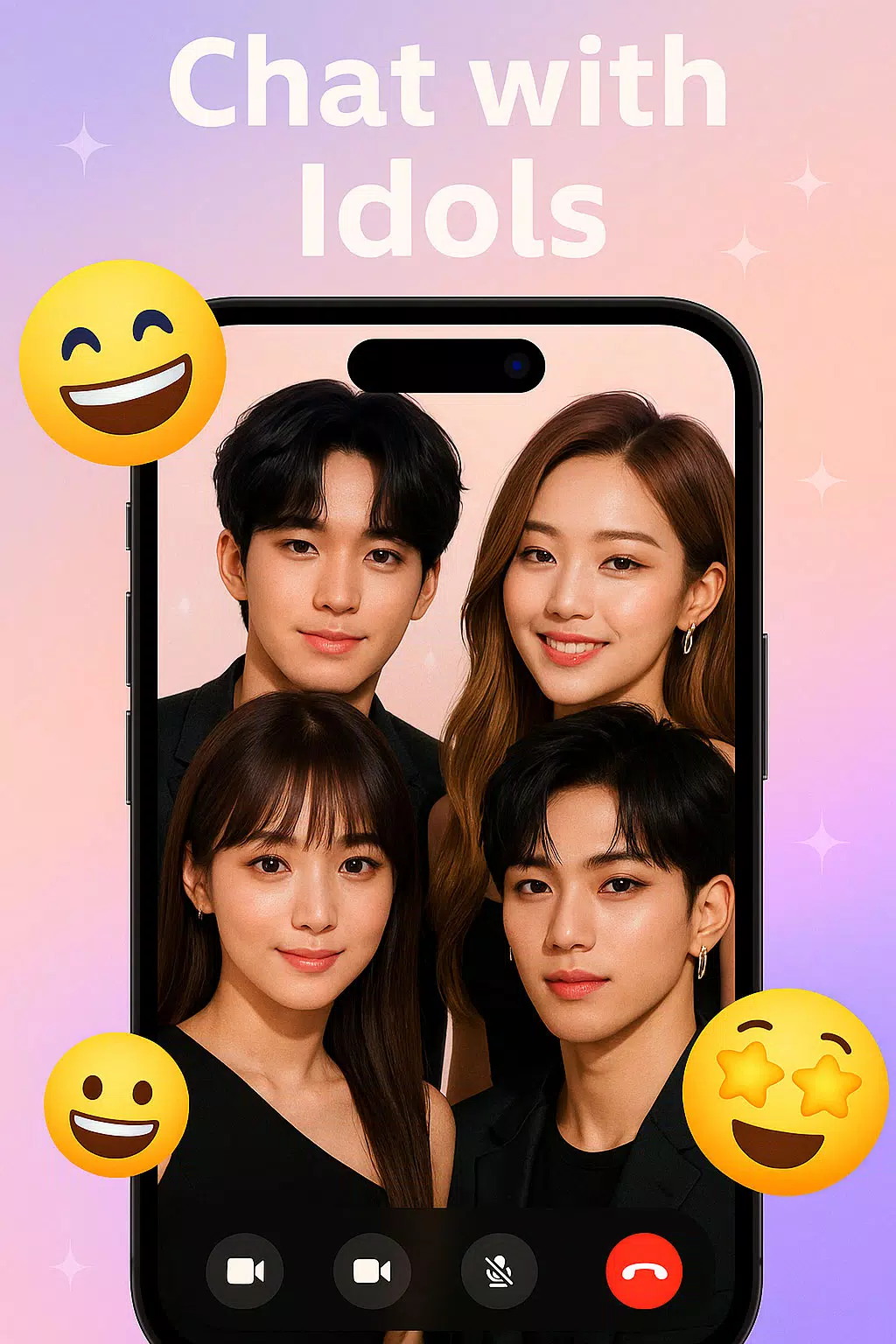
The app delivers realistic fake call screens and chat pop-ups that mimic modern phone interfaces, including caller identity, photo placeholders, and ringing behavior. In addition to visual simulation, built-in voice effects and the ability to use recorded voice clips let you shape tone and timing for maximum believability. A range of celebrity-inspired character templates is included so you can pick personas spanning actors, singers, influencers, and athletes without implying any real endorsements. Scheduling controls let you set timers or delayed triggers so pranks land at the exact moment you want, and a screenshot tool helps you capture and save reactions instantly.
How it works
Creating a scenario is a step-by-step process: choose a simulated caller or chat persona, edit the message text or voice clip, adjust the timing and appearance, then preview before launching. The app runs locally and simulates incoming notifications by overlaying realistic call and chat UI elements on the device screen; no third-party servers are required to create or display these local simulations. Saved scenarios can be reused and modified, so you can iterate on timing and wording to improve delivery over multiple attempts.
Controls and user experience
The control scheme is intentionally straightforward: tap to select templates, use sliders to change voice pitch and volume, toggle options for vibration and ringtone behavior, and drag a scheduling handle to set delay or exact time. The interface keeps frequently used options on the main screen to reduce steps. Text fields accept quick edits for name, message content, and call labels so users can personalize a setup in moments. Accessibility considerations include adjustable text sizes and high-contrast display elements that make simulated screens clearer to read for a wide range of users.
Customization and progression
Customization is central to replay value: change message content, swap voice effects, and mix persona elements to create fresh scenarios. You can record short voice snippets within the app and use them in multiple scenarios, building a personal library of clips and presets. Progression is organic rather than level-based: as you save and refine more scenarios you naturally create a growing collection of setups that reflect your preferred comedic style, timing, and complexity. The app also includes a selection of prewritten scenario templates to help new users get started quickly.
Visual style and replay value
The design mimics contemporary phone UI conventions so incoming calls and chat notifications look familiar and convincing; attention to small details such as animated ringing, subtle vibrations, and realistic message timestamps enhances the illusion. Replay value comes from layering options — combining custom messages, varied voice effects, and different timing strategies yields many permutations of the same basic setup, encouraging experimentation and creative staging for social posts or live reactions.
Privacy, offline use, and limitations
All simulated calls, messages, and voice clips are generated and stored locally on your device, and the app does not place or receive real phone calls or connect you to actual contacts. Celebrity Call & Chat Fun is intended strictly for entertainment; it does not involve real celebrities and should not be used to mislead in harmful ways. Because simulations run locally, the app works offline for core features, making it convenient for staged moments without a network connection.
Tips and common use cases
Popular uses include staged reactions for small social gatherings, practice scenarios to rehearse a response, or creating short-form content for social platforms. For best results, test your setup once in a private setting to refine timing and volume, and use the screenshot capture to preserve reactions. The app is designed for lighthearted fun — respect others’ boundaries and avoid using pranks in situations where they could cause distress.
Disclaimer
Celebrity Call & Chat Fun is an entertainment tool that provides simulated calls and chats for fun and creative content. No real celebrity participation or endorsement is implied, and all materials are fictional and user-generated. If you need further assistance with features or accessibility settings, the in-app help section walks through controls and scenario management step by step.