
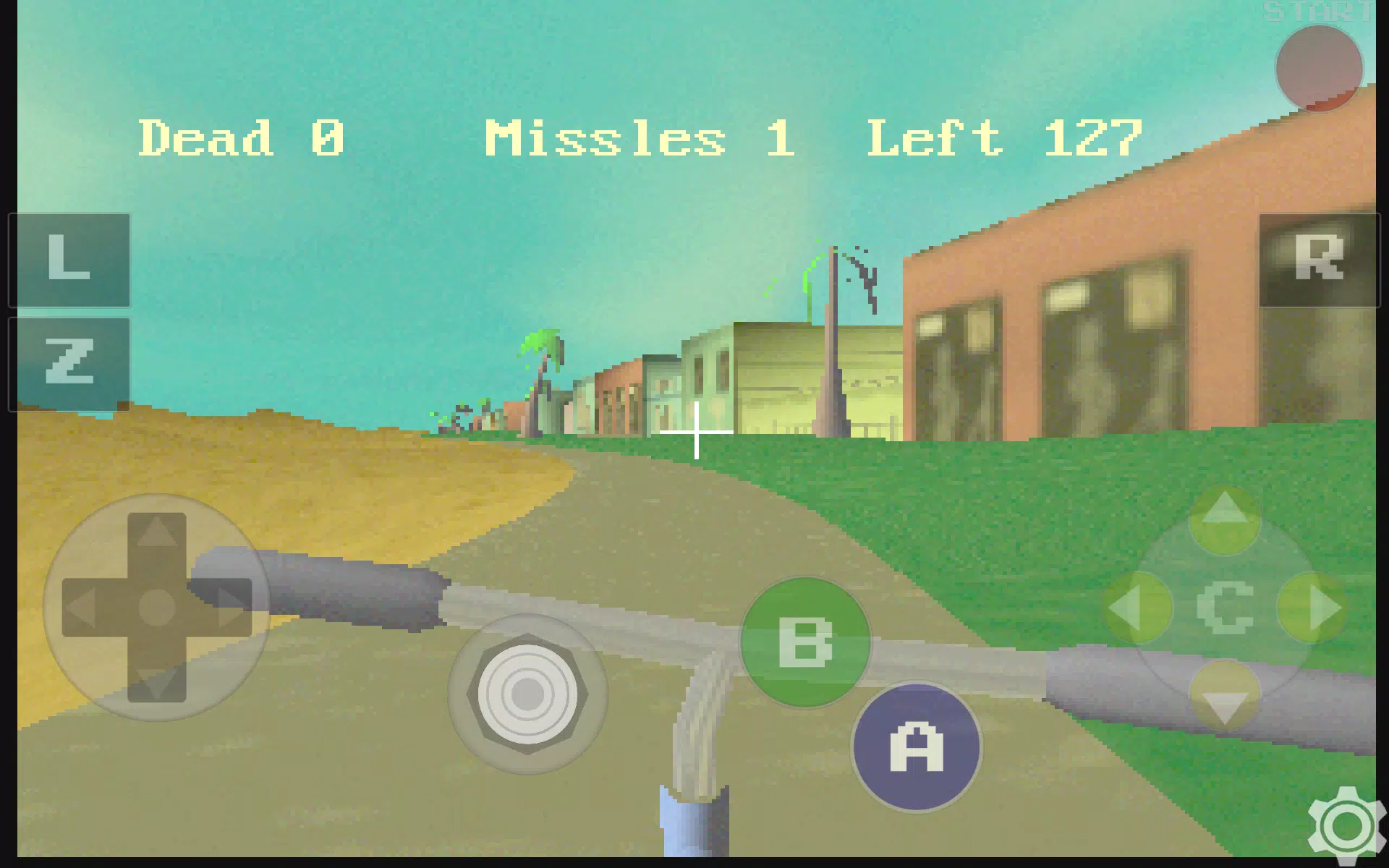
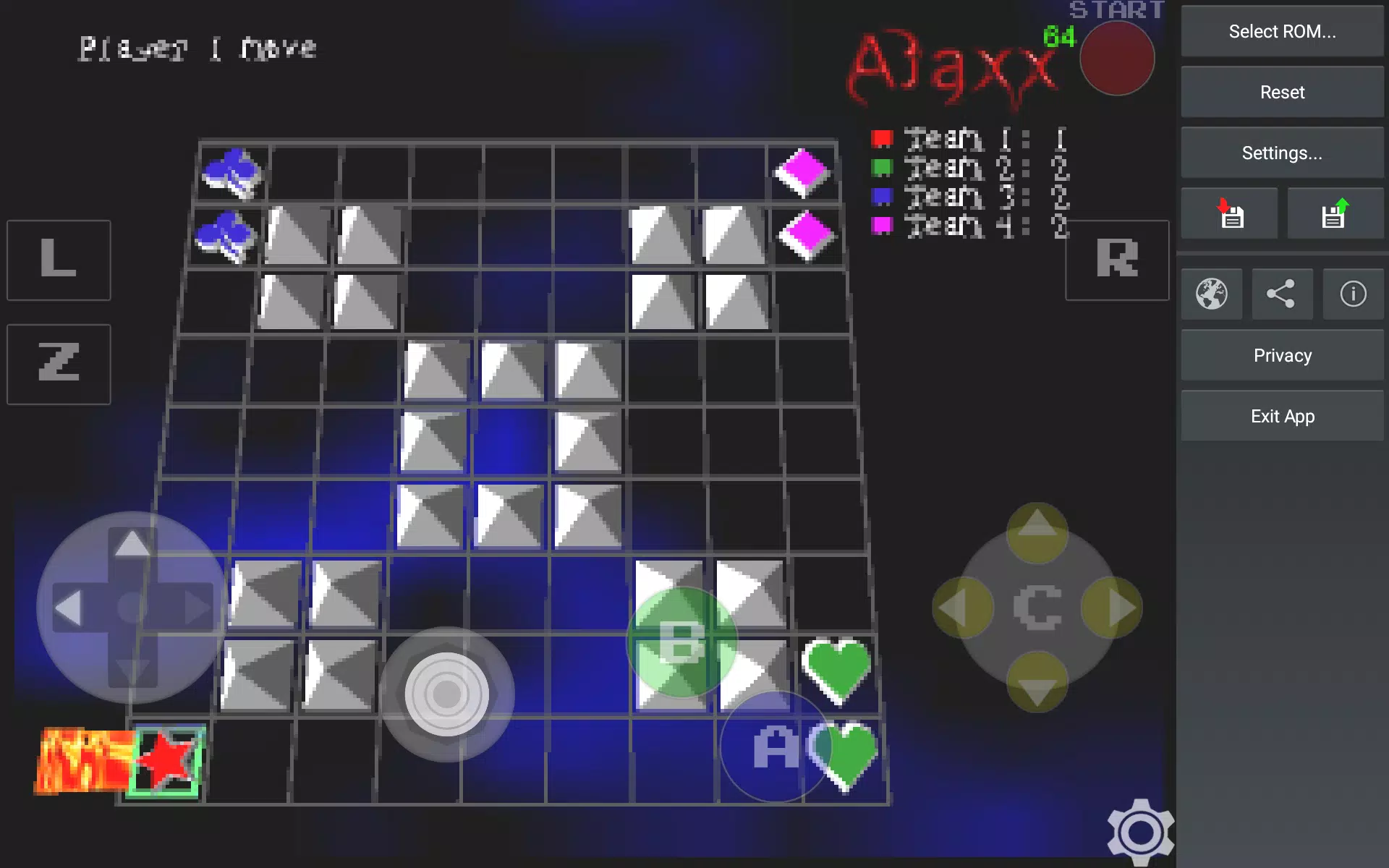
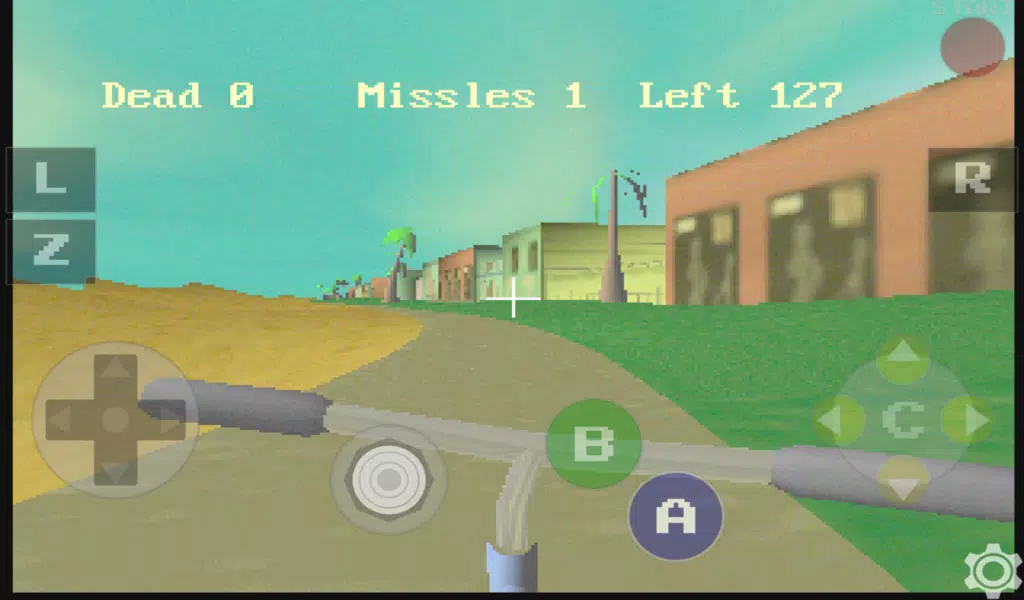
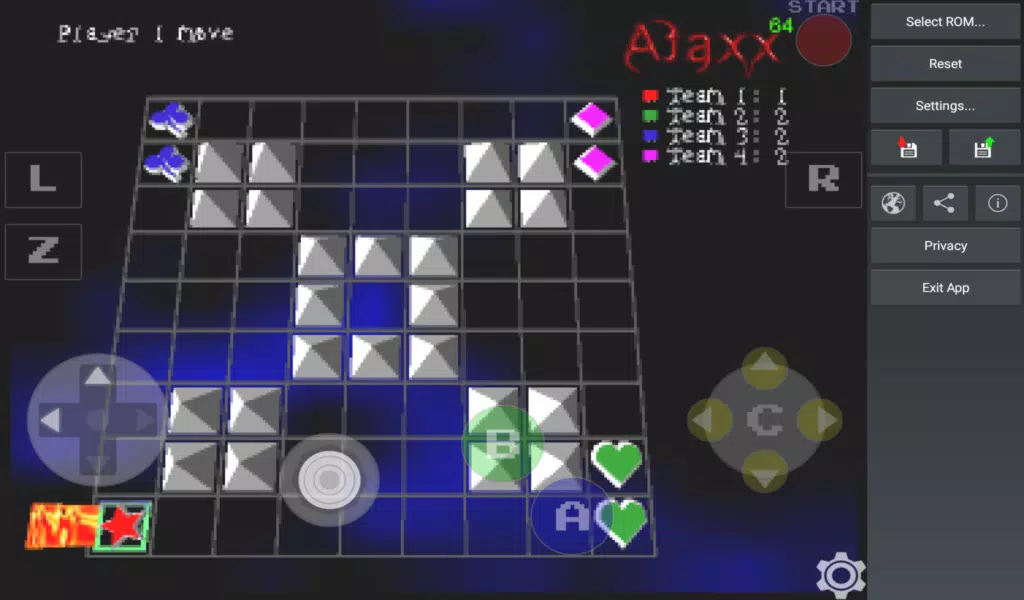

EmuN64 XL brings Nintendo 64 emulation to Android devices, letting players run their own N64 ROMs and enjoy classic titles with responsive controls and hardware-accelerated graphics. EmuN64 XL focuses on faithful reproduction of original game behavior while offering modern conveniences such as save states, memory pak and rumble simulation, and configurable control options that make older games comfortable to play on today's phones and tablets. This app does not include game ROMs; you must supply legally obtained files to play.
Key features and visual options
EmuN64 XL uses OpenGL-based rendering that targets smooth fullscreen play on GLES2 and GLES3 devices. The emulator provides options for screen scaling and aspect ratio handling so 4:3 and 16:9 titles display correctly on wide phone and tablet screens. Performance-focused settings allow users to choose frame limiting or adaptive rendering to balance speed and visual quality on slower GPUs, and audio buffering options reduce latency for a tighter control feel. The emulator preserves the original visual style of Nintendo 64 titles while giving users control over display and performance parameters for a personalized experience.
Controls and customization
On-screen controls are fully configurable and can be resized or repositioned to suit different hand sizes and play styles. EmuN64 XL supports physical controllers, Bluetooth gamepads, wired gamepads, external keyboards and joysticks, and it includes mapping tools so buttons and analog sticks can be assigned exactly as you prefer. The app also simulates N64 peripherals such as the memory pak and rumble pak so games that depend on those devices behave as intended. These customization options improve accessibility and make complex control schemes more approachable.
Gameplay mechanics and progression
Because EmuN64 XL runs native ROM images, the underlying gameplay mechanics and progression systems from the original N64 titles are preserved exactly as designed by the original developers. Save states and rewind-like resume points give players shortcuts for practice and experimentation without altering in-game save files, which remain compatible with memory pak simulation where applicable. This approach makes it easy to pause, retry difficult sections, or pick up a long-form campaign later while keeping the authentic level structure and challenge intact.
ROM discovery and file support
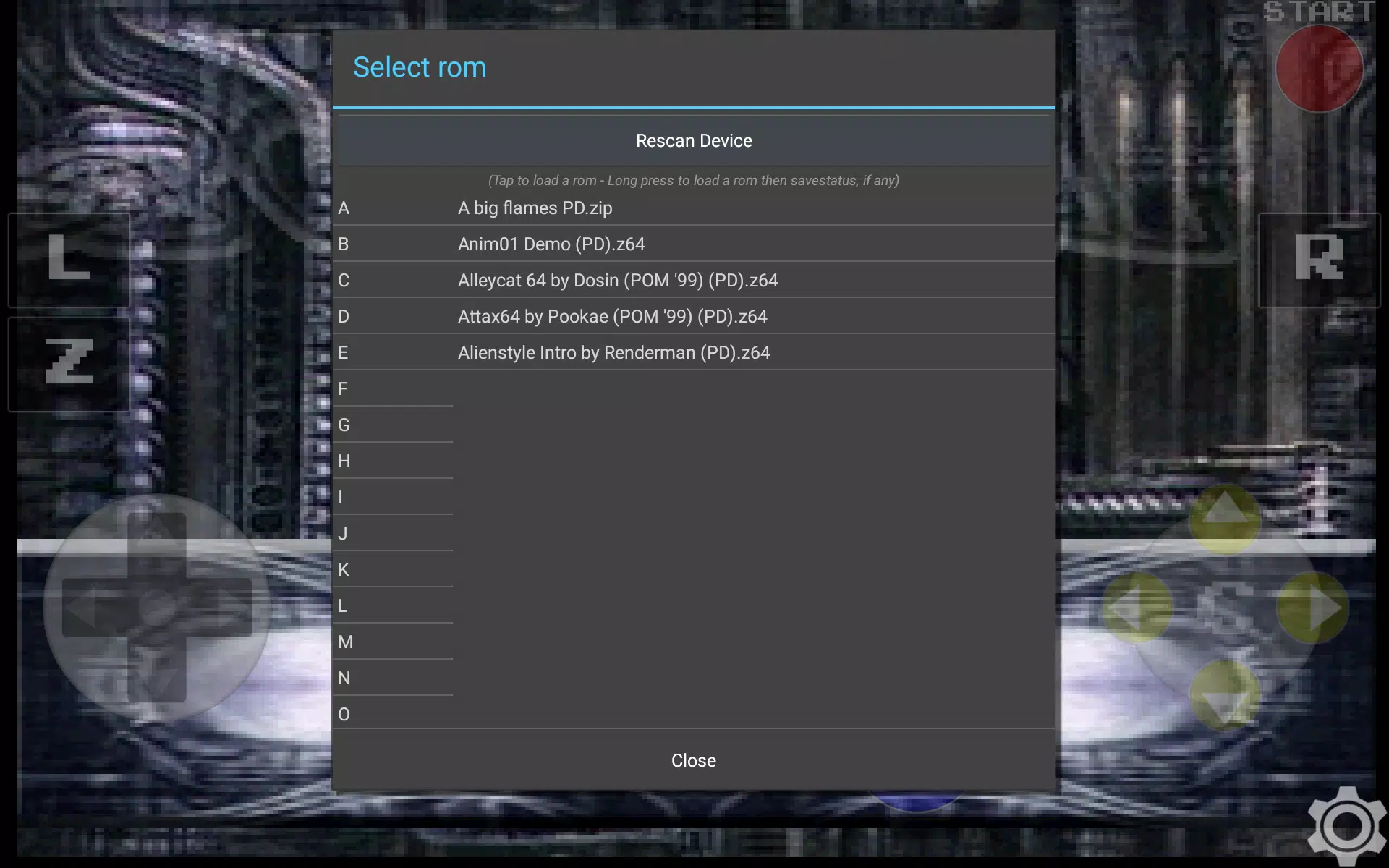
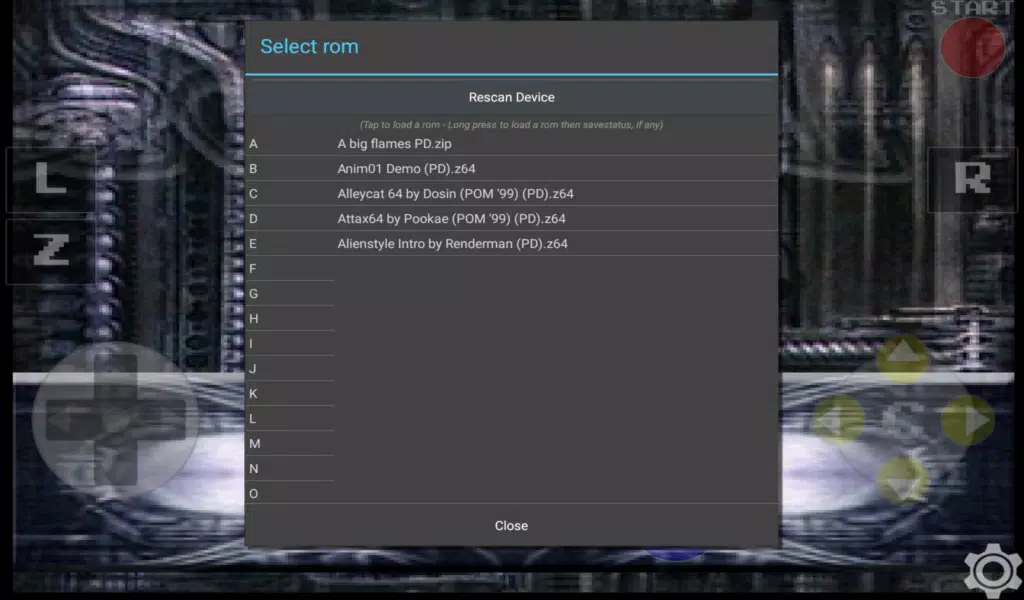
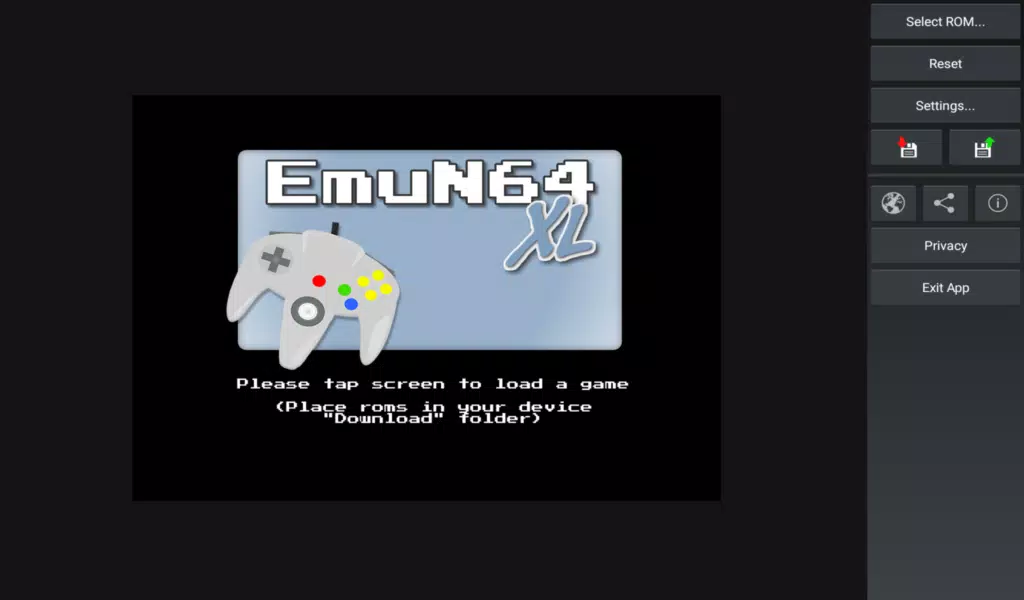
The built-in ROM scanner locates common ROM formats and archive containers on device storage and optionally performs a deep scan for files in nested folders or compressed archives. EmuN64 XL recognizes typical extensions such as .v64, .n64, .z64, .bin and a variety of archive formats so you can organize collections without manual extraction. For reliable scanning, placing ROM files in the device Download folder or a single dedicated directory generally helps the app find them quickly.
Audio, performance and offline play
High-quality stereo audio emulation reproduces in-game music and effects and provides settings to tune latency and buffering to match your device. All emulation runs locally on the device, so EmuN64 XL works offline and does not require an internet connection to play your games. Performance will vary depending on your device GPU and CPU, and the app exposes options to prioritize visual fidelity or frame rate so you can tailor the experience to your hardware.
Replay value and challenge systems
Replay value comes from the combination of authentic N64 titles and emulator conveniences: save states, configurable difficulty-friendly features such as retrying segments with state saves, and multiple control schemes that make older games easier to revisit. EmuN64 XL does not alter in-game rules or introduce new progression systems; instead it offers tools that let players explore content, speedrun segments, or practice boss fights while preserving the original challenge and structure.
Accessibility and user experience
Accessibility is addressed through adjustable on-screen control layouts, remappable physical buttons, and flexible display settings that accommodate different visual preferences and input limitations. The user interface is designed for quick access to common emulator functions like saving, loading state slots, toggling rumble simulation and switching controller profiles so players can get into games with minimal configuration. Documentation and an in-app help section explain recommended storage locations and tips for best performance.
Development and compatibility
EmuN64 XL is built on community-developed emulator code originating from the open-source Mupen64 project and benefits from ongoing compatibility improvements contributed by emulator developers. The app aims to support a broad range of N64 titles and common ROM file types while keeping settings transparent so users can troubleshoot performance differences between devices. EmuN64 XL receives updates focused on stability, controller compatibility and scanning improvements rather than adding online features or modifying original game content.