
3D Model Viewer

| Package ID: | |
|---|---|
| Latest Version: | v1.0 |
| Latest update: | May 15, 2026 11:19:05 |
| Developer: | Defiant Technologies, LLC |
| Requirements: | Android |
| Category: | Tools |
| Size: | 9.35 MB |
| Tags: | Common Navigation |
Rating :4.2
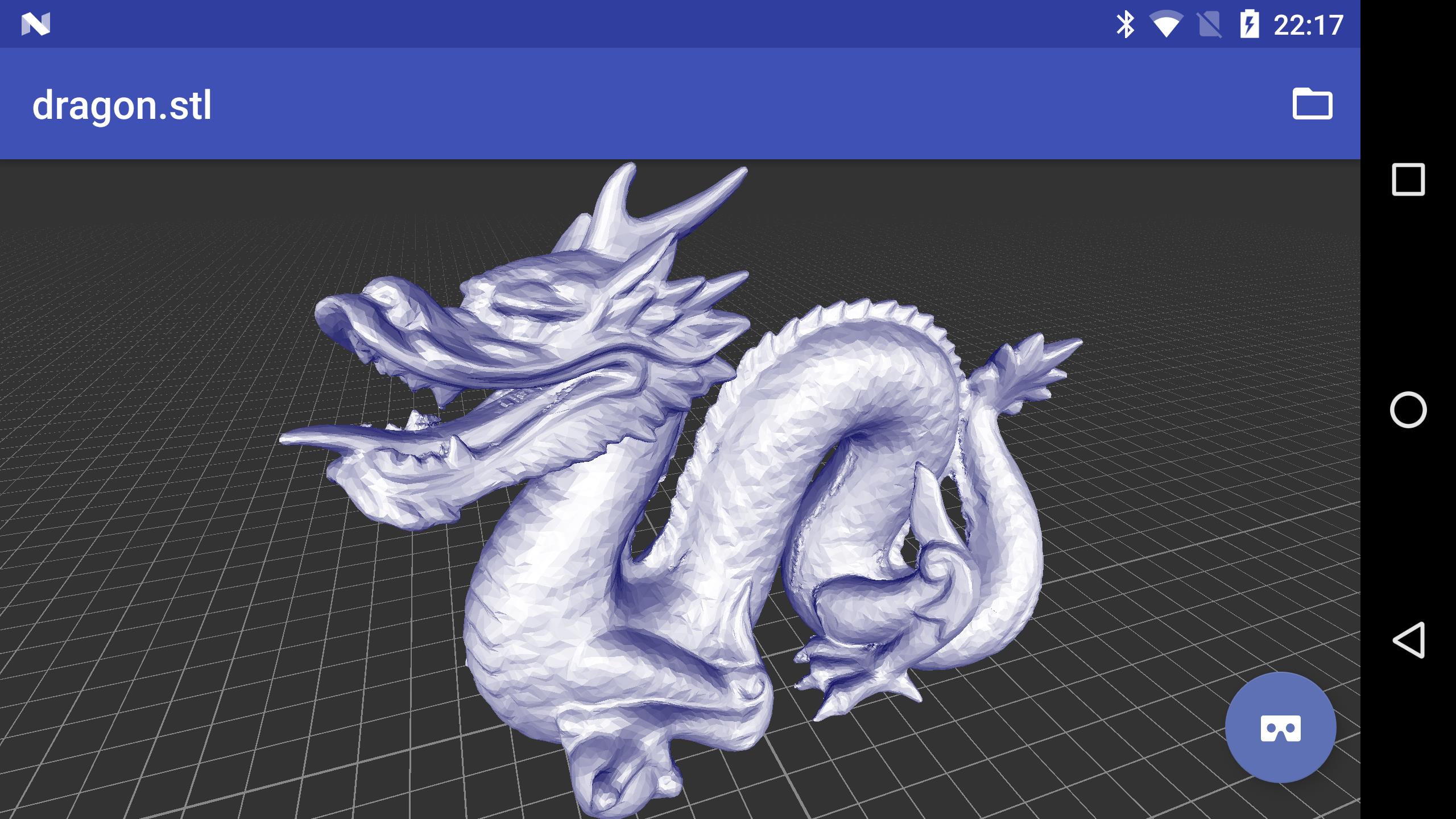
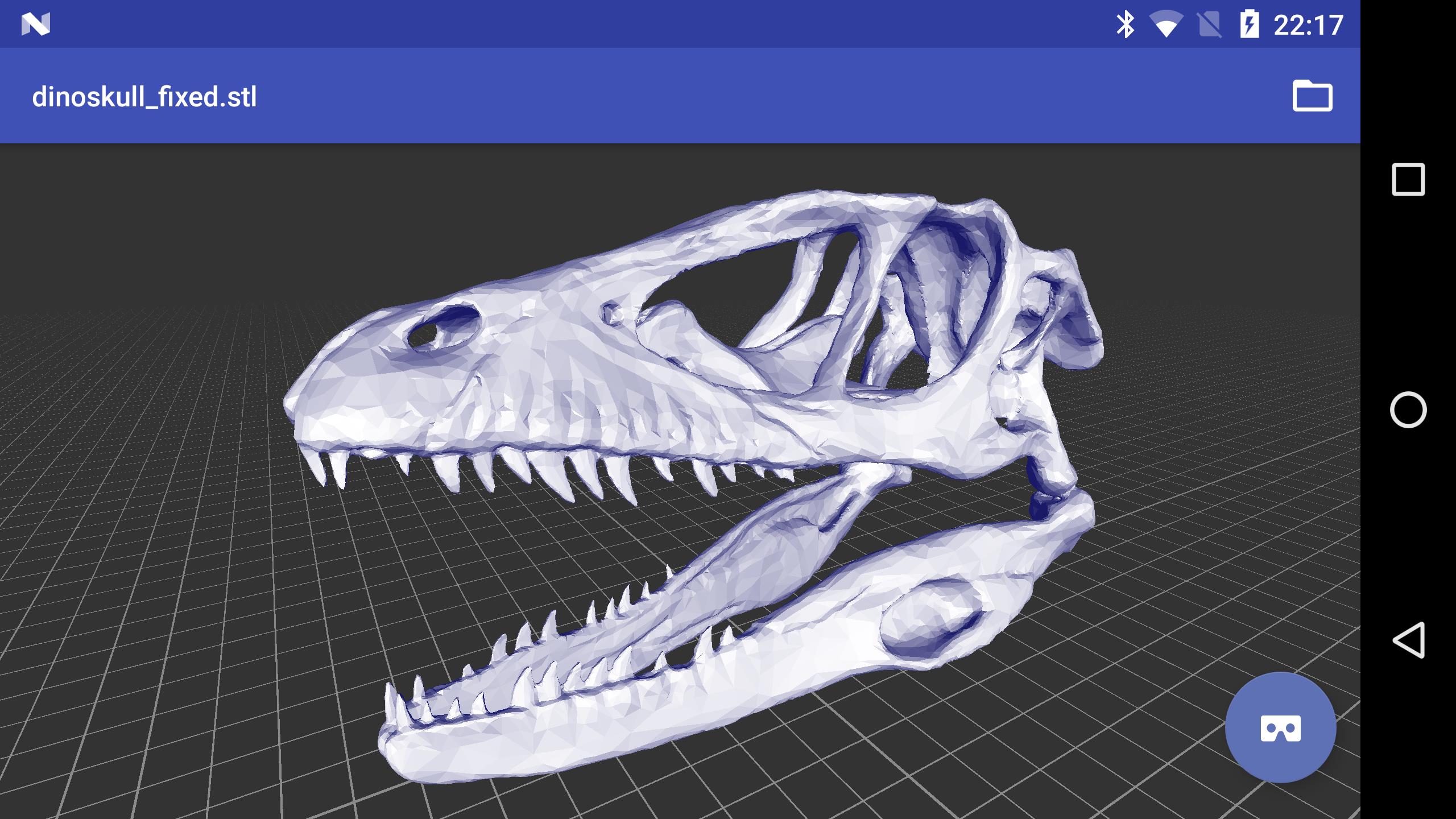
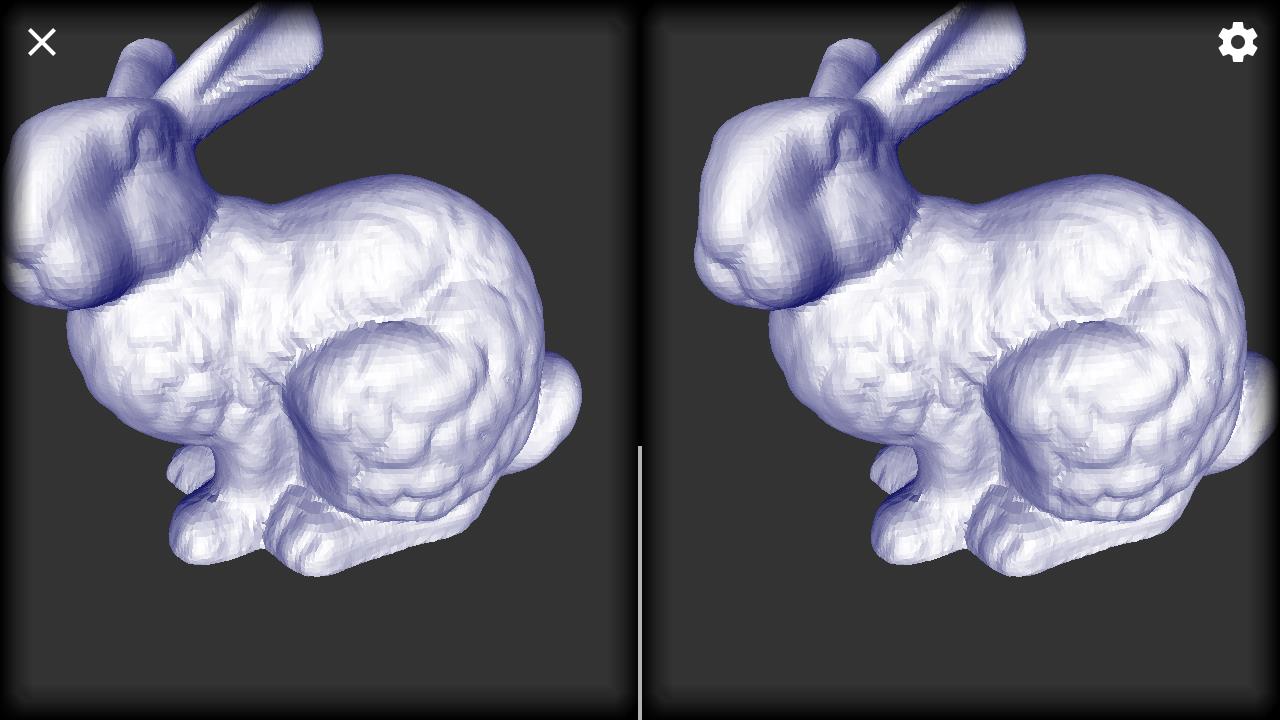
3D Model Viewer is a compact utility for inspecting 3D files on your Android device, designed to give fast, reliable previews of downloaded or shared models without launching heavy desktop software. The 3D Model Viewer opens files directly from your device storage, from a browser download or via any file manager, and supports common polygon formats such as STL, OBJ and PLY so you can quickly check geometry, scale and surface detail on the go. A simple control set — tap and drag to rotate and pinch to zoom — makes the app approachable for designers, educators and hobbyists who need a quick visual check, while an optional VR mode sends the scene to a compatible mobile headset for immersive inspection when a deeper look is required.
Key Features
The app supports direct opening of local 3D files and integrates with Android’s file open/share intents so models open instantly from downloads, email attachments or other apps. Native support for STL, OBJ and PLY covers the most common formats used in 3D printing and modeling workflows. 3D Model Viewer focuses on fast loading and smooth interaction for small to medium model sizes, so you get immediate feedback on topology and dimensions without waiting for large, full-featured software to launch. The VR viewing option gives an extra inspection mode for scale and spatial relationships when you have a compatible headset available. You can also set the app as the default handler for supported file types to streamline repeated previews during design reviews or classroom demonstrations.
Controls and Navigation
Touch controls are intentionally minimal and predictable: tap-and-drag turns the model for full-orbit inspection and pinch gestures zoom in and out to inspect fine details. The interface prioritizes large touch targets and straightforward gestures so users of all experience levels can navigate models quickly. Visual feedback such as smooth rotation and zoom anchors helps maintain orientation as you examine complex geometry. Because the viewer is optimized for mobile interaction, it works well during quick checks on a tablet or phone and supports basic orientation changes when you rotate your device.
Workflow and Progression
A typical workflow with 3D Model Viewer is simple and linear: download or transfer a file to your device, tap the model to open it, inspect geometry and scale, then either re-open other files or send the view to VR for immersive review. This straightforward progression reduces friction during iterative design or classroom sessions: there is no learning curve for the core actions, and setting the app as the default opener can turn a multi-step process into a one-tap preview. For users who inspect many files, the emphasis is on speed and repeatability rather than an editing pipeline.
Visual Style and Performance Considerations
The viewer prioritizes clarity and accurate spatial representation over advanced rendering effects; its goal is to reveal geometry and relative surface detail so you can verify prints, check mesh integrity or evaluate scale. Performance depends on your device hardware and the polygon count of the model: small to medium models render quickly while very high-polygon files may take longer to load or may show reduced interaction smoothness. If you regularly work with very large surfaces, closing background apps and using a recent device will produce the best results. The app’s lightweight footprint helps keep load times short and conserves device resources during inspection sessions.
Accessibility, Offline Use and Practical Tips
3D Model Viewer is usable offline for any files stored locally on your device, making it suitable for fieldwork, labs or classrooms without reliable internet. The interface is kept clean with clearly labeled actions to help users who prefer minimal visual clutter, and touch targets are designed to be large enough for comfortable navigation. For best results with the VR mode, use a compatible mobile headset and ensure the device has sufficient battery and processing headroom; VR performance will vary by headset and phone model. Because the app is focused on viewing, it complements rather than replaces desktop modeling suites.
Limitations and Intended Use
This viewer is built for previewing and inspection rather than editing: it does not provide modeling, mesh repair or export tools. VR capability requires a compatible headset and may have variable performance across devices. If you need advanced mesh manipulation or professional rendering, use a dedicated modeling application; 3D Model Viewer is intended as a fast, reliable reference tool for checking models before moving on to those heavier workflows.