
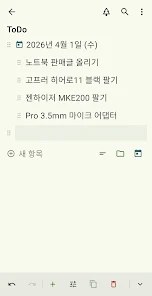
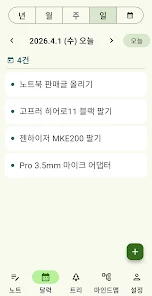
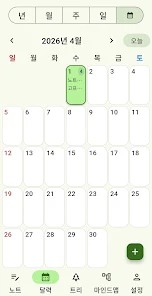
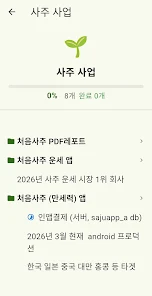
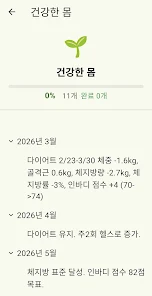

TreeToDo turns your task list into a living visual planner that helps you prioritize and stay motivated. The app lets you plant seeds (todos) with quick one-line input, arrange them into branches, and watch branch progress roll up into a tree-shaped dashboard that updates in real time. With A/B/C priorities and a daily overview you can see at a glance which branches need attention and whether you are ahead or behind on your goals. TreeToDo is a good fit for users who want a visual, habit-focused alternative to a plain checklist.
Key Features
Quick one-line input lets you register todos with minimal typing. A/B/C priority provides a simple way to mark what matters most each day. The tree structure dashboard shows branch progress automatically rolling up to a top-level view. A daily real-time dashboard makes it easy to see whether you are ahead or behind. The growing tree mechanic reflects progress as you complete tasks and advance branches.
Advantages
TreeToDo's visual tree makes progress and priorities immediately visible, which can help maintain motivation. Lightweight one-line entry lets you capture tasks quickly without interrupting flow. The simple A/B/C priority system focuses attention on the most important items. Rolled-up branch progress provides a clear overview of nested tasks and overall status.
Disadvantages
The visual tree metaphor may not suit users who prefer a plain, linear checklist interface. It is not positioned as a full-featured project management tool for complex workflows. To get the most from TreeToDo, consistent daily use is needed so the tree can accurately reflect ongoing progress.






