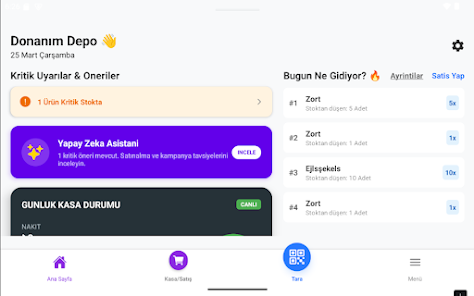
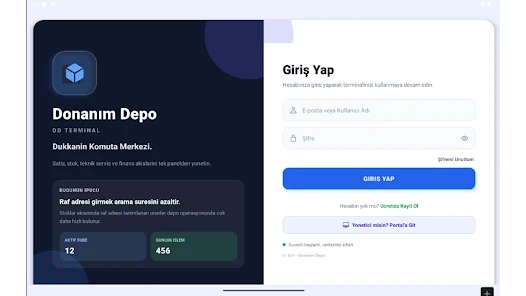
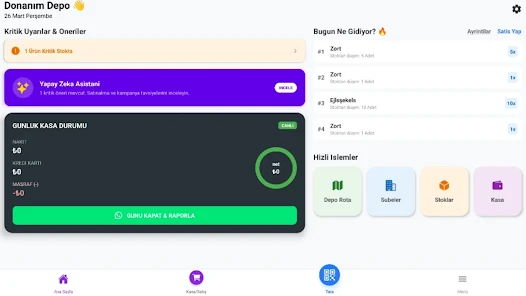

DD Terminal is a lightweight terminal emulator and SSH client for Android that provides secure remote access and a straightforward local shell. DD Terminal supports encrypted connections, session saving, and a configurable interface to help administrators and developers manage servers from a mobile device. DD Terminal is focused on stability and clear command-line interaction on touchscreens.
Key features
- Secure connections — SSH support with password and key-based authentication and known-hosts handling.
- Local shell — Run commands on the device shell with standard terminal input and output.
- Session management — Save, organize and switch between multiple connections.
- Customizable UI — Adjustable font size, color themes and basic keyboard shortcut support.
Usage and compatibility
Use DD Terminal to connect to remote servers over SSH or Telnet, import private keys for authentication, and manage sessions on smartphones and tablets. The interface adapts to different screen sizes and maintains readable output for common command-line tools.
Privacy and support
DD Terminal stores connection settings locally and requests only necessary permissions. For help, consult the built-in documentation or contact the developer via the store listing for assistance.






