
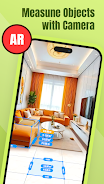

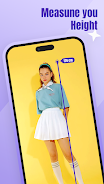
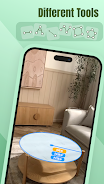
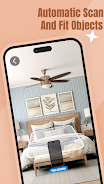
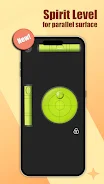

AR App Ruler: Camera Measure is a camera-based measuring tool that uses augmented reality and device sensors to estimate distances, lengths and areas from your phone camera. The app is designed for quick, on-site measurements and visual overlays without requiring specialized equipment.
Key functions
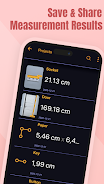
AR App Ruler: Camera Measure provides practical measuring tools for everyday tasks. Measure distance and length between two points with selectable units such as cm, m, in and ft, estimate area by marking corners for simple shapes and view on-screen overlays, measure angles and use an on-screen ruler or grid for alignment, and save measurement images with labels while reviewing recent measurements in history.
How to use
In AR App Ruler: Camera Measure point the camera at the object, tap to mark start and end points and read the measurement on-screen; use the calibration option to improve results for your device. Measurements are estimates and can be affected by lighting, surface texture and device capabilities.
Tips and settings
For better accuracy, keep the camera steady, ensure good lighting and include a reference object of known size when calibrating. Adjust units, zero the measurement or undo the last mark from the settings and history tools.






