

QuickScan is a compact document and barcode scanner that converts paper to clear digital files. With QuickScan you can scan receipts, notes, invoices, and pages, then export them as PDF or image files. QuickScan includes OCR to extract text and simple image adjustments to improve legibility.
Features
- Document scanning: Auto-detects edges, crops, and straightens pages for readable scans.
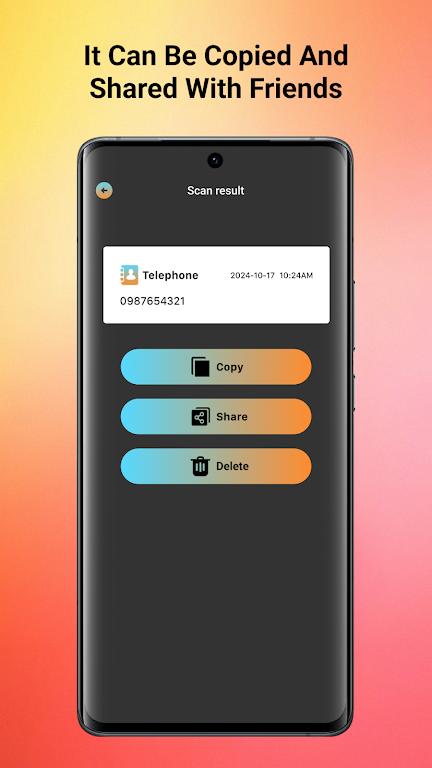
- Export options: Save scans as PDF or image and share via email or other apps.
- OCR: Recognize and copy text from images for reuse in other apps.
- Batch processing: Scan multiple pages into a single file.
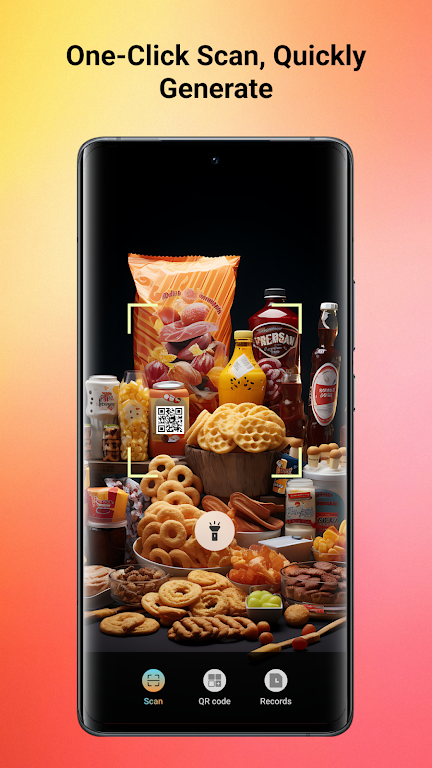
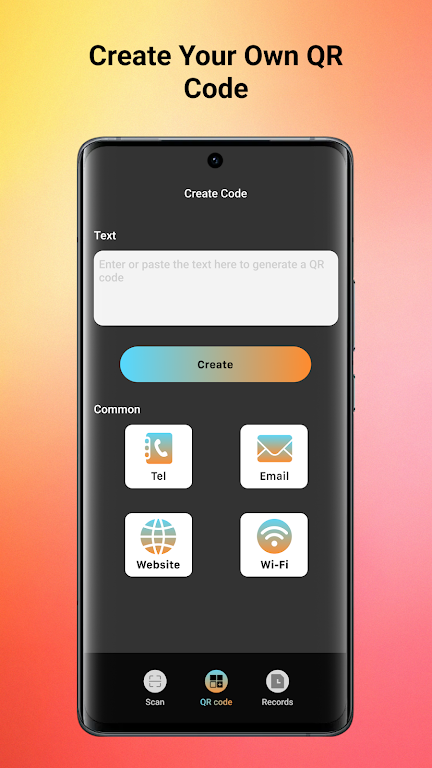
- Barcode and QR: Read barcodes and QR codes to quickly access links and data.
How it works
Place a document under good lighting, open QuickScan, align the camera and capture. Use the crop and filter tools to adjust contrast and orientation, then export or share the file. The interface focuses on straightforward steps to produce consistent results.
Privacy and sharing
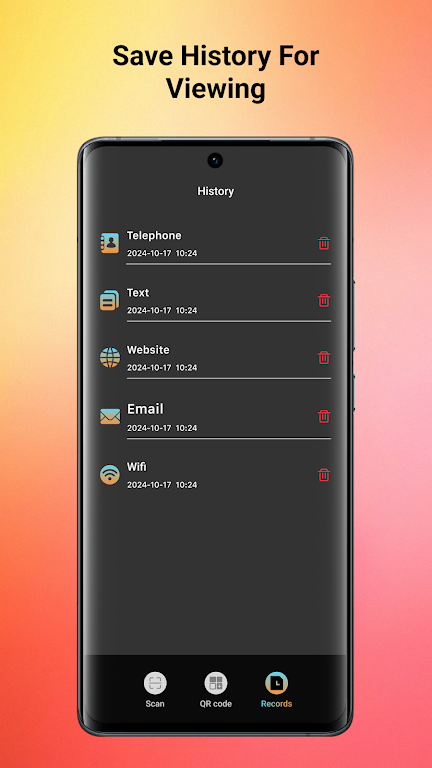
Scans are stored locally unless you choose to share or upload them. QuickScan requests only the permissions needed to operate the camera and access files. Review permission prompts and manage saved files in the app settings.






