






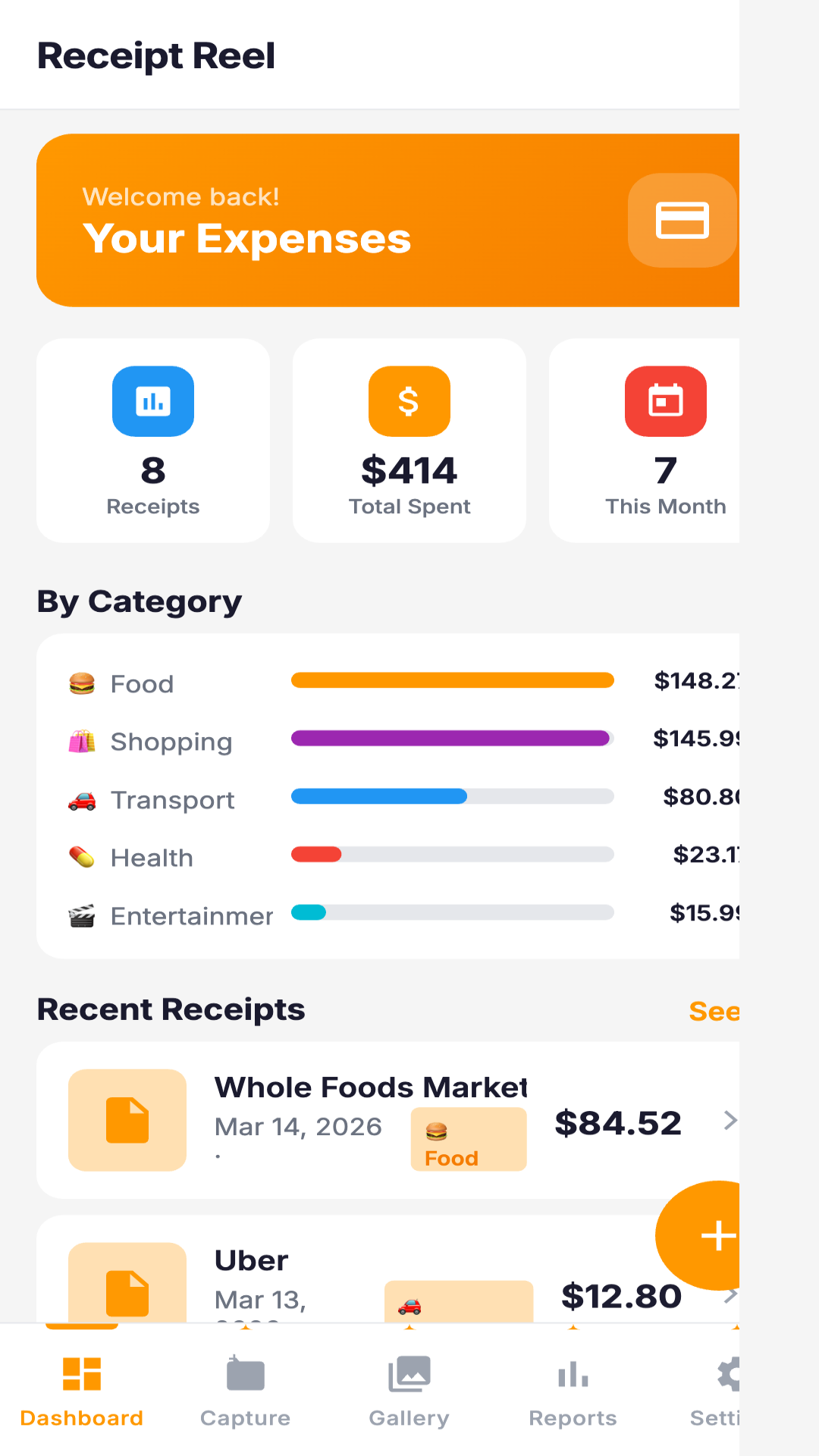
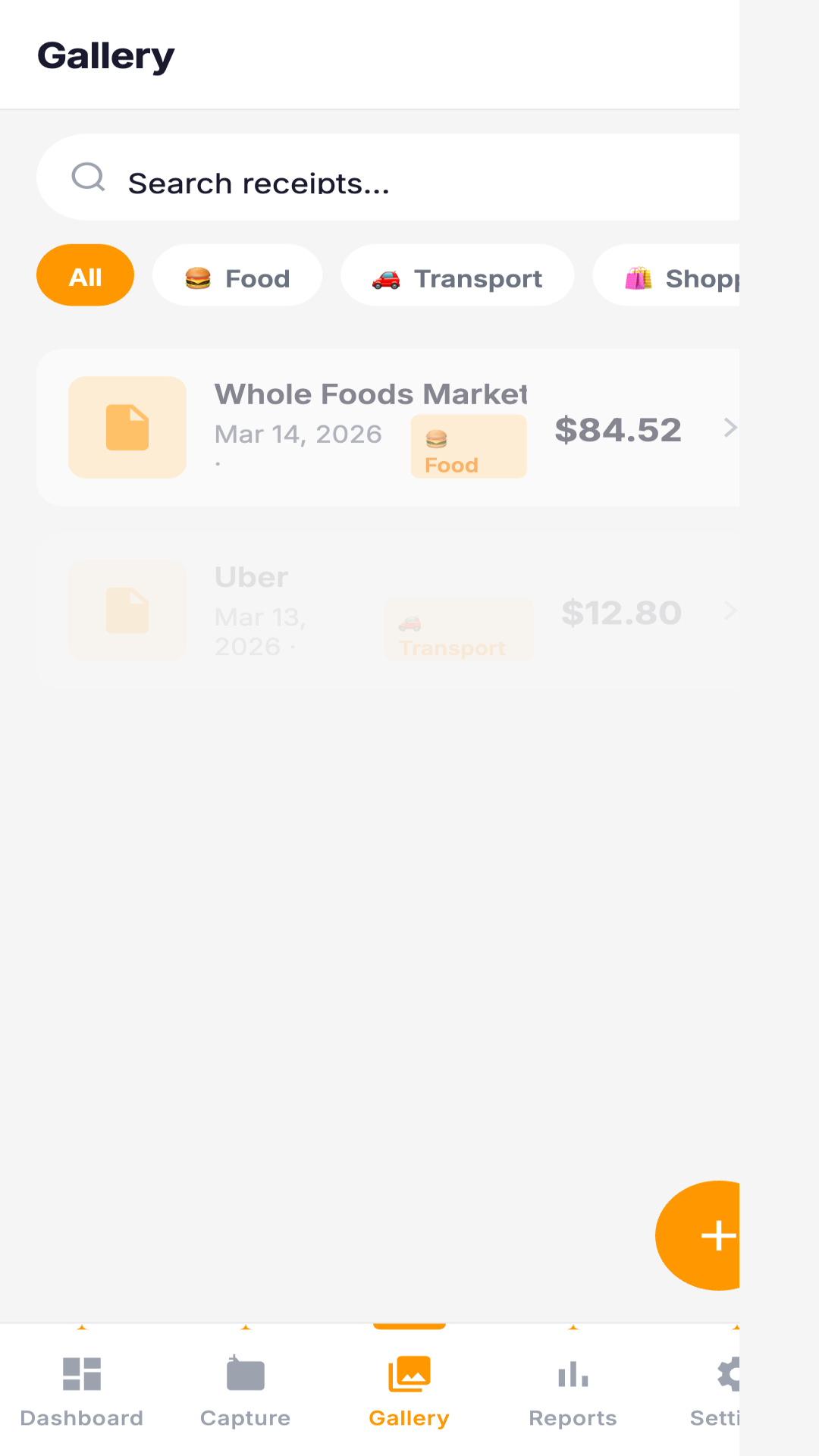

FunnyBunny helps you turn paper receipts into organized expense reports using your device camera and a simple interface. Capture and digitize physical receipts, save scans to an in-app gallery, and enter key details such as store name, amount, date and an optional category so each expense is recorded consistently. If you need a straightforward tool to track spending and produce shareable reports, FunnyBunny streamlines the process with a dashboard and customizable settings.
Key Features
FunnyBunny lets you capture and digitize receipts with your device camera, keep all scans in an in-app gallery for easy organization, and record store name, amount, date and an optional expense category for each receipt. The app can generate consolidated expense reports from saved receipt information and export those reports for archiving or sharing. A dashboard provides an overview of expenses and quick access to main actions and settings.
Advantages
Using FunnyBunny saves time by converting paper receipts into a searchable digital record, centralizes scans for simpler management, and gives detailed entry fields to help produce accurate, itemized expense reports. The dashboard and settings let you tailor the experience and reach core functions from one place.
Disadvantages
FunnyBunny requires entering receipt details for each scan if you want comprehensive, categorized reports, and the accuracy of generated reports depends on the information you save for each receipt.






