Apps
Media & Video
Fotova Gallery
Fotova Gallery
| Package ID: | |
|---|---|
| Latest Version: | v1.0.2 |
| Latest update: | Mar 25, 2026 11:08:03 |
| Developer: | Net Works Web Design |
| Requirements: | Android |
| Category: | Media & Video |
| Size: | 3.60 MB |
| Tags: | Navigation Photo Camera |
Rating :4.1
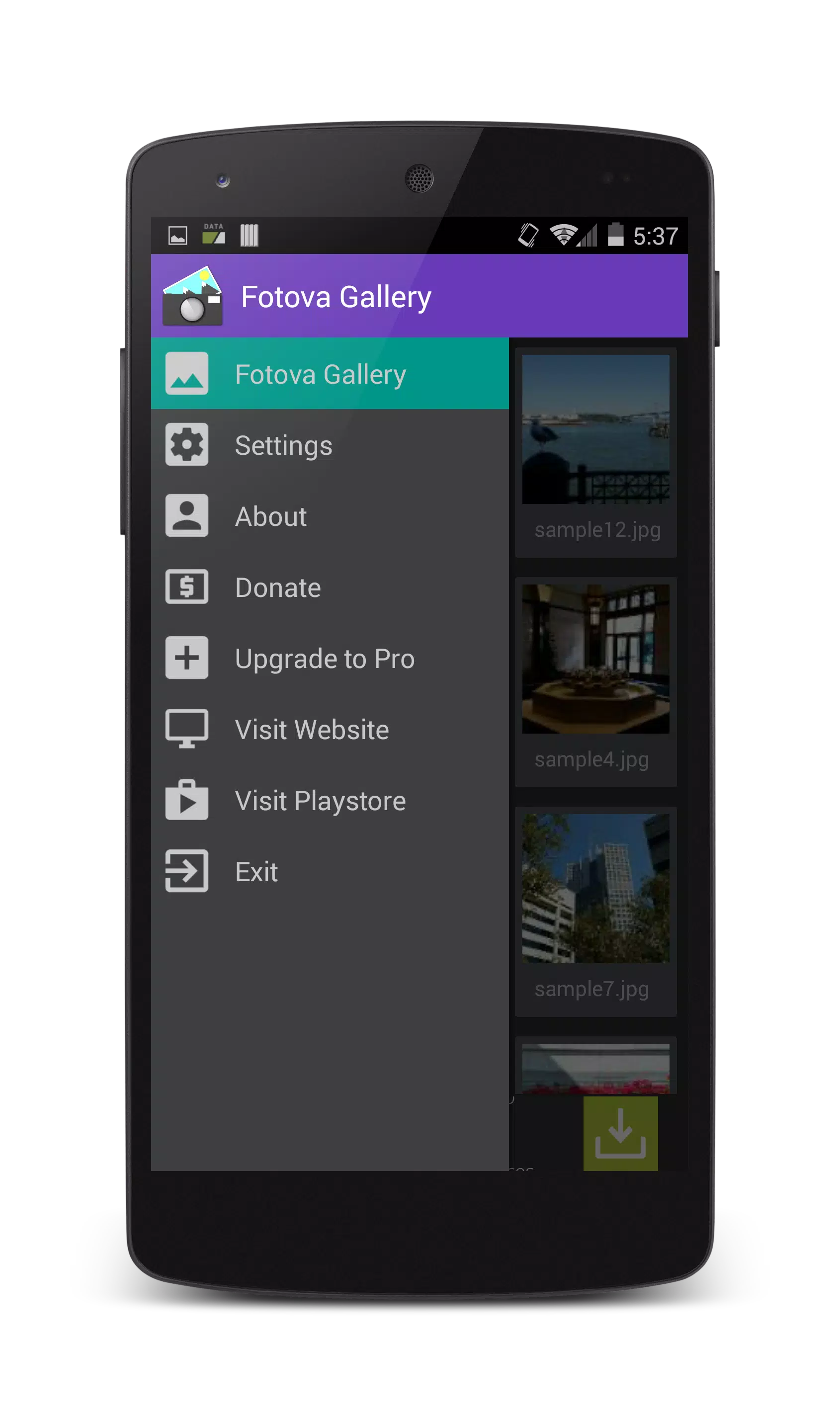
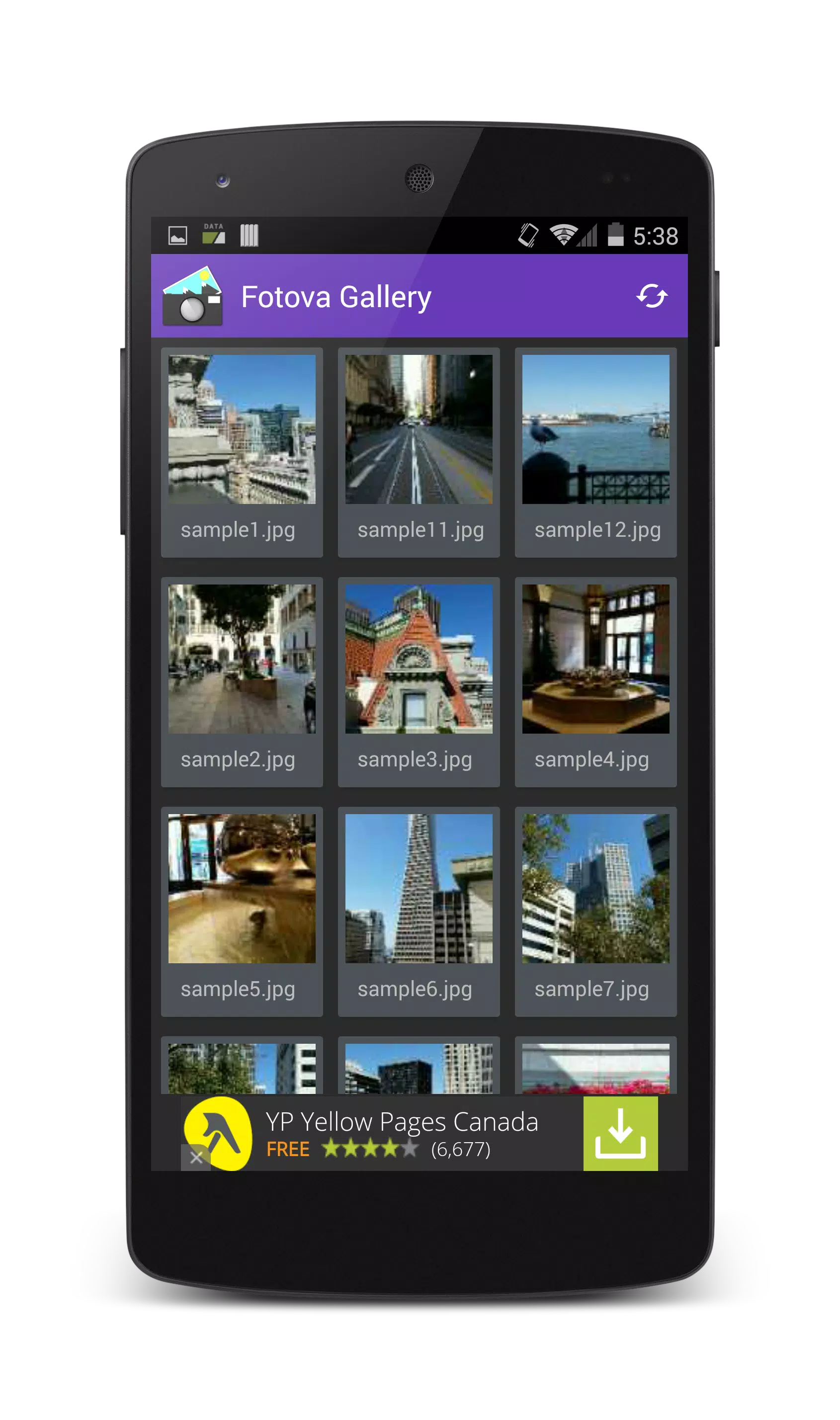
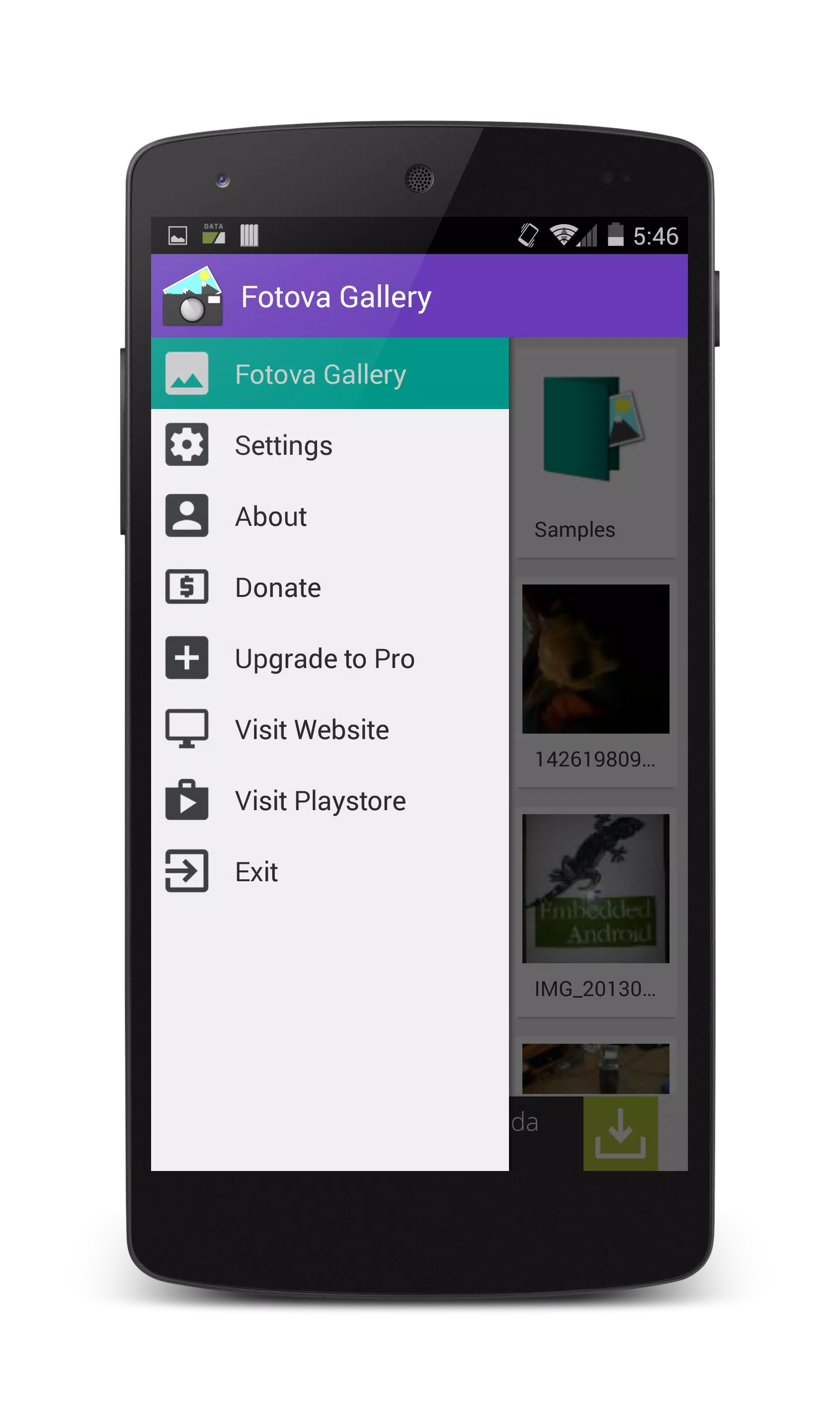
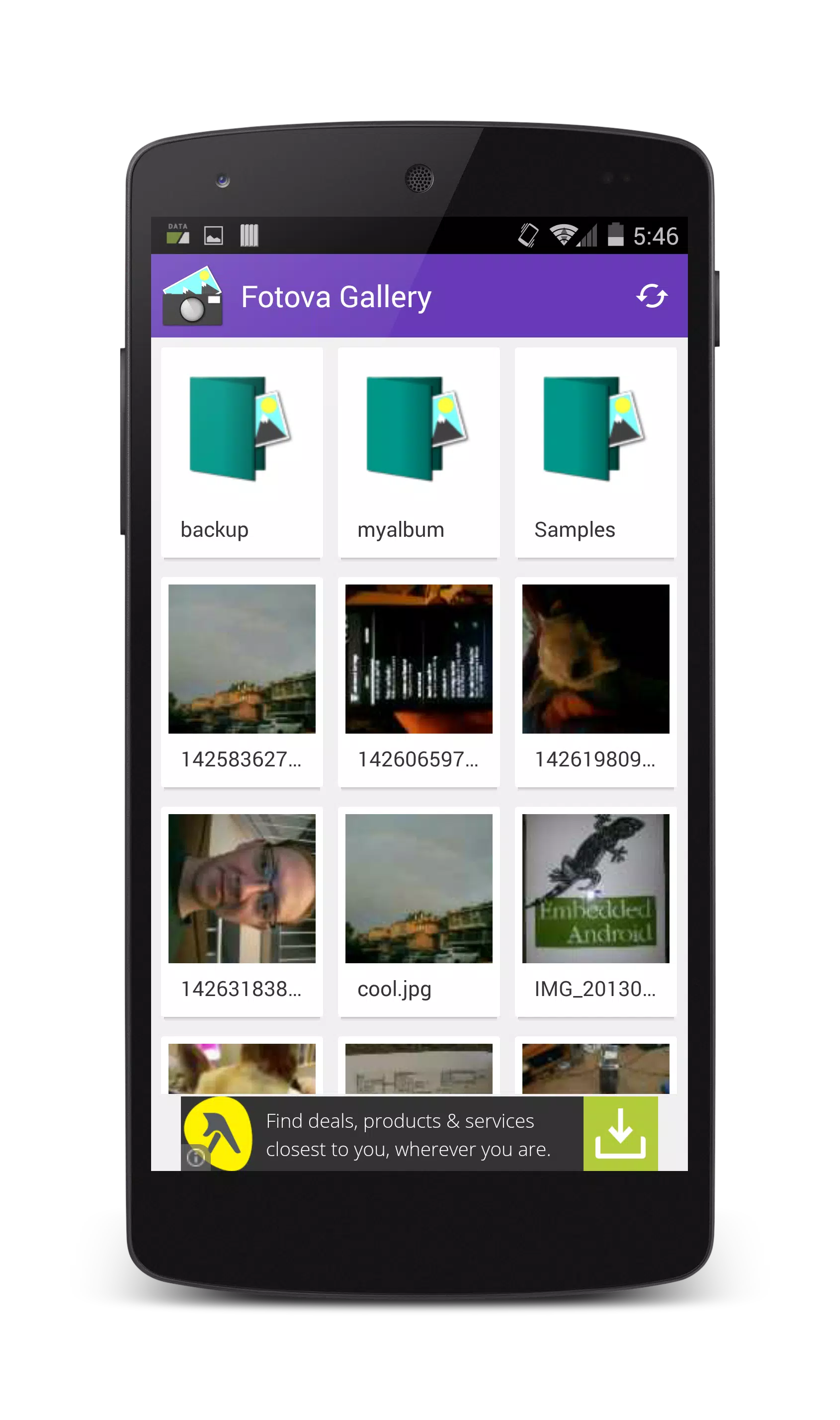
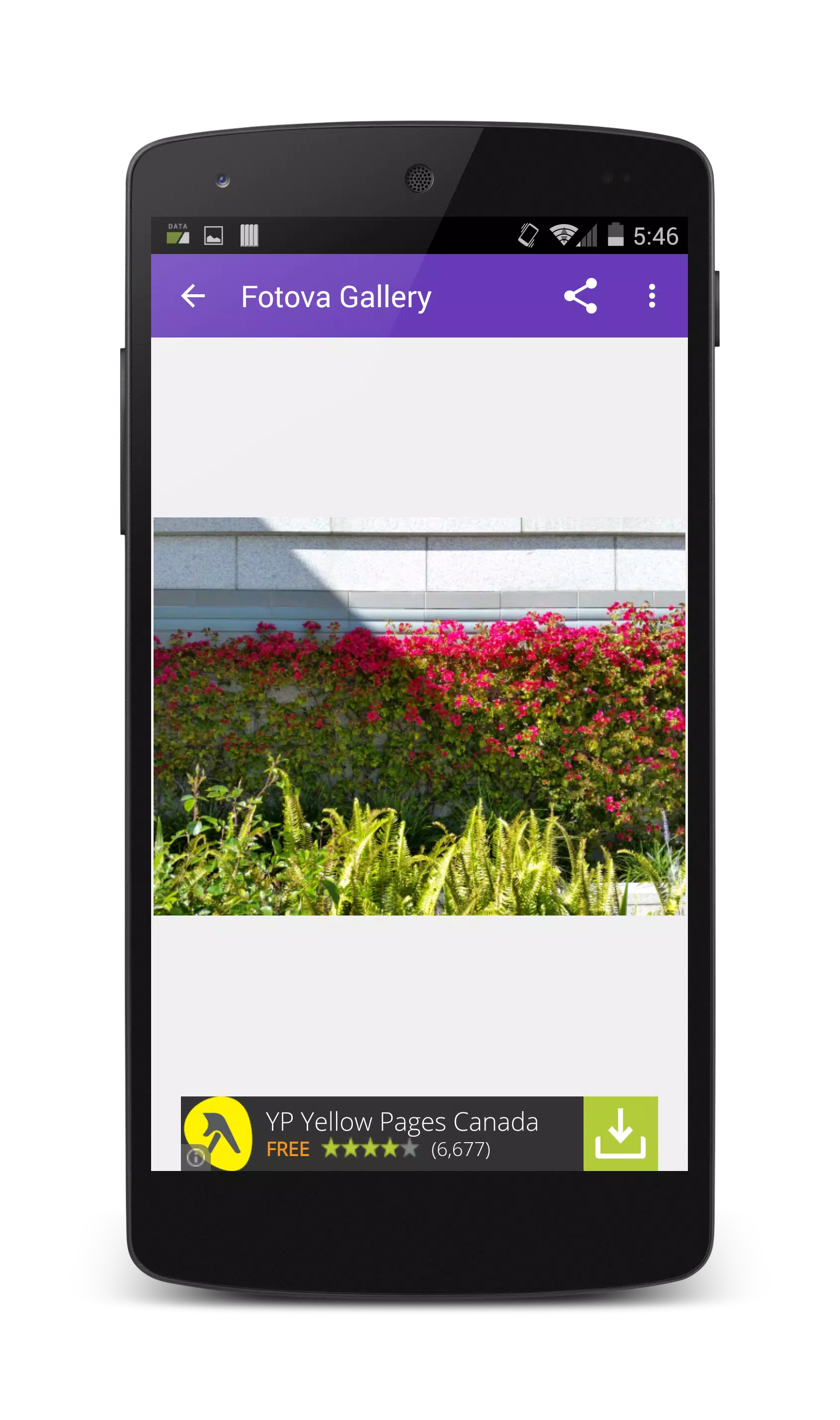
Fotova Gallery puts privacy at the center of a simple, fast photo gallery app that helps you share images without exposing your entire collection. Fotova Gallery makes it easy to lock a single image before sharing so recipients can’t swipe through other photos or use the back button until you unlock view. The app includes standard gallery tools for renaming, editing, deleting and sharing, along with zoom gestures and customizable settings such as light or dark theme and the option to choose your gallery folder.
Key Features
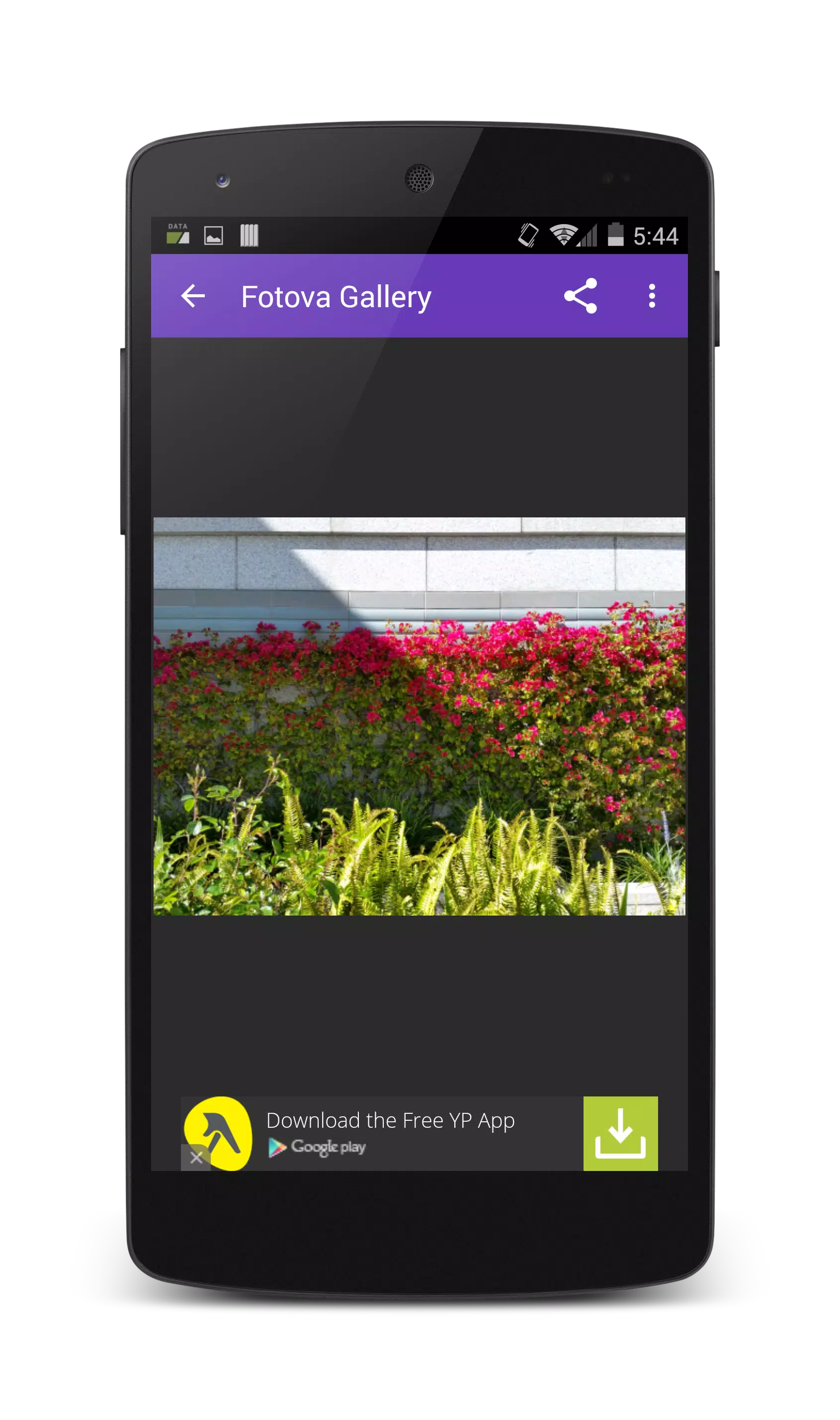
Lock View protects a single photo so viewers cannot swipe or use the back button until you unlock the image. Optional pro security offers PIN, password, pattern and facial recognition for unlocking protected views. Customizable gallery settings let you choose light or dark theme, select your gallery folder (default /sdcard/DCIM/Camera) and toggle the splash screen. Basic file tools allow renaming, editing, deleting, sharing and viewing photo properties. The image viewer supports pinch-to-zoom and double-tap gestures for quick inspection. Fotova Gallery is designed to be lightweight and focused on fast access and straightforward privacy controls.
Advantages
Prevents accidental browsing of your photos by locking individual images before sharing. Simple, easy-to-use interface with familiar gestures for viewing and zooming. Multiple unlocking options available in the pro upgrade to match your preferred security method. Built-in management tools let you rename, edit, delete and share without switching apps. Choose a specific directory and pick a visual theme to suit your workflow.
Disadvantages
Advanced unlocking and biometric options require the pro version. Lock View blocks navigation until you manually unlock, which can be inconvenient if you forget to unlock. Editing capabilities are basic and the app is not intended as a full-feature image editor.