
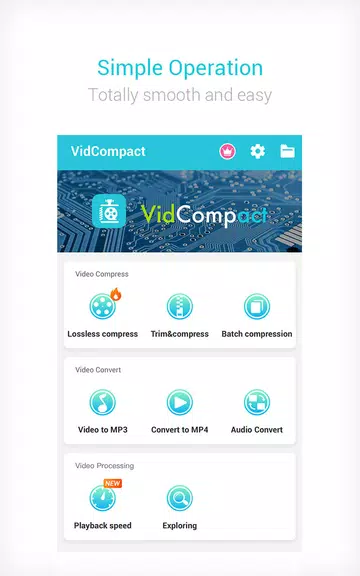
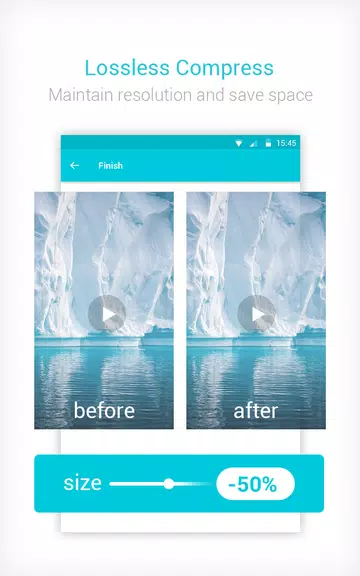
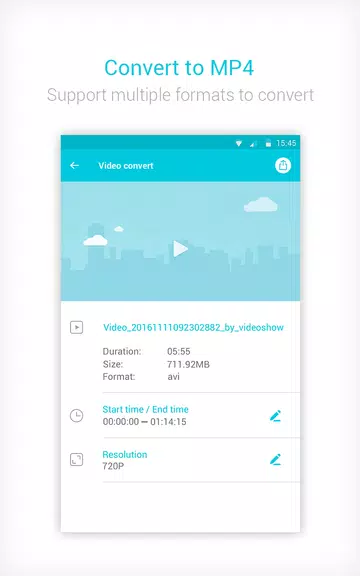

Video Compressor Mp3 Converter is a compact all-in-one media toolkit for Android that combines video conversion, audio extraction and efficient file shrinking into a single, free app. If you need to turn large recordings into MP4, MOV or GIF files, pull MP3 tracks from video, or quickly reduce file sizes while preserving resolution, Video Compressor Mp3 Converter makes those tasks straightforward. The app also includes trimming and basic editing tools so you can cut, crop or adjust playback speed before saving. It’s aimed at users who want a fast, on-device solution to manage media without complex software or extra fees.
Core Functions
At its core, Video Compressor Mp3 Converter converts between popular formats (MP4, MOV, GIF and many others), compresses video to free up storage, and extracts audio to standard MP3 files. The app supports a wide range of input formats including AVI, MKV, FLV, WMV, 3GP and more, and lets you choose output resolution to balance quality and size. Built-in trimming, cutting and cropping tools allow you to isolate segments, while speed controls enable slow motion and fast playback (down to 0.25x and up to 4x). It also offers basic effects such as rotation, reverse and stabilization.
Key Features
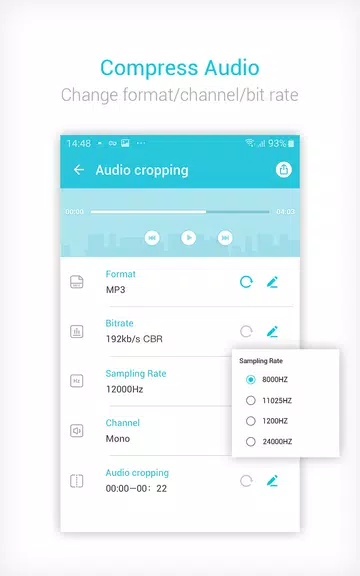
Video Compressor Mp3 Converter keeps workflows simple: one-step convert-and-save, selectable bit rates for audio, and options to change audio frequency or edit channels. It preserves HD output where possible, aims to maintain video quality when compressing, and gives direct control over start/end times when extracting clips. The interface follows a clean, minimal design and includes the ability to play, rename or delete files from within the app. There are no hidden fees for core functionality and the app supports more than 30 languages and over 200 Android devices.
User Experience
The app feels familiar for anyone used to mobile media tools: operations are straightforward, with clear format galleries and resolution choices to match different needs. Conversion is fast on modern devices, and integrated trimming avoids the need for separate editors. Whether you’re saving space on a phone, converting footage for sharing, or extracting audio from a clip, the workflow minimizes steps. Controls for speed change and bit rate adjustment give enough granularity for casual creative work without overwhelming beginners.
Conclusion
For users who need a practical, no-cost utility to manage video and audio files on Android, Video Compressor Mp3 Converter delivers a balanced set of conversion, compression and trimming tools in a tidy interface. It’s a good fit for anyone looking to free storage, produce shareable formats or extract MP3 tracks without leaving their device.






