
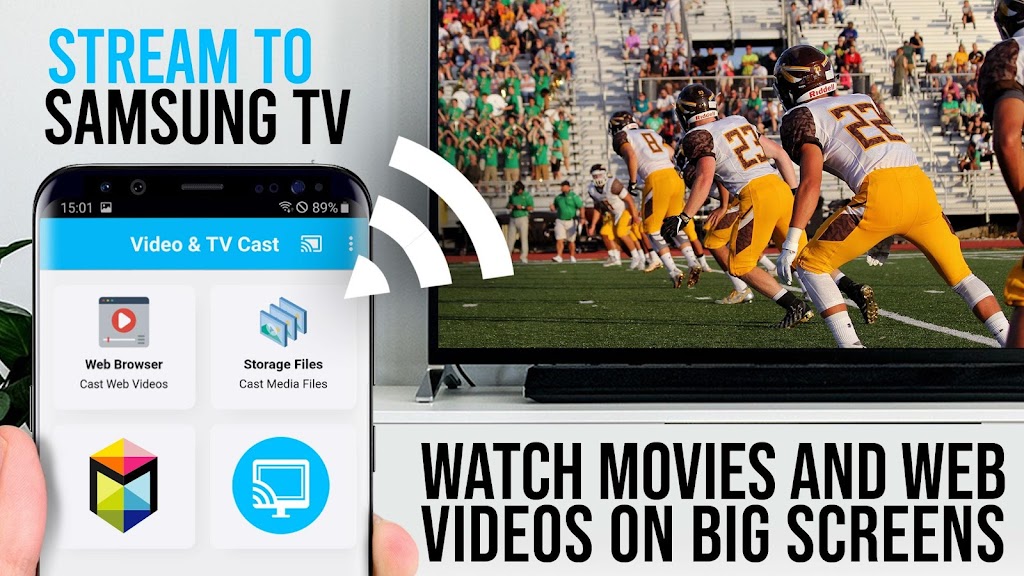

TV Cast for Samsung TV is a utility that lets you play web videos, livestreams and online movies on compatible Samsung Smart TVs and select Blu-ray players without an extra set-top box. The app scans web pages for playable media and pushes the video stream to your big screen in Full HD when formats like MP4, M3U8 and HLS are available over HTTPS. It supports many Samsung sets from the 2010 C series up through newer 2017 models and works with players that use the Smart Hub or VEWD platform, making it a simple bridge between mobile browsing and living-room playback.
Gameplay and Core Experience
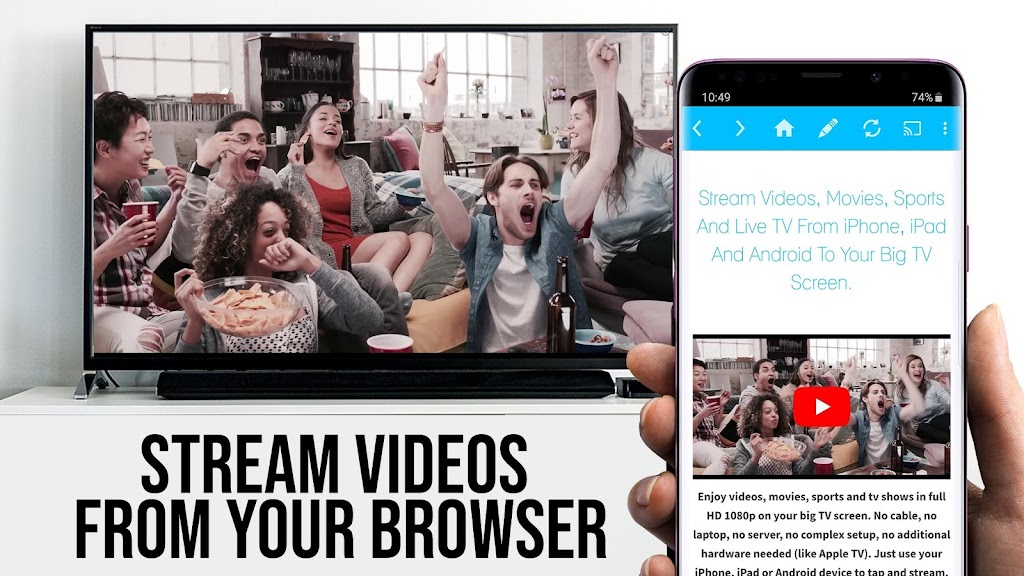
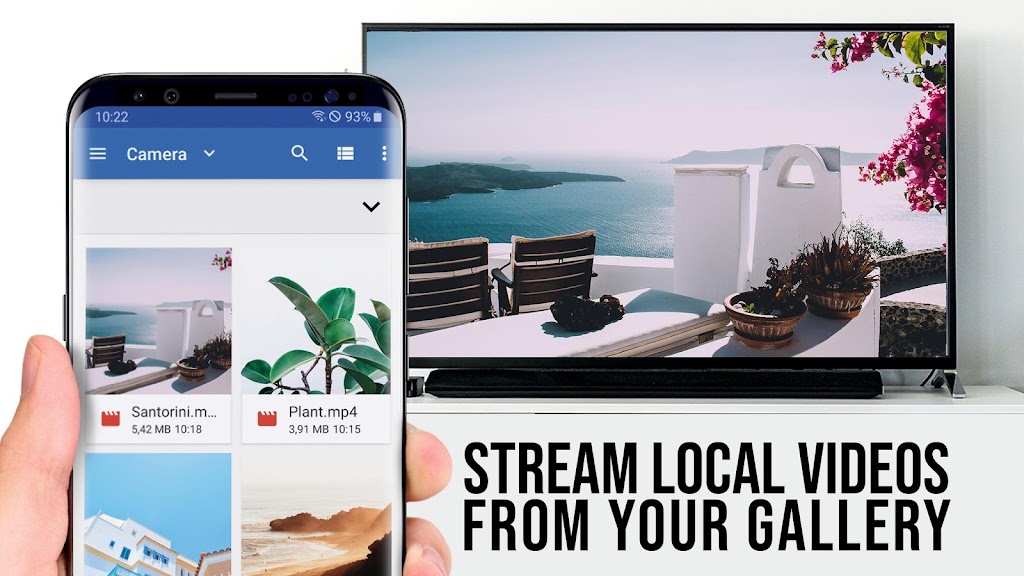
The core experience is straightforward: browse the web inside the app, let it detect embedded video, then tap to send that stream to your television. A companion receiver app runs on the TV or Blu-ray player and the two devices connect over the local network after you enter the Android device’s IP address on the TV. TV Cast for Samsung TV does not mirror your entire device — it only transmits the video stream — and it also accepts direct URLs if you want to play a specific MP4 or HLS link.
Key Features
Wide codec and stream support: The app handles common web video formats and live-stream protocols such as MP4, M3U8 and HLS, and it will play sources served over HTTPS. That compatibility helps cover a broad range of web videos and livestreams.
Big-screen playback in Full HD: When a compatible video is detected the app will deliver playback to the TV in high resolution, letting you watch web content on a larger display without a separate streaming device.
Compatibility with older and newer Samsung platforms: Designed to work with Samsung Smart TVs from 2010 models through the 2017 line and with Blu-ray players that use Smart Hub or the VEWD platform, the app targets a wide installed base of living-room hardware.
Simple casting workflow and manual pairing: Detected videos appear beneath the in-app browser and a single tap sends them to the TV. A lightweight receiver app must be installed on the TV, and pairing is done by entering your Android device’s IP address via the TV remote for a direct local connection.
Privacy-minded permissions: The app is built to require minimal Android permissions and does not request access to identity data, contacts or location, focusing only on what’s needed to discover and stream videos.
Visual Style and Atmosphere
The interface is utilitarian and focused on discovery: an embedded browser up top with discovered video links listed below, so the emphasis stays on playback rather than flashy menus. On the TV side the receiver keeps things minimal as well, prioritizing smooth video display. When the network and source cooperate, the result can feel like a natural extension of web browsing — your laptop or phone searches turned into couch-friendly viewing.
Conclusion
If you want to move web videos and livestreams from an Android device to a Samsung Smart TV without buying extra hardware, TV Cast for Samsung TV offers a no-frills solution that emphasizes broad format support and privacy-conscious operation. Try the free edition first to confirm compatibility with the sites and streams you use before relying on it for regular viewing.






